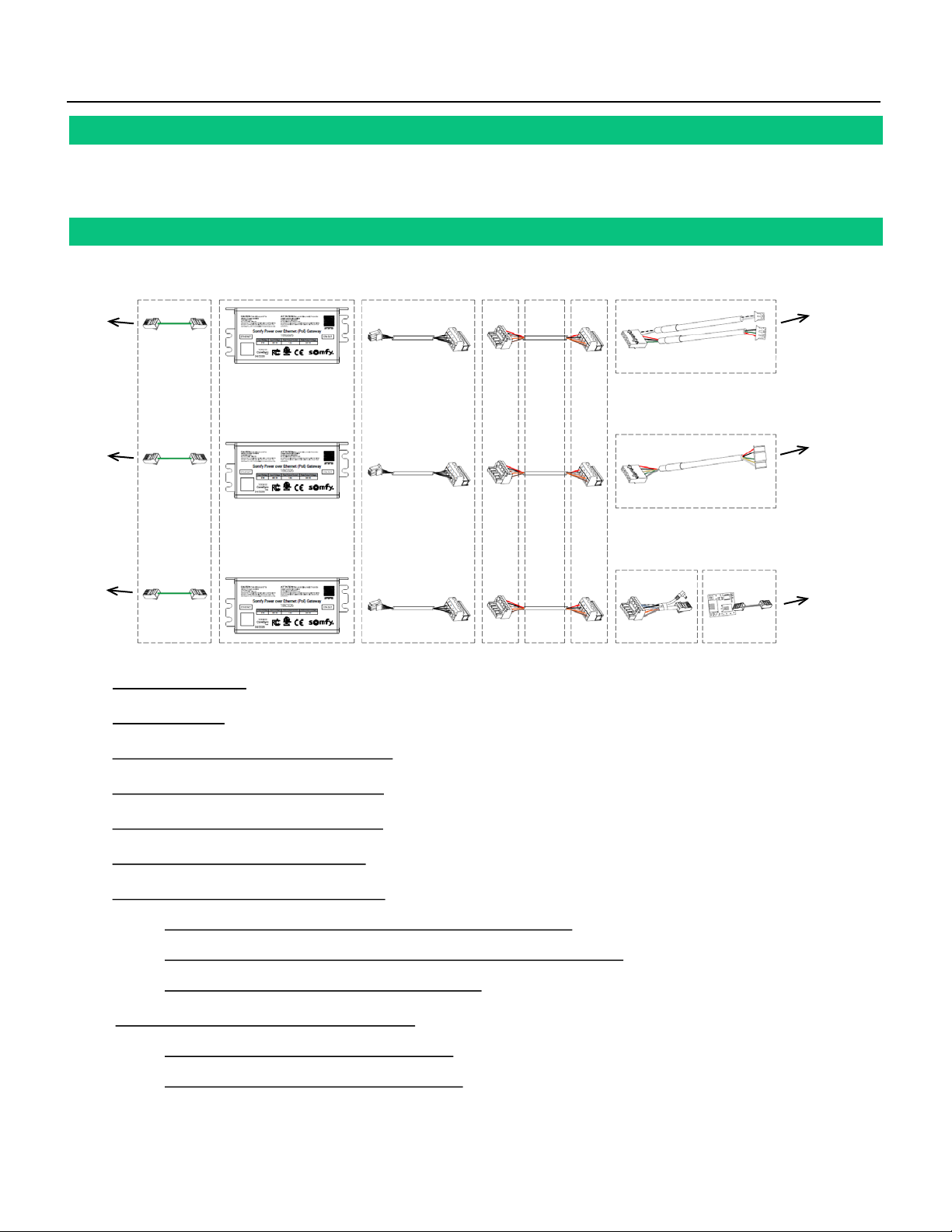
III. SET UP
CISCO SWITCH CONFIGURATION
1. Download PuTTY software: https://www.putty.org/
2. Open the PuTTY Configuration software
a. Select the Telnet radio button
b. In the Host Name (or IP address) field, enter the IP
address of the Cisco switch
NOTE: Obtained IP by the Network Administrator
c. In the Port field, enter 23
d. Click
Open
3. In the PuTTY Terminal under User Access Verification –
a. Type the switch Username, then press Enter [by default, the Username is “cisco”]
b. Type the switch Password, then press Enter [by default, the Password is “cisco” and will not appear while typed]
c. Listed in the PuTTY Terminal are the following lines highlighted in BLACK.
Next to each line, type the exact commands in GREEN, then press Enter to move to the next line:
•Switch#, type “config t”, then press Enter
•Switch (config) #, type “interface range Fa1/0/1-8”, then press Enter
NOTE: The above command will vary according to the Cisco switch model and ports available
•Switch (config-if-range) #, type “no storm-control multicast level 50.00”, then press Enter
•Switch (config-if-range) #, type “no storm-control unicast level 50.00”, then press Enter
•Switch (config-if-range) #, type “no storm-control broadcast level 50.00”, then press Enter
•Switch (config-if-range) #, type “end”, then press Enter
•……Continue…….. Switch#, type “wr”, then press Enter
•……Wait to finish loading……
•……Continue…….. Switch#, type “config t”, then press Enter
•Switch (config) #, type “coap proxy”, then press Enter
•Switch (config-coap-proxy) #, type “stop”, then press Enter
•Switch (config-coap-proxy) #, type “exit”, then press Enter
•Switch (config) #, type “no coap proxy”, then press Enter
•Switch (config) #, type “no ip igmp snooping”, then press Enter
•Switch (config) #, type “exit”, then press Enter
•……Continue…….. Switch#, type “wr”, then press Enter
•……Wait to finish loading……
* Cisco switch should be programmed by the Network Administrator. Contact Cisco for advanced support with switch configuration.
6of 15
Cisco Switch Configuration is now complete