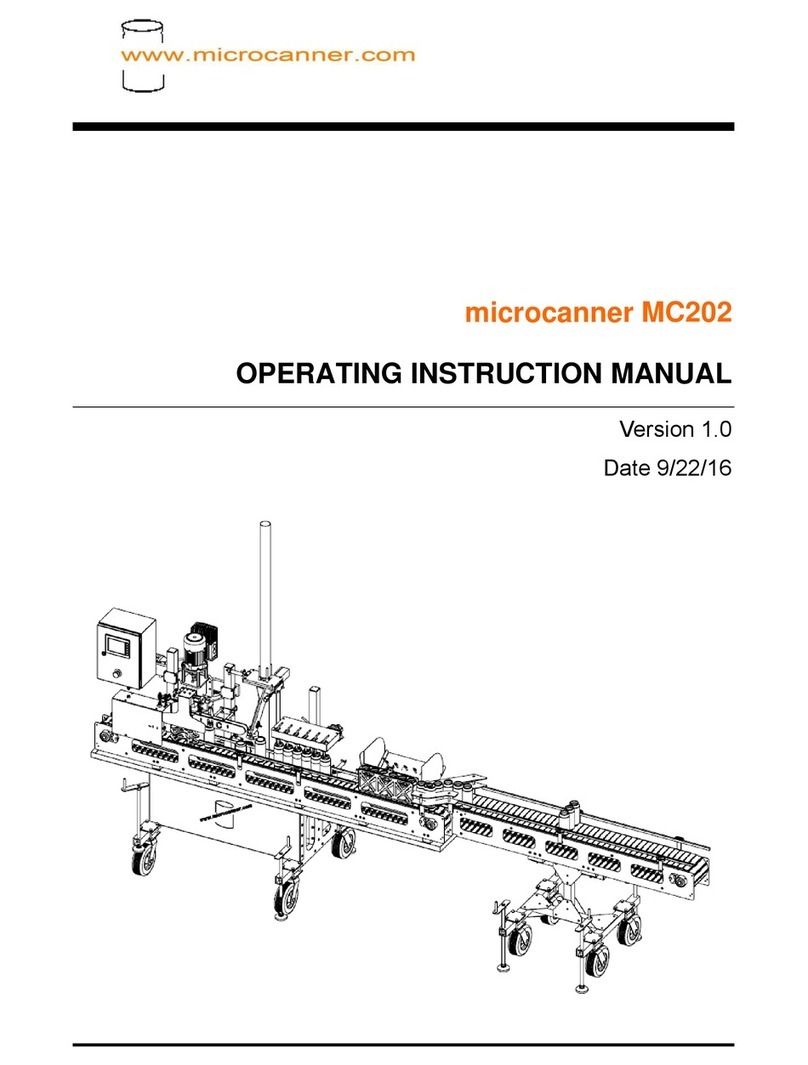
Microcanner MC MAX Mode d’emploi

Date 07/27/20
microcanner
MC
MAX
OPERATING
INSTRUCTION
MANUAL
Version
1.0

microcanner MCMAX
MC-MAX (V1.0) PAGE 2 OF 32
WARNING!
OPERATING AUTOMATED EQUIPMENT IS DANGEROUS, DO NOT OPERATE
THE MC MAX CANNING SYSTEM UNTIL YOU HAVE READ THIS MANUAL
AND HAVE
RECEIVED PROPER TRAINING. PRECAUTIONS MUST BE TAKEN TO
SAFEGUARD OPERATORS. OPERATORS MUST BE TRAINED AND AWARE
OF DANGER POINTS, IF FAILURE TO FOLLOW SAFETY PROCEDURES,
INJURY OR DEATH COULD RESULT.
IMPORTANT SAFETY PRACTICES
●Conveyors are dangerous and present entanglement hazards. Loose
clothing, hair, and jewelry should be avoided at all costs. Never place
hands near or inside of a moving conveyor.
●NEVER permit children, or un-trained operators anywhere near an
operating machine.
●In the event of an emergency, hit the E-stop.
●Never perform adjustments without being in E-Stop mode, or unplugging
the machine.
●Never plug into an outlet that is not GFCI. Water and electricity do not
mix.
●Never open the control panel while powered up / plugged in.
●Keep clear of all moving parts.
●Clear machine jams only when in E-stop mode or fully powered down.

microcanner MCMAX
MC-MAX (V1.0) PAGE 3 OF 32
●It is recommended that you wear safety glasses anytime during operation
of the MCMAX canning system.
TABLE OF CONTENTS
1. INTRODUCTION----------------------------------------------------------------------------------
4
2. MACHINE REQUIREMENTS------------------------------------------------------------------
4
3. GENERAL MACHINE SERVICE--------------------------------------------------------------
5
4. START UP PROCEDURE----------------------------------------------------------------------
8
5. SEAM SETUP GUIDE--------------------------------------------------------------------------
11
6. CHANGE OVER PROCEDURE-------------------------------------------------------------
14
7. HMI OPERATERATIONS----------------------------------------------------------------------
15
8. TIPS FOR A SUCCESSFUL RUN----------------------------------------------------------
28

microcanner MCMAX
MC-MAX (V1.0) PAGE 4 OF 32
1. INTRODUCTION
●Thank you for purchasing a microcanner MC MAX canning
system. This manual is written for your benefit to help you fully
understand how to operate and service your machine. With
proper operation and service your machine will offer you years of
service.
●The MC MAX canning system is designed to run 8,12,16 oz 202
series cans, and Sleek Series cans with a few simple changeover
steps. This machine can be special ordered to run Slim series
cans. The machine will run up to 150 cases per hour / 60 cans
per minute (CPM). Results will vary from product to product
based on carbonation and/ or specific gravity along with
temperature of the product.
2. MACHINE REQUIREMENTS
●For safety purposes you should plug your machine into a 110v
20 amp GFCI outlet. Please note that the motors use a V.F.D.
(variable frequency drive) to convert 110v single phase to 220
volt 3 phase power. The type of GFCI commonly purchased in a
big box store will not work. A licensed electrician with experience
in motor control should be contracted to perform the work.

microcanner MCMAX
MC-MAX (V1.0) PAGE 5 OF 32
●Clean dry air supplied to the machine. Below is an air dryer
we would suggest.
○https://www.smcusa.com/products/air-preparation-equipment/air-dr
yers/refrigerated-air-dryers/idf~127900
○Model IDF B3E-11N should be adequate. Consult your local
SMC representative prior to purchase.
○Failure to provide dry air will destroy valves and void the
warranty.
○Air Regulator on the machine is to be set at 80 P.S.I. If your
pressure needle jumps around during operation, you will need
to supply a surge tank near the machine.
○CO 2delivery system that is regulated to 18 P.S.I. This
line should have a standard quick connect for hooking up to
the filler head.
●Water supply for rinse tunnel, and pre-rinse if applicable. Simple
garden hose connection. Water supply can not exceed 55 psi.
●1 ½ Tri-clamp product supply line from brite tank, preferably
insulated
●34°F product @ 2.64 Co2 @ 15 PSI head pressure (head
pressure will vary and a longer line set may be required when
running high gravity,
(high IBU double IPA beer)
●1 ¹⁄ ” Tri-clamp with sanitizer to rinse filler valves (pump kit is
supplied)

microcanner MCMAX
MC-MAX (V1.0) PAGE 6 OF 32
3. GENERAL MACHINE SERVICE
Like any other piece of equipment; new car, or tractor This canning
machine needs to be cleaned, lubricated, and periodically serviced.
Screws loosen, Filters plug up with contaminates, sensors vibrate
out of adjustment, and seam tooling wears. It is important to assign
a technician to learn the system and take good care of it.
●Prior to each use, all screws and sensors should be checked for
tightness.
●During each use seams should be checked at least every 200
cans to assure that bad cans are not being made due to worn
out or loose tooling.
●Drain beer from the fill line and run sanitizer through it after
use. Thoroughly clean fill level sensors and spray with alcohol.
●Following each use, the entire machine should be hosed off (no
pressure washers). A bucket of warm water and dish soap
should be prepared, and the machine be scrubbed with a soft
plastic bristle bush.
All water spots should be polished off using vinegar and rags.
●After cleaning a food grade zero weight grease
( https://www.mcmaster.com/1445K41/ )needs to be applied to all
conveyor bearing zerc fittings. There are 4 conveyor bearings on
the infeed and 2 zercs on the main convayor at the end of the
shafts.

microcanner MCMAX
MC-MAX (V1.0) PAGE 7 OF 32
●Grease must also be applied to 1 st operation and 2 nd operation
tooling on both seamer heads. While greasing, spin the form
wheel. Stop pumping when you just start to notice the rpm of
the wheel drop from the grease contact.
●Grease Shaft Zerc behind the “cap in place sensor” thoroughly
between canning runs, grease until a small amount of grease is
coming out by the chuck.
●Prior to running the machine check to see if any water has
accumulated in the catch bowl to the left of the filter, or the
water separator to the left.

microcanner MCMAX
MC-MAX (V1.0) PAGE 8 OF 32
○To empty the catch bowl, push down on the grey thumb slide
on the back of the gage, then turn and pull down to take the
bowl off.
Empty the bowl of any water.
4. START UP PROCEDURE
1. Place the machine in the desired location.
2. With a bubble level on the bed of the conveyor, raise the
machine by lowering the threaded foot pads by hand until the
machine is completely level in all directions.

microcanner MCMAX
MC-MAX (V1.0) PAGE 9 OF 32
3. Place and level infeed conveyor if applicable
a. Start by adjusting foot pads to adjust turn the bolt, do
this for all foot pads until the infeed conveyor platform and
print track are aligned.
b. Connect the ionizer cable, and ionizer air to the ionizer on
the infeed
i. Later on when the machine is on and running
verify the following to make sure your ionizer is working
properly. ii. Check that air is flowing through the
ionizer. Adjust the flow control on the airline of the
ionizer. You want enough
air/ pressure to blow out the can but not enough to
tip over or mess with the can.
iii. Check the indicator lights on the ionizer make sure
that the ionizer is one and is ionizing. For more
information on the ionizer please refer to this pdf. Pg
21 has LED information
( https://content2.smcetech.com/pdf/manuals/IZx-OMV00
05.pdf )
4. Verify that the machine and infeed are set up to run the
desired size can.

microcanner MCMAX
MC-MAX (V1.0) PAGE 10 OF 32
5. Verify that the cap shedder is at the appropriate running
height. Run a can by hand under the shedder to verify the
end catches and falls on top of the can.
6. Plug in the machine power, plug in the infeed power. hook
up the air supply, connect Co2 on the quick connect fitting
located behind
Table des matières
Autres manuels Microcanner Équipement industriel