2
Table of Contents
Safety Information ......................................................................... 4
General Information....................................................................... 5
Contacting Customer Service..............................................................5
Recommended Accessories.................................................................5
OFL280 Hardware Features ............................................................ 6
Front Panel (Keys and Display)............................................................6
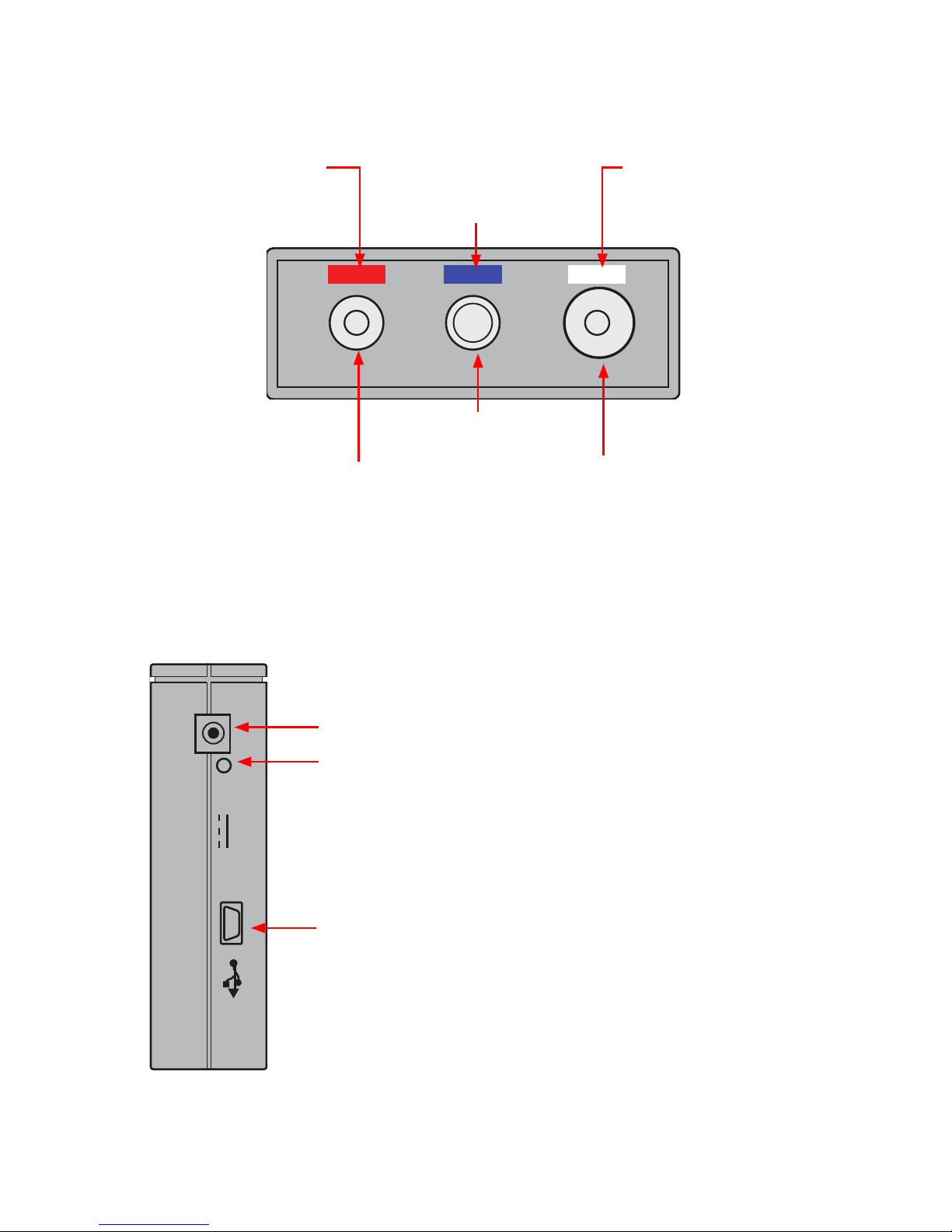
Top Panel (Test Ports).........................................................................7
Side Panel (USB and Power Ports).......................................................7
Front Panel Keys.................................................................................8
OFL280 Models ............................................................................... 9
OFL280 Setup.................................................................................. 9
OTDR Modes......................................................................................9
Light Source and Power Meter Mode .................................................9
Main Menu ........................................................................................10
Selecting a Test Mode ........................................................................10
Understanding OTDR Test Parameters ................................................11
FTTx – In Service Test Mode Settings (OFL280-103 only) ....................13
FTTx - PON Construction Test Mode Settings......................................14
Full Auto Test Mode Settings..............................................................14
Real Time Test Mode Settings.............................................................15
Expert Test Mode Settings..................................................................15
Event Thresholds: FTTx – In Service mode..........................................16
Event Thresholds: FTTx – PON Construction mode.............................17
Event Thresholds: Full Auto mode.......................................................17
Event Thresholds: Expert mode..........................................................18
Fiber Menu Settings ...........................................................................18
Cables Menu Settings.........................................................................19
General Settings.................................................................................19
Light Source and Power Meter Settings ..............................................20
Trace Page Features ...........................................................................22
Event Table Page Features..................................................................23
Summary Page Features .....................................................................24
Information Page Features .................................................................24
© 2008-2011, AFL, all rights reserved. OFL2-28-1000 Revision 1E 2011-08-31
Specications are subject to change without notice.