
Weishaupt EM3/2 Manuel utilisateur
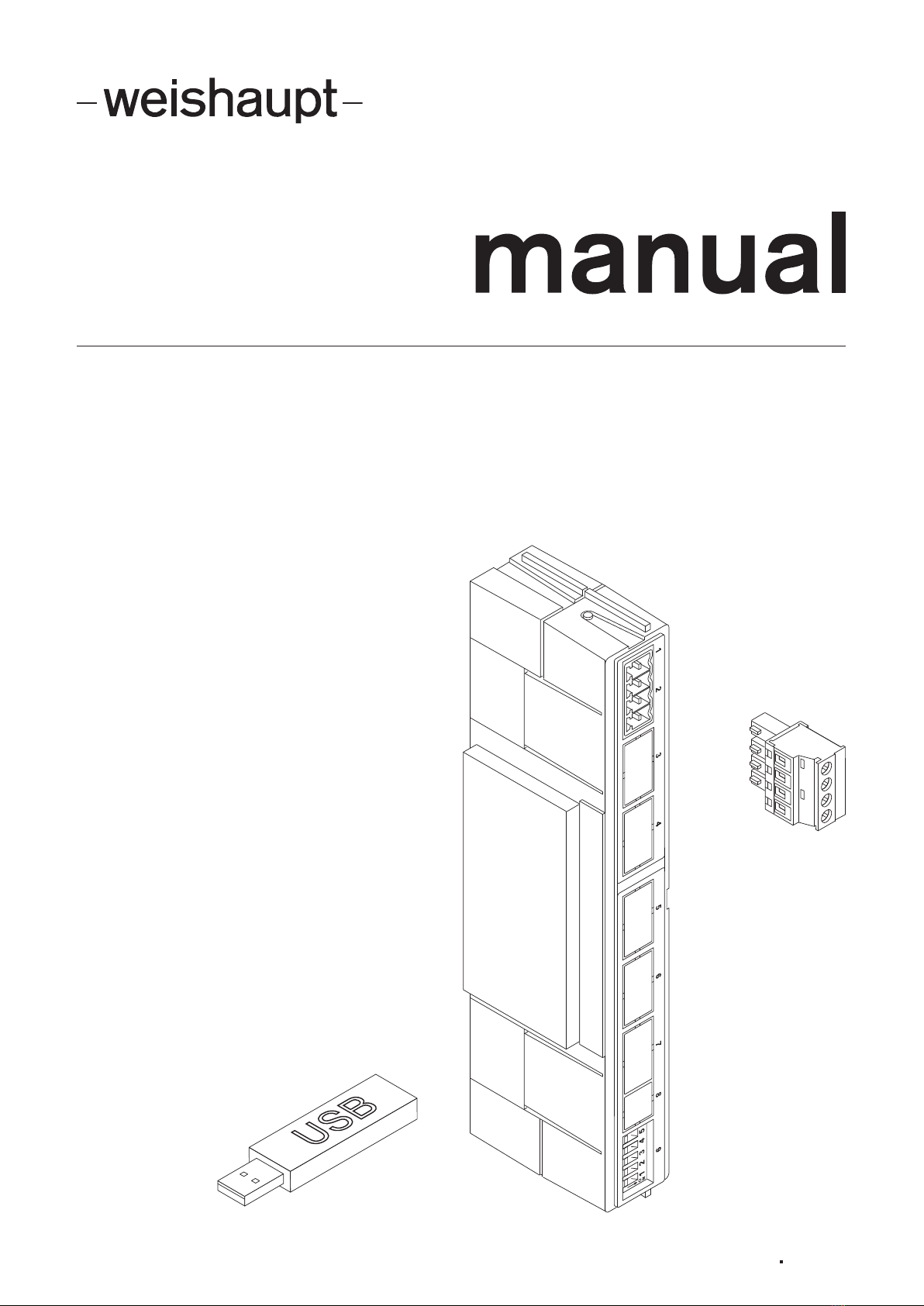
Installation and operating instruction
Fieldbus module EM3/2 83296302 1/2018-01

Installation and operating instruction
Fieldbus module EM3/2
83296302 1/2018-01 La 2-32
1 User instructions.............................................................................................................. 3
1.1 Target group.................................................................................................................. 3
1.2 Symbols.......................................................................................................................... 3
1.3 Guarantee and Liability............................................................................................... 4
2 Safety ..................................................................................................................................... 5
2.1 Designated application............................................................................................... 5
2.2 Safety measures........................................................................................................... 5
2.2.1 Electrical connection............................................................................................5
2.2.2 Disposal...................................................................................................................5
3 Installation ........................................................................................................................... 6
3.1 Installing Fieldbus module.......................................................................................... 6
3.2 Setting the DIP switches............................................................................................ 7
4 Installation ........................................................................................................................... 8
4.1 Electrical connection................................................................................................... 8
5 Commissioning................................................................................................................. 9
6 Troubleshooting ............................................................................................................ 11
7 Technical documentation......................................................................................... 12
7.1 Profibus ........................................................................................................................12
7.1.1 Profibus output data to Fieldbus module ..................................................... 12
7.1.2 Profibus input data for Bus participants ....................................................... 14
7.1.3 Profibus interface specification....................................................................... 17
7.2 Modbus ........................................................................................................................18
7.2.1 Modbus output data to Fieldbus module...................................................... 18
7.2.2 Modbus input data for Bus participants ....................................................... 20
8 Spares................................................................................................................................. 28
9 Key word index .............................................................................................................. 30

Installation and operating instruction
Fieldbus module EM3/2
1 User instructions
83296302 1/2018-01 La 3-32
1 User instructions
Translation of original
operating instructions
This manual forms part of the equipment and must be kept on site.
Carefully read the manual prior to working on the unit.
1.1 Target group
The manual is intended for the operator and qualified personnel. They should be
observed by all personnel working with the unit.
Work on the unit must only be carried out by personnel who have the relevant train-
ing and instruction.
In accordance with EN 60335-1 the following requirements apply
This appliance can be used by children 8 years and above as well as by persons
with limited physical, sensory or mental capacities or lack of experience and know-
ledge, provided they are supervised or have been instructed regarding the safe use
of the appliance and understand the resulting danger. Children must not play with
the appliance. Cleaning and operator maintenance must not be carried out by chil-
dren without supervision.
1.2 Symbols
DANGER
Immediate danger with high risk.
Non observance can lead to serious injury or death.
WARNING
Danger with medium risk.
Non observance can lead to environmental damage,
serious injury or death.
CAUTION
Danger with low risk.
Non observance can cause damage to the equip-
ment and injury to personnel.
Important information
Requires direct action
Result after an action
Itemisation
… Range of values

Installation and operating instruction
Fieldbus module EM3/2
1 User instructions
83296302 1/2018-01 La 4-32
1.3 Guarantee and Liability
Guarantee and liability claims for personal and equipment damage are excluded, if
they can be attributed to one or more of the following causes:
non approved application,
non-observance of the manual,
operation with faulty safety equipment,
continual operation despite a fault,
improper installation, commissioning, operation and service,
repairs, which have been carried out incorrectly,
the use of non original Weishaupt parts,
force majeure,
the installation of additional components, which have not been tested with the
unit.

Installation and operating instruction
Fieldbus module EM3/2
2 Safety
83296302 1/2018-01 La 5-32
2 Safety
2.1 Designated application
The fieldbus moduleEM3/2 is suitable for use with the combustion
managerW-FM 25.
The following Bus protocols are available:
Profibus-DP
Modbus-RTU
Modbus-ASCII
2.2 Safety measures
Safety relevant fault conditions must be eliminated immediately.
2.2.1 Electrical connection
For work carried out on live components:
Observe the accident prevention instructions DGUVRegulation3 and adhere to
local directives,
tools in accordance with EN 60900 should be used.
2.2.2 Disposal
Dispose of all materials and components in a safe and environmentally friendly way
at an authorised location. Observe local regulations.

Installation and operating instruction
Fieldbus module EM3/2
3 Installation
83296302 1/2018-01 La 6-32
3 Installation
3.1 Installing Fieldbus module
DANGER
Risk of electric shock
Working on the device when voltage is applied can lead to electric shock.
Isolate the device from the power supply prior to starting any work.
Safeguard against accidental restart.
Unplug 7 pole connection plug on burner.
Remove cover1.
Carefully install module2 using the guides3.
Break out the pre-cut surfaces4 and fit cover1.
1
3
2
4
1
You can check if the combustion manager has recognised the module by interrog-
ating Information 13 in the Info level, see installation and operating manual of the
burner.

Installation and operating instruction
Fieldbus module EM3/2
3 Installation
83296302 1/2018-01 La 7-32
3.2 Setting the DIP switches
The termination (line termination) can be activated via the DIP switches. If the ter-
mination is activated via the DIP switches, no external termination resistor must be
connected.
Check and adapt the setting of the DIP switches on the module.
Unused termination should be set to OFF.
1 2 3 4 5
O
N
DIP switches Description Setting
OFF ON
1Modbus termination not activated activated (120 Ohm)
2 and 3Profibus termination not activated(1 activated (240 Ohm)(1
4Bus protocol setting Profibus Modbus
5no function – –
(1 Switch both DIP switches on or off.

Installation and operating instruction
Fieldbus module EM3/2
4 Installation
83296302 1/2018-01 La 8-32
4 Installation
4.1 Electrical connection
DANGER
Risk of electric shock
Working on the device when voltage is applied can lead to electric shock.
Isolate the device from the power supply prior to starting any work.
Safeguard against accidental restart.
The electrical connection must only be carried out by qualified electricians. Ob-
serve local regulations.
Profibus
Do not exceed maximum cable length.
Data rate [kBit/s] 9.6 19.2 45.45 93.75 187.5 500 1500 3000 6000 12000
Max. length [m] 1200 1200 1200 1200 1000 400 200 100 100 100
Modbus
Do not exceed maximum cable length of 1000metres.
Wiring diagram
The termination (line termination) can be activated via the DIP switches. If the ter-
mination is activated via the DIP switches, no external termination resistor must be
connected.
Connect Bus connections as shown on wiring diagram.
W-FM 25
A
VCC (5V)
B
GND
1 2 3 4
EM3/2

Installation and operating instruction
Fieldbus module EM3/2
5 Commissioning
83296302 1/2018-01 La 9-32
5 Commissioning
Observe the installation and operating manual of the burner.
1. Set Fieldbus address
Switch on voltage supply.
The parameter level can only be called up in Standby (OFF) mode.
Press [+] and [Enter] keys simultaneously for approx. 2 seconds.
The parameter level is activated.
Press[+] key.
Parameter 1 is displayed.
Briefly press [–] and [+] keys simultaneously.
Display changes from OFF to address.
Use[–] or [+] keys to set address required.
Press [ENTER].
The address set is stored.
The next parameter is displayed.
Press[Enter] several times, until the operating level is reached.
2. Check Modbus protocol
If the Profibus protocol is used skip this step.
The Modbus protocol can only be changed via the control centre (master).
Check Modbus protocol and set using Function-Code 0x41 if required.
As delivered
Baud rate: 19200
Modbus mode: RTU
Parity: even
Address Function-Code
0x41 Baud rate Hi Baud rate Lo Parity Modbus mode CRC16
Baud rates supported: 2400, 9600, 19200, 57600 (no parity possible at 57600)
Example: 9600 Bd = 0x25 HighByte and 0x80 LowByte
Modbus mode: 1: RTU-Mode
2: ASCII-Mode
Parity: 1: no parity but 2 Stop Bits
2: even
3: odd
Following the adjustment, the fieldbus module initiates a reset and immediately
starts operating with the new protocol. The setting is permanently saved in the
Slave. If the Exception-Code is returned, the setting will not change.

Installation and operating instruction
Fieldbus module EM3/2
5 Commissioning
83296302 1/2018-01 La 10-32
3. Set parameter 200
Parameter200 stipulates, how the combustion manager reacts to the heat demand
via Bus or control circuit(T1/T2). The parameter can only be changed via a PC us-
ing VisionBox Software.
Check parameter 200 and change value if necessary.
The change will be adopted after maximum 20 seconds or at restart of the com-
bustion manager.
Value Function
0 Only control circuit activated (T1/T2), factory setting.
Heat demand via Bus is ignored.
1 Control circuit(T1/T2) releases heat demand via Bus.
A heat demand via Bus is only accepted if the control circuit(T1/
T2) is closed.
After 10seconds of bus separation, the combustion manager ini-
tiates a control shutdown.
2 Bus default and control circuit(T1/T2) activated.
Change-over to the control circuit(T1/T2) occurs under the fol-
lowing circumstances:
after 10 seconds Bus separation,
if "Deactivate heat demand via Bus“ is set.
Profibus [ch.7.1.1]
Modbus [ch.7.2.1]
3 Only Bus default active, with controlled shutdown.
The control circuit (T1/T2) is ignored.
After 10seconds of bus separation, the combustion manager ini-
tiates a control shutdown.
If there is no bus connection, the combustion manager remains in
standby mode.
4 Only Bus default active, with lockout.
The control circuit (T1/T2) is ignored.
After 10seconds of bus separation, the combustion manager ini-
tiates a lockout.
If there is no Bus connection, the fault appears immediately. The
combustion manager must then be connected to the Master
whilst in lockout.
4. Install GSD file
Only in conjunction with Profibus, skip this step with Modbus.
Install GSD file supplied in programming tool.
5. Configuration
Stipulate configuration of input and output data.
Profibus [ch.7.1]
Modbus [ch.7.2]
Table des matières
Autres manuels Weishaupt Unité de contrôle


Manuels Unité de contrôle populaires d'autres marques

Festo
Festo Compact Performance CP-FB6-E Manuel de la liste des pièces

Elo TouchSystems
Elo TouchSystems DMS-SA19P-EXTME Manuel utilisateur

JS Automation
JS Automation MPC3034A Manuel utilisateur

JAUDT
JAUDT SW GII 6406 Series Guide rapide

Spektrum
Spektrum Air Module System Manuel utilisateur

BOC Edwards
BOC Edwards Q Series Manuel utilisateur


