Q
Qu
ui
ic
ck
k
S
St
ta
ar
rt
t
Page 5 of 16
Contents
Introduction....................................................................................................................5
Minimum System Requirements....................................................................................5
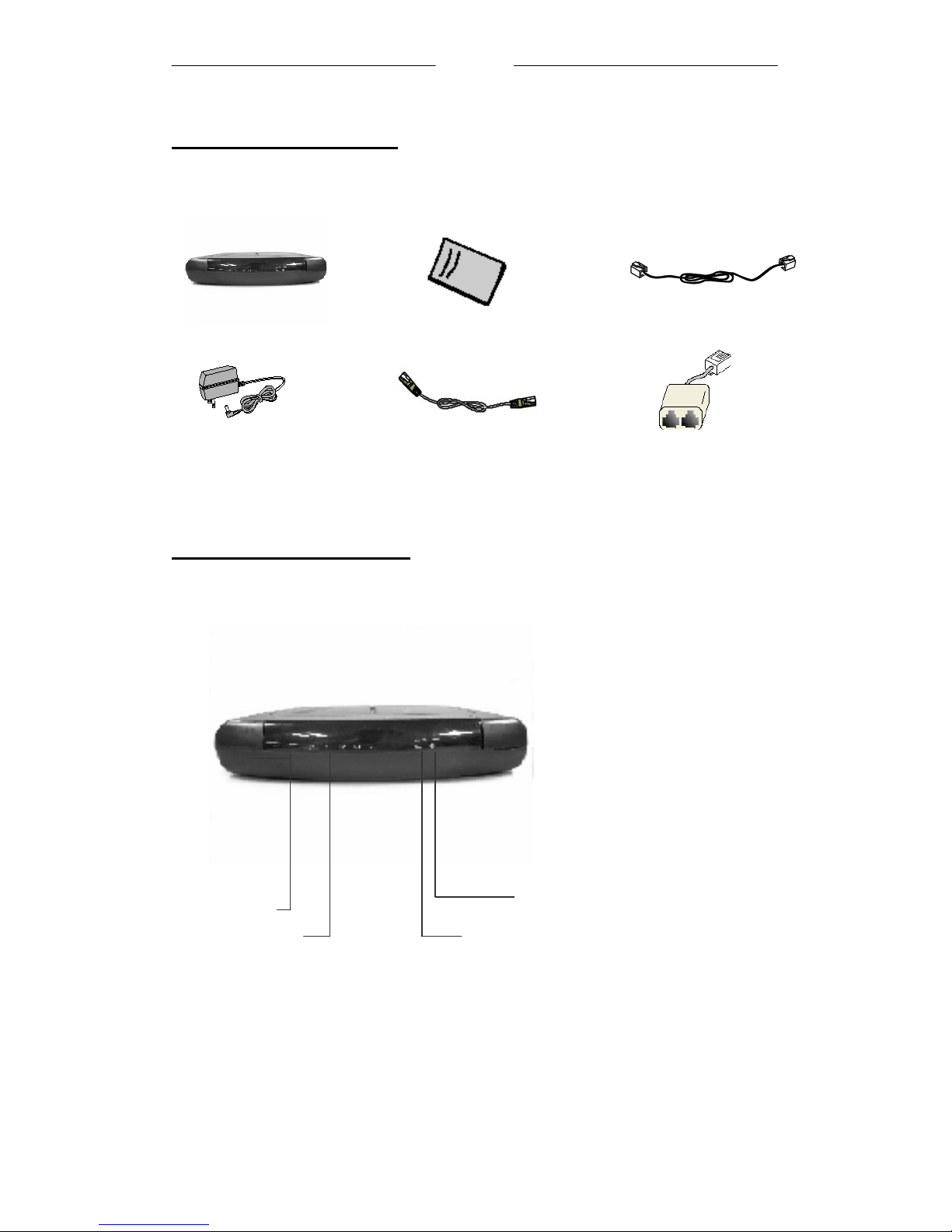
ADSL Router Package...................................................................................................6
ADSL Router Overview ................................................................................................6
Typical ADSL Router Connections...............................................................................8
Step 1: Connecting the ADSL Router to Your Computer/Notebook ..........................10
Step 2: Configuring Your Ethernet Network Card .....................................................13
Step 3: Configuring Your Internet Browser.................................................................15
Step 4: Connecting to the Internet ..............................................................................16
Introduction
Thank you on your purchase of the TELINDUS 1134/1135 ADSL ROUTER
/SWITCH! This 4 Port Ethernet ADSL Router allows you to share high-speed
broadband ADSL connection with multiple PCs using a single device. With ADSL,
you can enjoy high-speed broadband connectivity for email, Internet surfing,
corporate access and continue to make phone calls using your existing phone line.
The 4 Port Ethernet ADSL Router can be connected to any computer/notebook with a
10/100 Base-T Ethernet card. For multiple users connection, you may connect your
computers/notebooks to the 4-port Ethernet switch on the ADSL Router at the same
time or expand the Ethernet connection of the ADSL Router with an Ethernet Hub /
Switch. The Auto MDI/MDIX features automatic recognition of crossed or straight
UTP cables.
This documentation assumes that you have already installed an Ethernet card on your
computer/notebook.
Minimum System Requirements
• Pentium®MMX 233MHz
• Ethernet card installed with TCP/IP Protocol
• OS independent for Ethernet (support for Windows based system only)
• Recommended Web Browser support:
Microsoft Internet Explorer 4.0 (or later versions)
Netscape® Navigator 3.02 (or later versions)