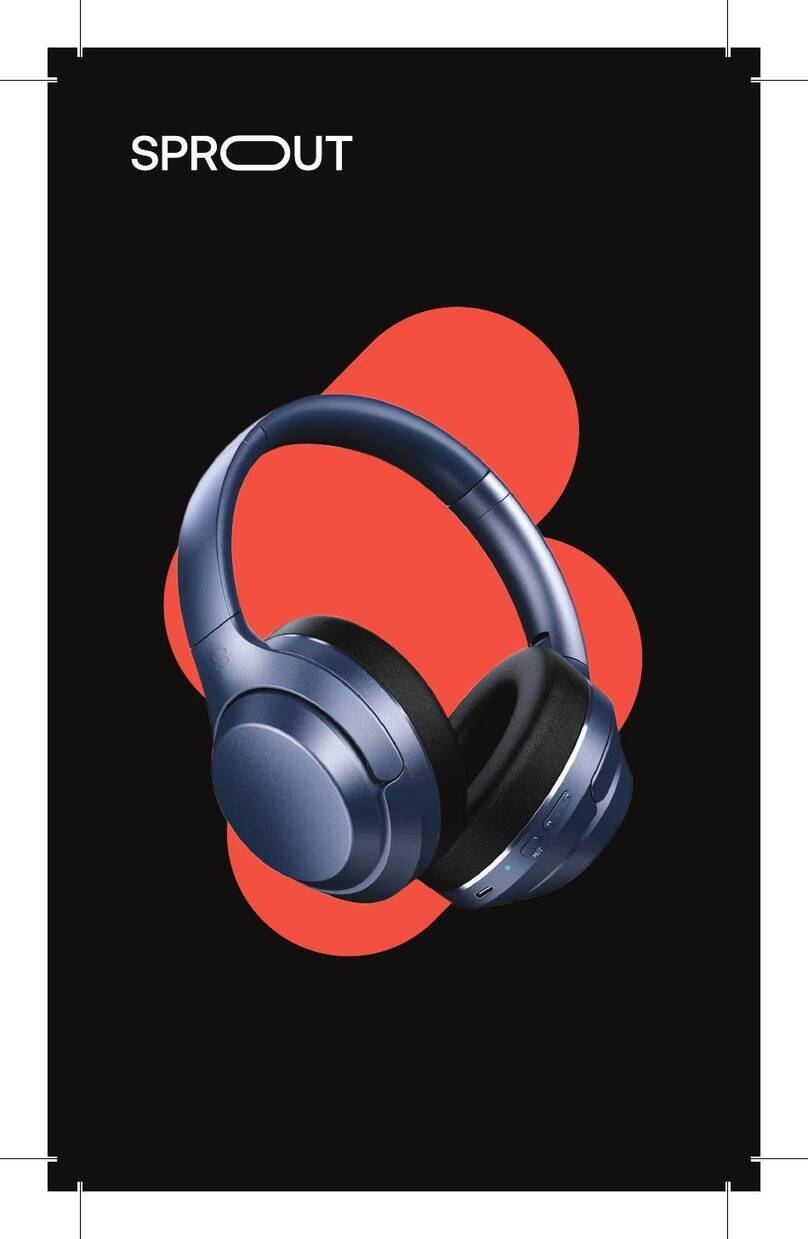
Sprout Harmonic 3.0 Manuel utilisateur

HARMONIC 3.0
BLUETOOTH
HEADPHONES
PRODUCT MANUAL

01. What’s in the box?
02. Product overview
03. Quick star guide
04. Operating controls
05. Specifications
06. Imporant safety info
07. Disposal instruction
08. Consumer guarantee
2
3
4
8
10
11
12
13
CONTENTS
Scan the QR code
to access an online
version of this manual
WE PUT MORE INTO
OUR TECH, SO YOU CAN
GET MORE OUT OF LIFE.
At Sprout, our purpose is to help
you unlock the potential of your
technology. We’re an Australian
brand, and we design all of our
products locally to ensure they
are uniquely suited to your lifestyle.
1

1. WHAT’S IN THE BOX?
Thank you for choosing the Harmonic 3.0 Bluetooth
Headphones by Sprout.
For optimum perormance and safety, please read
instructions carefully before usage.
Please keep this manual for future reference.
1x Harmonic 3.0 Bluetooth Headphones
1x USB-A to USB-C charging cable
1x Plane adaptor
1x Carry case
1x Aux-in audio cable
1x Product manual
1. Active Noise Cancellation switch
2. USB-C charging input
3. LED indicator
4. Volume control
5. DuoLinkTM buton
6. Power/play/pause buton
7. Microphone for calls
8. Aux input por
2. PRODUCT OVERVIEW
1 2 3 4 5 6 7 8
32

LED INDICATOR
3. QUICK START GUIDE 3. QUICK START GUIDE
Function LED Indicator Status
Pairing LED flashes
blue/red alernately
Standby LED flashes blue intermitently
Incoming call LED flashes blue continuously
Low batery LED flashes
red with a warning tone
Charging
LED indicates solid red when
charging in progress
LED indicates solid blue when
charging finished
CHARGING YOUR HARMONIC
3.0 BLUETOOTH HEADPHONES
1. Inser the USB-C end of the charging cable into
the charging input
2. Inser the USB-A end of the cable into a power
source* to charge. The LED indicator will be red
while charging is in progress. The LED indicator
will be blue when charging is complete. A full
charge will take approximately 1.5 hours
iOS enabled devices will display the Harmonic 3.0
batery power status on the top right hand side of
their screen.
*Power options include USB connection to a power source
such as a Sprout AC power adapter, a Sprout car charger or
computer/notebook USB connection.
TURNING HARMONIC 3.0 ON/OFF
Press and hold the power/play/pause buton for 3
seconds to power on/of.
5
4

CONNECTING VIA BLUETOOTH CONNECTING VIA 3.5MM AUX CABLE
Connect your Harmonic 3.0 to a smarphone, tablet
or other audio device using your aux-in audio cable.
Once connected, all additional controls (volume, skip
track, etc.) will be disabled on your headphones.
Your audio device must be used to perorm these
functions.
Please note: Using 3.5mm aux input will override a
Bluetooth source input.
3. QUICK START GUIDE 3. QUICK START GUIDE
1. Enter into pairing mode:
• From power of status, press and hold the
power/play/pause buton for 5 seconds to
enter pairing mode
• From power on status, press and hold the
power/play/pause buton for 2 seconds to
enter pairing mode
Once in pairing mode, Harmonic 3.0’s LED
indicator will flash blue/red until a device is
connected
2. Turn on Bluetooth on your mobile phone/music
device*
3. ‘Harmonic 3.0’ will appear on your mobile phone/
music device. Select ‘Harmonic 3.0’ to pair
4. The LED indicator light will flash blue every
5 seconds when you are connected
5. Enjoy your music
*If you are not familiar with Bluetooth pairing for your mobile
phone or music device, refer to the user guide for your mobile
phone/music device for instructions to pair a new device using
Bluetooth.
76

4. OPERATING CONTROLS
VOLUME ADJUSTMENT
Shor press on Vol+ or Vol- butons.
PLAYPAUSE
Shor press the power/play/pause buton buton to
pause audio. Press again to resume audio.
ANSWEREND CALL
Shor press the power/play/pause buton to answer
an incoming call or end a phone call.
REJECT CALL
Press the power/play/pause buton for 2 seconds to
reject a call.
TRANSFER CALL
Afer accepting a phone call, press the power/play/
pause buton for 2 seconds, and your call will transfer
to your smarphone. Press the power/play/pause
buton for 2 seconds again, and your call will be
transferred to your Harmonic 3.0 Headphones.
RESTORE FACTORY SETTINGS
Connect your Harmonic 3.0 to a computer via the
USB-A to USB-C cable, press Vol + buton and Vol
- together for 5 seconds. Once complete, your LED
indicator light will flash blue 6 times.
ACTIVE NOISE CANCELLATION FUNCTION ANC
ANC function can be enabled to reduce outside noise
and provide enhanced sound quality. To activate ANC,
switch the ANC buton to “ON”. Your LED indicator
light will turn green once ANC is engaged.
4. OPERATING CONTROLS
CONNECTING MULTIPLE HARMONIC
3.0 VIA DUOLINKTM
Using the DuoLink feature you can connect
muliple Harmonic 3.0 Headphones. One set
will be your ‘primary’ headphones and another
will be your ‘replica’.
TO CONNECT
• Shor press the DuoLink buton on your
primary device once. The primary will announce
“DuoLink enabled”
• Shor press the DuoLink buton on your
replica device once. The replica will announce
“DuoLink enabled”
• Press the DuoLink buton once more on the
replica to connect both devices
• Once connected, the replica will announce that it
is using “DuoLink Audio”. The primary device will
show a solid blue light while the replica will show
a flashing red and blue light
TO DISCONNECT OR RESET
• Press DuoLink buton again to disable DuoLink*
• Press and hold the DuoLink buton for five
seconds to reset the DuoLink function**
*If DuoLink is disabled, Harmonic 3.0 will disconnect from the
replicas, but will still remember them.
**Reseting DuoLink will make your Harmonic 3.0 ‘forget’ all
replica devices.
98

5. SPECIFICATIONS 6IMPORTANT SAFETY INFO
• 4x ANC microphones, 1x call microphone
• Bluetooth V5.1
• Bluetooth range: 10m
• Qualcomm QCC3021 chipset
• Rechargeable 800mAh batery
• Up to 35 hours at 50% volume without ANC
• USB-C charging input
• Aux input por
• Noise reduction coeficient: 35dB +/-3 dB
• PU leather ear pads with memory foam
• Operating temperature: 0-40°C
Read all instructions and warnings prior to using
this product. Improper use of this product may
resul in product damage, excess heat, toxic fumes, fire
or explosion.
• Do not use your Harmonic 3.0 near an open fire,
heat source or excessive heat
• Do not use your Harmonic 3.0 near water
• Using your Harmonic 3.0 is not recommended while
charging
• Protect your charging cable from being pinched
paricularly at the connectors
• Unplug your charging cable during lightning storms
or when unused for long periods of time
• Avoid listening at excessive volume levels or for
prolonged periods
• Do not disassemble this device or atempt to modify
it in any manner
All Sprout products go through thorough quality
assurance inspections. If you find that your device
is excessively hot, is emiting odour, is deformed,
abraded, cut or is experiencing or demonstrating an
abnormal phenomenon, immediately stop all product
use and contact Sprout.
11
10

7. DISPOSAL INSTRUCTIONS 8. CONSUMER GUARANTEE
At the end of the useful life of your Harmonic 3.0,
please recycle through your local e-waste collection
point. If you are unsure of your local waste collection
point, please consul your local council for details.
Our goods come with guarantees that cannot be
excluded under the Australian Consumer Law. You are
entitled to a replacement or refund for a major failure
and compensation for any other reasonably foreseeable
loss or damage. You are also entitled to have the
goods repaired or replaced if the goods fail to be of
acceptable quality and the failure does not amount to
a major failure. If you have any questions about your
rights in relation to this product, please return it to point
of sale or contact us at enquiries@sproutinc.com.au.
This warranty does not afect your legal statutory
rights under the Australian Consumer Law. For more
information about your rights under Australia Consumer
Law go to .accc.gov.au.
Your Sprout Harmonic 3.0 Bluetooth Headphones
are warranted to the original owner for 24 months
from the date of purchase against defects in
material and workmanship under normal use and
service.
The warranty does not cover misuse of this product
and liability will not exceed the purchase price of
the product.
If you have any problems while using the product,
please do not hesitate to contact our customer
suppor team.
For warranty and technical suppor please visit
sproutinc.com.au or email enquiries@sproutinc.com.au.
Thank you for choosing a Sprout product.
12 13

Sprout Accessories Pty Ltd
W: Sproutinc.com.au | E: enquiries@sproutinc.com.au
Autres manuels pour Harmonic 3.0
2
Table des matières
Autres manuels Sprout Casque audio

Sprout
Sprout Invoke Manuel utilisateur

Sprout
Sprout Stride BT5 Manuel utilisateur

Sprout
Sprout CADENCE TWS Manuel utilisateur

Sprout
Sprout Stride BT5 Manuel utilisateur

Sprout
Sprout Harmonic 3.0 Manuel utilisateur

Sprout
Sprout Stride TWS Manuel utilisateur

Sprout
Sprout HARMONIC II Manuel utilisateur

Sprout
Sprout Stride Manuel utilisateur

Sprout
Sprout Harmonic 3.0 Manuel utilisateur

Sprout
Sprout AUDIOPLUS TWS Manuel utilisateur