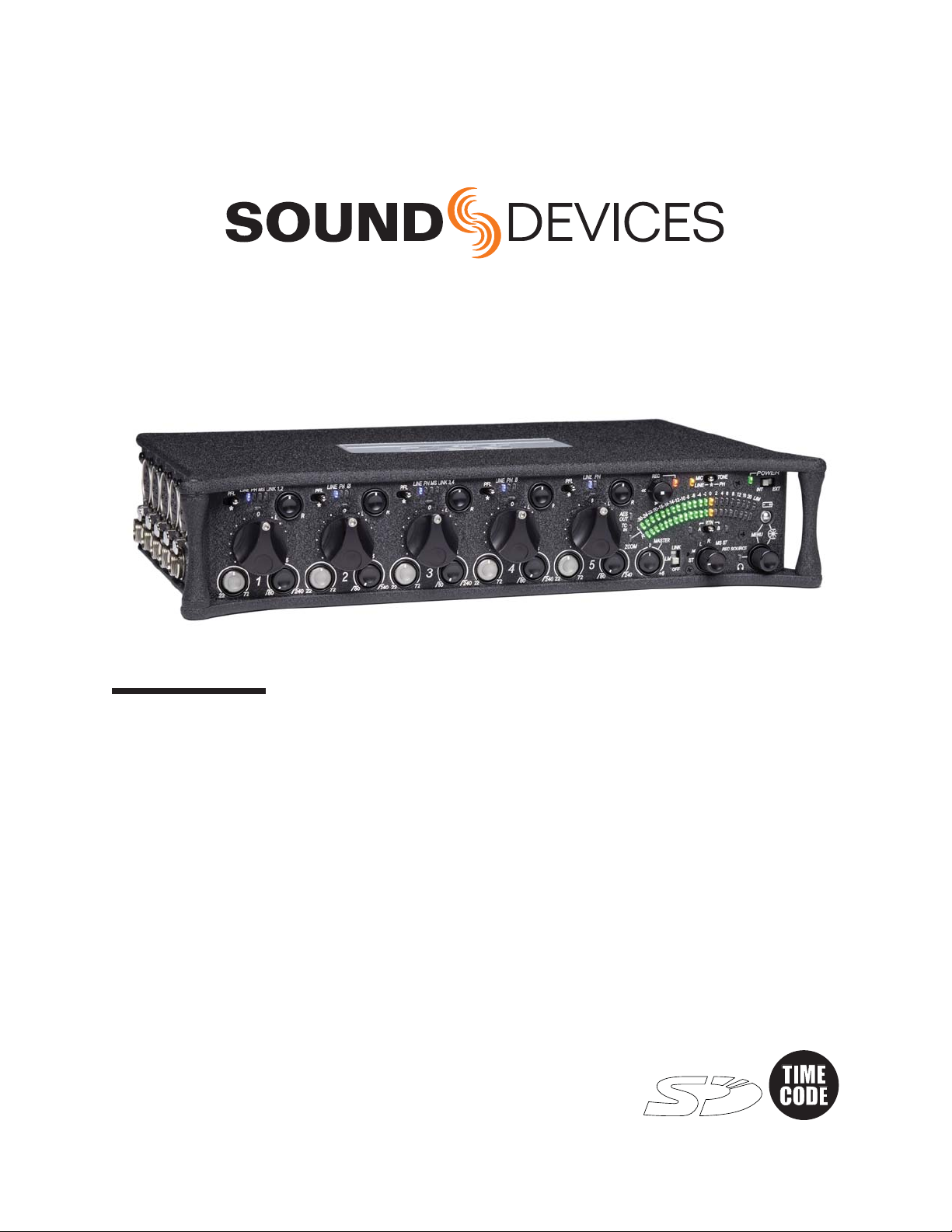
552 User Guide and Technical Information
8
v. 1.1 Features and specifications are subject to change. Visit www.sounddevices.com for the latest documentation.
Front Panel Descriptions
All 552 settings are accessed and controlled from the Front Panel. This allows the unit to be placed in
a production bag while having complete control of the unit.
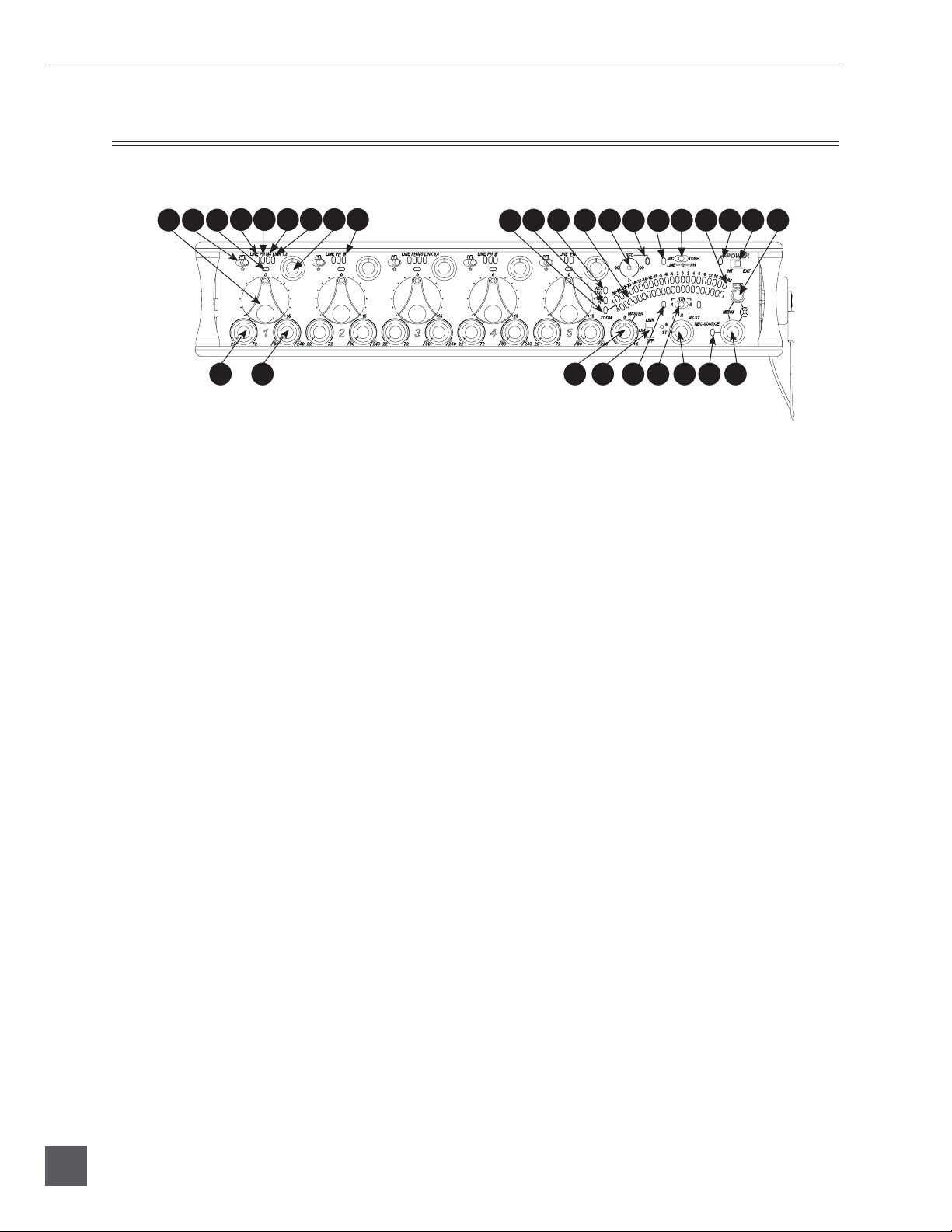
1
2 3 24 25 2726 28 29 30
12 20 21 22 23
19
13 14 15 16
46 7 8 119 10 17 18
5
1) Input Fader
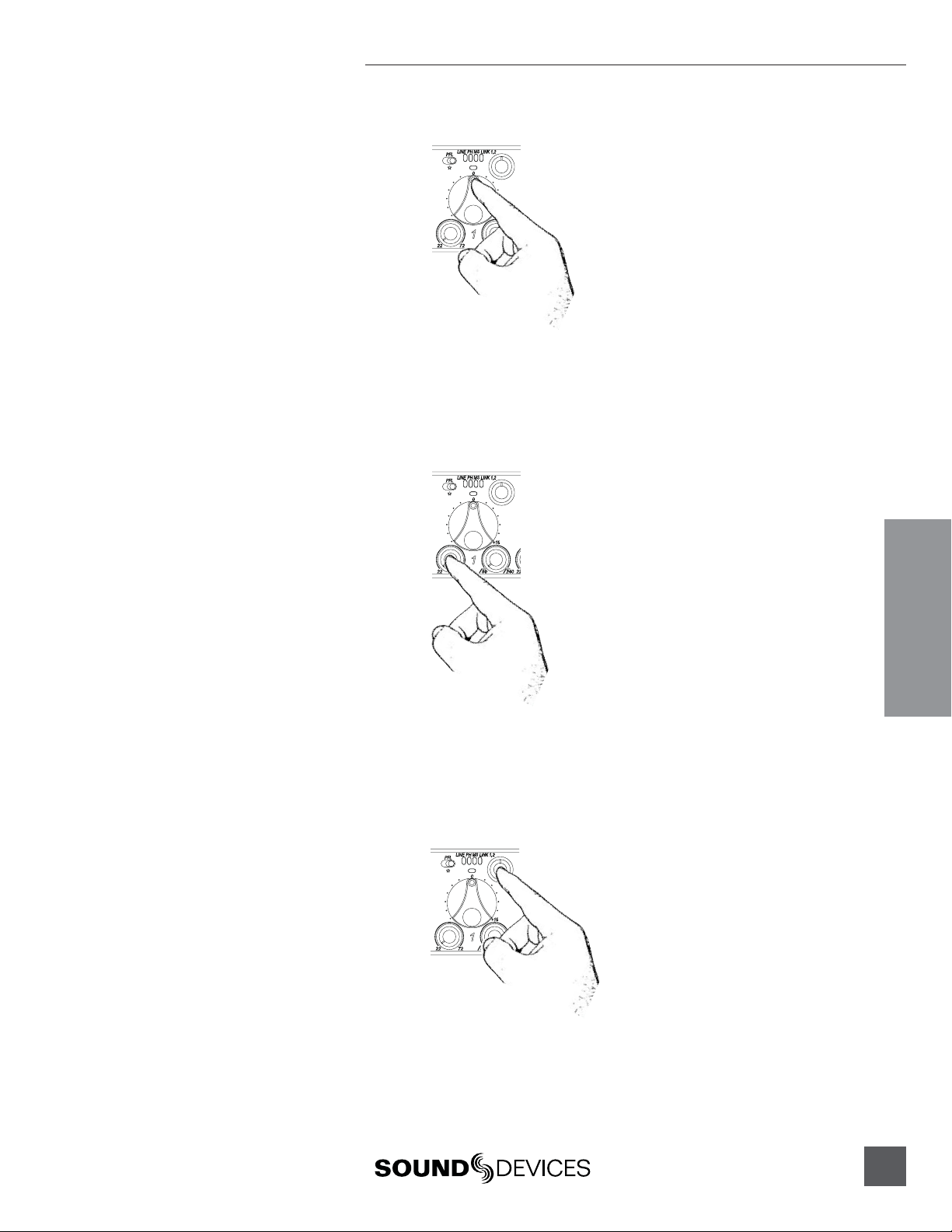
Primary control for adjusting the level
of an input during operation. Ranges
from Off to +15 dB. Nominal setting is
in the middle (0 dB).
2) Gain (Trim)
Coarse input gain control. Sets the
initial input sensitivity level so that the
Input Fader can be used for fine gain
adjustments. Range is from +22 dB to
+72 dB. See Input Setup and Control.
3) High-Pass Filter Control
Adjusts corner (-3 dB) frequency of
high-pass filter. Full counter-clockwise
position (detented) deactivates the
High-Pass Filter. Range is 80-240 Hz,
12 dB/oct to 6 dB/oct. See Input Setup
and Control.
4) PFL/Input Solo Switch
Pre-Fade Listen. Sends the input’s
pre-fade signal to headphones for
solo monitoring, troubleshooting, and
gain setting. Does not affect Master
Output signal. Slide the switch left to
activate, and again to deactivate. For
momentary action, hold the switch left
for one second or longer. The Input
Signal Activity LED illuminates yellow
when an input’s PFL is latched on. The
Input PFL Switch is also used to make
changes to several input settings. See
Input Setup and Control.
5) Input Signal LED
Indicates input signal activity. LEDs il-
luminate in various colors and intensi-
ties to show signal level and activity.
Green = signal presence (pre-fader),
yellow = limiter activity (pre- and post-
fade) also solid when solo is latched on,
red = signal overload/clipping (pre-
and post-fade). See Metering.
6) Mic/Line LED
Illuminates blue to indicate an input is
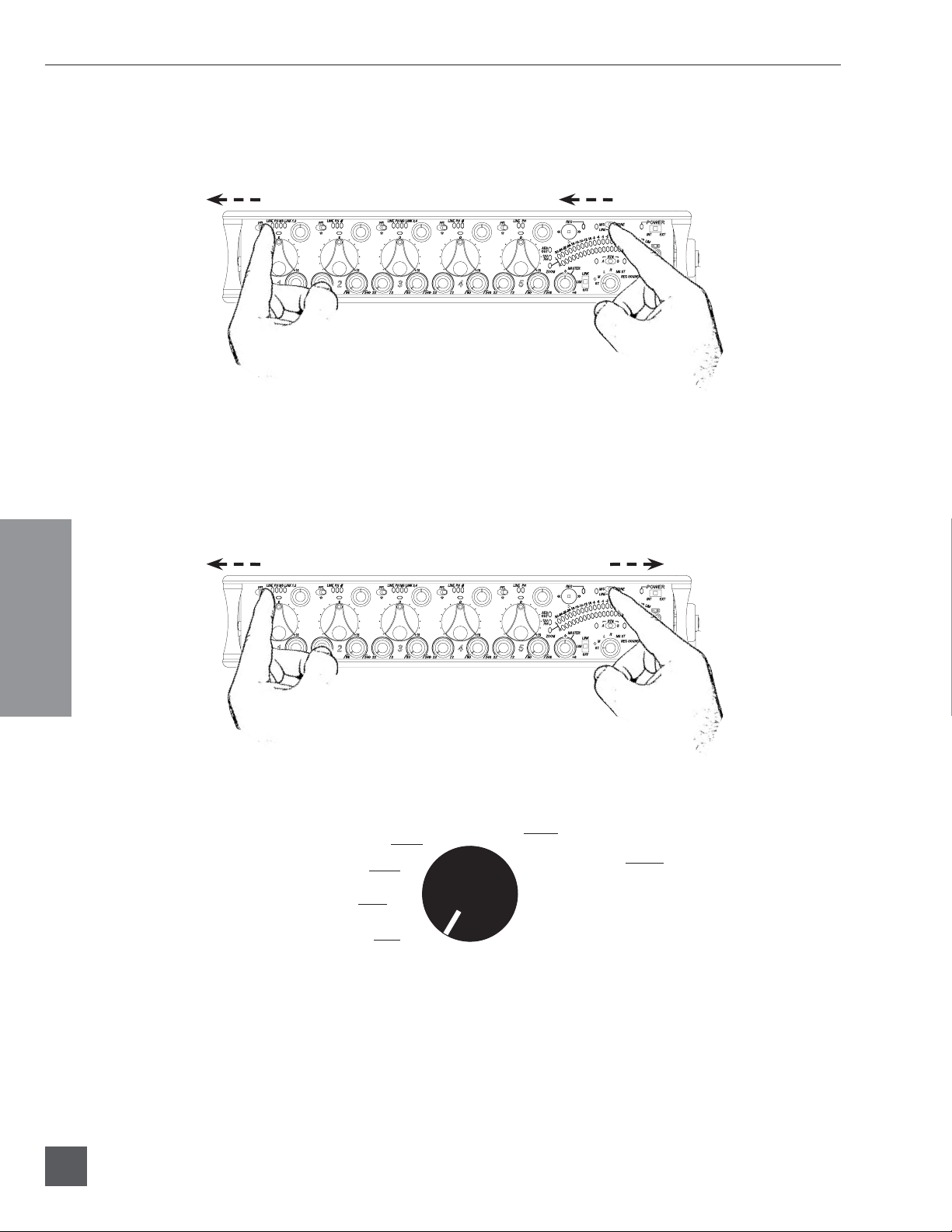
set to Line level. To toggle between Mic
and Line settings, hold the input PFL
then slide the Slate Mic/Tone Switch to
the Slate position.
7) PH/Phantom LED
Illuminates blue to indicate an input’s
phantom power is on. To toggle phan-
tom power on and off, hold the selected
input’s PFL switch then slide the Slate
Mic/Tone switch to the Tone position.
Phantom power voltage can be set to
12 or 48 V (48 V is Factory Default).
Phantom voltage is set in the Setup
Menu. The phantom power voltage is
applied across all inputs with the PH
LED illuminated.
8) MS LED
Inputs 1, 2 and 3, 4 can be linked as an
MS pair. When a pair is linked, the MS
and LINK LED illuminate blue. Stereo
linking configurations are selected in
the Setup Menu. See Stereo Linking.