System Configuration
Setup
•Connecting the Control Panel: Use a Cat6 cable (or higher grade) to connect the RC-SK5 control panel
to a Power over Ethernet (PoE) capable ethernet switch.
•Camera Connection: Connect your Canon cameras to the same ethernet switch to ensure network
integration.
Power
•DC Power Adapter: Only use the DC power adapter provided with the RC-SK5 controller. Substituting
with a different DC power adapter may lead to malfunctions or damage.
•PoE Power Supply:
•If powering the controller via PoE, confirm that the network switch is PoE-enabled and adheres to the
48V IEEE 802.3af standard.
•Ensure that your PoE source has a sufficient power budget. Inadequate power will prevent the
controller from functioning correctly.
•Power Consumption: The controller's power consumption is less than 9 Watts.
Setup
Identifying the IP Address
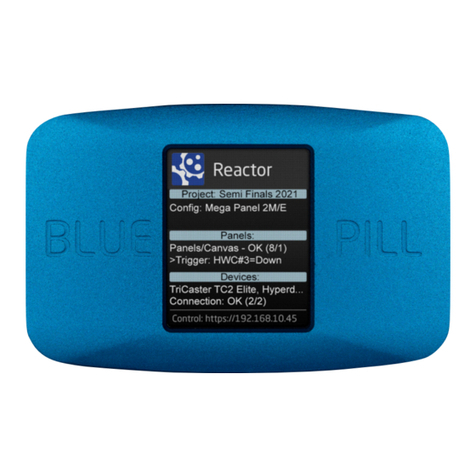
•Finding the IP Address: Once the cameras and the RC-SK5 are connected to the same network, the
IP address of the RC-SK5 will typically be displayed on its screen.
•Accessing the Controller: To access the RC-SK5, enter the displayed IP address into a web browser
from any computer on the same network.
•Troubleshooting IP Issues: If the IP address is not displayed, please consult the SKAARHOJ "Getting
Started" guide for troubleshooting tips. Note that the RC-SK5 is configured to connect to a network
with an active DHCP server. Without DHCP, it may not correctly obtain an IP address.