Manual: ShowNET - Network Interface Manual: ShowNET - Network Interface
page 16 / 63 page 17 / 63
(2b) Professional Mode - Setup-and-Store - Global Settings via DMX
Since rmware 202002xx it is possible to set e.g. a projection zone, a safety zone, color
balancing, geometric corrections, etc. with the Admin Tool or directly via DMX and store
these settings to the ShowNET mainboard.
This procedure describes the adjustment of the global settings via DMX.
To do so, there are two layers within the Professional DMX Mode.The second layer can be
activated and used with specic settings on channel 24 and channel 25.
Enter Setup Mode
To change the global settings, select value 134 or 135 of channel 24 and value 94 or 95 of
channel 25. The second DMX layer (setup mode) is now active. Change the global values
with channels 4, 6, 8-12, 19-23, 26-29 as seen in the DMX chart below.
Save settings and store them to the mainboard
To save the global settings, select value 204 or 205 of channel 24 and value 168 or 169 of
channel 25. The laser output will ash three times to conrm changings are saved.
Reset Settings
To reset the global settings, select value 211 or 212 of channel 24 and value 94 or 95 of
channel 25.
IMPORTANT: When switching to Setup, Save or Reset via channels 24 and 25, it is im-
portant to hold the specied values for 2 seconds until the laser output ashes once to
conrm the selection (Assigning buttons for accessing these features on the console can
be handy, these need to be pressed for at least 2 seconds to activate the mode then).
Cancel current settings
To abort and cancel current adjustments and return to the last settings, change either
channel 24 or channel 25 to a value other than Setup, Save or Reset and wait for 20 se-
conds. The laser output ashes to conrm the selection.
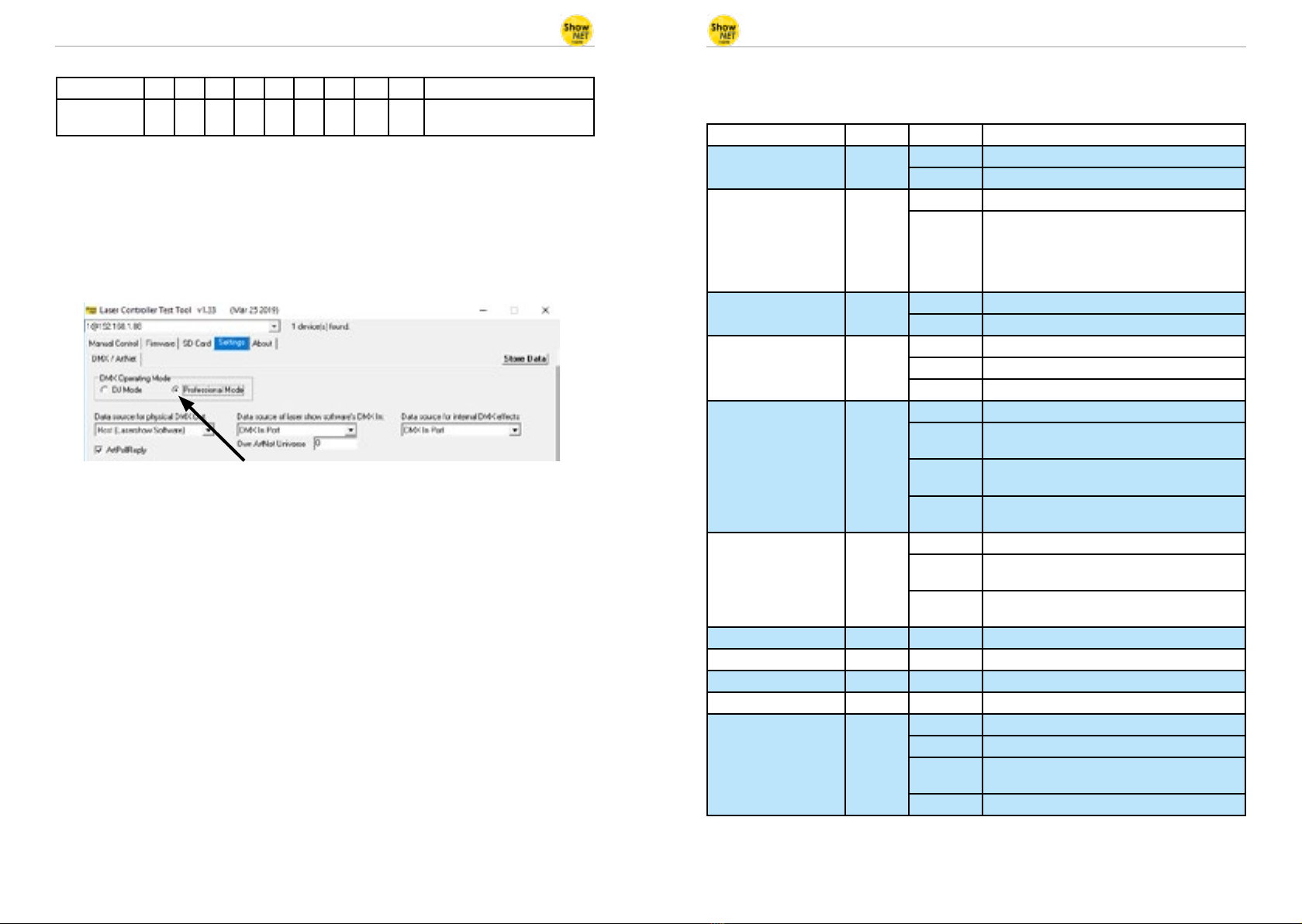
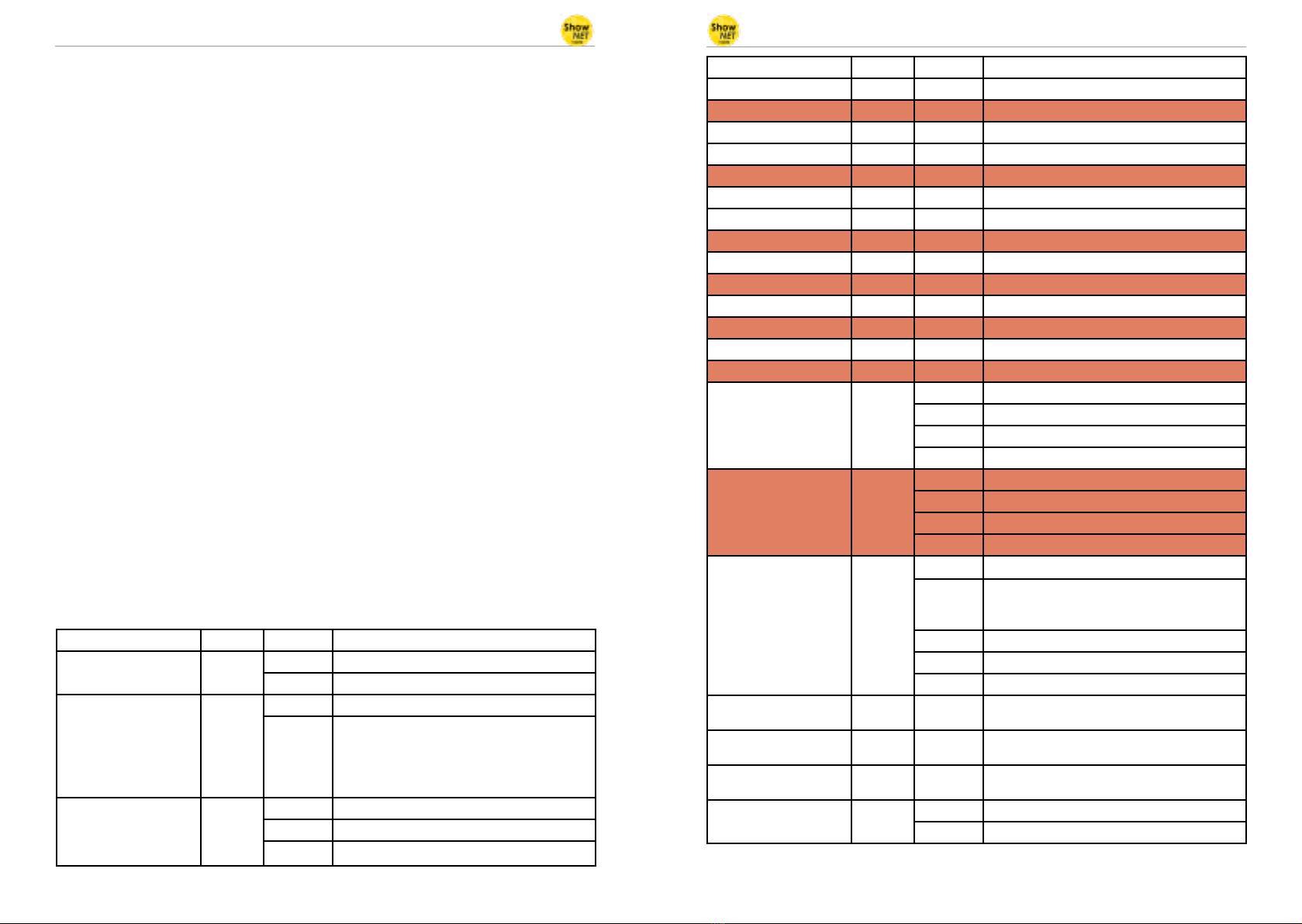
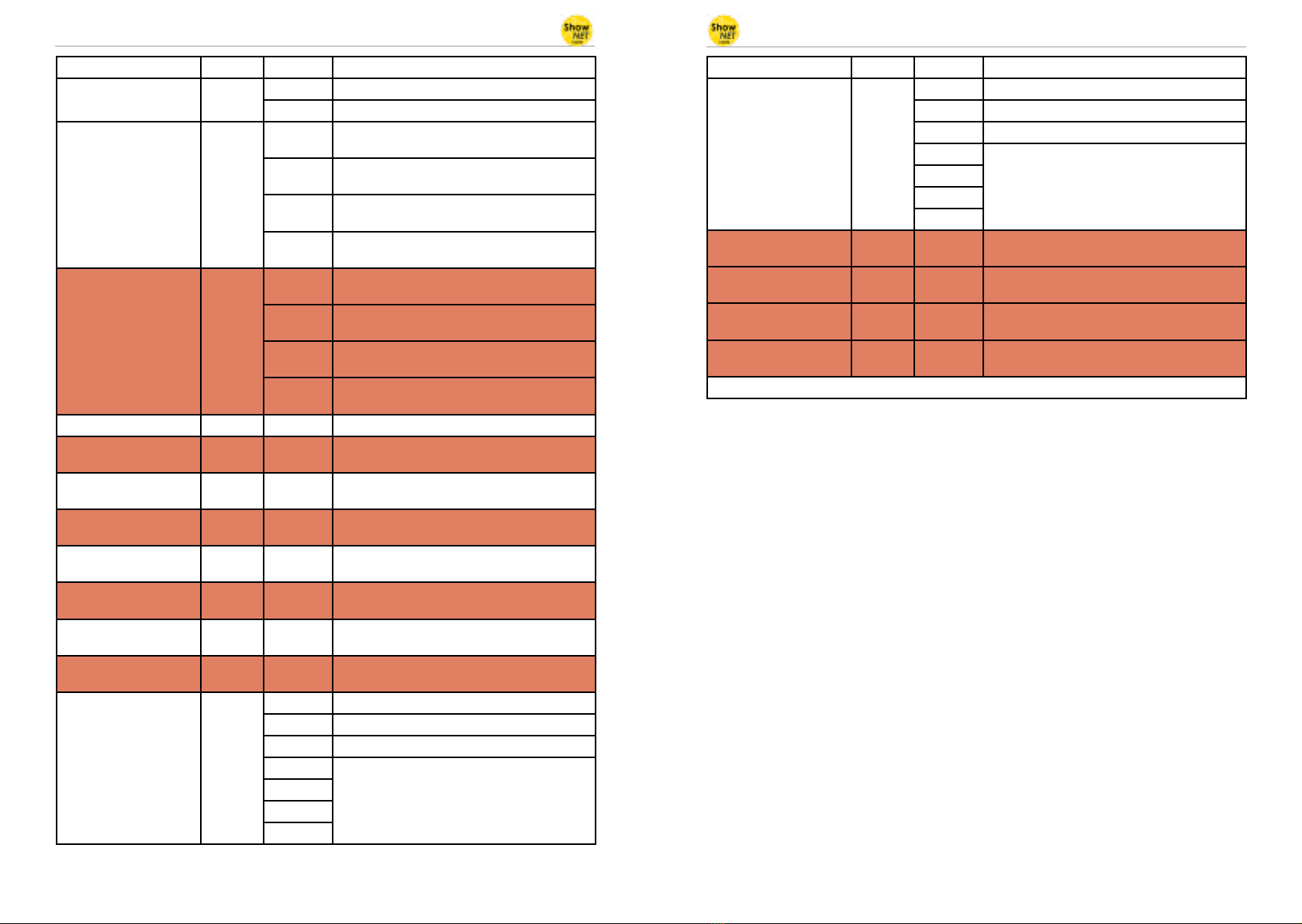
(2c) Professional Mode - DMX chart
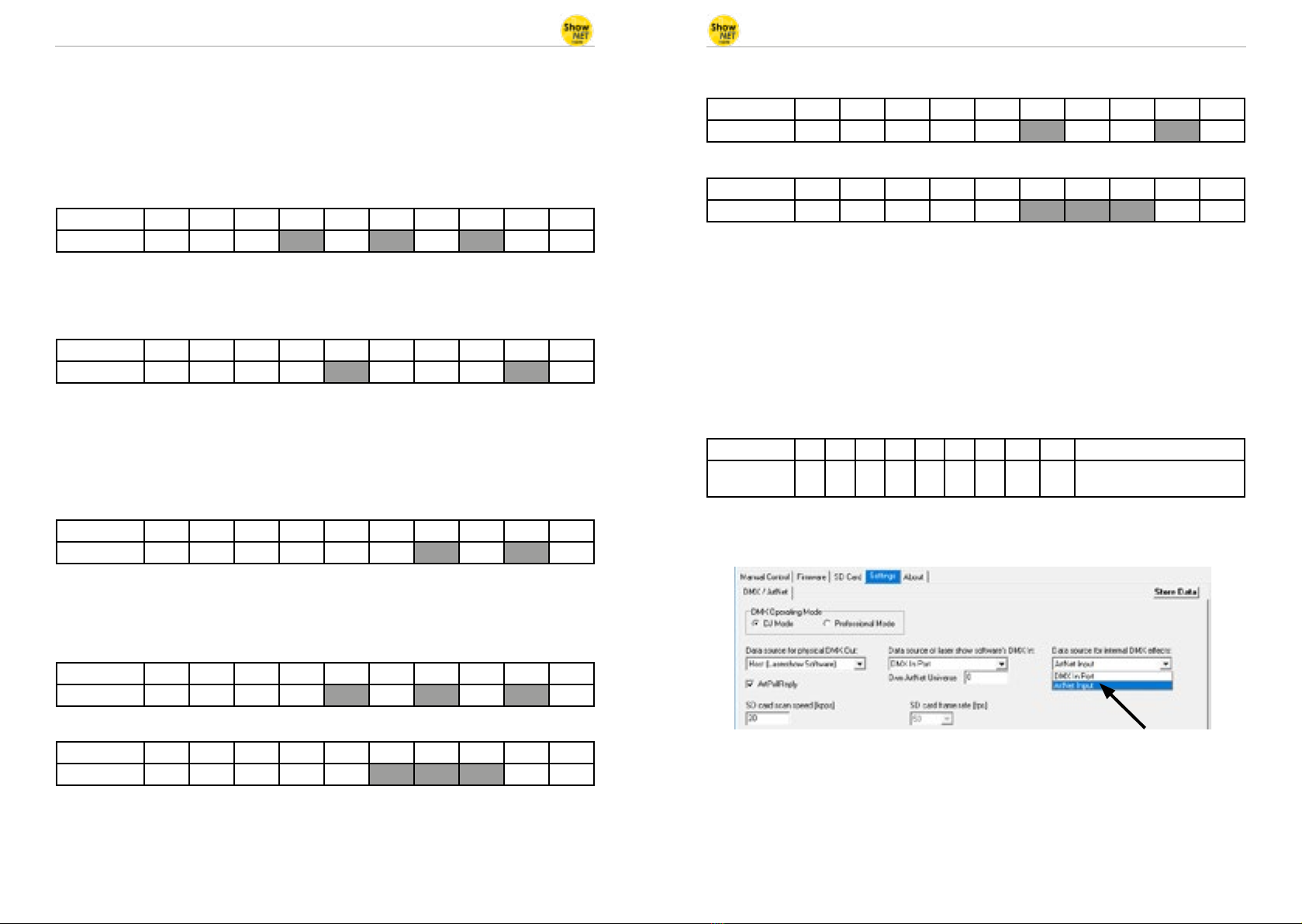
Orange cells are available in setup mode (channel 24 -> 134-135 and channel 25 -> 94-95).
Channel Mode Value Function
1 Intensity Prof. 0 Laser o
1 - 255 Increase intensity (full intensity = 255)
2 Pattern Selection Prof. 0 Blackout (000.ild must not exist)
1 - 255 Display patterns from SD card:
1 = 001.ild
2 = 002.ild
... and so on
If no pattern is assigned to a number = blackout
3 Pattern Speed
(Framerate)
Prof. 128 Standard speed 50 fps
0 - 127 Increasing speed from 0 fps tp 50 fps
129 - 255 Increasing speed from 50 fps to 100 fps
Channel Mode Value Function
4 Position X-Axis Coarse Prof. 0 - 255 From left (0) to right (255); center = 128
4 Setup: Position X-Axis Prof. 0 - 255 From left (0) to right (255); center = 128
5 Position X-Axis Fine Prof. 0 - 255
6 Position Y-Axis Coarse Prof. 0 - 255 From bottom (0) to top (255); center = 128
6 Setup: Position Y-Axis Prof. 0 - 255 From bottom (0) to top (255); center = 128
7 Position Y-Axis Fine Prof. 0 - 255
8 Rotation Coarse Prof. 0 - 255 Rotate; 0° = 128
8 Setup: Rotation Coarse Prof. 0 - 255 Rotate; 0° = 128
9 Rotation Fine Prof. 0 - 255
9 Setup: Rotation Fine Prof. 0 - 255
10 Size X-Axis Prof. 0 - 255 From maximum (0) to minimum (255)
10 Setup: Size X-Axis Prof. 0 - 255 From maximum (0) to minimum (255)
11 Size Y-Axis Prof. 0 - 255 From maximum (0) to minimum (255)
11 Setup: Size Y-Axis Prof. 0 - 255 From maximum (0) to minimum (255)
12 Inversion Prof. 0 - 63 None
64 - 127 Invert X-axis
128 - 191 Invert Y-axis
192 - 255 Invert X + Y-axis
12 Setup: Inversion Prof. 0 - 63 None
64 - 127 Invert X-axis
128 - 191 Invert Y-axis
192 - 255 Invert X + Y-axis
13 Color Selection Prof. 0 - 15 Original pattern colors
16 - 207 Color selection from red (16) through yellow
(48), green (80), cyan (112) and blue (144) up to
purple (176) with color mixtures in between.
208 - 223 White with half intensity for each color channel
224 - 239 White with full intensity for each color channel
240 - 255 Enables channels 14 -16 to select a specic hue
14 Red Prof. 0 - 255 Increase intensity red
Only active if the value of channel 13 is 240 - 255
15 Green Prof. 0 - 255 Increase intensity green
Only active if the value of channel 13 is 240 - 255
16 Blue Prof. 0 - 255 Increase intensity blue
Only active if the value of channel 13 is 240 - 255
17 Strobe Prof. 0 - 15 None
16 - 255 Increasing strobe eect