ZONE PROGRAMMING
Zones, in the context of an alarm system, are individual detectors. If the alarm gets triggered, the system records the zones that were
tripped, allowing the user to know the exact point of action. Zones also help the monitoring station to know whether they should call the
police or fire department upon an alarm. Each zone must be assigned to a partition.
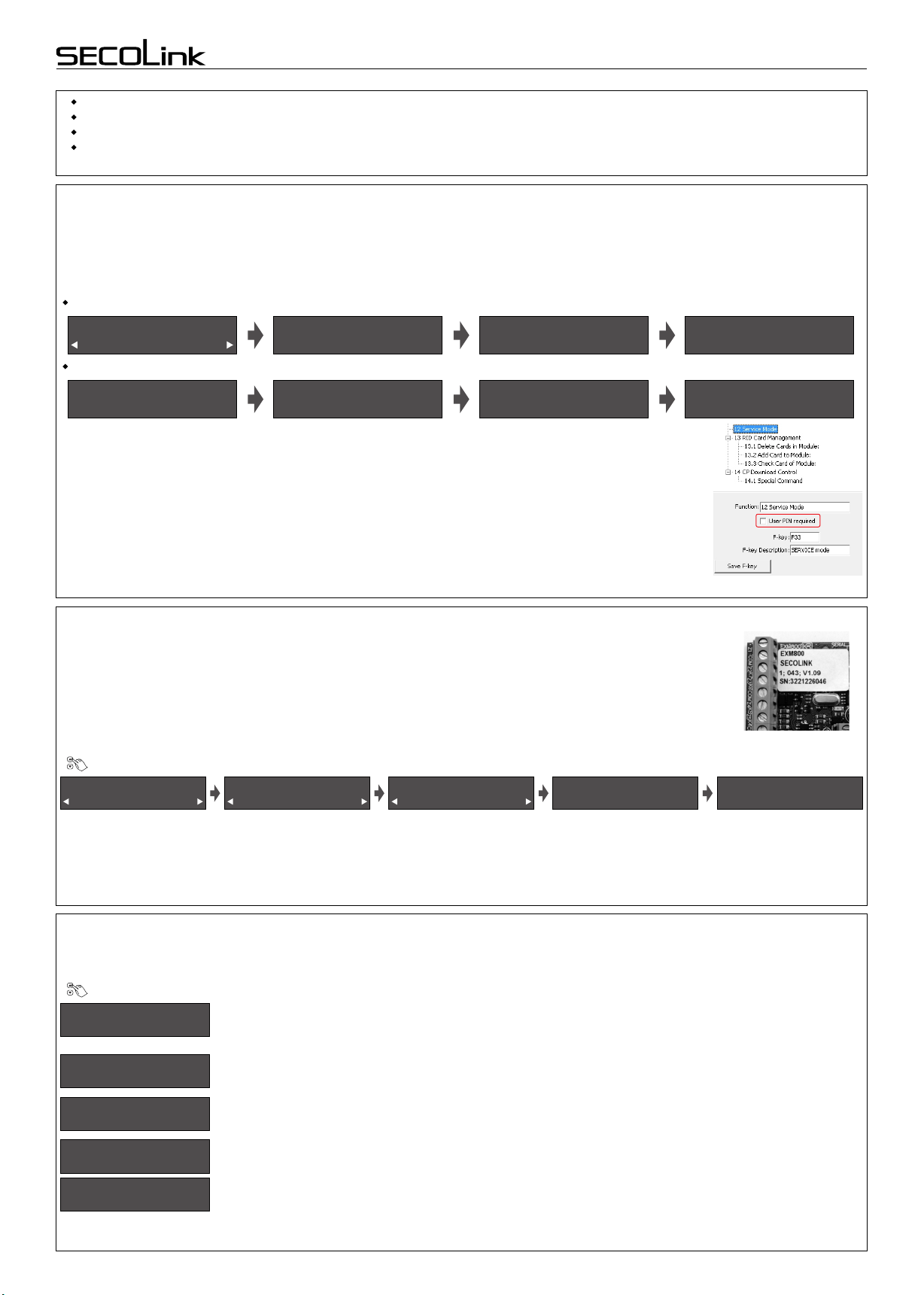
Service Mode }System Setup }Zones
It is recommended to give an appropriate name to the zone. This name will be used by the system for SMS
sending or for display on keypad’s LCD screen and etc.
Page 4
Short programming manual - basic information Intruder alarm system
|Operation mode }
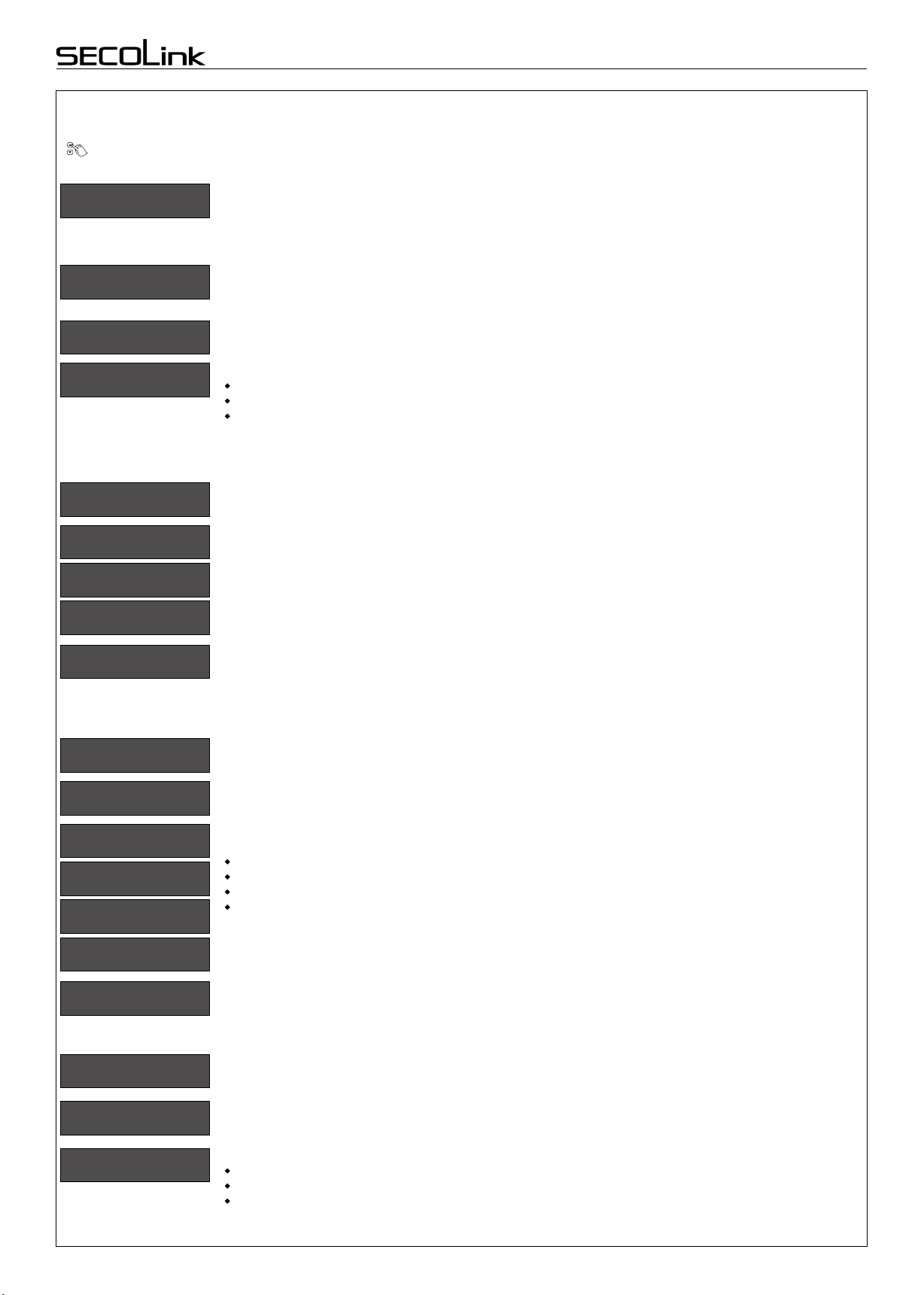
Small System
The meaning of LED indication depends on module operation mode:
Small System (up to 3 partitions) - this operation mode is useful when the system has 1 or 2 partitions
enabled.
1st and 2nd module LED indicates the arming mode in 1st and 2nd partitions respectively;
3rd LED indicates system troubles;
4th LED indicates an alarm, an alarm memory, not ready status (open zones), and zone bypass.
If the system has 3 partitions enabled, then the 3rd LED will indicate the arming mode of the 3rd partition.
Troubles will be indicated on the 4th LED. Color meaning:
Red color - Alarm;
Red slowly blinking - Alarm memory;
Green color - Not Ready;
Yellow color - Trouble;
Blue color - Bypassed Zone.
Large System (4 partitions) - each partition is assigned to the different module’s LED. Module LED indicates
all information (arming mode, alarm, alarm memory, troubles, and zone bypass).
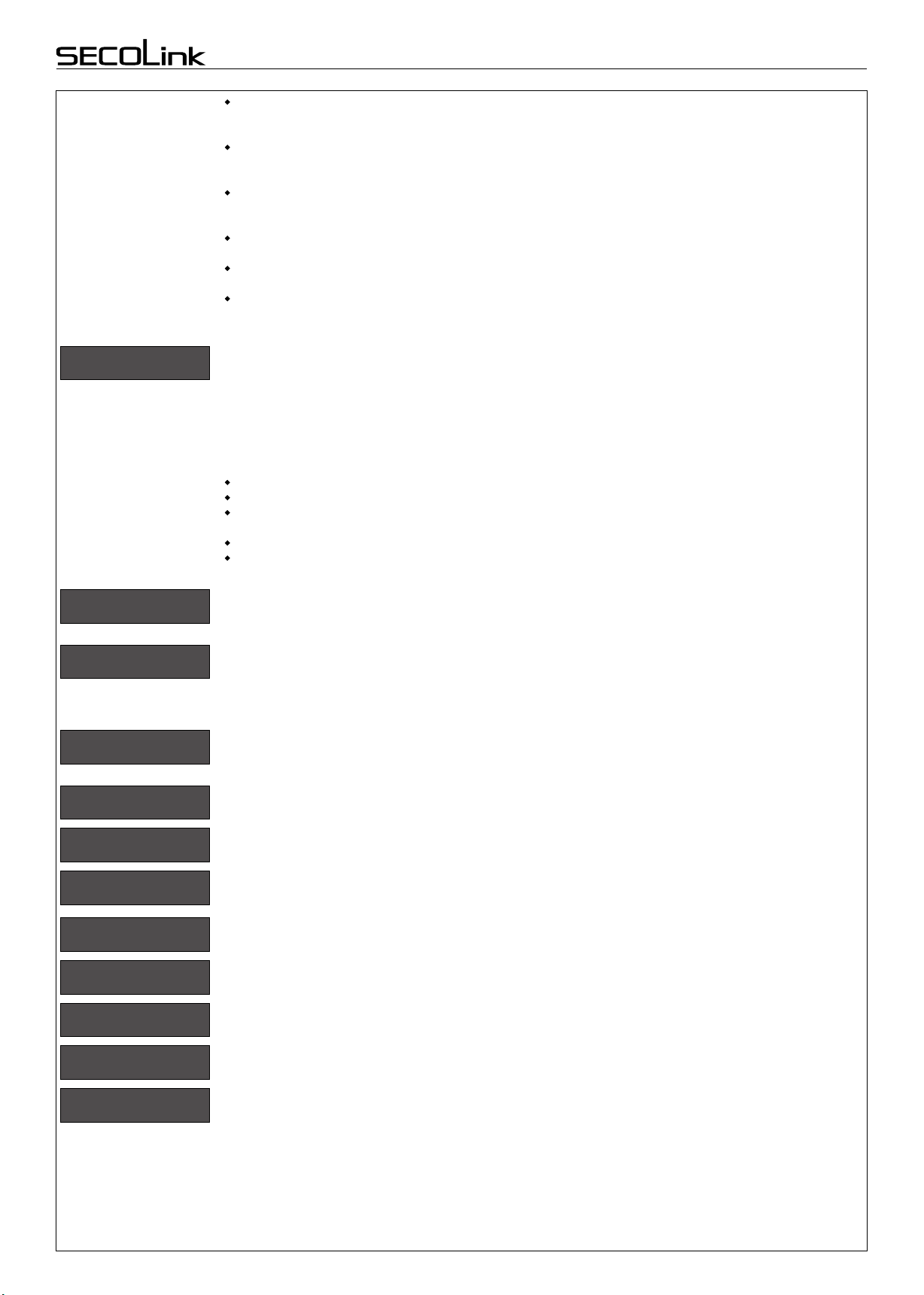
Z01|Name }
Entry Door
Z01|Address }
Z01|Address }
Z01|Address }
00_1
00_1 A
00_1 B
Z01|Loop Type }
NC/DEOL
Z01|Partition }
1
Z01|Definition }
Entry/Exit
Zone address is a 3-digit number represented in MA_Z format, where MA specifies a module address in the
system and Z specifies a zone terminal in the module board. Example: 00_1 - where 00 means the control panel
and 1 means the zone terminal Z1. To program a doubled zone - A and B detectors must be specified. Use
keypad keys [A] or [B] to specify theses detectors in zone address field (example: 00_1 A, 00_1 B, ...).
Note: use loop types NO/DEOL or NC/DEOL for the doubled zones.
For wireless zones MA_1 – MA_8 the system will automatically assign NO/DEOL loop type and for wireless
zones MA_9 – MA_16 the Vibration loop type. Do not change the loop type of zone!
Wireless module address:
EXT116S - address 06 (default) or one that is given during the registration process.
Virtual wireless module EXT116S address:
P16 - address 12;
P32 - address 12 and 13.
The Loop type menu enables you to program the connection type used for each of the system’s zones. The
actual (physical) loop type for each zone must comply with that selected in the Loop type menu. Available loop
types:
Not used
NC - uses normally closed contacts and no end of line resistor;
NO - uses normally open contacts and no end of line resistor;
uses normally closed (NC) contacts in a zone terminated by a 1k end of line resistor;NC/EOL -
uses normally open (NO) contacts in a zone terminated by a 1k end of line resistor;NO/EOL -
uses normally closed (NC) contacts in a zone using at least two 1k end of line resistors to NC/DEOL -
distinguish between alarms and tamper conditions;
ses normally open (NO) contacts in a zone using at least two 1k end of line resistors to NO/DEOL - u
distinguish between alarms and tamper conditions;
Vibration - special purpose zone loop type;
Roller - special purpose zone loop type;
Each zone must be assigned to a partition. All zones are assigned to the 1st partition by default.
Setting the zone definition is partly determined by the arming mode:
Entry/Exit - used for Entry/Exit doors. A zone must be closed during arming and when the delay expires.
Entry delay will be available when the system is armed in Away or Stay mode.
Interior - usually assigned to motion detectors and to interior doors. Violation of this zone will not trigger an
alarm when the system is armed in Night or Stay mode.
Perimeter or Instant - usually intended for non-exit/entry doors, window protection, shock detection, and
motion detectors. A zone goes immediately into an alarm state when violated while armed.
24h Burglary - a violation of such a zone causes an instant intrusion alarm, regardless of the system’s state.
24h Panic Silent - used for external panic buttons. If violated, an immediate panic alarm is triggered, with the
exception that there is no audible indication of the violation.
24h Panic Audible - same as Panic Silent, except that the alarm will be audible.
24h Tamper - the tamper function is continuously operational. When a 24h tamper zone is activated, a
tamper alarm is generated.
24h Fire or 24h Smoke - for smoke or other types of fire detectors. To avoid false alarms, zone attribute Fire
Verification is recommended to use.
24h Fire button - for external auxiliary emergency alert buttons. If violated, an immediate fire alarm will
sound, regardless of the system’s state.
24h Medical button - for external auxiliary emergency alert buttons. If violated, an immediate medical alarm
will sound, regardless of the system’s state.
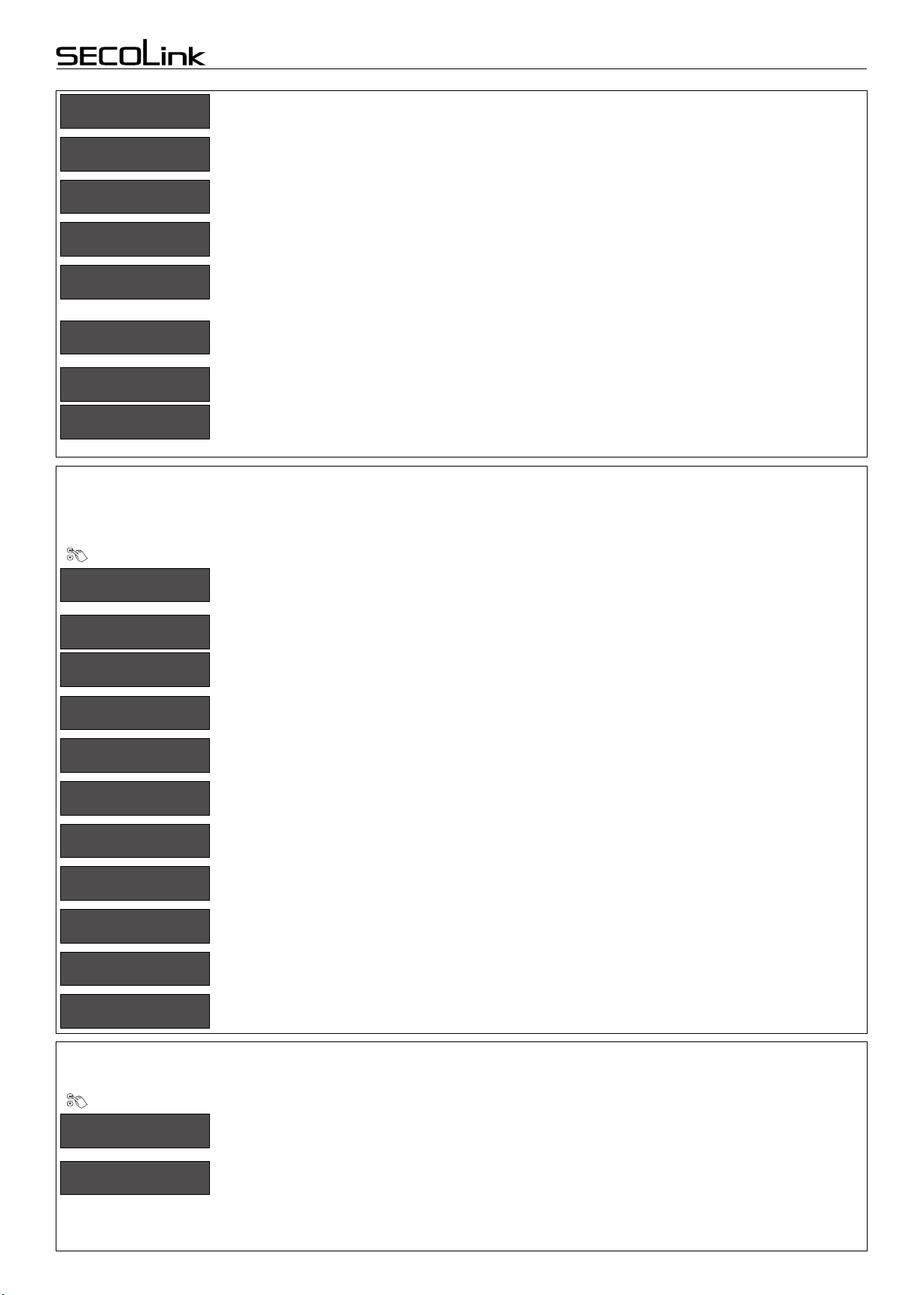
System with KM20B keypads