ii MAN004 Rev Date 2/26/2007
TABLE OF CONTENTS
Introduction....................................................................................................................................................................1
Materials ......................................................................................................................................................................1
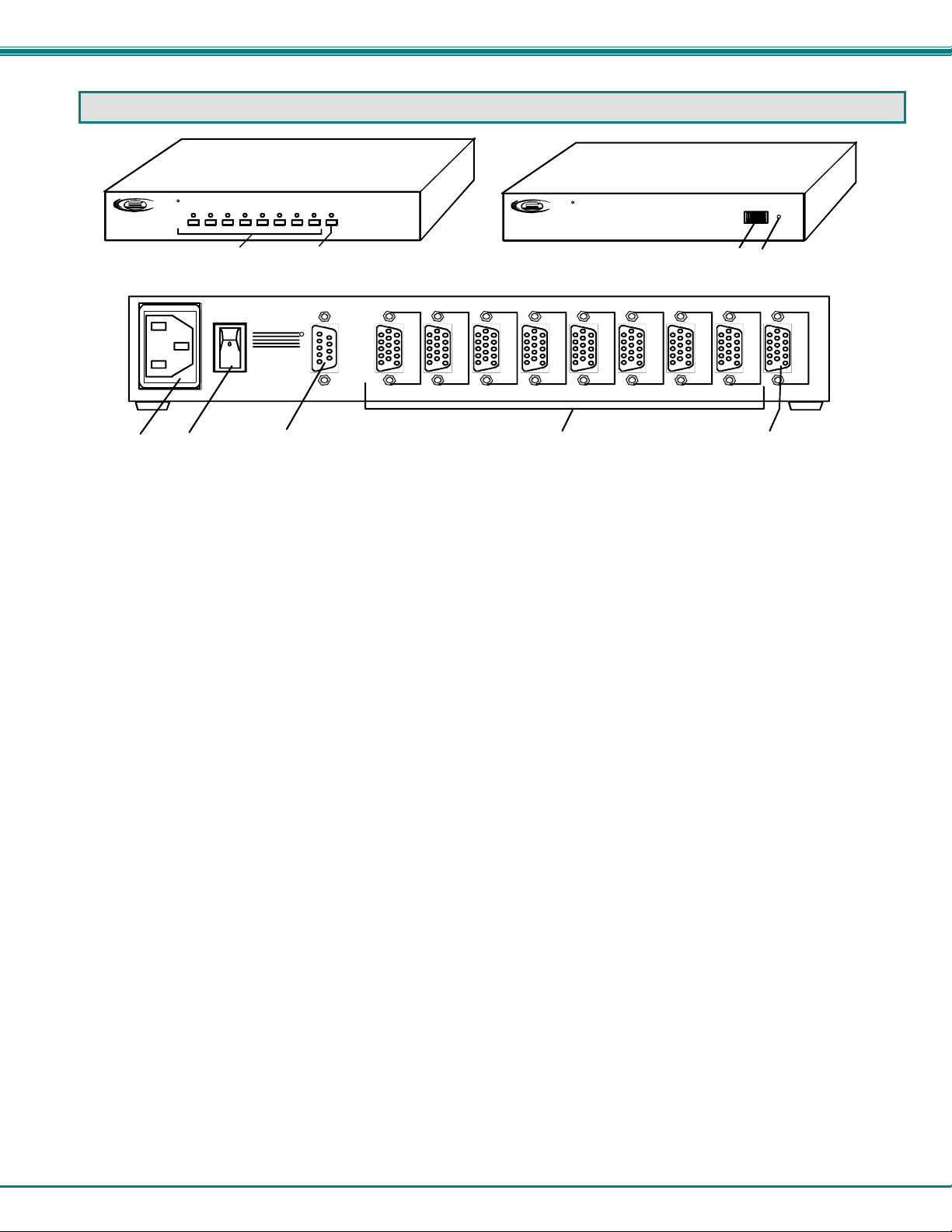
Features and Functions................................................................................................................................................2
Rack-Mounting ..............................................................................................................................................................3
To Mount to a Rack .....................................................................................................................................................3
Installation......................................................................................................................................................................4
Cable Connections ......................................................................................................................................................4
RS232 Control ..........................................................................................................................................................4
Power Up Sequence....................................................................................................................................................4
Local Control .................................................................................................................................................................5
Scan Mode................................................................................................................................................................5
RS232 Control................................................................................................................................................................5
RS232 Connections and Configuration.......................................................................................................................5
Remote Connection..................................................................................................................................................5
Baud Rate.................................................................................................................................................................6
Unit Address .............................................................................................................................................................6
Loop Back Dipswitch ................................................................................................................................................6
Command Protocol......................................................................................................................................................8
Autostatus.................................................................................................................................................................9
Scan Mode................................................................................................................................................................9
Matrix Switcher's Control Program For Windows 9X, NT, 2000 AND XP...................................................................9
SerTest- RS232 Interface Test Program...................................................................................................................10
Main Options...........................................................................................................................................................10
Matrix Operations....................................................................................................................................................10
Setup Options.........................................................................................................................................................10
Specifications For Straight-Through RS232 Serial Cable.......................................................................................11
Technical Specifications ............................................................................................................................................11
Troubleshooting..........................................................................................................................................................11
Index.............................................................................................................................................................................12
Warranty Information..................................................................................................................................................12
TABLE OF FIGURES
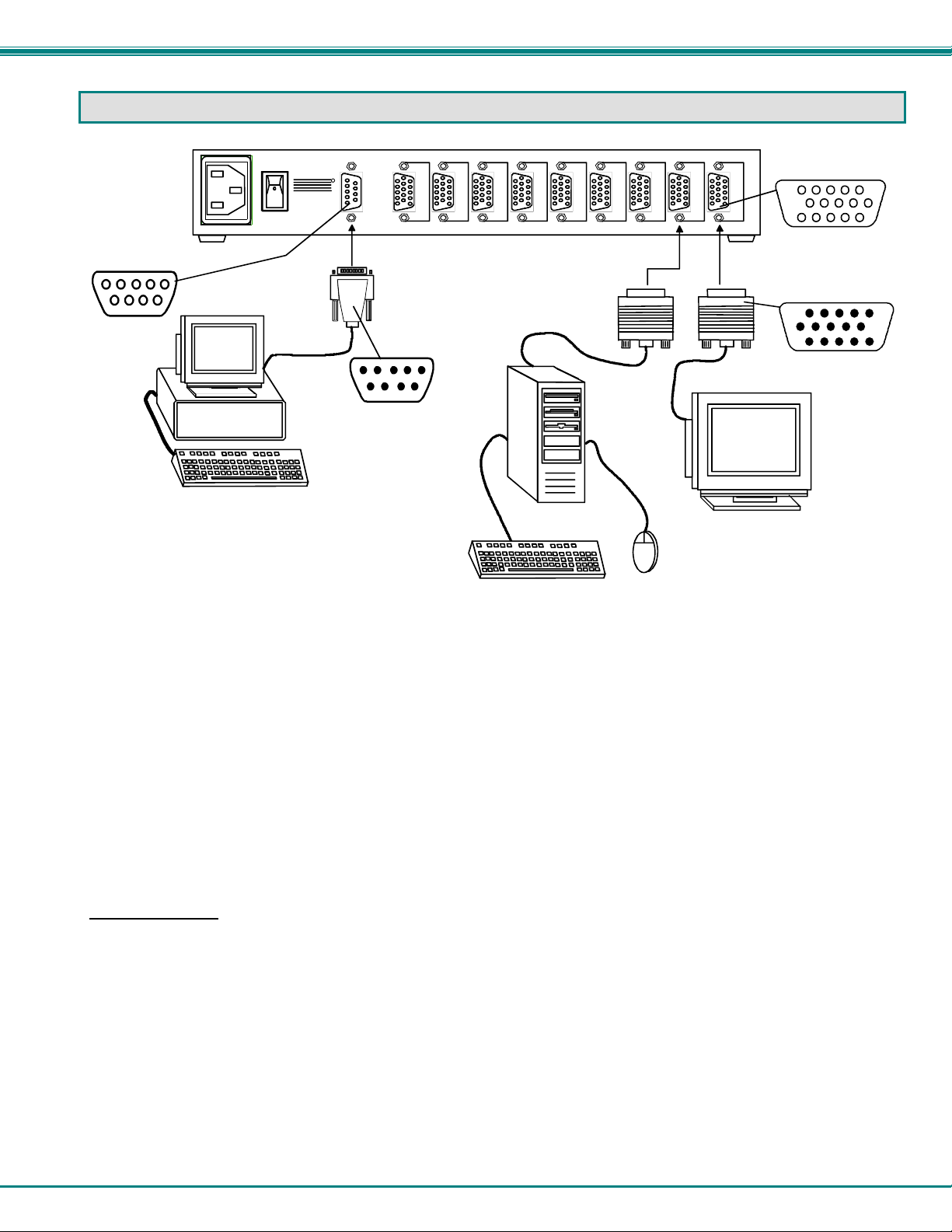
Figure 1- Make cable connections to the VIDMUX ............................................................................................................................4
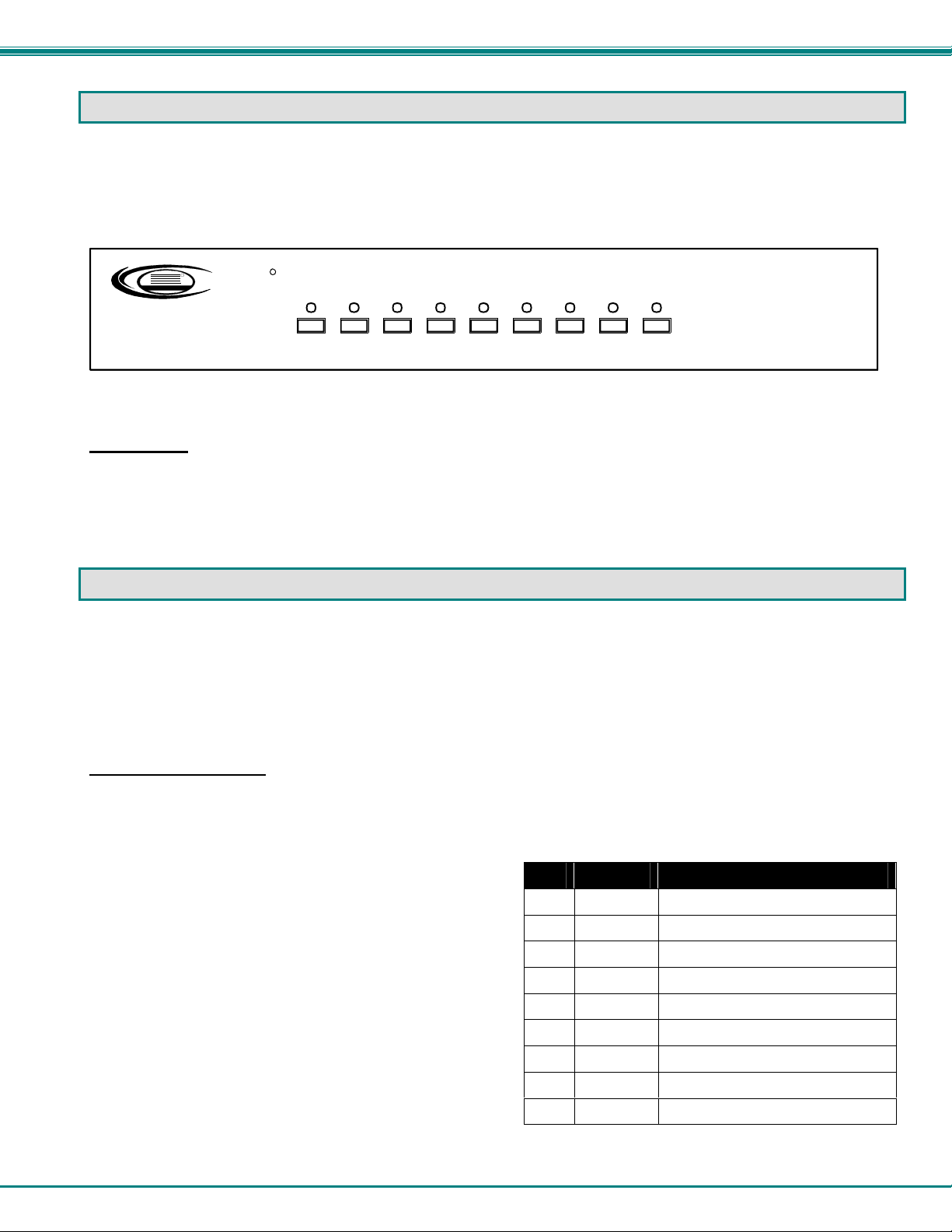
Figure 2- View of Front of VIDMUX with Local Control......................................................................................................................5
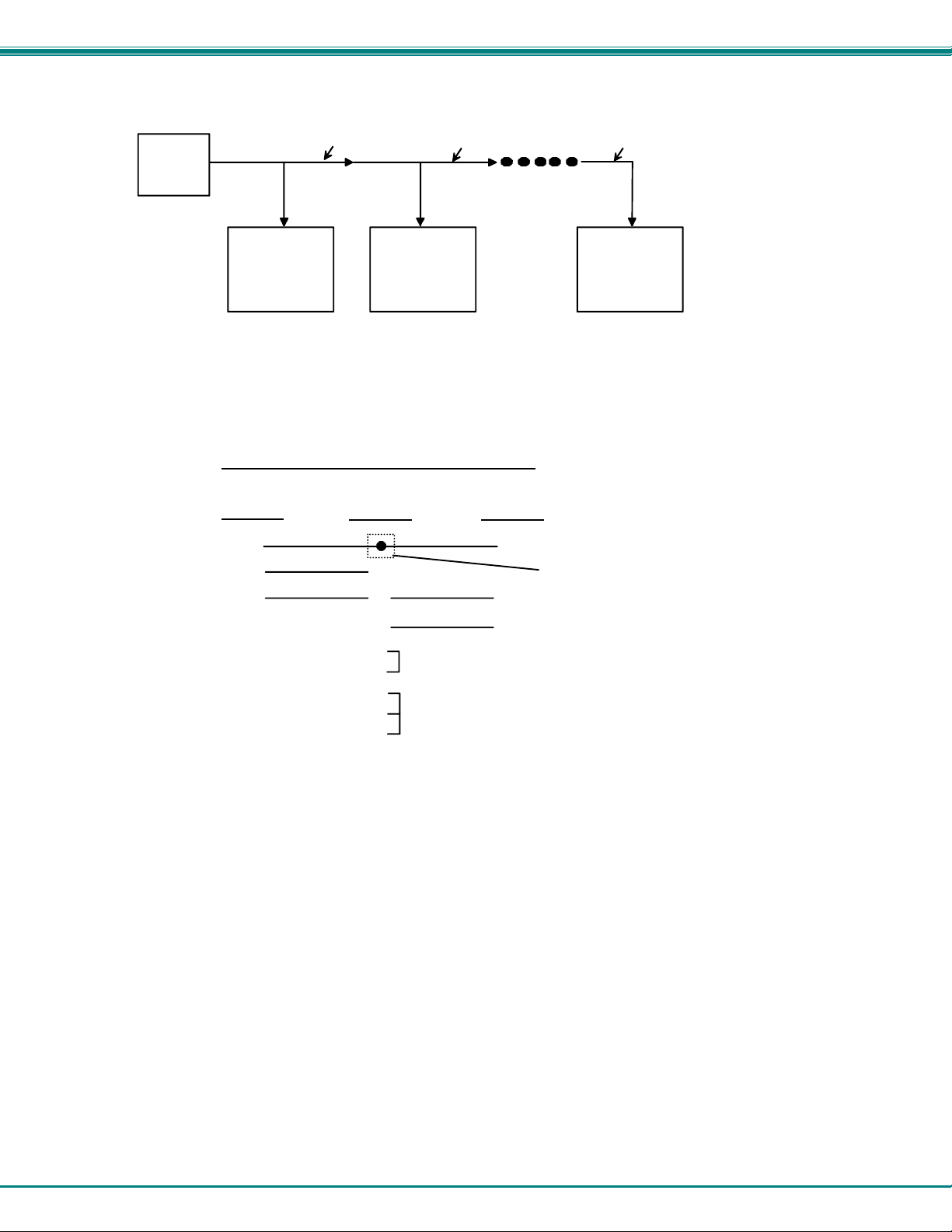
Figure 3- RS232 connection with Matrix-Y-1 cable............................................................................................................................7
Figure 4- Pinout of Matrix-Y-1 cable ..................................................................................................................................................7