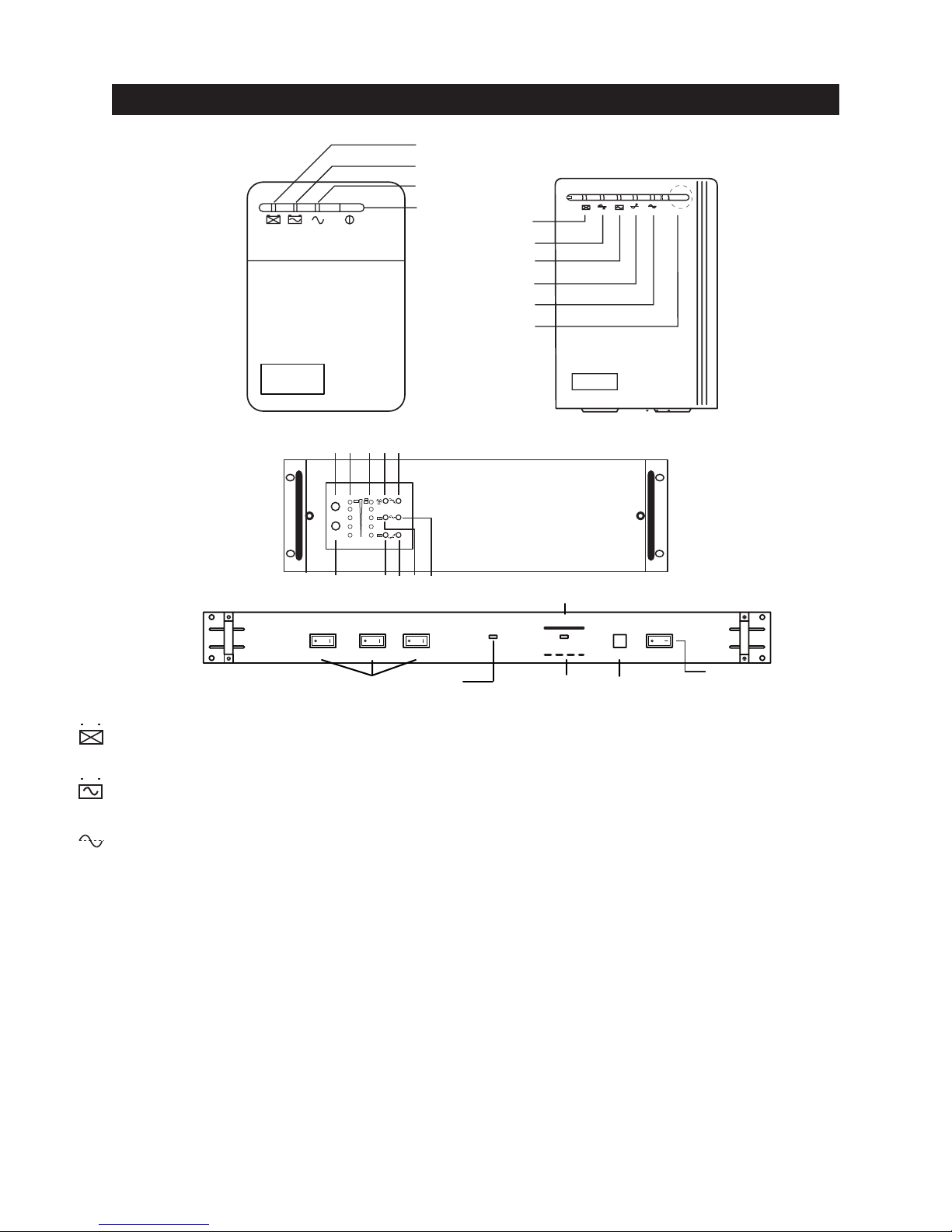
1. Overview
The Sprint series is made up of a broad range of line-interactive models in both Tower and
19" Rack-Mount configurations. Line interactivity implies Automatic Voltage Regulation which
uses buck / boost circuitry to correct for input voltage variations ranging from 75% to 125% of
nominal, without the need to transfer to battery,while maintaining a constant output to the load.
Theyfeature microprocessor control of battery charging and since this is a continuous function,
there is no need to switch the UPS on in order for charging to be activated. Toreduce the cost of
ownership, the units turn off automatically ("Sleep Mode") if none of the connected equipment is
operating. There is battery replacement indication and a cyclical self-test function that verifies
both UPS operation and battery condition. They also feature a “cold-start” function that
allows the user to power-up the load directly from the UPS without the availability of utility power.
In addition, the UPS provides single telephone line or modem surge suppression through the
modular connectors on the rear panel, as well as on the AC output receptacles.
Using the UPS with the included software*and interconnecting cable, allows intelligent control
of the system when linked to a host computer.(Some operating systems may require the use of
other optional software).
Dry contacts, accessible via the standard RS-232, connector, allow for remote signalling of basic
functions such as Power Normal, Backup Mode, and Low Battery states as well as Remote Shutdown.
*Software is presently available for PC operating systems only. Later versions may be available
for Macintosh operating systems.
2. Safety
WARNINGS AND CAUTIONS!
Please be aware of, and observe the following:
• To reduce the risk of electric shock, disconnect the UPS from the main AC supply before
installing a computer interface cable. Reconnect the power cord only after the signaling
interconnections have been made.
• The internal energy source (the battery) cannot be de-energized by the user. The output may be
energized when the unit is not connected to the AC supply.
• The correct way to de-energize the UPS properly in an emergency is to move the I/O switch to
the OFF position and disconnect the power cord from the main supply.
• Even when the unit is disconnected, risk of electric shock from parts energized by the battery inside the unit
still exists. To avoid this, the battery supply should be disconnected at the positive and negative terminals.
• The outlet sockets should be installed near the equipment and easily accessible.
• Do not dispose of batteries in a fire as they may explode. Please contact tech support for proper
disposal instructions.
• Do not open or attempt to dismantle the battery, as electrolyte that is harmful to the skin and
eyes may be released.
• A battery can present a risk of electric shock and high short circuit current. The following
precautions should be taken when working with them:
- Remove watches, rings and other jewelry or metal objects.
- Use tools with insulated handles.
• To reduce risk of fire, replace only with same type and rating of fuse.
• To reduce the risk of fire or electric shock, install the UPS in a temperature and humidity
controlled indoor area free of conductive contaminants.
1
!