MaNima Technologies
8 Hastelweg 260B
5652CN Eindhoven
The MaNima Configurator- The UI (User Interface)
On the left side of The MC window there are multiple tabs which are used to
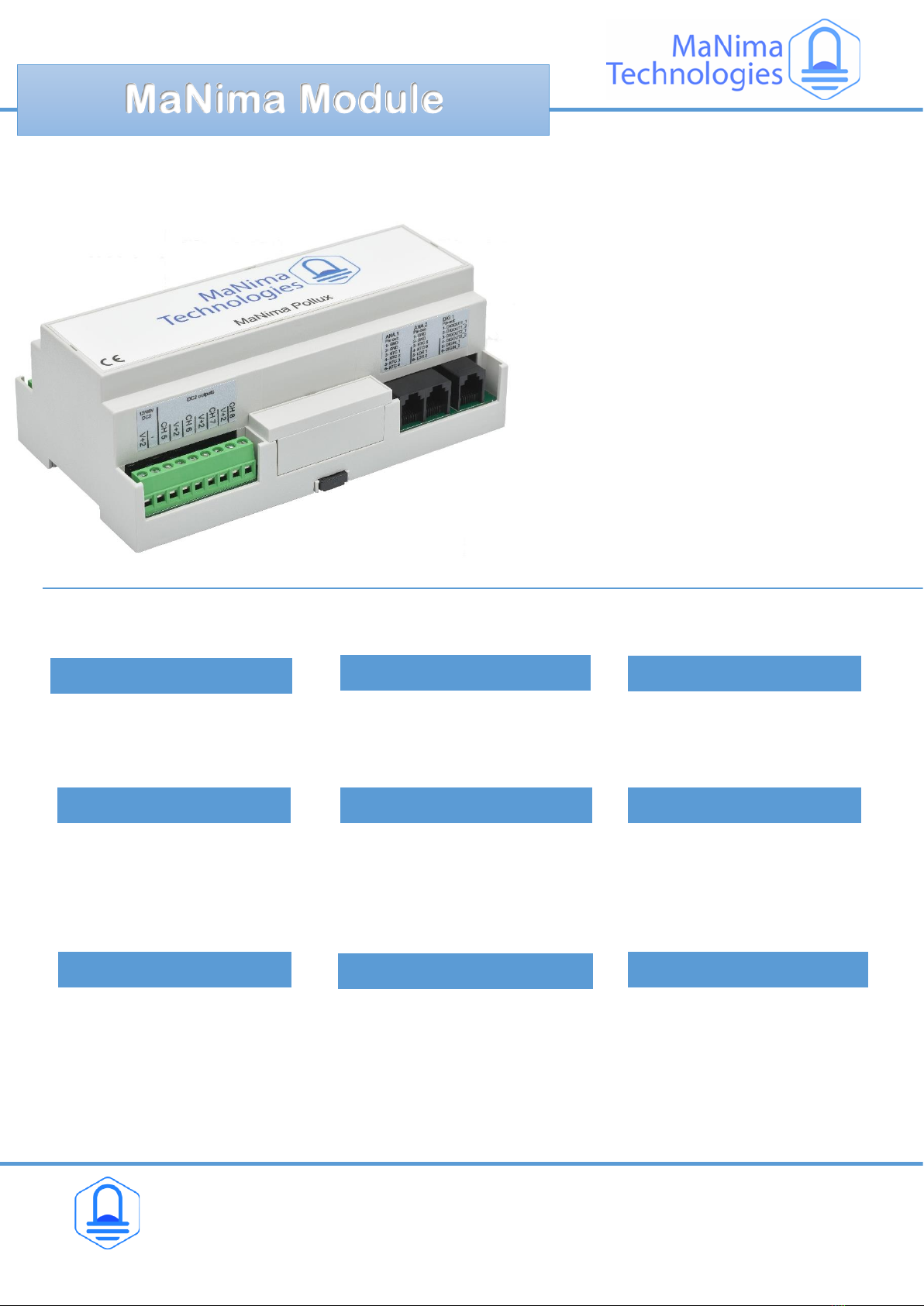
configure the MaNima Pollux. A short explanation is given to each tab below:
On the left side of The MC window there are multiple tabs which are used to
configure the MaNima LED Interface. A short explanation is given to each tab below:
On the left side of The MC window there are multiple tabs which are used to
configure the MaNima LED Interface. A short explanation is given to each tab below:
On the left side of The MC window there are multiple tabs which are used to
configure the MaNima LED Interface. A short explanation is given to each tab below:
The scanner is the tab where the user can find and select the
different MaNima Products that are connected to the same
network. This is also the homepage.
Network is the tab used to select DHCP and to configure IP-
addresses manually.
Network is the tab used to select DHCP and to configure IP-
addresses manually.
Network is the tab used to select DHCP and to configure IP-
addresses manually.
Network is the tab used to select DHCP and to configure IP-
addresses manually.
Led output is the tab used to configure each port of the MaNima
Pollux. Universes can also be added, deleted and changed here
for each port.
Mapping is the tab used to configure each port of the MaNima
LED Interface. universes can also be added, deleted and changed
here. Chipsets & colour sequences are also found here.
Mapping is the tab used to configure each port of the MaNima
LED Interface. universes can also be added, deleted and changed
here. Chipsets & colour sequences are also found here.
Mapping is the tab used to configure each port of the MaNima
LED Interface. universes can also be added, deleted and changed
here. Chipsets & colour sequences are also found here.
The NTC / LDR tab is used to configure the NTC / LDR inputs and
to read out the sensor data.
The Update tab is used to keep the Software version of the
MaNima Digital LED Interface up to date.
The Update tab is used to keep the Software version of the
MaNima Digital LED Interface up to date.
The Update tab is used to keep the Software version of the
MaNima Digital LED Interface up to date.
The update tab is used to keep the software version of the
MaNima Pollux up to date.
Here it is possible to change the name of the device, perform a
(factory)reset and to change the global dimming.
Here it is possible to change the name of the device, perform a
(factory)reset and to change the global dimming.
Here it is possible to change the name of the device, perform a
(factory)reset and to change the global dimming.
Here it is possible to change the name of the device, perform a
(factory) reset and to change the global dimming.
The MaNima Configurator-
ScannerBy pressing about, the user can see which
version of the MC is installed.
The MaNima Configurator-
Scanner
e
By pressing about, the user can see which version of the MC is
installed.
The MaNima Configurator-
ScannerBy pressing about, the user can see which
version of the MC is installed.
The MaNima Configurator-
Monitor the Current of the PWM outputs here. Parameters can
also be set here.
Mapping is the tab used to configure each port of the MaNima
LED Interface. universes can also be added, deleted and changed
here. Chipsets & colour sequences are also found here.
Mapping is the tab used to configure each port of the MaNima
LED Interface. universes can also be added, deleted and changed
here. Chipsets & colour sequences are also found here.
Mapping is the tab used to configure each port of the MaNima
LED Interface. universes can also be added, deleted and changed
here. Chipsets & colour sequences are also found here.
I / O is the tab used to configure the In-and Outputs of the
MaNima Pollux
The Update tab is used to keep the Software version of the
MaNima Digital LED Interface up to date.
The Update tab is used to keep the Software version of the
MaNima Digital LED Interface up to date.
The Update tab is used to keep the Software version of the
MaNima Digital LED Interface up to date.
Boot scene is used to create standalone static scenes.
The Update tab is used to keep the Software version of the
MaNima Digital LED Interface up to date.
The Update tab is used to keep the Software version of the
MaNima Digital LED Interface up to date.
The Update tab is used to keep the Software version of the
MaNima Digital LED Interface up to date.