5
lci1.com 574-537-8900 Rev:06.17.20
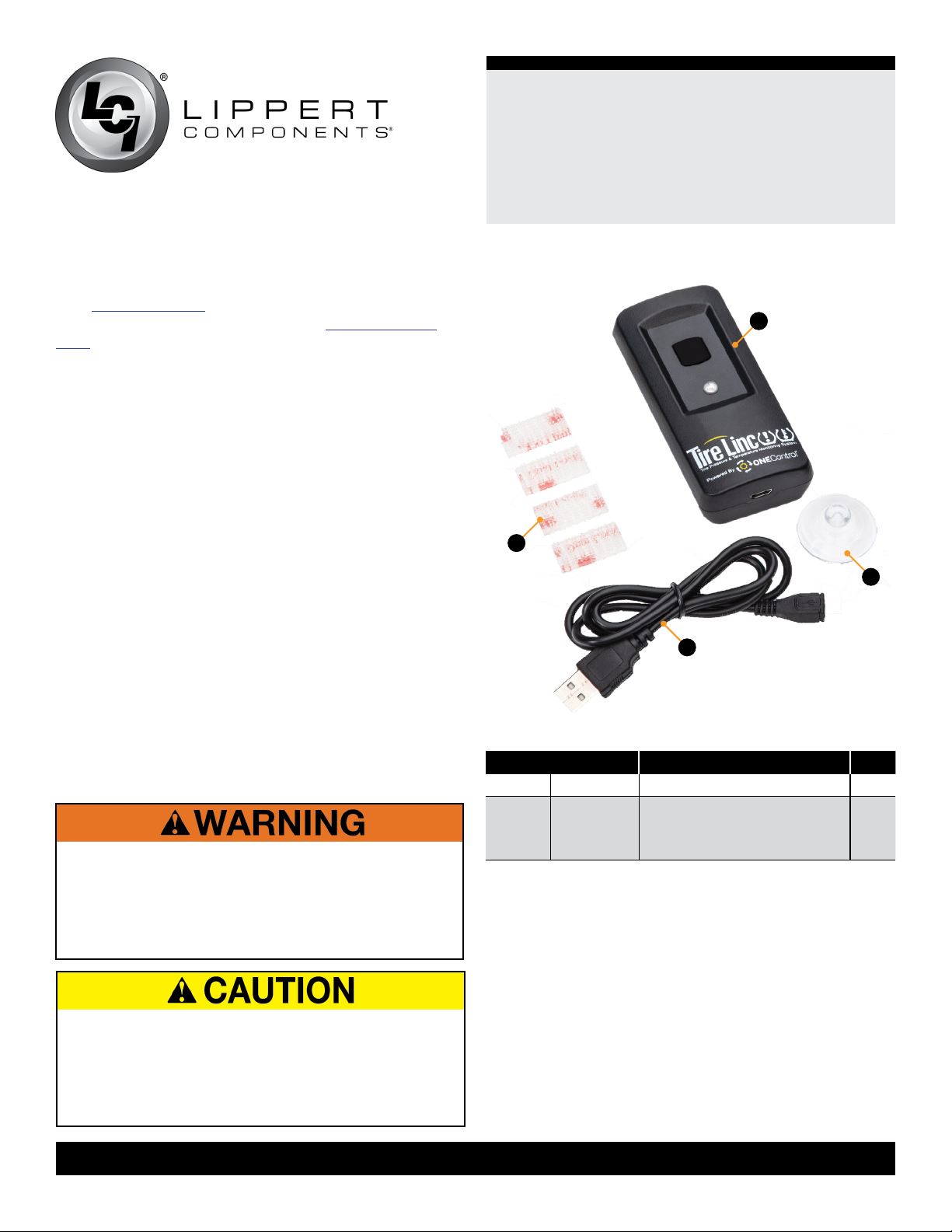
Tire Linc 2.0®
Alert Indicator
Installation and Owner’s Manual
(For Aftermarket Applications)
CCD-0003850
Use Alert Indicator to Pair Sensors to Repeater
NOTE: Use this procedure if Stem Sensors have not
previously been paired using a smart phone or if a smart
phone is not available.
1. Use the Alert Indicator to pair the Stem Sensors (Fig.2) to
the Repeater.
A. Remove any existing stem caps from the tires.
NOTE: If using the lock nuts as a theft deterrent, add the
lock nuts to the tire stems while making sure there is room
to add the Sensors. Lock nuts will be tightened at a later
stage. The lock nuts are optional and are not required to be
installed.
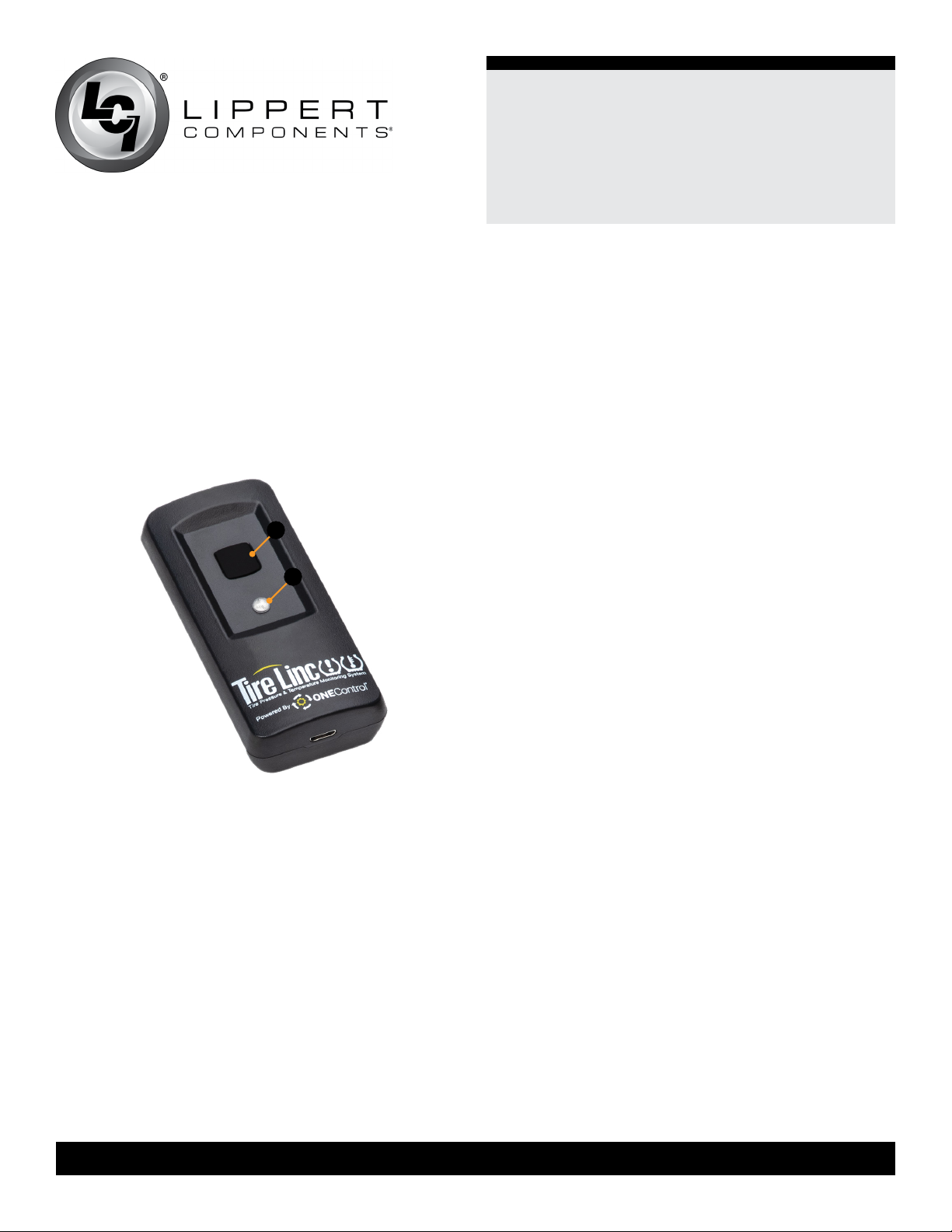
B. To begin pairing the Stem Sensors to the Repeater,
push the Alert Indicator button (Fig.1A) once to make sure
the Indicator is awake. Within 10 seconds, press and hold
the Alert Indicator button.
C. After one beep has sounded and one green LED
flashes, continue to hold the Alert Indicator’s button.
D. After two beeps sound off, release the Alert Indicator’s
button. The Alert Indicator’s LED will blink green twice.
2. The Alert Indicator will connect to the Repeater and emit
a happy tone, if the connection is successful.
NOTE: To cancel learning, press and hold the Alert
Indicator button for more than four seconds and then
release. After hearing two beeps, learning is canceled.
Sensors will not be remembered.
3. The Alert indicator LED will blink purple, then green one
time to indicate that the rst sensor (left front) is ready for
pairing to the Repeater.
A. Screw a Stem Sensor onto the proper sequence
tire, wait 10 seconds, then press and release the Alert
Indicator button.
B. The Indicator will beep and its LED will blink purple
indicating that the Repeater is scanning for the sensor.
C. Within five seconds, if the sensor is found, a beep will
sound off and the LED will blink purple followed by two
green flashes, indicating the Alert Indicator is ready to
scan for the second Sensor.
I. If more than five seconds elapse, press and release
the Alert Indicator button again; this will extend the
scan time.
II. If a Sensor is not found, two beeps will sound and the
LED will blink green once, indicating the Alert Indicator
still needs to learn the first sensor.
4. Repeat steps 3A, 3B and 3C to pair the remaining
Sensors in order.
NOTE: Stem Sensors take time to wake from deep sleep,
so step 3A may need to be repeated twice.
5. After all Sensors have been paired to the Alert Indicator,
the Alert Indicator’s LED will blink purple then green
ve times.
6. Press and hold the Alert Indicator button for about two
seconds until a single beep is heard, then release the
button.
A. This ends learning and the repeater will remember the
Stem Sensors.
B. The Alert Indicator will now be in monitor mode.
NOTE: When learning has completed, the low and high
pressure limits of the tires are estimated at +/- 20% of the
last received sensor data. Make sure Sensors are not
removed during the learning process or the pressure limit
values will be incorrectly estimated.
NOTE: If installing the optional lock nut as a theft deterrent,
loosen Stem Sensor slightly and hand tighten lock nut
against the Sensor. Using wrench provided in kit, hold lock
nut in position and hand tighten Stem Sensor against
lock nut.