LAUNCH TECH X-PROG3 Manuel utilisateur

I
LAUNCH X-PROG3
EN
Copyright
Copyright © 2020 by LAUNCH TECH CO., LTD. All rights reserved. No part of
this publication may be reproduced, stored, or transmitted in any form without
the written permission of the copyright owner.
Trademark
Launch is a registered trademark of LAUNCH TECH CO., LTD in China and
other countries. All other marks are trademarks or registered trademarks of
their respective owners.
Disclaimer
The contents of this document are subject to changes without notice due to
continued improvements in design, manufacture, and methodologies. Launch
is not liable for the damage or losses due to the use of this document.
FCC Statement
Any Changes or modications not expressly approved by the party responsible
for compliance could void the user’s authority to operate the equipment.
This device complies with part 15 of the FCC Rules. Operation is subject to
the following two conditions:
a. This device may not cause harmful interference
b. This device must accept any interference received, including interference
that may cause undesired operation.
Note: This equipment has been tested and found to comply with the limits for
a Class B digital device, pursuant to part 15 of the FCC Rules. These limits
are designed to provide reasonable protection against harmful interference
in a residential installation. This equipment generates uses and can radiate
radio frequency energy and, if not installed and used in accordance with
the instructions, may cause harmful interference to radio communications.
However, there is no guarantee that interference will not occur in a particular
installation. If this equipment does cause harmful interference to radio or
television reception, which can be determined by turning the equipment off
and on, the user is encouraged to try to correct the interference by one or
more of the following measures:
-Reorient or relocate the receiving antenna.
-Increase the separation between the equipment and receiver.
-Connect the equipment into an outlet on a circuit dierent from that to which
the receiver is connected.

II
LAUNCH X-PROG3
EN
-Consult the dealer or an experienced radio/TV technician for help.
The device has been evaluated to meet general RF exposure requirement.
The device can be used in portable exposure condition without restriction.
Important: Please read this manual carefully and understand the safety
precautions before performing any operation to this product.
Safety Grades
Safety grade denitions in this manual are as followings:
Symbol Denition Usage
Danger Indicates a hazardous situation which, if not
avoided, will result in death or serious injury to the
operator or to bystanders.
Warning Indicates a hazardous situation which, if not
avoided, could result in possible injury to the
operator or to bystanders.
Caution Indicates a hazardous situation which, if not
avoided, could result in serious equipment damage
or property losses.
Safety Precautions
• Never collide, throw, or puncture the test equipment, and avoid falling,
extruding and bending it.
• Do not insert foreign objects into or place heavy objects on your device.
Sensitive components inside might cause damage.
• Do not use the test equipment in exceptionally cold or hot, dusty, damp or
dry environments.
• In places using the test equipment may cause interference or generate a
potential risk, please turn it o.
• The test equipment is a sealed unit. There are no end-user serviceable
parts inside. All internal repairs must be done by an authorized repair facility
or qualied technician. If there is any inquiry, please contact the dealer.
• Never place the test equipment into apparatus with strong electromagnetic
eld.
• Do not attempt to replace the internal rechargeable lithium battery. Contact
the dealer for factory replacement.
• Use the included battery and charger. Risk of explosion if the battery is

III
LAUNCH X-PROG3
EN
replaced with an incorrect type.
• Do not disconnect power abruptly when the test equipment is being
formatted or in process of uploading or downloading. Or else it may result
in program error.
• Do not delete unknown les or change the name of les or directories that
were not created by you, otherwise the test equipment software might fail
to work.
• Be aware that accessing network resources can leave the test equipment
vulnerable to computer viruses, hackers, spyware, and other malicious
activities that might damage your device, software or data. Ensure that you
have adequate protection in the forms of rewalls, anti-virus software, and
anti-spyware software and keep such software up to date.
• Do not disconnect battery or any wiring cables in the vehicle when the
ignition switch is on, as this could avoid damage to the sensors or the ECU.
• Do not place any magnetic objects near the ECU. Disconnect the power
supply to the ECU before performing any welding operations on the vehicle.
• Use extreme caution when performing any operations near the ECU or
sensors. Ground yourself when you disassemble PROM, otherwise ECU
and sensors can be damaged by static electricity.
• When reconnecting the ECU harness connector, be sure it is attached
rmly, otherwise electronic elements, such as ICs inside the ECU, can be
damaged.
Packing List
• Main unit
• Power adapter with power cable
• Main diagnostic cable
• MCU cable with multiple leads
• SOP8 chip converter
• EEPROM PCBA
• MCU PCBA V1
• MCU PCBA V2

IV
LAUNCH X-PROG3
EN
Table of Contents
1 About this Manual................................................................................... 1
1.1 Target Reader...................................................................................... 1
1.2 Typographic Conventions .................................................................... 1
1.3 Symbols............................................................................................... 1
2 About X-PROG3.................................................................................................. 2
2.1 Product Overview ................................................................................ 2
2.2 Power Source...................................................................................... 3
2.3 Technical specications ....................................................................... 4
3 Diagnostics............................................................................................. 4
3.1 Common Operations ........................................................................... 4
3.1.1 Establish Hardware Connection ....................................................... 4
3.1.2 Establish Wireless Connection......................................................... 5
3.1.3 Perform Common Operations........................................................... 6
3.2 Diagnostic Operations ......................................................................... 7
3.2.1 Key Programming............................................................................. 7
3.2.2 Gear Box Programming................................................................... 12
3.2.3 Engine Programming....................................................................... 17
3.2.4 Return from Diagnostic Function..................................................... 26
4. Software Upgrade................................................................................. 26
5. Warranty ............................................................................................... 27

1
LAUNCH X-PROG3
EN
1 About this Manual
This manual introduces the basic information of X-PROG3and instruction on
the product usage. X-PROG3, the next generation of X-PROG1, is a powerful
anti-theft solution and an ideal choice for professional repair shops and vehicle
maintenance businesses. It has achieved vehicle key, Engine and gear box
programming, featuring powerful multiple parts reprogramming and wide range
of vehicle coverage.
1.1 Target Reader
This document is intended for vehicle owners or repair technicians to perform
various diagnostic procedures using X-PROG3; it assumes a basic knowledge
of vehicles.
1.2 Typographic Conventions
The typographic elements that may be found in the document are dened in
the following table:
Item Presentation Example
Cascading Menus -> X431->Local Diagnosis
Parameter/value Bold Silde the WLAN switch to “ON”.
Variable/unfamiliar term Italic Visit us by http://cnlaunch.com.
UI control Bold On the Health Check screen, tap
Enter.
Message “” The “success” message appears.
1.3 Symbols
Following symbols are used in this document:
Symbol Denition Usage
Note Widely used for any supplementary information.
Tip Refers to easily overlooked tricks that is
necessary for a better user experience.

2
LAUNCH X-PROG3
EN
2 About X-PROG3
2.1 Product Overview

3
LAUNCH X-PROG3
EN
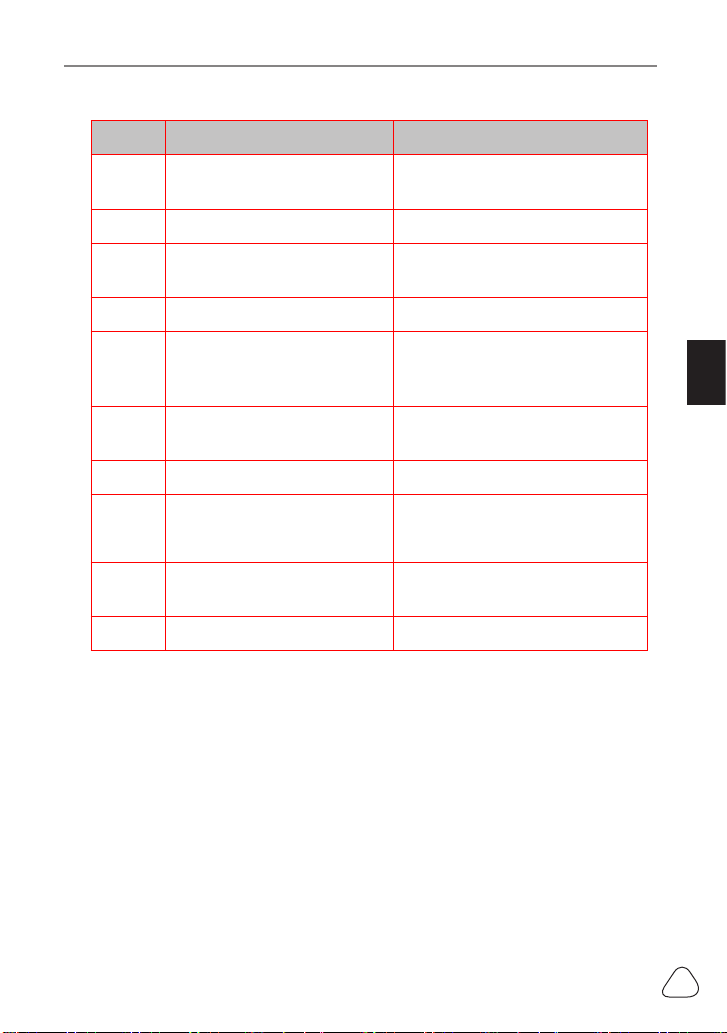
No. Part Name Description
1DB26 diagnostic connector To connect with all anti-theft
cables.
2Benz key slot To place Benz car key.
3Key slot To place car key for RF
defection.
4Key chip slot To place key chip.
5Power indicator
• Red light indicates faults.
• Orange light indicates
functions normally.
6Valve To tighten loose EEPROM
board.
7EEPROM slot To insert EEPROM board
8Power port For power charging
9DB15 diagnostic connector To connect with main diagnostic
cable.
10 DIY slot To insert vehicle DIY board.
2.2 Power Source
The product does not have an independent power supply, you can powered it
up by the followings ways:
• Use the power adapter supplied by Launch
• Connect the device through the vehicle’s DLC

4
LAUNCH X-PROG3
EN
2.3 Technical specications
Input voltage 12 V DC
Input current 500 mA
Working temperature 0 to 50 ℃
Storage temperature - 20 to 70 ℃
Dimension 39 x 107 x 298 mm
3 Diagnostics
X-PROG3 diagnostic function supports key programming, engine and gearbox
replacement for various of vehicles, you can retrieve ECU information, read,
erase, and write in for a range of chips as shown in the product options.
3.1 Common Operations
• 3.1.1 Establish Hardware Connection
You need to turn off the ignition and correctly locate the vehicle Data Link
Connector (DLC) so as to perform hardware connection.
You can refer to the table below for hardware connection:
User
Scenario Cable Image End A End B End C
Key
programming
Main diagnostic cable
Connect with
Launch VCI
connector
for data
transmission
Connect
with
vehicle’s
DLC
Connect with
X-PROG3

5
LAUNCH X-PROG3
EN
Engine/
Gearbox
programming
Power cable
Connect power
supply N/A
Connect
with end B
the main
diagnostic
cable
Engine/
Gearbox
programming
MCU cable with
mutiple leads
Connect with
X-PROG3
Connect
with the
engine
or gear
box to be
repaired/
replaced
N/A
Engine/
Gearbox
programming
Main diagnostic cable
Connect with
Launch VCI
connector
for data
transmission
Connect
power
supply
cable
Connect with
X-PROG3
• 3.1.2 Establish Wireless Connection
You must make sure that your diagnostic tool is well connected with
X-PROG3, follow steps below to check wireless connection:
Note: It is strongly recommended to connect the diagnostic tool with
the VCI connector using a USB cable for eective data transmission.
1. Slide down the status bar from the top.
2. Touch , go to Wireless and network->Bluetooth.
3. Select the X-PROG3to be connected, wait until the connection is
successful.

6
LAUNCH X-PROG3
EN
• 3.1.3 Perform Common Operations
You should enter the function interface before using the programmer.
1. Turn on a Launch diagnostic tool, and/or open on the home
screen.
2. On the main diagnostic screen, enter Anti-theft system either from
Local Diagnose or Reset, touch OK.
3. You will view the connection diagram, touch OK.
4. Depending on your requirement, touch any of the following options :
• Gear Box Learning
• Anti-Theft System
• Engine System
Table des matières
Manuels Carte mère populaires d'autres marques

Telit Wireless Solutions
Telit Wireless Solutions SL869-3DR Manuel utilisateur

Gigabyte
Gigabyte GA-9IVDT Manuel utilisateur

Texas Instruments
Texas Instruments ADS8372EVM Manuel utilisateur

Commell
Commell MS-C73 Manuel utilisateur

IBT Technologies
IBT Technologies MB860 Manuel utilisateur

Nvidia
Nvidia TEGRA DG-04927-001_V01 Manuel utilisateur