
KonNad C2000-A1-PAX0400-EX1 Manuel utilisateur

Last updated: 2020-1-3
C2000-A1-PAX0400-EX1
User Manual
RS485 ← 4AI
0-20/4-20 mA
Remote I/O Module — RS485 Analog I/O Module
SinoCon Co., Ltd.

2
4
4
4
5
5
5
6
8
8
9
10
11
12
12
13
13
13
13
13
13
13
14
14
15
15
16
18
20
20
21
22
22
24
25
Catalog
Catalog
1. Getting Started
1.1. Preparation Before Use
1.2. Wiring
1.3. Software Installation & Device Debugging
1.3.1. Software Installation
1.3.2. Device Debug
1.3.3. Device Debugging
2. Hardware Description
2.1. Specifications
2.2. Apprearance
2.3. Indicators
2.4. Port Description
2.5. Product Dimensions
2.6. Installation Method
3. Product Features
3.1. AI Data Acquisition
3.1.1. AI channels: The device can acquire 0-20mA or 4-20mA current with a resolution of 12 bits.
3.2. Other Features
3.2.1. AI Filter Parameter
3.2.2. AI Sampling Range
3.2.3. AI Original Value High/Low Point Calibration
4. Software Tools
4.1. Main Screen
4.2. Use Software
4.2.1. Device Settings
4.2.2. View Device Status
4.2.3. Control Device Status
5. Protocol
5.1. Registers
5.1.1. Baud Rate Code
5.2. Examples
5.2.1. Read AI Engineering Quantity Status (0x03)
6. Package Contents
7. Warranty Policy
C2000-A1-PAX0400-EX1 User Manual
2 / 25
SinoCon Co., Ltd. www.sinoconsys.com

Copyright Notice
©2000 - 2020 SinoCon Co., Ltd. All Rights Reserved.
Trademarks
The KonNaD logo is a registered trademark of SinoCon Co., Ltd. All other trademarks or registered marks in this
manual belong to their respective manufacturers.
Disclaimer
This document only provides information about KonNaD products. No license to any intellectual property rights is
granted by this document, including any intellectual property licenses, expressed or implied, or by any means.
SinoCon assumes no responsibility other than the liability stated by SinoCon in the terms and conditions of sale of
its products and SinoCon makes no warranties regarding the sale or use of KonNaD products, including the
suitability for the specific use of the products, and marketability, and SinoCon doesn't guarantee that it won't
infringe any patent, copyright or other intellectual property rights, etc.
Information in this document is subject to change without notice and does not represent a commitment on the
part of SinoCon.
Contact US
SinoCon Co., Ltd.
Address: 16th Floor, Tower A, Zhongyin Building, Caitian Road, Futian District, Shenzhen, China
Web: www.sinoconsys.com
Tel: +86 0755-88865168
C2000-A1-PAX0400-EX1 User Manual
3 / 25
SinoCon Co., Ltd. www.sinoconsys.com

1. Getting Started
1.1. Preparation Before Use
You will need the following hardware and software to use the C2000-A1-PAX0400-EX1.
• C2000-A1-PAX0400-EX1 module
• A power source that provides 9 to 27 VDC, and several wires
• A PC running a Windows 7 or later versions, and an Ethernet cable
• KonNaD Settings Utility software, Download
1.2. Wiring
Refer to Port Description for the recommended wires.
Check the following items after wiring:
• The PWR is steady red, and the RUN is flashing, which indicates the device is powered normally.
• Connect the device to the host computer through RS485 to USB converter, and you can acquire the value of AI
Engineering quantity through the software.
Refer to Indicators for the meaning of LED indicators.
C2000-A1-PAX0400-EX1 User Manual
4 / 25
SinoCon Co., Ltd. www.sinoconsys.com

1.3. Software Installation & Device Debugging
1.3.1. Software Installation
Download the software on URL: https://www.sinoconsys.com/en/download/?file=sdk. Unzip the folder and run
KonNaD.Setup.exe as administrator. The setup wizard will pop up to direct you to complete the installation.
1.3.2. Device Debug
Search Devices
Select Search for serial devices and click Edit button to set the search parameters:
· COM ID: select the correct port for RS485 to USB;
· Baud rate: default 9600;
· Parity: default None;
· Data bit: default 8;
· Stop bit: default 1;
· Address range: range from 1 to 255, default 1 to 10;
· Timeout interval (ms): default 200.
Click Search to find the device through the port for RS485 to USB.
C2000-A1-PAX0400-EX1 User Manual
5 / 25
SinoCon Co., Ltd. www.sinoconsys.com

Note: if no device can be found.
• Check whether to install and run as administrator ;
• Check whether the RS485 to USB converter is correctly connected to the device and whether the converter
is faulty;
• Check whether the search parameters are correct (default value: 9600 None 8 1, and address is 1).
1.3.3. Device Debugging
Select the device that has been searched, click the Refresh button at the bottom right screen and you can see all
the point value of the device.
· AI1 ~ AI4 Engineering quantity: AI Engineering quantity point value on the software divided by 1000 is the
actual current value;
· AI1 ~ AI4 Original value: 12bit resolution, 0-20mA corresponds to AI original value 0-4095, and 4-20mA
corresponds to 819-4095.
As shown below:
Note:
C2000-A1-PAX0400-EX1 User Manual
6 / 25
SinoCon Co., Ltd. www.sinoconsys.com

Refer to Software Tools for more detailed information.
Refer to Registers for information on "Secondary Development".
C2000-A1-PAX0400-EX1 User Manual
7 / 25
SinoCon Co., Ltd. www.sinoconsys.com

2. Hardware Description
2.1. Specifications
Classification Parameter Specification
Analog Input AI Channels 4
Connector Lead wire input
Acquisition Range 0-20/4-20mA
Acquisition Accuracy 3‰
Resolution 12 bit
Acquisition Characteristics Single input
Acquisition Frequency 500Hz
Input Impedance 240Ω
Upstream Serial Port Serial Standrad RS485
No. of Ports 1
Connector Lead wire output
Industrial Protocol Standard Modbus RTU Protocol
Power Power Connector Terminal block
Input Voltage 9~27VDC
Current 80mA @ 12VDC
Physical Characteristics Dimensions 51.8*76*25.8mm
Installation Wall
Environmental Limits Operating Temperature -40℃ ~ 85℃
Storage Temperature -60℃ ~ 125℃
Ambient Relative Humidity 5% ~ 95% RH, non-condensing
C2000-A1-PAX0400-EX1 User Manual
8 / 25
SinoCon Co., Ltd. www.sinoconsys.com

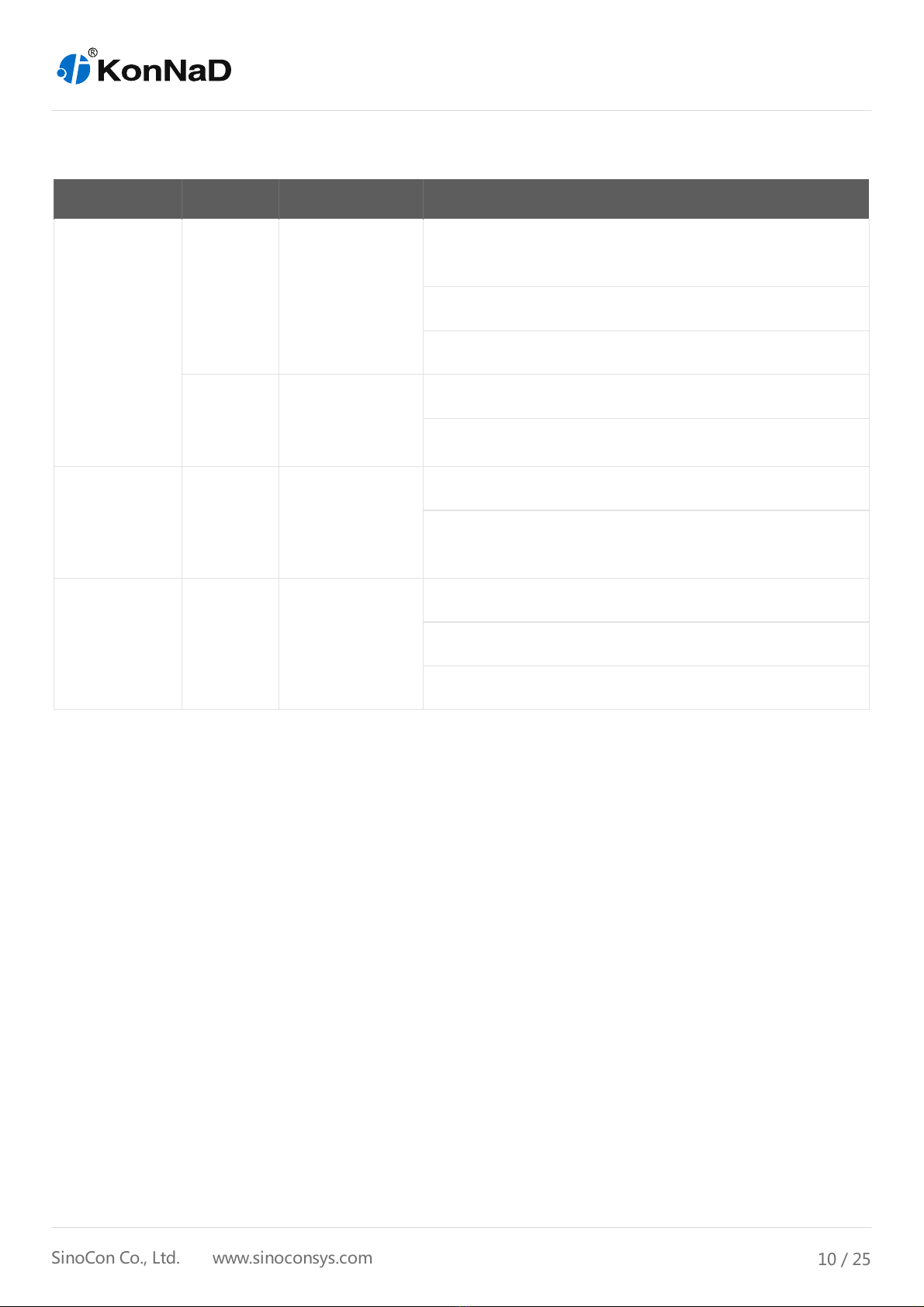
2.3. Indicators
Classification Indicator Description Meaning
Downstream
Serial Port
RXD RS485 data
receive
indicator
Steady on:RS485 line fault, please check if the positive
and negative poles of 485 line are reversed
Flashing:RS485 receiving data
Off:RS485 no receiving data
TXD RS485 data
transmit
indicator
Flashing:RS485 transmitting data
Off:RS485 no transmitting data
Power PWR Power indicator Steady on:Normal power supply
Off:No power or abnormal power supply, please check if
the voltage range is 9~27VDC
RUN RUN Running
indicator
Steady on:Device exception
Flashing:Flashes every 1 second when the device is ready
Off:Device exception
C2000-A1-PAX0400-EX1 User Manual
10 / 25
SinoCon Co., Ltd. www.sinoconsys.com
Table des matières
Autres manuels KonNad Unité de contrôle

Manuels Unité de contrôle populaires d'autres marques

Festo
Festo Compact Performance CP-FB6-E Manuel de la liste des pièces

Elo TouchSystems
Elo TouchSystems DMS-SA19P-EXTME Manuel utilisateur

JS Automation
JS Automation MPC3034A Manuel utilisateur

JAUDT
JAUDT SW GII 6406 Series Guide rapide

Spektrum
Spektrum Air Module System Manuel utilisateur

BOC Edwards
BOC Edwards Q Series Manuel utilisateur


