
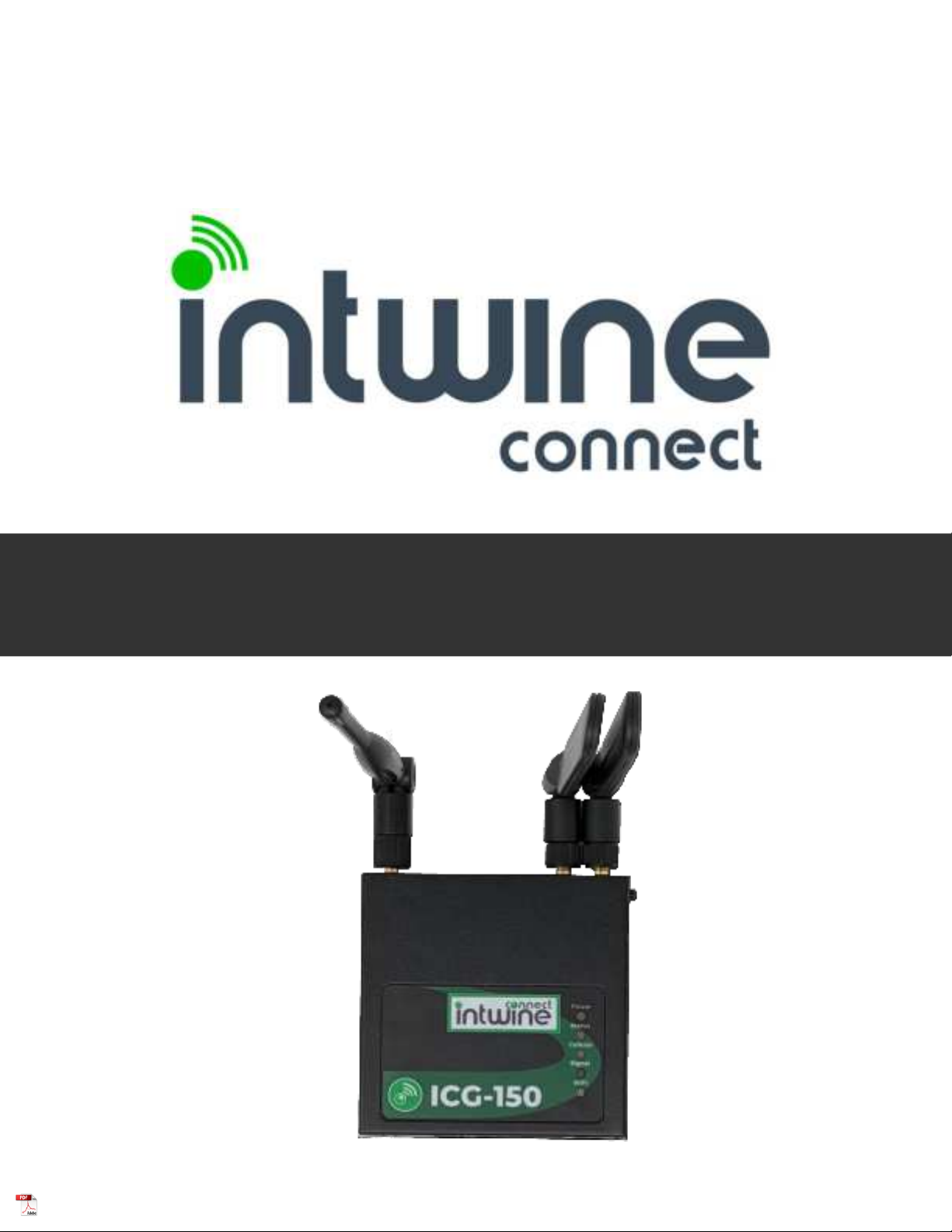
intwine connect 150 Manuel utilisateur

1
INTRODUCTION
HARD ARE OVERVIE
!"#$!%
&
'%&
GETTING STARTED
"#$%%
()"*
LOCAL CONFIGURATION APP
"
+),&
$-.
)%
/,&
Wi-Fi
Ethernet
Cellular
DHCP Conguraon
DNS Sengs
$$/
Automac Cellular Failover
Port Forwar ing
IP Passthrough
LAN Clients
Firmware
Logs
Diagnoscs
Security Opons
ADDITIONAL RESOURCES
CERTIFICATIONS, LICENSES AND ARNINGS
0
0
0
1
2
3
4
5
6
6
0
2
3
3
4
4
4
4
4
4
ICG-150 USER GUIDE
©2022 Rev 1. Intwine Connect. All Rights Reserved. | +1(216)314 2922 | info@intwineconnect.com | intwineconnect.com

2
INTRODUCTION
Package Contents
System Requirements
Overview
7-*%*%8*-)%%8&-
!8%&!%98%)&:
7*%%&;-%%*8*%*%
&)8%8--*%*%%8:()&&
%8%!,%!*%!%88%*%%
8-!%8!%88:
●%
●#*%%%2"(#%
●#*%%%2"(#
●$ #)<+/ "+/
●(=0>2"(#
●=><?
●=>-#)*
●=>0@+888
●&A
●B%
●<%0 C 4D!+C!"98
●()-**=8)>E)=21>!#98
=#>!?-9=15>
()%=>%%)&%*
&)8%!8)-&:
()%50:*&)<?8=+>
9&<?-!%)2"(#<+/*,%)
8<+/*89&-:+F-%8%
*%%%)!))*
!!%):
●%=>
●&&
●8&&%%
●
●)%
●()%&88
●A%%%8
●
72*%%&%E
ICG-150 USER GUIDE
©2022 Rev 1. Intwine Connect. All Rights Reserved. | +1(216)314 2922 | info@intwineconnect.com | intwineconnect.com

3
Remote Management Portal
The RMP is a cloud-based network management application that provides instant
scalability and increased visibility into your network including:
• ellular online/offline status
• Data usage monitoring
• Network health indicators
• Advanced troubleshooting tools
• Remote firmware upgrades
To create an account and register your 4GR sign up at: rmp.intwineconnect.com
Intwine's Remote Management Portal (RMP) enables users to centrally manage a
network of connected gateway routers and IoT devices in real time and from
anywhere in the world.
With the RMP, users can quickly deploy and manage networks of distributed
hardware in order to increase productivity and reduce costs related to IT and
customer support.
ICG-150 USER GUIDE
©2022 Rev 1. Intwine Connect. All Rights Reserved. | +1(216)314 2922 | info@intwineconnect.com | intwineconnect.com

4
HARD ARE OVERVIE
I/O, LEDs, and Power
()%)%%%8&
)!G!*%)%:
-E
●#*%%%2"(#%%%
●50:*
●$ #)8
●@H2"(#&,%
●@H/&,%
●&%)
●0@+88
> ()%)))I)%%J-
98&:Antennas are only to be replace by cere professionals.
DO NOT use any external antennas that were not provi e by Intwine Connect, LLC, an
installe by a cere professional.
0> ())0:2KH:-<?*&H%)
*%!*)%*8%)):
ICG-150 USER GUIDE
©2022 Rev 1. Intwine Connect. All Rights Reserved. | +1(216)314 2922 | info@intwineconnect.com | intwineconnect.com

5
Rail Mount Installation
!"#
> )&&-)%%))8:
0> ()8))2L!))888-)$/)
$/!)%)%-)8!8))8!)
$/*)$/:
1> @-))8,9%$/
Rail Mount Removal
> K%)*I%-)8))%%)8%-)$/
0> <))))%!8)%-)%)$/
1> ()8%M)8!%)8-)$/
PUSH
PUSH
PUSH
ICG-150 USER GUIDE
©2022 Rev 1. Intwine Connect. All Rights Reserved. | +1(216)314 2922 | info@intwineconnect.com | intwineconnect.com

6
Power Installation
> 8-
0> N))8
1> )8*)%
)
Ground Installation
> N)%
0> )%-)*%
)%%
1> ())%
all Hanging Installation
$
> ?9))*)%-)%))8%%
0> ?9))))%*%)8=8%%>
ICG-150 USER GUIDE
©2022 Rev 1. Intwine Connect. All Rights Reserved. | +1(216)314 2922 | info@intwineconnect.com | intwineconnect.com

7
LED Indicator Guide
()"#$%)88-)%)
-):()*)*%%7%
&:
ICG-150 USER GUIDE
©2022 Rev 1. Intwine Connect. All Rights Reserved. | +1(216)314 2922 | info@intwineconnect.com | intwineconnect.com

8
The Label
+-)*8%*)88%&)*)%%
-&%-&)8,)%%:()*--
8&-&%)7?$!+%%!*!:()
)88--&-,)*%*%
%*%*E
% &'(()N$%-*N%&,:()N$
)%)%
%-%&-%%%:
% )#'*+,-()%N"=))>)%%
))),&8=98%+&>:()
%-#%)%-8%)-))
8%)*:()%%8%*)*)%)
,&8!%)%-!.
/0
1% (.22(,-()%-$))*
*%*)2:()%-$*)33%)
-%*)--)N$:)%-<?8%
)<+0O8&!)%-8%=8)%>)%
%-)8%)*:()$%8%*)*
)%),&8!%)%-!
./0
ICG-150 USER GUIDE
©2022 Rev 1. Intwine Connect. All Rights Reserved. | +1(216)314 2922 | info@intwineconnect.com | intwineconnect.com

9
LOCAL CONFIGURATION APP
Logging in
Accessing the Con2guration Pages
(),&88*)H)
,&.):()--.!&
&!%%& :
()88%,8)7<?$
#)"+/08-*%%=::8)!*!>:
% )4 5/
> #)*"+/08% 88:()
&$K)60:35:0:9*8:
% )4 36
% +/N<?*%%!8)%))
*<?:()<?88):)
=$>))*:
% 736+M&)<?!%8)
%-8%))*:()8%)O8%%)
*I&:
?!)*%%-)*9<? #)2"(#
%%%%,&):
?)))!))8%!)<+/ "+/
.!%%-!%)
,&8:
ICG-150 USER GUIDE
©2022 Rev 1. Intwine Connect. All Rights Reserved. | +1(216)314 2922 | info@intwineconnect.com | intwineconnect.com
Ce manuel convient aux modèles suivants
1
Table des matières
Autres manuels intwine connect Porte

Manuels Porte populaires d'autres marques

LST
LST M500RFE-AS Manuel utilisateur

Kinnex
Kinnex Media Gateway Manuel utilisateur

2N Telekomunikace
2N Telekomunikace 2N StarGate Manuel utilisateur

Mitsubishi Heavy Industries
Mitsubishi Heavy Industries Superlink SC-WBGW256 Manuel utilisateur

ZyXEL Communications
ZyXEL Communications ZYWALL2 ET 2WE Manuel utilisateur

Telsey
Telsey CPVA 500 - SIP Manuel utilisateur


