Please Note: The iHold plays all .mp3 files on the USB stick from all folders one by one before it auto repeats from the st file
so make sure Holiday folders are removed from USB stick during non holiday seasons.
Disconnecting from Computer:
⇒Double click on the green arrow in the Task-bar located on the lower -right side of the computer screen (Safely
Remove Hardware)
⇒Select “USB Mass Storage Device” from the list that appears then click “Stop” then press “OK”
⇒When the “Safe to Remove Hardware” appears click OK and remove the USB Flash drive or the SD card.
Audio OUTPUT:
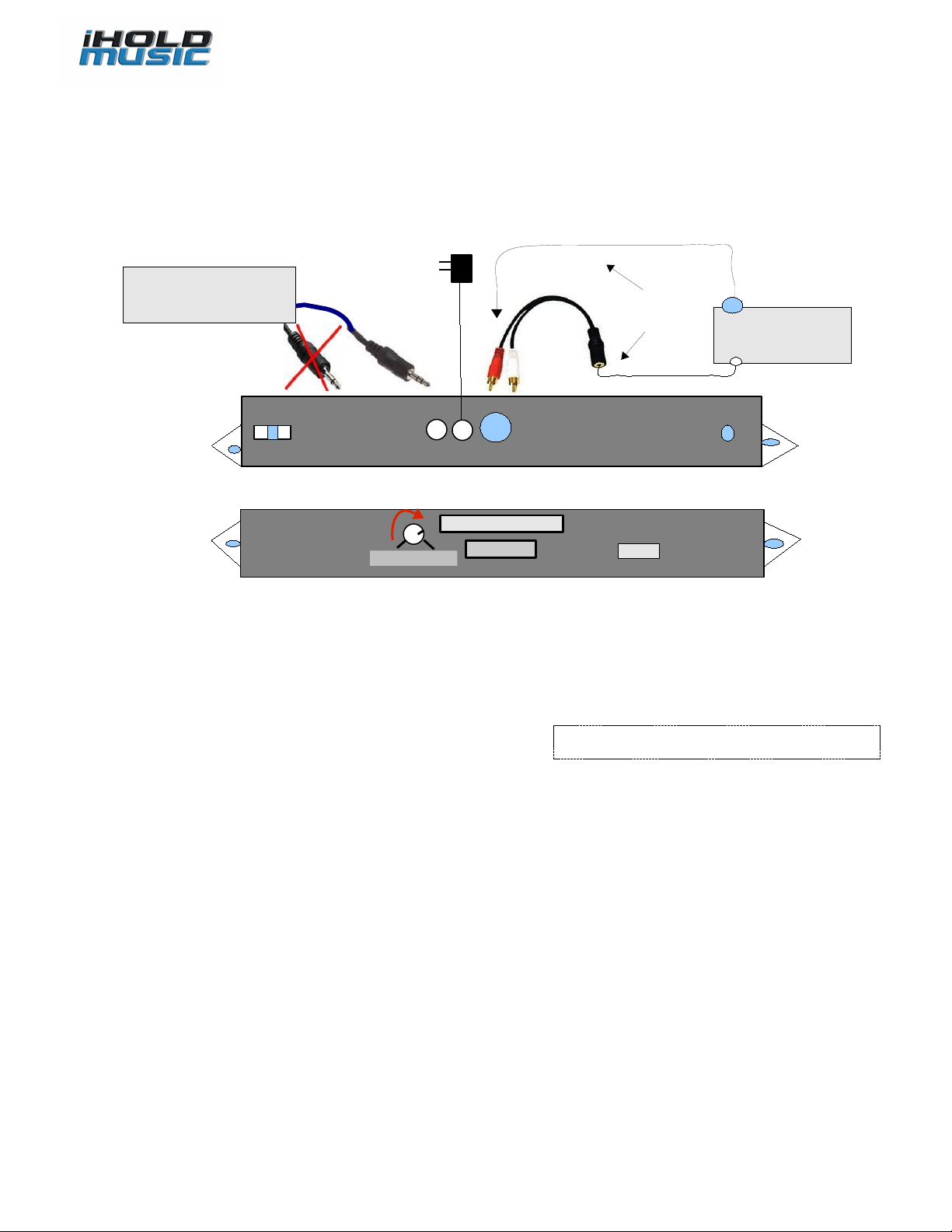
The iHold has both RCA connector and 3.5mm ( /8 inch) connector for automatic 8 Ω, 600 Ω Output connection to a PBX / KSU
telephone system “MOH” jack. If connecting to 3.5mm jack do not use a 3.5mm to RCA adapter to convert the cord try using
a stereo 3.5mm cord which has two black rings (not a mono that has one black ring) , if still no audio or very low volume audio on hold or you
have a hard wired mono cord to your MOH port try connecting to the RCA connector - not the 3.5mm connector via a patch cord
part number C&E 30 1-01260 as pictured in Page (search internet about $5 on-line) Then connect white or Red jack to RCA -one of them works
If you do get audio on your PBX at good volume but notice a “Hum” on hold try a “isolator noise filter” or “Ground Loop Isolator”
between the connector and the cord (contact tech support or search online for more info)
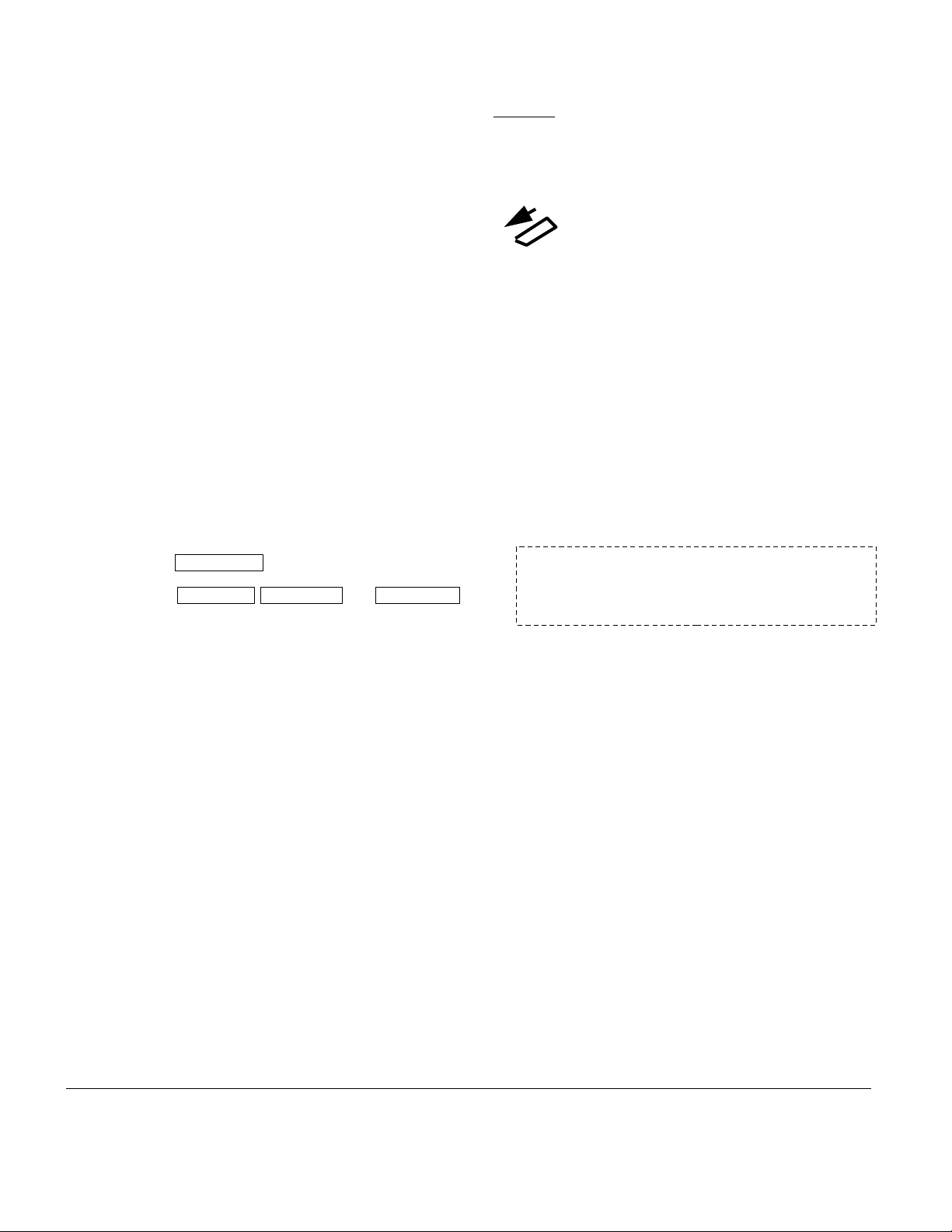
Modes of playback: to 99 tracks, device plays all the tracks one by one and re-loops automatically, to silence any track just
delete it.
ingle track
Multi track
U B drive / D CARD:
iHold can accept 28MB to 8GB USB drive or SD cards available on the market, up to 256 hours of continuously playing audio
time can be obtained using 4GB. To remove the USB drive / SD card, remove power st , update it from your PC/Laptop (for
Apple or Mac P s you may need to save all files to your Mac, format the USB/SD card then paste the files back) then insert it
back; re-power the iHold and the playback automatically resumes in a few seconds.
Volume:
Turn Volume Clockwise for Volume UP (maximum 4 o'clock), Turn it counter clock-wise to turn Volume DOWN (minimum 8 o'clock) do not
turn volume knob past these levels
PEAKER:
Flip switch to ON position to hear audio from a speaker inside. This is only for monitoring or testing the audio, the volume levels
heard at this time are not the actual audio volume levels available to the MOH port for On Hold, be sure to re-adjust the volume
again after Speaker is turned OFF to ensure the proper and desired audio volume levels.
Warranty
Unless otherwise specified this product is warranted against defects for a period of one ( ) year from the date of original invoice. We will repair/replace the product with no charge for parts or labor
within this time. To obtain warranty service the product needs to be returned fright prepaid by the customer with a copy of original invoice. This warranty does not apply if in the sole opinion of
Innovative Telecommunication Technology LLC, the product has been tampered with or damaged by lightning or any other acts of nature, misuse, neglect or unauthorized service.
EXCEPT AS SPECIFICALLY PROVIDED IN THIS AGREEMENT, THERE ARE NO OTHER WARRANTIES, EXPRESSED OR OTHERWISE,INCLUDING, BUT NOT LIMITED TO ANY IMPLIED
WARRANTIES OR MERCHANTIBILITES OR FITNESS FOR A SPECIAL PURPOSE. IN NO EVENT SHALL INNOVATIVE TELECOMMUNICATION TECHNOLOGY LLC BE LIABLE FOR LOSS OF
PROFITS OR BENEFITS, INDIRECT, SPECIAL, CONSEQUENTIAL OR OTHERWISE ARRISING FROM ANY BREACH OF THIS WARRANTY OR OTHERWISE.
Note: If you are using your songs and musics they need to be
“royalty-free” type to be legal for playing on hold, to avoid annual
licensing payments to ASCAP and BMI for playing those titles on-
hold you may contact us about a custom production created with
“royalty-free” music for your business.
P2
Innovative Telecom
2 Montana Ave Suite A250 Santa Monica, CA 90403 USA
http://www.iholdmusic.com Phone: 3 0-853-3966
AudioImage
xxx.mp3
xxx .mp3 xxx2.mp3 ------ xxx99.mp3
Trouble hooting: verify hearing playback if speaker set to ON, Verify USB flash drive files not corrupt check every file playing
OK on a windows PC, delete any bad files which has distortion (device playing corrupt files can stop), if needed Format USB flash drive then
paste files back. Try a different USB flash drive, make sure files are mp3 format, Amplify files with provided utility if volume is not
loud enough, if music cuts out for a cell phone caller on hold optimize/normalize/equalize the file (contact support for more info
about this)