Installation and Operation Manual
HL-10S Installation Manual Rev 1.03 Ver. 1.0 5Part Number MAN-000013
Setup & Configuration
There are three modes the HouseLink HL-10S Interface can communicate; ASCII, Modbus RTU and as a Communication
Hub. ASCII and Modbus RTU are unique software protocols designed to allow the PLC or house control to communicate
with multiple remote devices. The Communication Hub uses a proprietary communication protocol to connect the scale
system to BinLink for local monitoring and management and BinTrac.com for remote monitoring and management. Each
of these modes use specific setup requirements. Specific settings will need to be provided; these must be obtained from
the PLC or house control administrator.
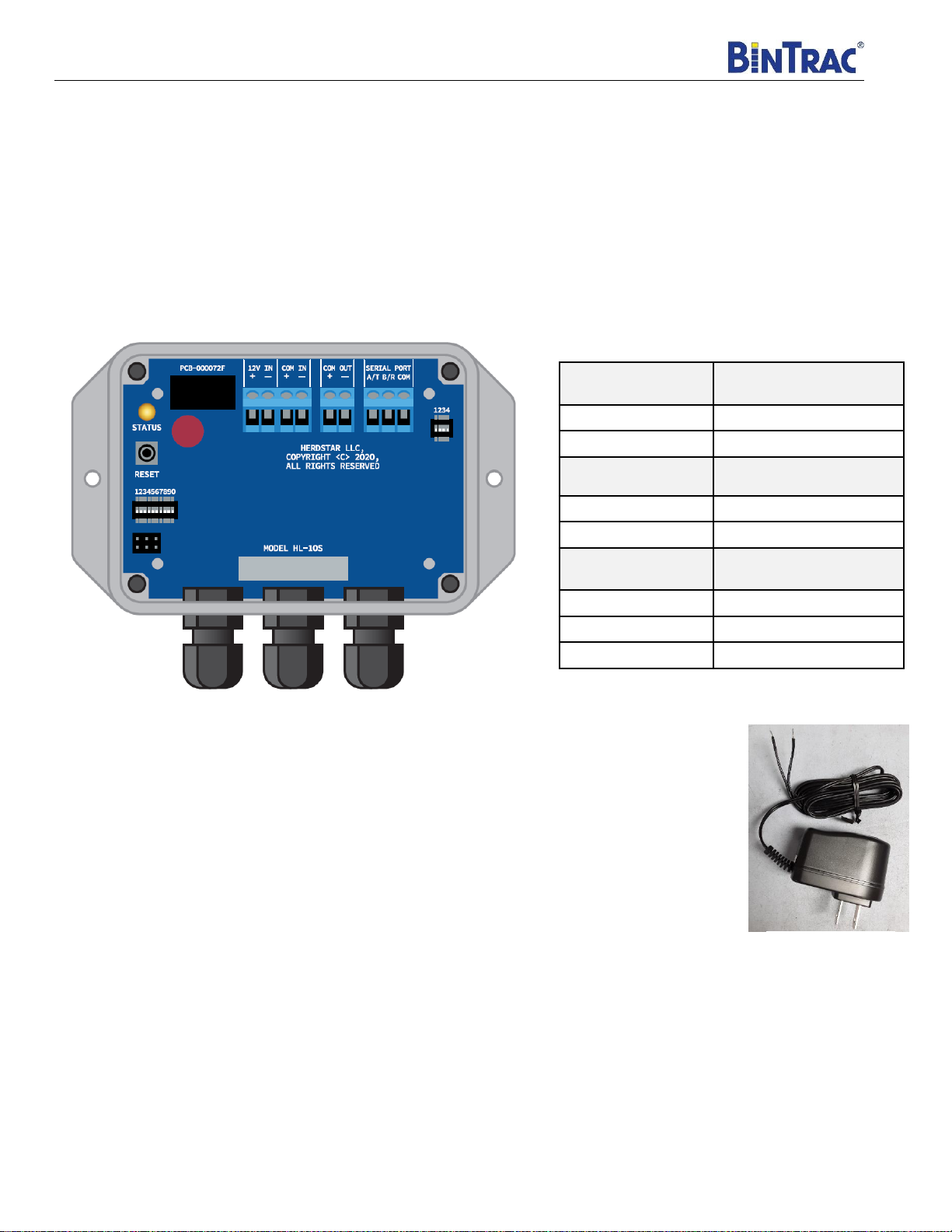
There are two sets of switch blocks that need to be set in order for your HouseLink HL-10S to operate. The interface
configuration switch block (4 positions) allows the user to switch between RS-232 and RS-485 and access advanced
settings (see below). The communication interface switch block (10 positions) allows the user to set the mode and various
settings for each mode based on the user requirements.
Serial Interface Configuration Switch Block (4 position)
Table 2
The switches in Table 2 should be set prior to moving forward with the rest of the configuration and will not need to be
changed thereafter. Below are the advanced settings:
Switch 1: Terminating Resister
The terminating resister helps control signal reflections and is especially important for high speed RS-485
communications. This switch can be turned to the ON position for RS-485 applications that use a higher baud rate, have a
long cable run, or there is a considerable amount of noise on the cable. For RS-232 applications, this switch should be set
to the OFF position.
Switch 2: Charge Pump
When using RS-232 in full duplex, this switch should be set to ON.
Switch 3: RS-485/RS-232
This switch is used to set RS-232 or RS-485. When set to RS-232, cabling should be no longer than 25 feet.
Switch 4: Slew Rate Limiter (RS-485)/Z input (RS-232)
For low speed RS-485 below 150K baud rate, this switch should be set to ON. This will control reflection on an improperly
terminated cable. For high speed RS-485 (baud rates greater than 150K), this switch should be set to OFF. For RS-232,
this switch should be set to OFF.