
EUTECH INSTRUMENTS ECOSCAN TEMP JKT TEMPERATURE METER Manuel utilisateur

Technolo
g
y
M
ade
E
a
s
y
.
.
.
Instruction Manual
Temp JKT
Temperature Meter Series
68X243615
Rev. 2 11/03

Preface
This manual serves to explain the use of the Temp JKT temperature
meter. This manual functions in two ways: first, as a step by step guide to
help you operate the meter; second, it serves as a handy reference guide.
This manual is written to cover as many anticipated applications of the
Temp JKT meter as possible. If there are doubts in the use of the Temp
JKT meter, do not hesitate to contact the nearest Eutech Instruments
Authorized Distributor.
Eutech Instruments/ Oakton Instruments will not accept any responsibility
for damage or malfunction to the meter caused by improper use of the
instrument.
The information presented in this manual is subjected to change without
notice as improvements are made, and does not represent a commitment
on the part of Eutech Instruments Pte Ltd/ Oakton Instruments.
Copyright © 1999
Eutech Instruments Pte Ltd/ Oakton Instruments
Rev 2 11/03.

TABLE OF CONTENTS
1. INTRODUCTION 1
1.1 Introducing the Temp JKT 1
2. GETTING STARTED 2
2.1 Description of Keypad Functions 2
2.2 Description of LCD Annunciators 2
2.3 Inserting & Removing the Rubber Boot 3
2.4 Inserting New Batteries 4
2.5 Battery Replacement 5
2.6 Connecting the Temperature Sensor 5
2.7 Switching the Meter On 5
3. CALIBRATION 6
3.1 Temperature Calibration 6
4. MEASUREMENT 8
4.1 Taking Measurements 8
4.2 Displaying Maximum and Minimum Readings 8
4.3 Holding a Reading 8
4.4 Releasing a Held Reading 8
4.5 Maximum and Minimum Hold Mode 9
5. DISABLE AUTO POWER OFF FEATURE 10
6. PROBE CARE AND MAINTENANCE 11
7. TROUBLESHOOTING 11
8. SPECIFICATIONS 12
9. ACCESSORIES 13
10. WARRANTY 14
11. RETURN OF ITEMS 15

1
1. INTRODUCTION
1.1 Introducing the Temp JKT
Thank you for purchasing the Temp JKT meter. This economical microprocessor-
based handheld meter works with type J, type K and type T probes for a wide
temperature measurement range:
•Type J probes (iron-constantan) offer a wide range of –200 to 1000 °C / -
328 to 1832 °F; use in reducing environments
•Type K probes (chromel-alumel) offer the widest range of –250 to 1372 °C
/ -418 to 2502 °F; use in oxidizing environments
•Type T probes (copper-constantan) of range of –250 to 400 °C / -418 to
752 °F; good for ambient and sub-freezing measurements
The Temp JKT meter features:
•Large LCD for clear and easy reading
•Readings in
oC and oF (selectable)
•Minimum and maximum temperature display
•Minimum and maximum hold mode
•Low battery indicator
•Hold function, freezes measured reading
•User calibration - offset adjustment
•Built-in memory backup; calibration and other information remain if battery
is disconnected
This instruction manual is organized for quick reference with step-by-step
procedures that give you thorough review of the various features and meter
operations.
Included with your meter are a rubber boot, 4 alkaline “AAA” batteries, an
instruction manual and a warranty card. To order different type of thermocouple
probes, please refer to Section on Accessories for more information.

2
2. GETTING STARTED
2.1 Description of Keypad Functions
Temp JKT meter has seven keys on its splash-proof keypad. These keys include
ON / OFF, CAL, HOLD / ENTER, oC/oF, MAX/or MIN/key and J-K-T keys.
ON/OFF: Powers meter on and shuts the unit off.
Meter directly enters measurement mode when
you turn it on.
CAL: Allows temperature calibration of the
meter.
HOLD/ENTER: Freezes the measured reading;
confirm calibration value.
MAX/(UP) or MIN/ (DOWN):Momentarily
displays meter’s maximum and minimum
temperature; enter maximum or minimum hold
mode; scroll up and down in calibration mode.
oC/oF: Switches between oC and oF in
measurement mode.
J-K-T: Switches between J, K and T
thermocouple measurement mode.
2.2 Description of LCD Annunciators
The EcoScan Temp JKT meter has a large custom LCD that consists of 4-digit
segments and operation annunciators for oC and oF. Other indicators include “MIN’,
“MAX”, “HO” (when the HOLD function is activated), “LO” (low battery condition)
and “J”/”K”/”T”.
JKT HO LO MIN
oo
C F
m
ppmv
pH%
MAX
Figure 2: Full segment LCD
Figure 1:
Kd

3
2.3 Inserting & Removing the Rubber Boot
1. To remove meter from rubber boot, push out from the bottom edges of meter
until it is completely out of boot. Ensure that the connector of temperature
sensor is not connected.
2. To insert meter into rubber boot, slide in from the top of meter before pushing
the bottom edges of meter down to set it into position. Lift up the stand at the
back of meter for bench top applications if necessary.
Figure 3: Inserting meter into the rubber boot

4
2.4 Inserting New Batteries
The battery compartment is found at the back of instrument. To open the battery
compartment, push in the direction of arrow and lift up the cover. Note the polarity
of battery before inserting into position. After replacement, place cover back and
press down until it locks tight.
Figure 4: Battery compartment at the back of the meter

5
2.5 Battery Replacement
A “LO” annunciator in the LCD alerts you when battery power is running low.
Replace with the same type as recommended by the manufacturer.
K LO
o
C
Figure 5: Low battery indicator
Caution: Power off the meter when changing battery.
2.6 Connecting the Temperature Sensor
Insert the 2-pin mini connector plug of the temperature sensor into the connector
socket on the side of the meter.
NOTE: The negative pin is larger than the positive pin, be sure to properly align the
pins. Unplug the sensor when not in use.
Figure 6: Connecting the temperature sensor
2.7 Switching the Meter On
1. Press ON/OFF key to power up your meter. All
the LCD segments display momentarily as the
meter performs a self-diagnostic test, per shown
in section 2.2. The LCD then switches into
measurement mode.
2. The LCD displays “oPEn” if the temperature sensor is faulty, or there is an
open circuit. Please refer to section on Troubleshooting if in doubt.
Figure 7: "Open"
it

6
3. CALIBRATION
3.1 Temperature Calibration
The temperature sensor included with your meter is factory calibrated. Over time,
the temperature calibration may drift and the probe requires re-calibration. The
Temp JKT meter allows you to have a 1-point calibration as fine adjustment by
changing its offset value. This is useful if you replace the probe. If you replace the
probe, you should recalibrate.
1. First connect the temperature probe to the meter. Press ON/OFF key to
power up the meter and wait for meter to enter measurement mode.
2. Dip the probe in a constant temperature bath, or in liquid whose
temperature can be checked with an accurate thermometer. For best
accuracy, place the probe and thermometer in a constant temperature
bath.
3. Wait for readings to stabilise.
4. To enter temperature calibration mode, press and hold CAL key for 5
seconds before release. The LCD shows “CA” momentarily and a value
flashes.
5. Press MAX/▲or MIN/▼key to adjust the displayed value until it
matches the correct temperature. The MAX/▲or MIN/▼key will scroll to
the maximum allowable value.
NOTE: The maximum adjustments allowed for the following meter series
from factory default are:
•EcoScan JKT Temperature meters = ±10 °C
•EcoScan 4/5/6 Temperature meters = ±5 °C

7
6. Press ENTER key to confirm calibration.
7. The LCD displays “CO” momentarily, and the meter then reverts to
measurement mode. See figure below.
From measurement mode
Press down CALkey for 5
seconds before release
C° C°
C°
HOLD
ENTER
°C
CAL
Figure 8: Temperature calibration
Ce manuel convient aux modèles suivants
1
Table des matières
Autres manuels EUTECH INSTRUMENTS Thermomètre

EUTECH INSTRUMENTS
EUTECH INSTRUMENTS ECOSCAN TEMP JKT PORTABLE METER Instructions de montage

EUTECH INSTRUMENTS
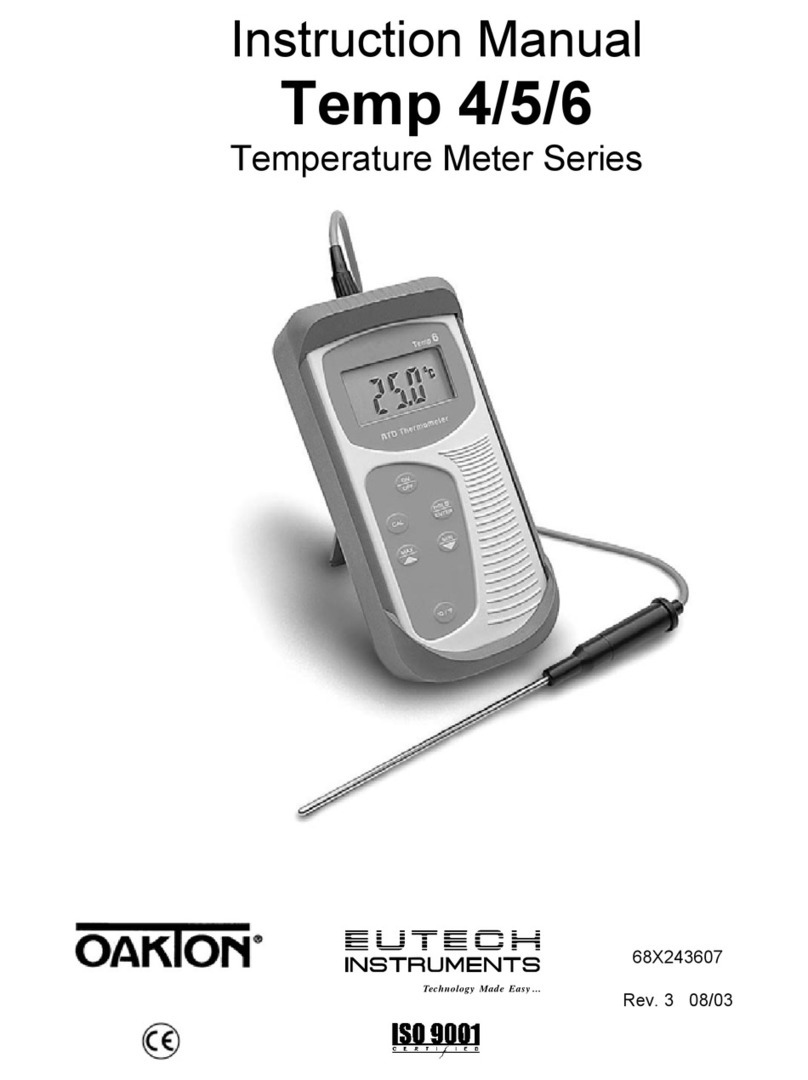
EUTECH INSTRUMENTS ECOSCAN TEMP 456 PORTABLE METER Instructions de montage
EUTECH INSTRUMENTS
EUTECH INSTRUMENTS ECOSCAN TEMP 456 PORTABLE METER Manuel utilisateur

EUTECH INSTRUMENTS
EUTECH INSTRUMENTS 60010-00 Manuel utilisateur


