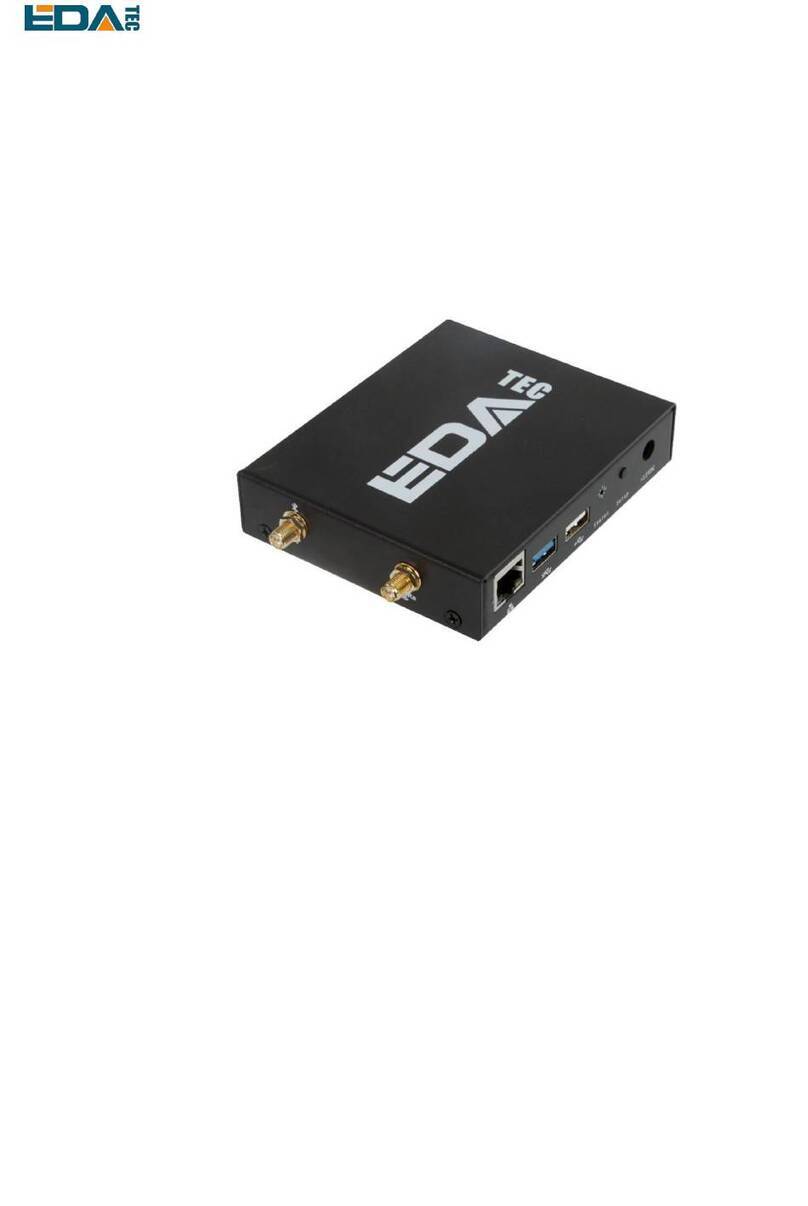
User Manual of ED-GWL2010
EDATechnology Co.,LTD–Electronics Development Accelerator
Contents
1Product Overview..................................................................................................................................4
1.1 TargetApplication....................................................................................................................... 4
1.2 Specifications and Parameters..................................................................................................4
1.3 System Diagram.........................................................................................................................5
1.4 Functional Layout.......................................................................................................................5
1.5 Packing List................................................................................................................................ 7
1.6 Order Code ................................................................................................................................7
2Quick Start ............................................................................................................................................ 8
2.1 Equipment List ...........................................................................................................................8
2.2 Hardware Connection................................................................................................................8
2.3 First Start.................................................................................................................................... 9
2.3.1 Raspberry Pi OS (Lite).................................................................................................... 9
2.3.2 Enable SSH................................................................................................................... 10
2.3.3 Get The Device IP.........................................................................................................10
3Wiring Guide ........................................................................................................................................11
3.1 Internal I/O ................................................................................................................................11
3.1.1 micro-SD Card ...............................................................................................................11
3.1.2 Antenna..........................................................................................................................11
4Software Operation Guide ...................................................................................................................11
4.1 Button....................................................................................................................................... 12
4.2 LED Indication..........................................................................................................................12
4.3 Ethernet Configuration.............................................................................................................13
4.4WiFi..........................................................................................................................................13
4.5 Bluetooth..................................................................................................................................13
4.5.1 Basic Usage..................................................................................................................14
4.5.2 Example ........................................................................................................................ 14
4.6 LoRaWAN ................................................................................................................................15
4.6.1 Install LoRa Service and ChirpStack Client.................................................................. 15
4.6.2 Configuring LoRa Service.............................................................................................16
4.6.3 Install ChirpStack Server ..............................................................................................18
4.6.4 Adding LoRa Gateway and Terminal............................................................................ 20
5Operating System Installation............................................................................................................. 23
5.1 Image Download......................................................................................................................23
5.2 System Flash ........................................................................................................................... 24
5.2.1 Tool Preparation............................................................................................................24
5.2.2 Flash..............................................................................................................................24
5.3 Install BSP Online Based on The Original Raspberry Pi OS...................................................24
6FAQ.....................................................................................................................................................24
6.1.1 Default Username and Password.................................................................................24
7About Us ............................................................................................................................................. 24
7.1 About EDATEC ........................................................................................................................24
7.2 Contact Us ............................................................................................................................... 25