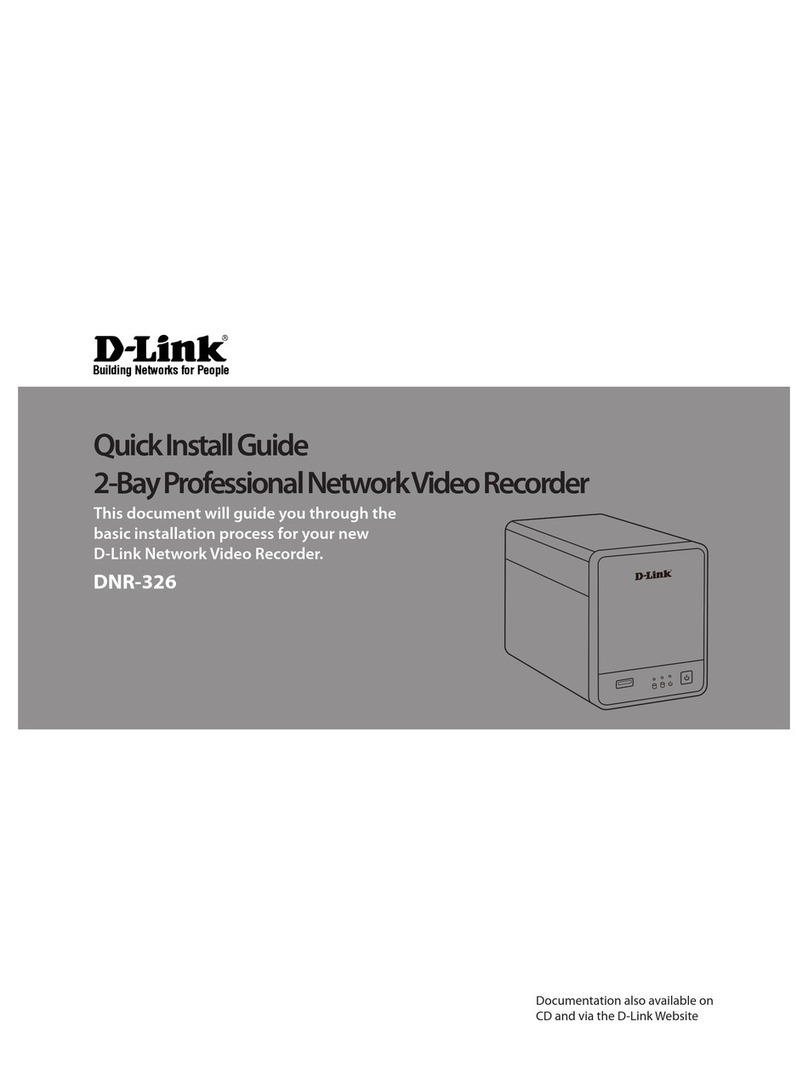
D-Link MYDLINK DNR-322L Manuel utilisateur

DNR-322L
User Manual
2-Bay Professional Network Video Recorder (NVR)
Version 1.3 | 05/07/2013

iD-Link DNR-322L User Manual
Table of Contents
D-Link reserves the right to revise this publication and to make changes in the content hereof without obligation to notify
any person or organization of such revisions or changes. Information in this document may become obsolete as our services
and websites develop and change. Please refer to the www.mydlink.com website for the most current information.
Manual Revisions
Trademarks
D-Link and the D-Link logo are trademarks or registered trademarks of D-Link Corporation or its subsidiaries in the United
States or other countries. All other company or product names mentioned herein are trademarks or registered trademarks
of their respective companies.
Copyright © 2013 by D-Link Corporation.
All rights reserved. This publication may not be reproduced, in whole or in part, without prior expressed written permission
from D-Link Corporation.
Revision Date Description
1.00 August 02, 2011 DNR-322L A1 with firmware version 1.00
1.10 December 29, 2011 DNR-322L A1 with firmware version 1.10
1.20 March 05, 2012 DNR-322L A1 with firmware version 1.20
1.21 April 13, 2012 DNR-322L A1 with firmware version 1.20
1.22 June 19, 2012 DNR-322L A2 with firmware version 1.20
1.30 May 7, 2013 DNR-322L A2 with firmware version 1.30
Manual Overview

iiD-Link DNR-322L User Manual
Table of Contents
Manual Overview .......................................................................i
Manual Revisions ........................................................................... i
Trademarks ...................................................................................... i
Product Overview ......................................................................1
Package Contents .........................................................................1
System Requirements ................................................................. 2
Introduction ................................................................................... 3
Features ............................................................................................ 4
Hardware Overview ..................................................................... 7
Front View ................................................................................ 7
Rear Panel (Connections) ................................................... 8
Getting Started ..........................................................................9
NVR Software CD .......................................................................... 9
Installation ............................................................................... 10
Setup Wizard ................................................................................10
Windows ................................................................................10
Install the Hard Drives .......................................................11
Power and Device Selection ...........................................13
Admin password .................................................................14
HDD Conguration and Drive Mapping .....................15
Search for Cameras ............................................................16
Management Options .......................................................18
Set up Internet connection .............................................19
Setup Wizard ................................................................................21
Mac ..........................................................................................21
Install the Hard Drives .......................................................23
Power and Device Selection ...........................................25
Admin password .................................................................26
HDD Conguration ............................................................27
Search for Cameras ............................................................28
Management Options .......................................................30
Set up Internet connection .............................................31
mydlink Portal ......................................................................... 33
NVR Status .....................................................................................34
Live Video ......................................................................................35
Playback .........................................................................................36
Status ..............................................................................................37
NVR Info .........................................................................................38
D-Link NVR Search Utility ........................................................39
Windows ................................................................................39
D-Link NVR Search Utility ........................................................41
Mac ..........................................................................................41
Web UI Login ........................................................................43
Congure Hard Drive.........................................................44
Auto Search Camera ..........................................................45
Web UI ............................................................................................47
Conguring the NVR ..........................................................48
Network Setup .....................................................................49
Camera Search .....................................................................50
Table of Contents

iiiD-Link DNR-322L User Manual
Table of Contents
Camera Setup .......................................................................51
Audio and Video ..................................................................52
2nd Stream Settings ..........................................................53
Live and Playback Setup ..................................................54
Recording Schedule ...........................................................55
Auto Backup .........................................................................58
Event Setup ...........................................................................59
E-mail Setup..........................................................................61
Time and Date Setup .........................................................62
Maintenance ................................................................................63
User Management ..............................................................63
System ....................................................................................65
RAID .........................................................................................66
Dynamic DNS .......................................................................68
Firmware Update ................................................................69
Status ..............................................................................................70
Camera Status ......................................................................70
System Info ...........................................................................71
System Log ............................................................................72
NVR Log ..................................................................................73
Support ..........................................................................................74
Live Video ................................................................................. 75
General Setting ...........................................................................78
Multiple view................................................................................81
Playback .........................................................................................82
Open Record and Setting ................................................85
Search the Recorded Video to Playback .....................87
Recorded Video Enhancement ......................................89
Save Video .............................................................................90
Save Image ............................................................................91
Print Image ............................................................................92
Page Setting .........................................................................92
Back up the Recorded Video ...........................................93
Playback Manager Application ............................................ 94
Set Connections to the Units ..........................................95
Backup System ............................................................................96
Verification Tool ...................................................................... 98
Verify Image/Video .............................................................99
Troubleshooting ................................................................... 100
Choose a RAID Level ............................................................102
Replacing or Adding a New Hard Drive ............................ 103
Technical Specifications ...................................................... 104

1D-Link DNR-322L User Manual
Section 1 - Product Overview
• D-Link DNR-322L mydlink Network Video Recorder (NVR)
• CAT5 Ethernet Cable
• Power Adapter
• Cable Holder
• Keys
• Manual and Software on CD
• Quick Install Guide
Note: Using a power supply with a different voltage than the one included with your
product will cause damage and void the warranty for this product.
If any of the above items are missing, please contact your reseller.
Product Overview
Package Contents

2D-Link DNR-322L User Manual
Section 1 - Product Overview
Hardware Requirements • One or two 3.5” SATA hard disk drive(s)*
Network Requirements
• Broadband Internet connection (for remote access)
• Network camera(s) (refer to the D-Link website for a list of supported cameras)
• 10/100/1000 Mbit Gigabit Ethernet switch or router
Web-based Conguration
Utility Requirements/Remote
PC Minimum Requirements
Computer with the following:
• Microsoft Windows® 7, Vista®, or XP (32 bits)
• Pentium 4 - 2.4 GHz or higher
• 512 MB or higher
Browser Requirements:
• Internet Explorer 7.0 or higher
Make sure you have the latest version of Java installed. Visit www.java.com to
download the latest version.
Optional UPS with USB interface
*Hard disk drives should be from the same manufacturer. To ensure maximum performance, identical drives are recommended for RAID 1
congurations.
System Requirements

3D-Link DNR-322L User Manual
Section 1 - Product Overview
Introduction
Congratulations on your purchase of the DNR-322L 2-bay mydlink NVR.
The DNR-322L is a standalone wired Network Video Recorder (NVR) which supports multi-channel network cameras with
M-JPEG, MPEG4 or H.264 recording with 2 high-speed 3.5-inch SATA hard disks for long-term recording. Thanks to the
powerful embedded system, the NVR can record video from network cameras located in local or remote sites to a dedicated
HDD storage without requiring your PC to be turned on.
Empowered by mydlink technology, the DNR-322L can be easily set up for Internet access. It supports real-time monitoring
and playback from anywhere via an Internet browser. The triplex function can keep recording while the user is viewing live
video or searching playback at the same time. The NVR’s complete video management, display, and playback ability make it
a convenient and stable video recorder.

4D-Link DNR-322L User Manual
Section 1 - Product Overview
Features
Comprehensive IP Surveillance Solution
• Total Solution: The D-Link NVR is a standalone SATA RAID network video recorder capable of 24/7 recording
without a PC. The NVR can manage multiple network cameras, providing direct access to view live video and play
recorded data through the Internet from anywhere, anytime. The device itself is compact in size and incorporates a
physical security lock.
• Easy to Use: A user-friendly GUI simplifies network and camera setup, allowing users to easily access multiple
cameras for viewing, recording, playback, and configuration.
• Centralized Interface for Configuration: NVR provides a flexible and economic alternative to manage and
configure multiple network cameras on a centralized web interface.
• Megapixel Resolution Support: The NVR supports high-resolution megapixel recording for vivid video with high
clarity.
• Empowered by Mydlink technology: The DNR-322L can be easily set up for Internet access. It supports real-time
monitoring and playback from everywhere via your Internet browser. The recording is stored in your own HDD for
high privacy, not in the online cloud.
Complete Network Functionality
• PPPoE Support: The D-Link NVR utilizes ADSL services. It can connect to the Internet via an ADSL modem over
Ethernet.
• DDNS Support: Dynamic DNS is a solution for users without a fixed IP address. With DDNS service, users can
connect to the NVR from the Internet using an easy-to-remember domain name.
• NTP Support: Maintaining an accurate record of time is essential if recorded data is to be used as evidence. To
ensure that the time recording is always accurate, the NVR can update the system clock from an Internet server
using the Network Time Protocol (NTP).
• DHCP Server: The NVR can act as a DHCP server for easy deployment when the network environment is very simple
and there is no existing DHCP server.

5D-Link DNR-322L User Manual
Section 1 - Product Overview
Fully Functional Recording
1. Flexible Recording Schedule: Once cameras have been set up, a highly configurable scheduling system allows
for continuous recording or recording during specifically allotted time frames. Each camera can be set to record
independently at preset intervals. It also provides event recording based on specific triggers.
2. Recording Automatic Overwrite: The NVR can be configured to overwrite the oldest data automatically when hard
disk space runs out, allowing for continuous and uninterrupted recording. Users can specify the number of days the
recording should be kept (within the limits of the hard disk capacity). For example, if the NVR has the capacity to
store 7 days of recording, using the overwrite option, the NVR will record on the 8th day and delete the 1st day.
3. Recording Stop Alert: The NVR also provides the option to stop recording when the hard disk is full. When the disk
reach capacity, a notification can be sent via E-mail or to an external device such as an audible alarm or LED display.
Comprehensive Data and Hardware Security
1. Secure Data: RAID 1 duplicates the recordings database onto two separate drives. In the event of an hard disk
failure, data integrity is maintained on the secondary hard disk.
2. Auto Boot after Power Recovery: The NVR will boot up automatically once the power is recovered after a power
outage.
3. Access List Control: User can specify safe and blocked IP addresses to filter the external connections; this feature
increases data security.
4. Multiple User Privilege Control: Administrators may also choose access privileges for users by specifying the
cameras they may have access to live view, playback, audio, and PTZ functions.
5. UPS Status Monitor: A UPS can be used as emergency power supply for the NVR. The UPS uses a USB interface to
notify the NVR to perform a proper shutdown before battery power runs out.
6. Backup Recording Data: Recorded data is stored in a secure database. This recorded data can be backed up to
additional storage locations periodically or whenever needed.
Powerful Event Management
1. Camera Status: The camera status page will show connection, recording, frame rate, and bit rate information of
each camera. Meanwhile, the estimated available recording time is also displayed for quick reference.
2. Flexible Event Management: Event setup is another key configuration of the NVR. The NVR can monitor all of the

6D-Link DNR-322L User Manual
Section 1 - Product Overview
camera triggers from motion detection. One of the most powerful functions is notification application. The NVR
centrally controls the E-mail and recording of all the connected cameras.
Instant Live View
1. Full Screen: Enlarge the display to full screen of live view and recorded video.
2. Drag and Drop GUI: With multiple channels enabled, users can change channel by drag and drop.
3. Camera Name and Status on OSD: Camera name and recording status are displayed via OSD to aid in
identification.
4. PTZ: Users can control pan/tilt/zoom (PTZ) functions from within the interface using the provided interface buttons
or by directly clicking on the video.
5. Audio Support: A single camera may be viewed full-screen with optional audio.
6. Preset Point: Presets from within the interface can be set to instantly restore a previously saved view.
7. Digital Zoom: Videos can be enlarged by digital zoom.
Intelligent Playback
1. AVI/ASF Outputs: During playback, if a user uncovers video that needs to be exported, two formats are available.
The AVI format will export raw video. The ASF file format will transpose a timestamp on the exported video.
2. Playback Speed Control: Playback speed control allows for up to 16x speed fast forward or fast backward play. The
step playback option displays one frame at a time.
3. Video Enhancement: Users can enhance the recorded video with controls such as brightness, contrast, and
sharpness.
4. Print Picture: If a printer is connected to the user’s PC, the NVR can also print the selected still image.
Autres manuels pour MYDLINK DNR-322L
11
Table des matières
Autres manuels D-Link DVR

D-Link
D-Link mydlink DNR-202L Manuel utilisateur

D-Link
D-Link MYDLINK DNR-322L Manuel utilisateur

D-Link
D-Link mydlink DNR-202L Manuel utilisateur

D-Link
D-Link mydlink DNR-202L Manuel

D-Link
D-Link JustConnect DNR-4020-16P Manuel utilisateur

D-Link
D-Link DNR-326 Manuel utilisateur

D-Link
D-Link mydlink DNR-202L Manuel

D-Link
D-Link JustConnect DNR-4020-16P Manuel utilisateur

D-Link
D-Link DNS-722-4 Manuel utilisateur

D-Link
D-Link mydlink DNR-202L/A2A Manuel utilisateur