
Chandler Systems D15 Manuel utilisateur

15 - Control Valve
A
2
2
Chandler Systems
2

TABLE OF CONTENTS
Table of Contents................................................................................................................ 3
Valves Specications.......................................................................................................... 4
Legacy View Control Start Up Procedure.......................................................................... 5
Advance Settings.................................................................................................... 6
Status History ......................................................................................................... 9
Salt Monitoring Update......................................................................................... 10
Main Menu.......................................................................................................................... 15
Normal Operation................................................................................................................ 17
Master Programming Mode.............................................................................................. 19
Filter Master Programming................................................................................................ 21
Aeration Master Programming......................................................................................... 24
Cabinet Softener Breakdown............................................................................................. 27
Filter Breakdown................................................................................................................. 31
Aeration Breakdown............................................................................................................ 33
Side Valve Breakdown........................................................................................................ 36
Bypass Assembly............................................................................................................... 40
Service Instructions........................................................................................................... 41
Error Codes......................................................................................................................... 42
Troubleshooting................................................................................................................. 43
Valve Dimensions............................................................................................................... 44
Warranty............................................................................................................................. 46
One or more features of this product are covered by U.S. patents, visit http://csih2o.com/patents.php for more
information.
FCC Compliance Statement:
http://www.chandlersystemsinc.com/les/FCC_Compliance_Statement.pdf
Industry Canada Compliance Statement:
http://www.chandlersystemsinc.com/les/Industry_Canada_Compliance_Statement.pdf
WARNING:
Lubricants
Do NOT use Vaseline, oils, hydrocarbon lubricants or spray silicone anywhere! Petroleum base lubricants will
cause swelling of o-rings and seals. The use of other lubricants may attack plastic Noryl®. It is recommended
that Dow
Corning® silicone grease be used as a lubricant for all control valves. Dow Corning® 7 Release Compound is used
in the manufacture of Chandler Systems control valves. (Part # LT-150)
Sealants
Pipe dope and liquid thread sealers may contain a carrier that attacks some plastic materials. It is recommended
that only Teon® tape be used to seal plastic Noryl® threaded ttings.
3
A
4
Valve Control Board Connections
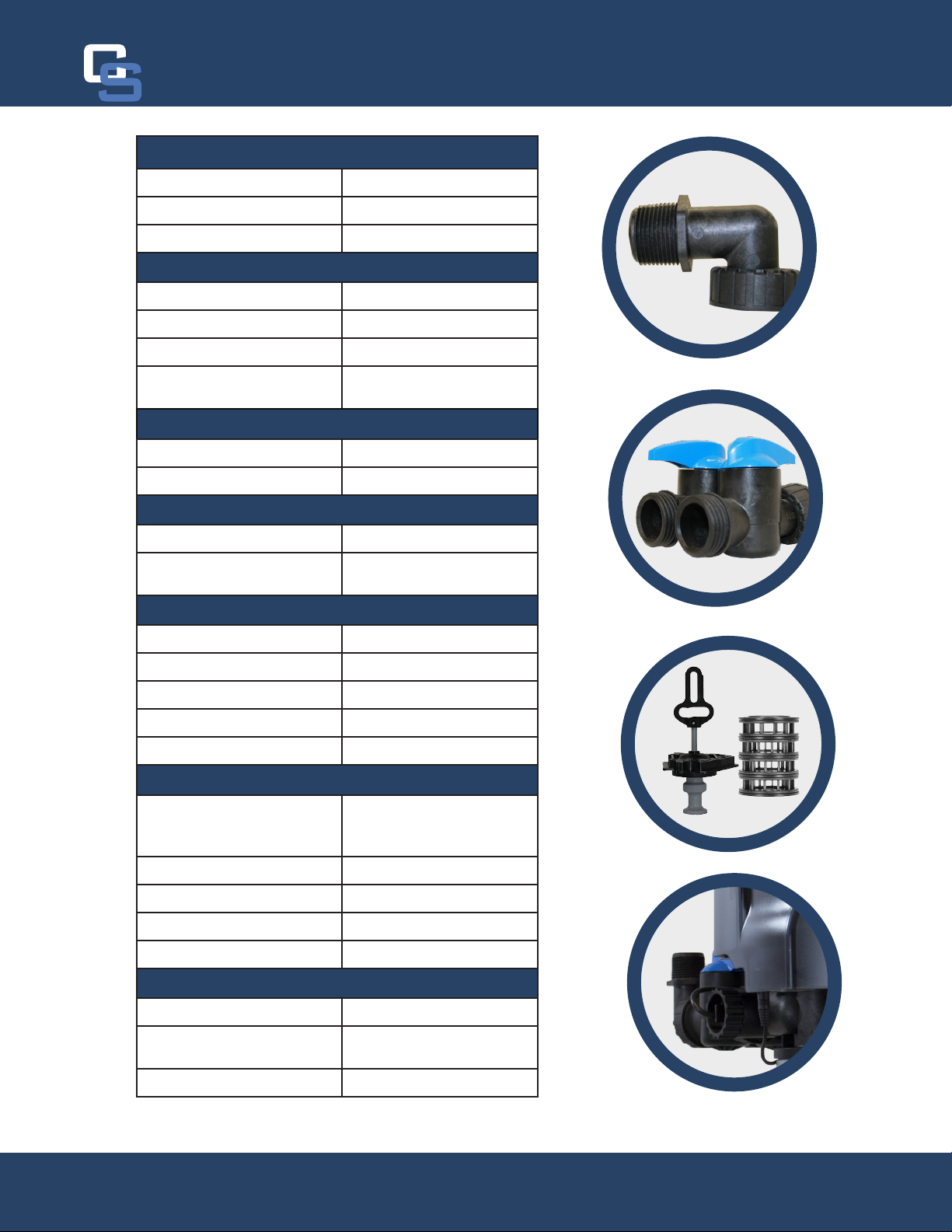
D15 Valve Specications
Valve Material Noryl®*
Inlet / Outlet 3/4” - 1”
Cycles 5
Flow Rates (50 psi inlet) - Valve Alone
Continuous (15 psi drop) 21 gpm
Peak (25 psi drop) 27 gpm
CV (flow at 1 psi drop) 5.4
Max. backwash (25 psi
drop)
17 GPM
Regeneration - Downow
Adjustable Cycles Yes
Time Available 99 minutes per cycle
Meter Information
Meter Accuracy Range .25 - 15 gpm +/- 5%
Meter Capacity Range (gal.) 1 - 9,999
Dimensions
Distributor Pilot 1.050” O.D.
Drain Line 1/2” NPT Q.C.
Brine Line 3/8”
Mounting Base 2-1/2” - 8 NPSM
Height From Top of Tank 7.7”
Typical Applications
Water Softener 6” - 16” Diameter up to 4
ft.3
Capacity
Iron Filter 6” - 16” Diameter
Sediment Filter 6” - 16” Diameter
Carbon Filter 6” - 16” Diameter
Neutralizing Filter 6” - 16” Diameter
Additional Information
Electrical Rating 12 VDC
Pressure Hydrostatic: 300 psi
Working: 20 - 125 psi
Temperature 34 ° - 110 ° F
*Noryl is a registered trademark of General Electric Company
Valve specications
Chandler Systems
4

Valve Control Board Connections
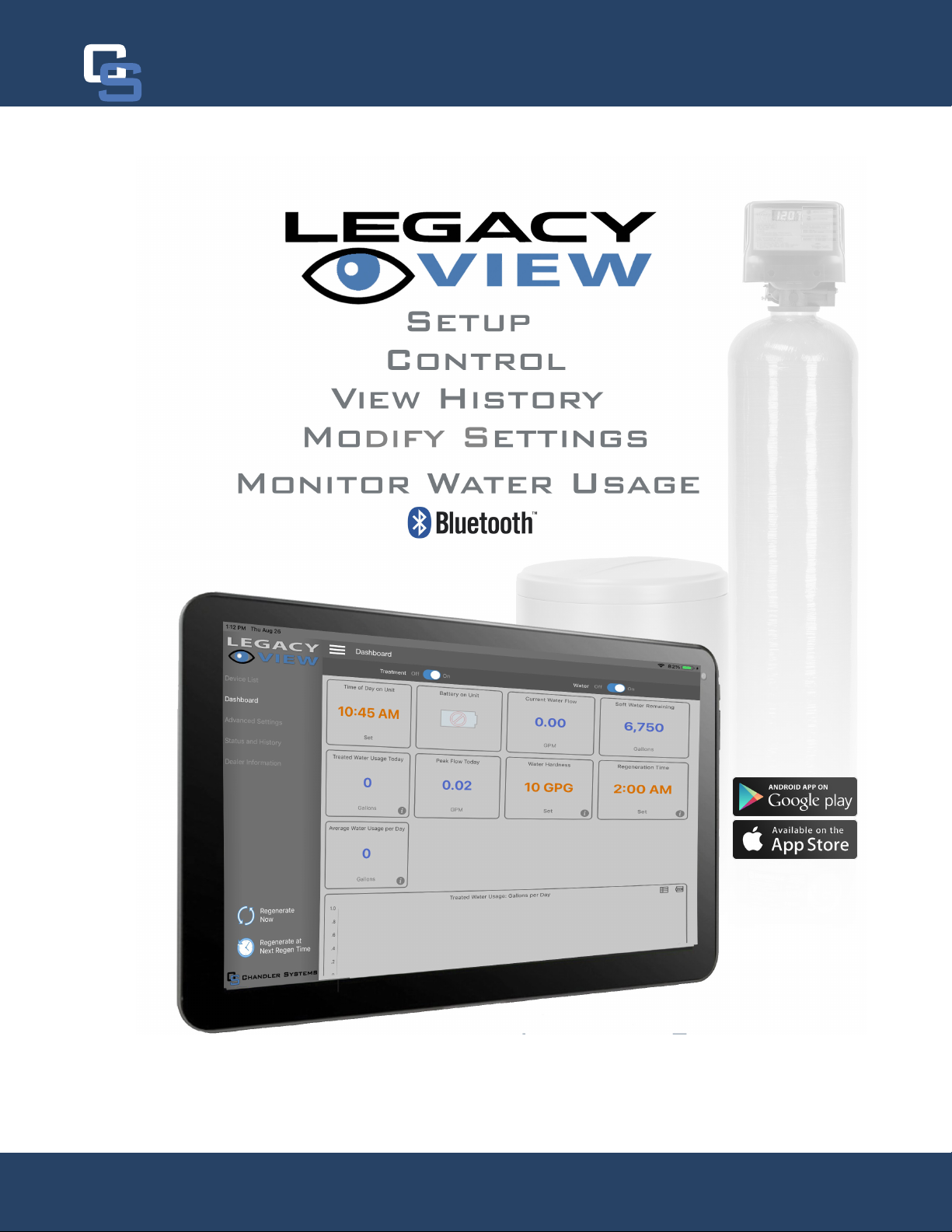
When you download the Legacy View app and
open it, you will see a screen similar to this one.
Any Legacy View bluetooth compatible device
will appear here as long as it is within range and
you have bluetooth enabled on your phone or tab-
let. Simply click on your device to get started.
After selecting your system,
you will be greeted with one
of the follow Dashboards
(depending on Softener
or Filter). To begin, adjust
the settings in ORANGE by
tapping on the box. The sys-
tems come preset here and
the default settings should
-
tions.
Legacy View Control Start Up
Legacy View Control
5

A
6
Softeners Filters
1
3
5
7
9
2
4
6
8
10
1
3
5
7
9
11
2
4
6
8
11
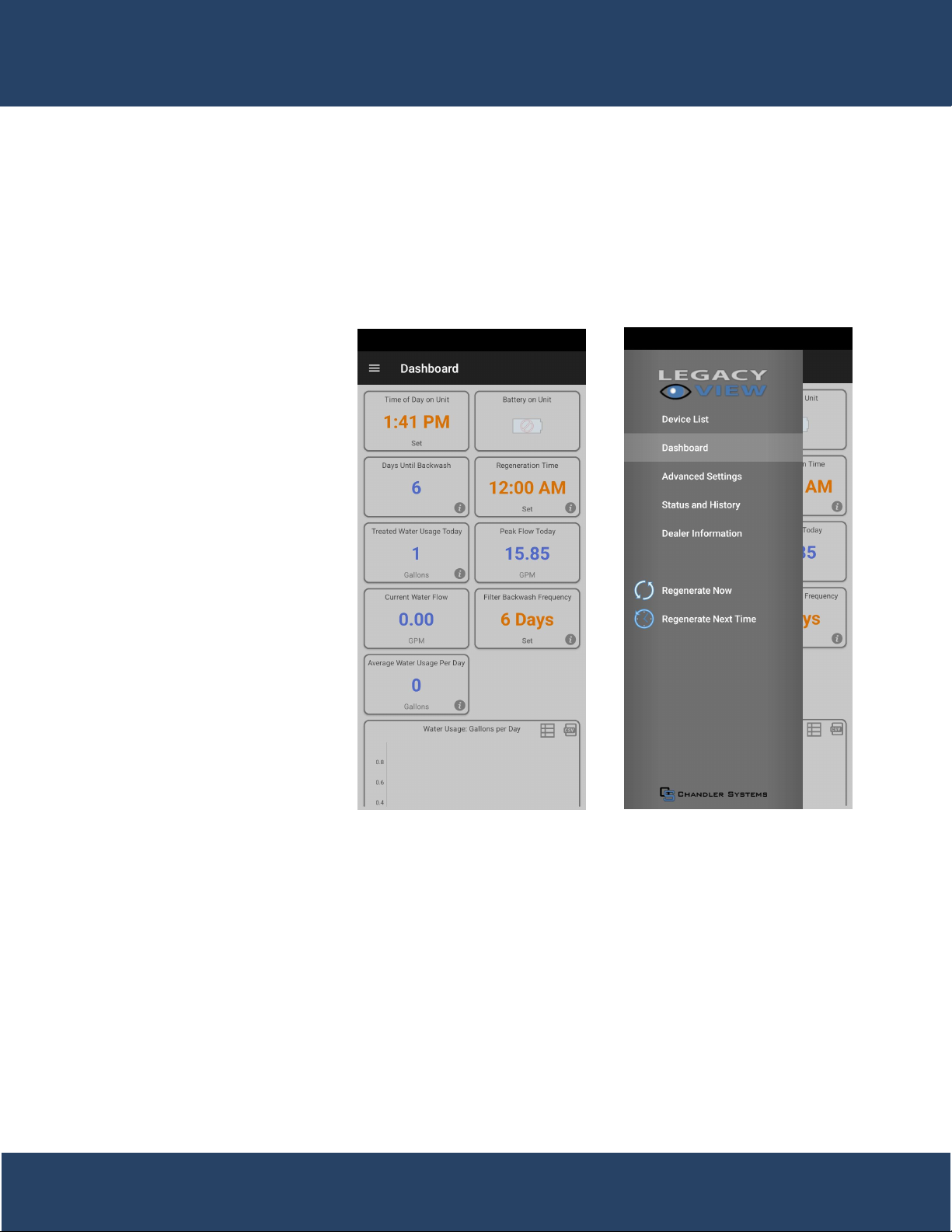
1. Current time on the system. Tap the box to set the time to that of the devices
2. Shows battery life of attached 9v backup battery
3. a. Softeners: Shows current water flow
b. Filters: Days until next regeneration
4. a. Softeners: Amount of soft water remaining
b. Filters: The time the system regenerates
5. Amount of water used that day
6. Highest GPM read that day
7. a. Softeners: Water hardness that can be adjusted by tapping on the box
b. Filters: Current GPM of water being used
8. a. Softeners: When the system regenerates
b. Filters: Amount of days between regenerations
9. a. Softeners: Allows the user to view a simulated version of their salt levels in order to
b. Filters: Amount of water used on average
10. Amount of water used on average
11. A graph of water usage for a whole month
Legacy View Control
Chandler Systems
6
Advanced Settings
The Advance Settings page is
where cycle times and certain
other settings can be adjust-
ed. To get there simply click
on the three lines in the top
left hand corner to bring up
the side menu and just tap on
the Advance Settings button.
Only change these settings if
instructed by Chandler
Systems or a Registered
Plumber.
7

A
8
Advanced Settings - Softener
1
3
5
7
9
2
4
6
8
10
Advanced Settings - Aeration Filter
1
3
4
6
8
2
5
7
1. Days left until next regeneration based on Regeneration Day Over-
ride
2. Amount of days between regeneration can set between 0-29. Set
ting at 0 turns this feature off
3. Percentage of soft water saved in case system runs out before next
regeneration time
4. Capacity of system based on size of tank. This is preset at factory
and should never need to be adjusted.
5. Turns the display off until a button is pressed
6. Turning this on adjust the cycles to have the forth regeneration step
tank dry until a regeneration is needed.
7. An upflow cycle to clean the media bed
8. Draws in salty water from the brine tank and rinses it over the media
bed to rejuvenate the resin
9. A downflow cycle to re-compact the media bed
10. Fills the brine tank with water for the next regeneration
1. How often the system adds air to the water
2. Turns the display off until a button is pressed
3. How much the system draws a chemical if the system is setup for
that feature.
4. Non-Adjustable step for purging air out of the system
5. An upflow cycle to clean the media bed
7. Draws air and/or chemical into the media bed to oxidize and remove
any contaminants
8. A downflow cycle to re-compact the media bed
NOTE:
Advance Settings Page
Chandler Systems
8

Status and History
The Status and History page under the side menu gives a more detailed account of how much water is actually
being used.
1
3
5
6
2
4
6
7
8
1. Amount of water flowing through system currently
2. Total gallons treated since system was installed
3. Amount of water that has gone through system since last regeneration
4. Total number of regenerations since system was installed
5. Number of regenerations since the system last lost power
6. Number of gallons used everyday
7. Total number of gallons used between each regeneration
8. Highest recorded gpm value per day
9

App Salt Monitoring Update
The recent release of Legacy View, version 3.1.18, adds Salt Monitoring to the existing generation of residential
and commercial metered softeners that are running the C4.22 rmware. Below is an overview of the new func-
tionality.
General Setup and Use
will see a new item on the dashboard called, “Brine
Tank Level” and it will display “Click to Setup” to indi-
Once you tap “Click to setup” or “Set”-
For residential metered softeners, this will default to a
inches.
For commercial metered softeners, this will default to a
inches. Note that the commercial brine tanks will also
include the 24 inch and 30 inch brine tank option.
enter the current salt level in the tank by either tapping
the brine tank or sliding up and down to the desired
position. This will need updated every time you add
salt to your brine tank. You can also adjust the initial
“Salt Monitoring” section).
A
10
Chandler Systems
10
Table des matières
Autres manuels Chandler Systems Unité de contrôle


Manuels Unité de contrôle populaires d'autres marques

Festo
Festo Compact Performance CP-FB6-E Manuel de la liste des pièces

Elo TouchSystems
Elo TouchSystems DMS-SA19P-EXTME Manuel utilisateur

JS Automation
JS Automation MPC3034A Manuel utilisateur

JAUDT
JAUDT SW GII 6406 Series Guide rapide

Spektrum
Spektrum Air Module System Manuel utilisateur

BOC Edwards
BOC Edwards Q Series Manuel utilisateur


