CEP Terminals GT910 G Manuel utilisateur

GT910 G Terminal
User Manual
Revision 1.0

2
Important information
This technical description contains important information for the installation and use of the
GT910 G terminal. Read it carefully before you start working with the GT910 G terminal.
We cannot be held responsible for material loss or personal in ury that is due to non-compliance
with the safety instructions. The warranty will be void in such circumstances.
Telic reserves the right to change the included information without prior notice and does not
take responsibility for errors in the document and/or for any missing information.

3
Table of Contents
Important information ...................................................................................................................................................... 2
1 General Information ................................................................................................................................................. 6
1.1 Contact for Support .......................................................................................................................................... 6
1.2 Conventions Used in this Manual ..................................................................................................................... 6
1.3 Related Documentation .................................................................................................................................... 7
1.4 Abbreviations .................................................................................................................................................... 7
1.5 Revision History................................................................................................................................................. 8
2 Product Description .................................................................................................................................................. 9
2.1 Overview ........................................................................................................................................................... 9
2.2 Identification ................................................................................................................................................... 10
2.3 Physical Dimensions and Weight .................................................................................................................... 10
2.4 Product Features and Technical Data ............................................................................................................. 11
2.5 Telic Certified Accessories ............................................................................................................................... 13
3 Safety and Product Care ......................................................................................................................................... 15
3.1 Audience and Intended Use ............................................................................................................................ 15
3.2 Safety instructions .......................................................................................................................................... 15
3.3 General precautions ........................................................................................................................................ 16
3.4 SIM card precautions ...................................................................................................................................... 16
3.5 Antenna precautions ....................................................................................................................................... 17
3.6 Storage Conditions .......................................................................................................................................... 17
4 Electrical Description .............................................................................................................................................. 18
4.1 Power Connector ............................................................................................................................................ 18
4.2 Antenna Connector ......................................................................................................................................... 19
4.3 SIM card holder ............................................................................................................................................... 19
4.4 RS232 Serial Port ............................................................................................................................................. 19
4.4.1 Serial Data ............................................................................................................................................... 20
4.5 Mini USB Connector ........................................................................................................................................ 20
5 Operation ................................................................................................................................................................ 22
5.1 Switch ON the modem .................................................................................................................................... 22
5.2 Configuration of the bit rate on the serial interface ....................................................................................... 23
5.3 Power cycle the modem ................................................................................................................................. 23

4
5.4 Using low power mode of the modem ........................................................................................................... 23
5.4.1 Enabling the low power mode ................................................................................................................ 23
5.4.2 Disabling the low power mode by user .................................................................................................. 24
5.4.3 Disabling the low power mode upon receiving GSM activity ................................................................. 24
5.5 Operating states / green LED .......................................................................................................................... 24
5.6 Current consumption Measurements ............................................................................................................. 24
6 Installation of the modem ...................................................................................................................................... 26
6.1 Where to install the modem ........................................................................................................................... 26
6.1.1 Environmental conditions ....................................................................................................................... 26
6.1.2 GSM Signal strength ................................................................................................................................ 26
6.1.3 Connection of components to the GT910 G terminal ............................................................................. 26
6.1.4 Network and Subscription....................................................................................................................... 26
6.2 How to install the modem .............................................................................................................................. 26
6.2.1 Power supply ........................................................................................................................................... 26
6.2.2 Securing the modem ............................................................................................................................... 27
6.3 Antenna ........................................................................................................................................................... 27
6.3.1 General .................................................................................................................................................... 27
6.3.2 Antenna type ........................................................................................................................................... 27
6.3.3 Antenna placement ................................................................................................................................. 27
6.3.4 The antenna cable ................................................................................................................................... 27
6.3.5 Possible communications disturbances .................................................................................................. 28

5
Table Overview
Table 1: Abbreviation ........................................................................................................................................................ 7
Table 2: Documentation Change Log ................................................................................................................................ 8
Table 3: Feature Overview .............................................................................................................................................. 12
Table 4: Accessories List .................................................................................................................................................. 14
Table 5: RJ11 Pin and Signals Description ....................................................................................................................... 19
Table 6: Electrical characteristics of the serial port signals ............................................................................................ 20
Table 7: Operating states of the green LED .................................................................................................................... 24
Table 8: Power consumption in standby, idle and low power mode and active call...................................................... 25
Figure Overview
Figure 1: Connector on rear side of the Terminal ............................................................................................................. 9
Figure 2: Connectors on front side of the Terminal .......................................................................................................... 9
Figure 3: Drawing of the Terminal’s Housing .................................................................................................................. 11
Figure 4: RJ11 Pin Connector .......................................................................................................................................... 18
Figure 5: Mini USB Type A/B connector for GT910 G ..................................................................................................... 21
Figure 6: Looping the DSR with DTR pins to permanently deactivate low-power mode. .............................................. 23

6
1General Information
This User Manual consists of the following chapters:
Chapter
Description
1
General Information
provides basic information such as the conventions for the warnin
g
levels, applicable related documentations, used abbreviations, a revision history and
contact information.
2
Product Description
provides a brief overview about
the mechanical specification of the
product (including size and weight) as well as an overview of the functions and features
of the device as well as the available accessories.
3
Safety and Product Care
addresses the audience for this manual, the indented use of this
device and safety-related information important to read before using the device.
Electrical Des
cription
describes the electrical characteristics and pin allocation of the
device’s connectors.
5
O
peration
provides details relating to the commissioning of the device, including det
ails
on activating special features such as the low power mode.
6
Installation of the modem
provides important instructions about how to install the
device for the M2M application.
1.1 Contact for Support
Please submit your request to TELIC AG customer support using the following online form:
http://www.telic.de/en/support/support-request
Information about Telic AG, products and accessories, including FAQs, are available from the following
web site: http://www.telic.de.
1.2 Conventions Used in this Manual
The following conventions for warning levels are used in this manual:
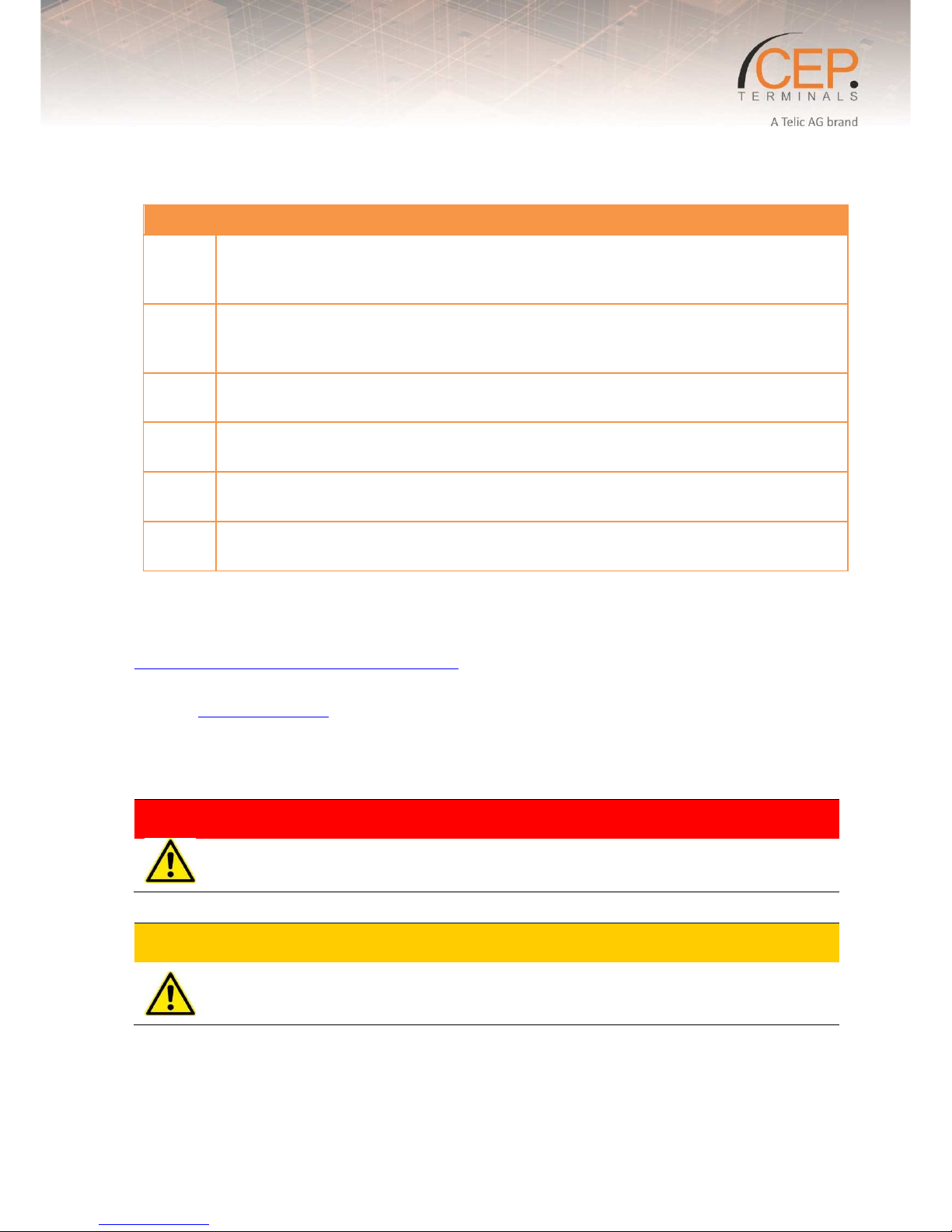
Warning
Warnings against hazards that may result directly in serious injuries or death in case of non-
observance.
Caution
Warnings against hazards that may result in injuries in case of non-observance.

7
NOTICE
Warnings against hazards that may result in material damage in case of non-observance.
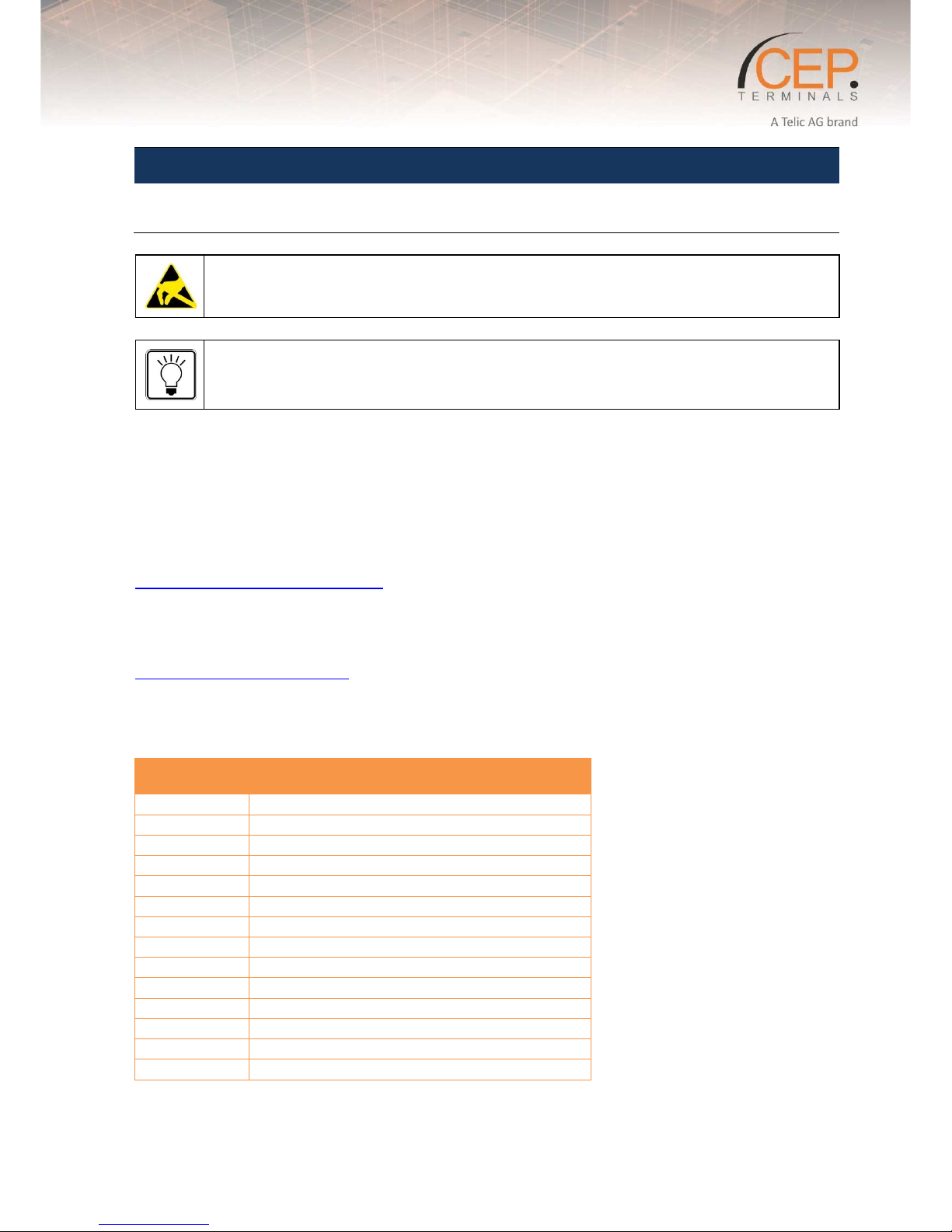
Indicates that the device can be damaged by electrostatic discharge.
This note contains helpful suggestions or references to material not covered in the document.
1.3 Related ocumentation
Please consult the download zone of the Telic AG website for additional documents related to GT910 G, such as
AT command manuals. Note that such type of documents can be accessed online only after you have registered
on our website and agreed with our terms of use. Please follow this link to register for a user account:
http://www.telic.de/en/nda-reg-form
Use the following link to login if you already have a valid user account:
http://www.telic.de/en/en-login
1.4 Abbreviations
Abbreviation Explanations
DCE Data Circuit Terminating Equipment
DTE
Data Terminal Equipment
GPRS
General Packet Radio Service
GSM
Global System for Mobile Communication
ME
Mobile Equipment
MO
Mobile Originated
MS
Mobile Station
PDU
Protocol Data Unit
RF
Radio Frequency
SIM
Subscriber Identity Module
SMS
Short Message Service
TA
Terminal Adapter
TE
Terminal Equipment
TS
Telecom Services
Table 1: Abbreviation

8
1.5 Revision History
Revision Date Changes
1.0 23.02.2017 Initial version
Table 2: Documentation Change Log

9
2Product Description
2.1 Overview
The pictures below show the mechanical design of the GT910 G terminal along with the positions of the
different connectors and mounting holes. The GT910 G terminal case is made of durable PC/ABS plastic.
Figure 1: Connector on rear side of the Terminal
Figure 2: Connectors on front side of the Terminal

10
Please note the following:
The terminal can be securely fitted into your application by using the mounting holes positioned at the two
corners of the device.
The SIM card can be inserted into the modem without the need for any tools.
Section 4 Electrical Description“2. Electrical Description” describes the pins and electrical characteristics or
of the modem’s terminal’s various connectors are described in
Section 4.2 Antenna Connector“2.3 Antenna Connector” provides information about the antenna connector
is found in “2.3 Antenna Connector”
Special DIN Rail Mounting Brackets (Art-nr. 12304 or Art-nr. 12305) is available as an accessory
item which allows installation of the modem in industrial environments using DIN Rails. For
more details of our accessories please check chapter 2.5 Telic Certified Accessories.
2.2 Identification
On the bottom of the device, you will find the type label.
Label
Description
S/N
Serial number
1
Serial number
IMEI
International Mobile
Equipment Identity
FW
GSM firmware version
HW
-
Rev.
Hardware Revision
Number + Production date
Input
Supply Voltage Range
CE conformity mark
Disposal in accordance
with European Directive
2002/96/CE
2.3 Physical imensions and Weight
Overall dimensions: 77 x 67 x 26 mm
Weight: 91g
1
Note that the serial number consists of a 5-digit product ID followed by the device’s IMEI.
Table des matières
Autres manuels CEP Terminals Terminal tactile
Manuels Terminal tactile populaires d'autres marques

Wincor Nixdorf
Wincor Nixdorf iPOS plus Advanced Manuel utilisateur

Ingenico
Ingenico AXIUM EX4000 Manuel utilisateur

Heisei Electronics
Heisei Electronics Q-POS 815 Manuel utilisateur

Amano
Amano MTX-15 Manuel utilisateur

FLOWBIRD
FLOWBIRD CWT Compact Touch Manuel utilisateur

Demco
Demco SP7 Manuel utilisateur