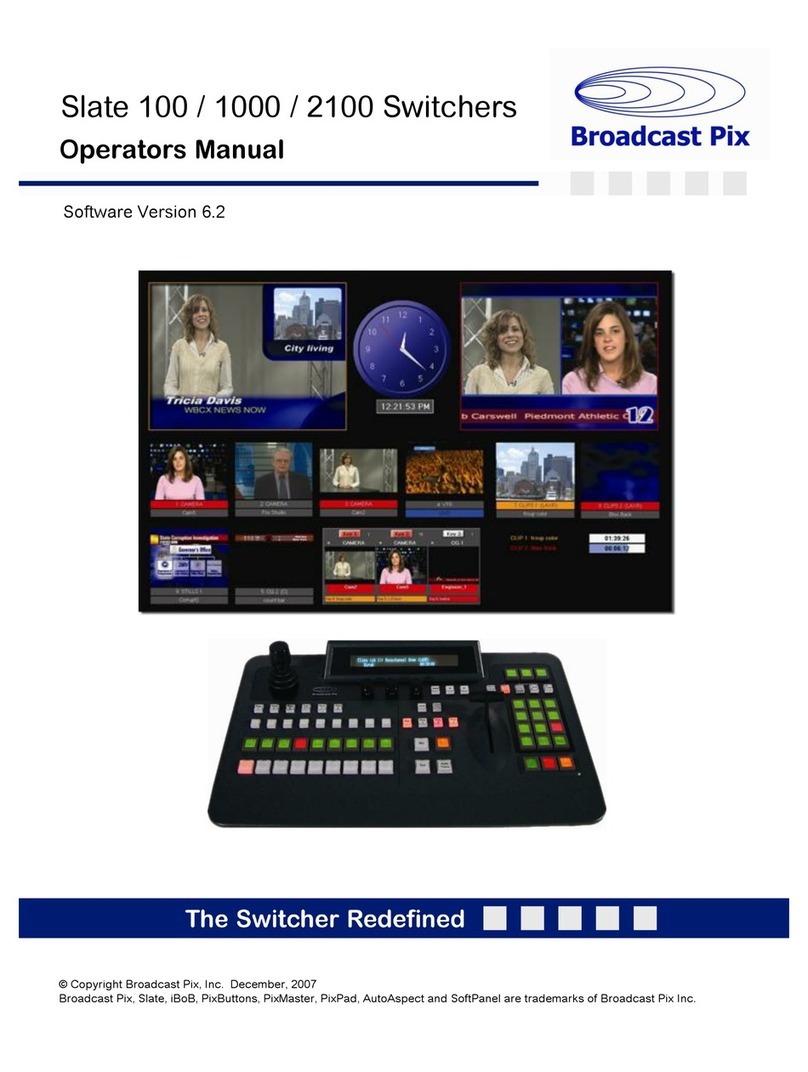
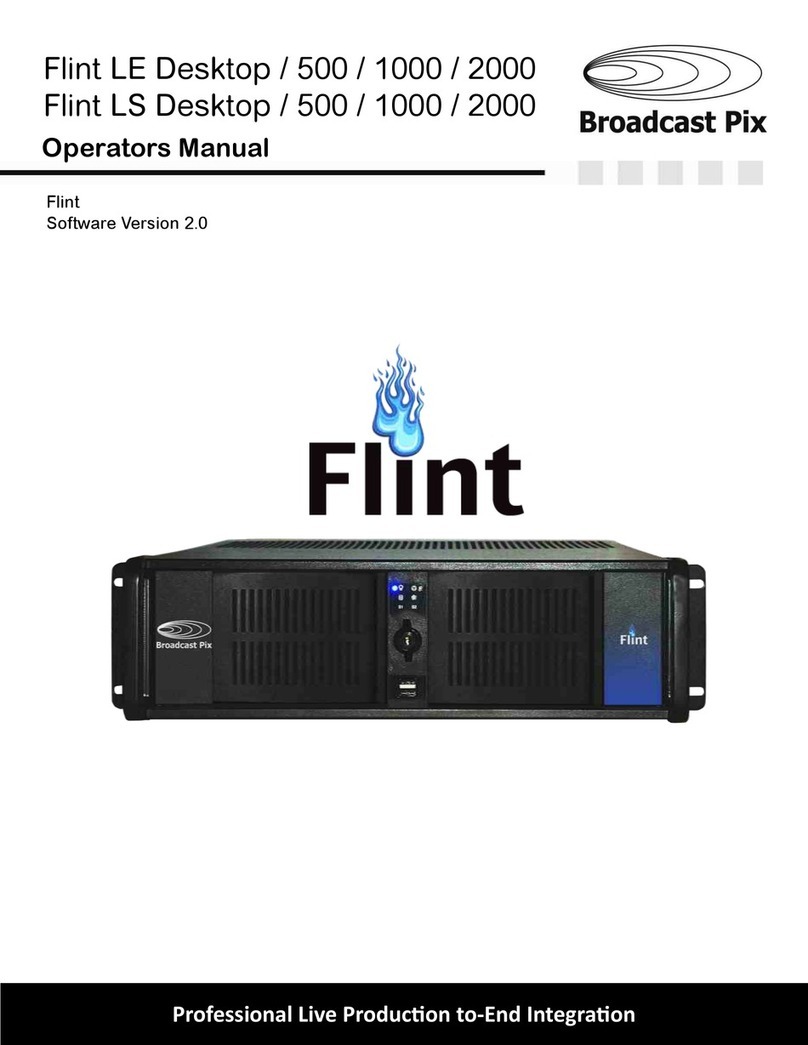
Broadcast Pix Slate 5000 Series Manuel technique

Broadcast Pix Slate 5000 Installation Planning Guide - October 2008 Page
Slate 5000
2 M/E HD & SD Video Switchers
Installation Planning Guide
Slate is a Live Integrated Production System

Broadcast Pix Slate 5000 Installation Planning Guide - October 2008 Page
© 2008 Copyright Broadcast Pix, Inc.
Broadcast Pix, Slate, PixButtons, PixPad, AutoAspect, and SoftPanel are trademarks of Broadcast Pix, Inc.
Other trademarks are owned by their respective companies. Specifications are subject to change.

Broadcast Pix Slate 5000 Installation Planning Guide - October 2008 Page
Table of Contents
3. Introduction
4. Standard Features
6. System Components
7. Control Panel Specifications
8. Control Panel Dimensions
9. Workstation Specifications
10. Slate Video I/O Cards
11. Slate 5008 Wiring Diagram
12. Slate 5016 Wiring Diagram
13. Slate 5032 Wiring Diagram
14. Multiple Slate Systems
15. Slate 5032 & Slate 3032 Example Wiring Diagram
16. File Inputs
17. AutoAspect
18. Team Operation
19. Multi-View Monitoring
20. Installation Considerations
21. Quad Monitor Card Option
22. Audio-Follow-Video Option
23. Sony Camera Control Option (RS-232C)
24. Sony Camera Control Option (RS-422)
25. Hitachi Camera Control
26. Panasonic Camera Control
27. More Options
28. System Delay
31. Slate Specifications
33. Contact Information
2

Broadcast Pix Slate 5000 Installation Planning Guide - October 2008 Page
The Broadcast Pix Slate™ 5000 is the industry’s first live, integrated production system to incorporate a 2
Mix/Effect (M/E) Production Switcher functionality with a Multi-View monitoring, Character Generator, Clip
Store and Still Stores. In addition, it controls external audio mixers, camera and video servers. Having
complete control room functionality allows a single operator to run all aspects of a sophisticated HD or SD
production, resulting in a more polished and engaging production. When productions demand more control,
it easily expands to a team operation to share responsibilities.
There are 10 Slate 5000 switcher models in High-Definition, Standard-Definition, analog or hybrid
solutions, as shown below, all of which use the same BPSwitcher software and control panel.
Slate 5000 Configurations:
• Slate 5008
There are 6 Slate 5008 configurations:
Each of which provides 8 live inputs for cameras and other external sources, plus 2 channels of clip store
and 5 channels of graphics. Each internal source has a video and key pair resulting in 14 internal inputs, for
a total of 22 internal and external sources.
Slate HD Slate SD
5008hh 5008dd
5008ha 5008aa
5008hd 5008da
• Slate 5016
There are 2 Slate 5016 configurations:
Each of which includes a 16x16 SDI router, which provides up to 16 live sources, in addition to 14 internal
inputs, as described above, for a total of 30 internal and external sources.
Slate HD Slate SD
5016hh 5016dd
• Slate 5032
There are 2 Slate 5032 configurations:
Each of which includes a 32x32 SDI router, which provides up to 32 live sources, in addition to 14 internal
inputs, as described above.
Slate HD Slate SD
5032hh 5032dd
Introduction
3

Broadcast Pix Slate 5000 Installation Planning Guide - October 2008 Page
Classic 2 M/E Panel Layout:
16 direct input source buttons, 16 shifted input source buttons for a total of 32 mappable inputs. ME 1
feeds into ME 2 to setup your next composition, or use ME 1 in a keyer for a DVE box (picture in picture)
effect or use ME 1 to control a secondary program output.
6 Universal Keyers:
Each ME has 6 universal keyers, which are shared across both MEs. Each Keyer has 2 dimensional
DVEs, reposition and cropping capabilities. In addition, one linear key can accept key and fill from an
external CG, which uses 2 of the 6 keyers. And one Chromakey one Luminance key is standard
(upgradable to 8), with clip, gain, hue and spill suppression.
Integrated Memories:
Save and recall switcher panel snapshots, which remember not only setups, but the exact file names of
clips, graphics and metadata (mark points, auto start/stop/rewind, loop and roll/crawl speed). Take
memories a step further with Scripts, a macro-based application, to automate your production to quickly
recall and play out pre-saved sequences and macros.
PixButtons™:
Unique push buttons with built in computer displays that show you icons of the device selected, (camera,
clip, graphic, etc.), the channel number selected and the exact file name selected of clips and graphics.
Always know what content will appear on air once a button is pushed on a Broadcast Pix Slate system;
no other switcher on the market has this functionality.
Multi-View:
Customizable Multi-View showing all internal and external live inputs in motion with tally status and under
monitor displays, plus view all keyer assignments and internal clip and graphic libraries. Displayed on a
dual or optional quad monitor card.
Character Generator:
2 channel character generator from Harris Inscriber TitleMotion Pro. Supports rolls/crawls, 2D & 3D
animations, on-air graphic changes with .ICG editing, many pre-loaded templates and anti-aliased
resolution of <16nS.
Clip Store:
2 channel clip store that supports uncompressed and compressed video with audio, with auto start/stop/
rewind, mark points and looping capabilities. Record any input directly onto the 500 GB hard drives
(upgradable to 1TB) uncompressed. Play up to 60 hours of QuickTime (.mov files encoded in DV, DVC-
Pro, or H.264/MPEG-4 AVC) and MPEG 2 files, and play out image sequence animations files with key
and audio.
Still/Logo Stores:
2 channels of still stores and 1 channel of logo store that can support a wide-variety of still graphic
formats from .TGA, .BMP, .GIF, .JPG. .PNG and .TIFF. Either 24 bit or 32 bit to support full screen
graphics or a keyable graphic with an alpha channel.
AutoAspect™:
Mix and match 16:9 content with 4:3 content interchangeably. Each external live input, as well as each
internal graphic and clip, can be adjusted to 4 different aspect treatments, Box, 14:9, Crop or None.
These treatments allow you to effortlessly adjust ratios, while maintaining the native ratio, without the
need for wiring or configuring external components. Simultaneously output 16:9 and 4:3 on hh models.
Standard Features
4

Broadcast Pix Slate 5000 Installation Planning Guide - October 2008 Page
Multi-Format:
Mix and match a wide variety of video and graphic formats including,
486i (NTSC), 576i (PAL), 720p/59.94, 720p/50, 1080i/59.94, 1080i/50, VGA*, DVI-I* and 1080p output*.
System selectable between NTSC/PAL and 4:3/16:9. (* optional)
Digital Processing:
Digital 10-bit 4-4-4 YPrPb progressive processing.
Live Inputs:
Up to 8 live inputs on a Slate 5008, up to 16 live inputs on a Slate 5016 and up to 32 live inputs on a
Slate 5032. Plus 14 video and key inputs for internal clips and graphics.
Outputs:
5 on a Slate 5008, 8 on a Slate 5016, 24 on a Slate 5032. All software assignable to either ME 2
Program, ME 2 Preview, ME 1 Program, ME 1 Preview, Aux or Clean Feed of any or all keyers.
Fail-Safe:
Standard redundant power supplies on control panel, router and workstation. Standard redundant soft-
panel if the control panel ever stops. Standard recovery system hard drive with auto-back-up software.
Always output one source on a Slate 5008, if workstation should ever stop. On Slate 5016 & 5032,
there’s a redundant RS-232 serial connection from the control panel to the router, which enables
switching of all live inputs even if the workstation should ever stop.
More Standard Features
5
Dual Device Controls
- Clips
- CG
- Stills
- Logo
- Fx
- Keyer
- Robotic camera
- Server
- Mems
- Etc.
6 Universal Keyers
2MEs
16-32 inputs
Sources
with tally
All 6 Keyers
with tally
Program,
Preview Clip & Graphic
Libraries
with Metadata

Broadcast Pix Slate 5000 Installation Planning Guide - October 2008 Page
A Slate 5008 switcher consists of a 2 M/E control panel and a 4 RU workstation, which contains the Slate
video processing I/O cards. All 8 external live inputs and 5 outputs connect directly to the Slate I/O cards, as
shown on page 10. It also includes a stereo audio break-out cable for the clip store.
A Slate 5016 and 5032 also include a 16x16 and 32x32 router respectively, as well as a 5 port 100BASE-TX
network switch to connect all the components. The router interconnects to 2 Slate I/O cards with (12) 75 ohm
BNC cables. An optional set of (3) 6 foot labeled cable bundles are available for convenience, but custom
cables may be used for longer installations. All external live SDI inputs and outputs connect to the router for
greater I/O flexibility.
Although Slate can accept both genlocked and non-genlocked sources, the main Slate I/O card needs to
have an analog black burst reference signal, as does the router.
System Components
6
Broadcast Pix Slate 5000 2 M/E Control Panel
Broadcast Pix Workstation
Broadcast Pix 16x16 Router Broadcast Pix 32x32 Router

Broadcast Pix Slate 5000 Installation Planning Guide - October 2008 Page
Control Panel Specifications
7
The control panel comes standard with dual internal redundant power supplies that uses standard IEC
power cords (included). In addition, there are 2 redundant 100BASE-TX Category 5 network ports for
communication to the workstation and an RS-232 serial connection for fail-safe control to the router. (3) Cat
5 cables are included with each Slate system, in addition to a 10ft serial cable for fail-safe control when used
with a router. For custom wiring of the RS-232 serial cable, see pinout below.
Redundant
power supply
test point
Rear View of 2 M/E Control Panel
Redundant
power supplies
Redundant
network ports
for workstation
communication
RS-232
serial port
for fail-safe
Pin Function
2 RXD
3 TXD
5 GND
DP 9-pin Fail-Safe
Serial Cable Pinout:
31 in
79 cm
15.5 in
39 cm
13.5 in
34.3 cm
30.1 in
76.5 cm
3 in
7.6 cm
9.5 in
23.9 cm
Top View Bottom View

Broadcast Pix Slate 5000 Installation Planning Guide - October 2008 Page 8
Tabletop installation of control panel:
Provides greater visibility of PixButtons™.
8.3 in
21.1 cm
1.25 in
3.2 cm
Cut-out installation of control panel
0.79 in
2 cm
5.9 in
15 cm
30.1 in
76.5 cm
13.5 in
34.3 cm
2.8 in
7.2 cm
5.36 in
13.6 cm
31 in
79 cm
Rear View
Cut-out Dimensions
Side Views
1.9 in
4.8 cm
9.5 in / 23.9 cm

Broadcast Pix Slate 5000 Installation Planning Guide - October 2008 Page
Premium Workstation Specifications
9
The workstation of a Slate 5000 runs Windows XP Service Pack 2 and comes pre-installed with the
appropriate software. The workstation runs the BPSwitcher application, which is necessary to operate the
system with all its features. (Applications from vendors other than Broadcast Pix should not be added to the
system, unless approved by Broadcast Pix, or they will hurt system performance and invalidate the
warranty.)
Workstation Specifications:
Pentium D 3.40 GHz Processer
1 GB ram
80 GB system hard drive (for applications and graphic storage)
Redundant 80 GB system drive with auto-back-up software
(2) Removable 250 GB video hard drives (for clip store storage), upgradable to two 500 BG TB
(1) DVD/CD R/W
Redundant power supplies
(2) 10/100/1000BASE-TX Ethernet ports (one used for private Broadcast Pix control)
(2) front-mounted USB 2.0 ports (one used for Inscriber TitleMotion dongle, mounted internally)
(6) rear-mounted USB 2.0 ports
(2) PS2 ports for keyboard and mouse (supplied)
Sliding Rack Rails for standard 19” rack mount
2 USB Ports
(1 capped)
Power ButtonReset Button Security Lock
Alarm silencer, for dual
redundant power supplies Analog audio I/O,
via a breakout
cable, shown below
Slate I/O,
see next page
Network Port
for control panel
connection
RS-232 Serial Ports
for camera control &
server control
Broadcast Pix Workstation, Front View
Broadcast Pix Workstation, Rear View
Redundant
Power supplies
Ce manuel convient aux modèles suivants
3
Table des matières
Autres manuels Broadcast Pix Changer

Broadcast Pix
Broadcast Pix Slate 3000 Series Manuel technique

Broadcast Pix
Broadcast Pix Flint LS 1000 Manuel utilisateur

Broadcast Pix
Broadcast Pix BPswitch Manuel utilisateur

Broadcast Pix
Broadcast Pix Slate 100 Manuel utilisateur

Broadcast Pix
Broadcast Pix Slate 100G Manuel utilisateur

Broadcast Pix
Broadcast Pix Slate 5008G Manuel utilisateur

Broadcast Pix
Broadcast Pix Flint LS 1000 Manuel utilisateur

Broadcast Pix
Broadcast Pix Granite 2000 Manuel utilisateur

Broadcast Pix
Broadcast Pix Slate 100 Manuel utilisateur