
ZLINK PA-100 Manuel utilisateur
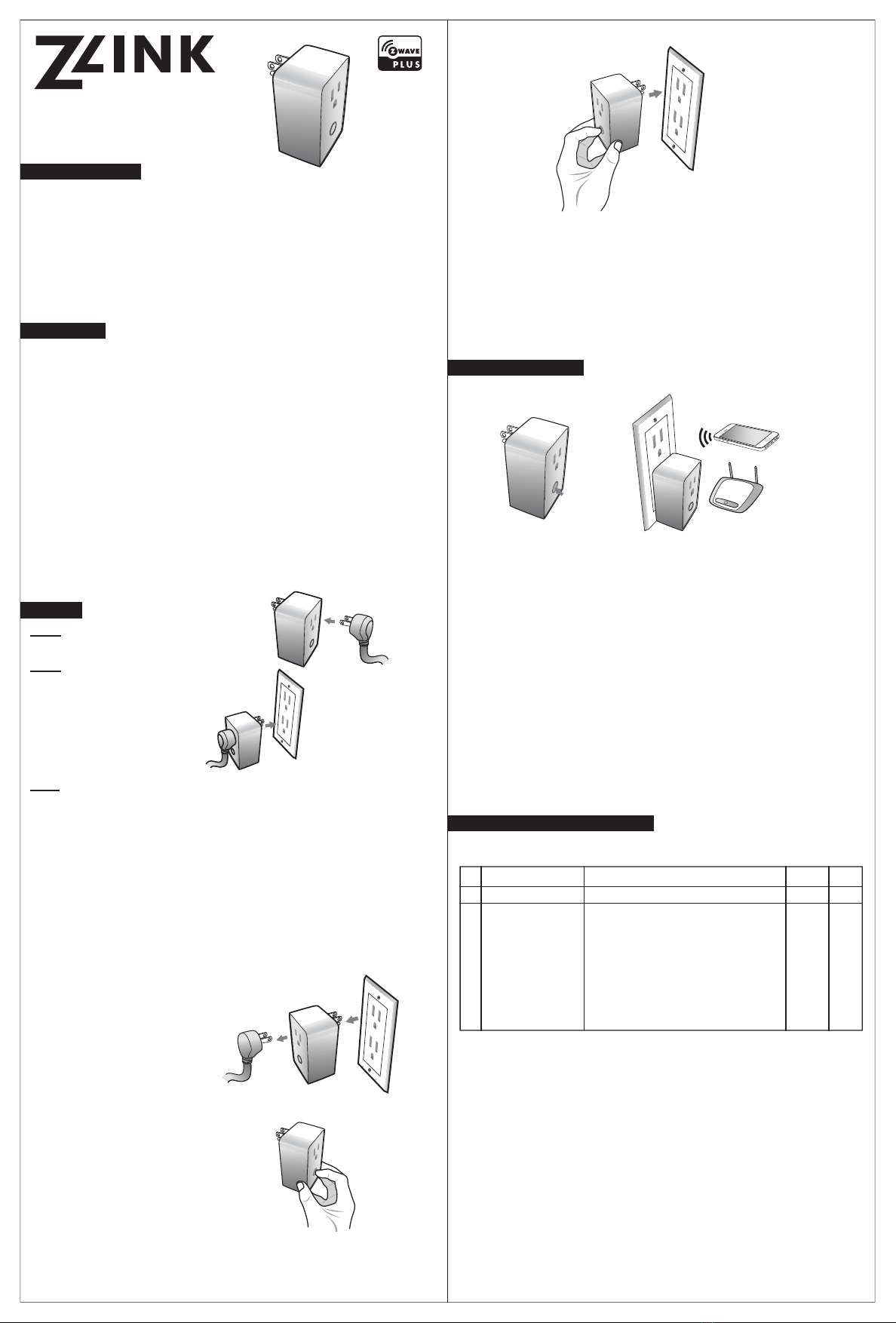
PA-100
English
Size: 5cm x 10 cm, total: 20cm x 30cm (H)
PA-100
Plug In Switch
with other Z-Wave
INTRODUCTION
FEATURES
Manual Reset
BASIC OPERATION
Step 3
Step 1
SETUP
Step 2
also unplug the power plug of the
Connecng Things That Maer
•
•
•
•
•
•
•
•
•
•
Press here
A)
Associa�on:
ADVANCED CONFIGURATION
Nightlight
#
3 0 1
Descrip�on
Parameters
Values Default Bytes

PA-100
English
Size: 5cm x 10 cm, total: 20cm x 30cm (H)
SPECIFICATIONS
WARRANTY
IMPORTANT
FCC ID: 2ABWCPA100
Interoperability with Z-Wave devices
IC: 11786A-PA100
suivantes :
ZL-PA-100
Input power
Wireless range
temperature
FOR INDOOR USE ONLY
Your Z-Wave device has a unique Device
Specific Key (DSK) on the product and packaging that is
required to add or re-add the device to a network with a
controller supporting Security 2 (S2). Be sure to save the
DSK code for each device and store in a safe place. Do not
remove the DSK from the product. Take a photo of the full
DSK code on the packaging or write the full code here:
Installation Date:
Device Location:
Ce manuel convient aux modèles suivants
1
Autres manuels ZLINK Changer


