
Viascope ipscan probe 600 Manuel utilisateur
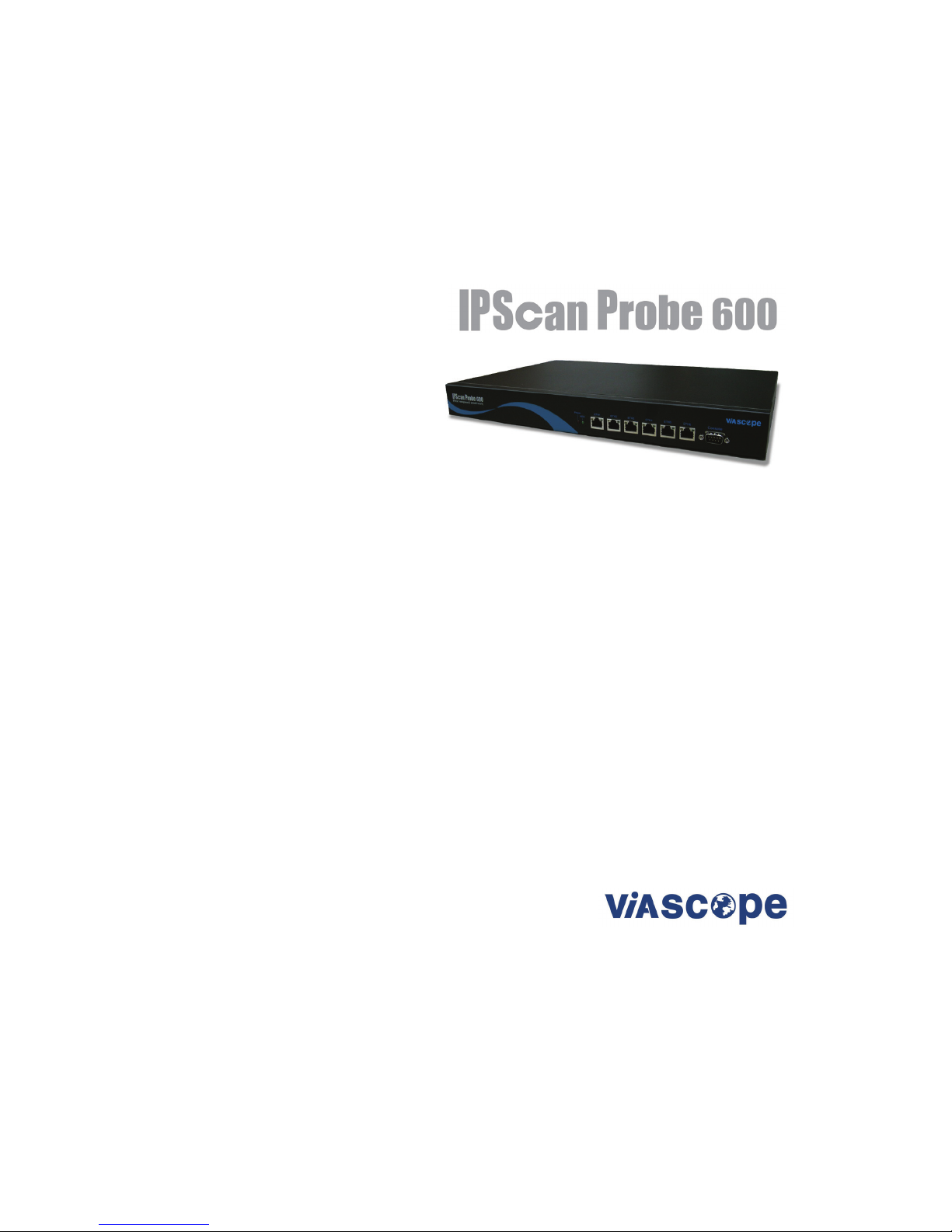
IPScan Probe 600
User’s Guide
Version : 3.5.0.0
ViaScope Int.
Tel. 82-2-3412-9700
http://www.viascope.com
Technical Support: help@viascope.com

IPScan Probe 600 User’s Guide
2
Contents
1. INTRODUCTION............................................................................................ 3
1.1. ABOUT IPSCAN .......................................................................................... 4
1.2. IPSCAN PRODUCT FAMILY ........................................................................... 5
1.3. IPSCAN PROBE 600 COMPOSITION AND INSTALLATION .................................. 6
1.3.1. Introduction and Composition ........................................................ 6
1.3.2. Installation......................................................................................... 8
1.3.3. Accessing the Probe Using HyperTerminal ................................... 9
2. GETTING STARTED ................................................................................... 10
2.1. MAIN MENU .............................................................................................. 11
2.2. SYSTEM ................................................................................................... 12
2.2.1. Password ........................................................................................ 12
2.2.2 System Configuration by Ethernet Port ........................................ 13
2.2.2.1. ARP check Interval [Online](min)/[Offline](min)..................... 14
2.2.2.2. Off range Interval (min) ............................................................ 14
2.2.2.3. Automatic Private IP addressing detection ............................ 15
2.2.2.4. Maximum ARP Packet per sec................................................. 15
2.2.2.5. Excess ARP Packet suspension period (sec) ........................ 16
2.2.2.6. DHCP Block Alarm (min).......................................................... 16
2.3. LAN ........................................... 오류!책갈피가 정의되어 있지 않습니다.
2.3.1. Master Port...................................................................................... 18
2.4. RETURN TO DEFAULT ................................................................................ 21
2.5. SAVE ....................................................................................................... 21
2.6. SAVE &APPLY.......................................................................................... 21
2.7. SYSTEM SHUTDOWN ................................................................................. 21
2.8. SYSTEM STATUS ....................................................................................... 22
2.9. OPERATING CONFIG .................................................................................. 23
2.10. TAKE OVER ............................................................................................ 24
2.11. PING TEST.............................................................................................. 26
3. APPENDIX ................................................................................................... 27
3.1. PORT DESCRIPTION .................................................................................. 28
3.2. NETWORK CONFIGURATION ....................................................................... 29
3.2. Q&A........................................................................................................ 31

IPScan Probe 600 User’s Guide
3
1. Introduction
This chapter contains overall information about IPScan and its composition.
1.1. About IPScan 4
1.2. IPScan Product Family 5
1.3. IPScan Probe 600 Composition and Installation
1.3.1. Introduction and Composition
a. Features
b. Probe Specification
c. IPScan Probe 600 Composition
d. Panel Description
1.3.2. Installation
1.3.3. Accessing the Probe using Hyper Terminal
6
6
6
6
7
7
8
9
IP/MAC resource Management and network security solution
www.scope.co.kr

IPScan Probe 600 User’s Guide
4
1.1. About IPScan
IPScan is IP/MAC resource management and Layer 2 network security solution that empowers
IT managers to increase work efficiency and network security. IP based networking
environment offered the easiness to access the network, but at the same time, it became a
management issue for IT manager.
If you are using DHCP server to automatically assign IP, you may not feel the urgency to
manage IP addresses. However, now more and more IT managers are concerned with
security issues under DHCP networking environment. It is becoming a critical issue for all
organization to detect any unknown devices and keep them away from your network.
IPScan has been designed and developed to fulfill the above needs. Proven by over 400
hundred clients around the globe, it will provide various functions to ensure network security and
maximize the work efficiency.
Major features are as follows:
Automatic monitoring and update on IP/MAC activities.
IP duplication detection and resolution.
Add additional user columns to keep track of IP/MAC inventory system.
MAC based network management under DHCP networking environment.
Network host name detection and control.
Unauthorized IP/MAC blocking.
Assign network access time and control the access based on IP/MAC.
Scan specific port number(s) to determine its activeness.
Switch port table query and port control.
Realtime events detection and log them into database.
Detect and block excessive broadcasting packet generator.
ReportViewer to search for database and generate reports.

IPScan Probe 600 User’s Guide
5
1.2. IPScan Product Family
IPScan product family is composed of the followings:
IPScan Server : Communication module that receives data from IPScan Probe and stores in the
database.
IPScan Console : Actual user interface to monitor and manage data.
IPScan Probe : Software embedded probe that is installed in each segment or VLAN
IPScan Probe 50 :
91 10/100 Mbps Ethernet port.
9Supports up to 50 active IP devices.
IPScan Probe 100
91 10/100 Mbps Ethernet port.
9Supports up to 250 active IP devices.
IPScan Probe 100A
91 10/100 Mbps Ethernet port.
9Supports up to 500 active IP device.
IPScan Probe 200
92 10/100 Mbps Ethernet port.
9Supports up to 1,000 active IP device.
IPScan Probe 600
96 10/100 Mbps Ethernet port.
9Supports up to 2,500 active IP devices.
The Basic Network Configuration is down below.
IP Scan Probe
IP Scan Server DB Server IP Scan Console

IPScan Probe 600 User’s Guide
6
1.3. IPScan Probe 600 Composition and Installation
1.3.1. Introduction and Composition
IPScan Probe 600 is installed in multi segment and/or a regional office up to 2,500 active IP
devices. It communicates with IPScan Server in the central location to store data and receive
commands. It is designed to support one 10/100Mbps Ethernet interface and multiple VLAN
environments.
a. Features
9Gathering information of assigned IP ranges.
9Blocking and Unblocking IP/MAC address of assigned IP ranges.
9Built in DHCP Server.
9Offers TCP Port Scan function
9Offers SNMP Switch Port Scan function
b. Probe Specifications

IPScan Probe 600 User’s Guide
7
c. IPScan Probe 600 Composition
The package contains the following items.
IPScan Probe 600 1 each
IPScan Probe 600 User’s Guide 1 each
Power cable 1 each
RS232 serial console cable 1 each
RJ45 cable for Ethernet connection 2 each
19 inch rack mount 1 set
d. Panel Description
IPScan Probe 600 Front View
IPScan Probe 600 Rear View
LED : Displays data processing and probe status.
¾Power : lights green when the power is turned on.
¾10/100 : displays orange light when connected 10Mbps and green light when connected to
100Mbps network.
¾Activity : displays green light when the probe is collecting data within the segment.
¾Status: displays green light when the probe is successfully connected with the Server, and
blinks when the probe is disconnected.
Ethernet : use RJ45 Ethernet cable to connect the probe on one end and the other end to the
network.
Console : connect RS232 cable when configuring and managing the probe using the console.
Power Switch : switch on to turn on the probe.
Power : use power cable to input power.
①
②
③
④ ⑤

IPScan Probe 600 User’s Guide
8
1.3.2. Installation
IPScan Probe 600 deployment does not require network reconfiguration or upgrade.
PLEASE KEEP IN MIND THAT ONLY ONE PROBE IS RECOMMENDED WITHIN ONE
BROADCASTING DOMAIN. DO NOT INSTALL MORE THAN ONE PROBE WITHIN A SAME
SEGMENT.
The installation process is as follows:
IPScan Probe 600 supports one 10/100Mbps Ethernet interface.
9Monitoring a single segment: connect the probe to a switch port (upper level switch port).
It is recommended to install at least one probe in each segment for proper monitoring and
management.
9Monitoring more than one segment: connect the probe to 802.1q Trunk port. Consult with
your network administrator for the setting.
Connect to the network using RJ45 Ethernet cable and plug in the power cable.
Turn on the power switch.
Connect one end of RS232 console cable to the probe and the other end to COM port. Access the
probe using HyperTerminal program.
Sample Configuration
DB Server IP Scan Console
Trunk (802.1q)
Backbone
Switch
IPScan Probe 600
A

IPScan Probe 600 User’s Guide
9
1.3.3. Accessing the Probe Using HyperTerminal
After the installation, you may access IPScan Probe 600 using a standard terminal or
HyperTerminal program provided by Windows based PC.
Step1 Define below values, and select [OK] to connect to IPScan Probe.
Bit per second(B) : 38400
Data bits : 8
Parity : None
Stop bits : 1
Flow control : None
Step2 When you access the probe using HyperTerminal, you will be asked to enter
password. However, the factory default configuration contains no password, so please
proceed to the main menu by pressing ‘Enter’ button.
Step3 The [Main Menu] screen will be shown.
Main Menu
1. System
2. LAN
3. Return to Default
4. Save
5. Save & Apply
6. System Shutdown
7. System Status
8. Operating Config
9. Take Over
10. Ping Test
0. Exit

IPScan Probe 600 User’s Guide
10
2. Getting Started
This chapter describes how the functions of the IPScan Probe 600 are
configured and applied.
2.1. Main Menu
2.2. System
2.2.1. Password
2.2.2. System Configuration by Ethernet Port
2.2.2.1. ARP check Interval [Online](min)/[Offline](min)
2.2.2.2. Off range Interval (min)
2.2.2.3. Automatic Private IP addressing detection
2.2.2.4. Maximum ARP Packet per sec
2.2.2.5. Excess ARP Packet suspension period
2.2.2.6. DHCP Block Alarm
11
12
12
13
14
14
15
15
16
16
2.3. LAN
2.3.1. Master Port
2.4. Return to Default
2.5. Save
2.6. Save &Apply
2.7. System Shutdown
2.8. System Status
2.9. Operating Config
2.10. Take Over
2.11. Ping Test
17
18
21
21
21
21
22
23
24
25
IP/MAC resource Management and network security solution
www.scope.co.kr
Table des matières
Manuels Routeur réseau populaires d'autres marques


NETGEAR
NETGEAR FS526T - Switch Manuel utilisateur

Korenix
Korenix JetNet 5710G Series Manuel utilisateur

Automated Logic
Automated Logic ZN551 Manuel du propriétaire

Cisco
Cisco ASR 1000 Series Manuel de l'opérateur

EnGenius
EnGenius ESR-9710 Manuel utilisateur

Cisco
Cisco 805 Series Instructions d'utilisation et de sécurité