4
Press MENU.
Select PROGRAM, conrm with OK.
Select STANDARD, conrm with OK.
Select DELETE, conrm with OK.
Select SWITCHING TIME, conrm with OK.
INDIVIDUAL is displayed (with u DELETE ALL), conrm
with OK.
MONDAY is displayed, conrm with OK.
Select DELETE BLOCK, conrm with OK.
With uDELETE MONDAY etc. individual days can also
be deleted.
Pulse programming
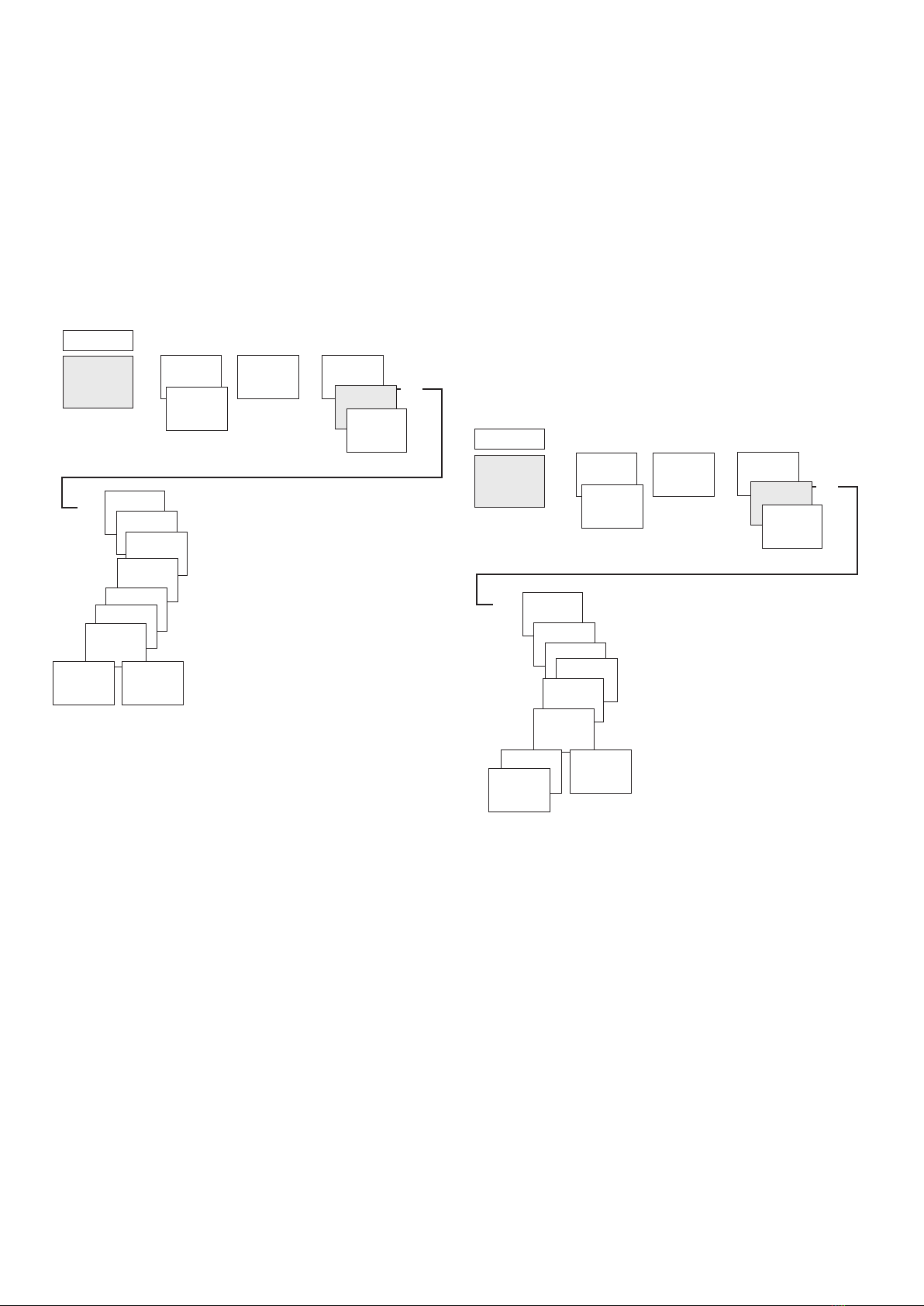
MENU
PROGRAM u
u u NEW SWITCHING
TIME
PULSE
STANDARD
SPECIAL 1
...
...
u
u
FREE 84
ON
HOUR
MINUTE
PULSE
DURATION
MINUTE
SECOND
MONDAY
SAVE
COPY
u
u
...
Example: Switch on pause signal on Monday at 8:05 for 5 sec.
Press MENU.
Select PROGRAM, conrm with OK.
Select STANDARD, conrm with OK.
Select NEW, conrm with OK.
With u select PULSE, conrm with OK.
Select ON, conrm with OK.
Use the + or – buttons to enter hour, minute, second (8:05)
and conrm with OK.
Use the + or – buttons to enter the duration of the pulse in
minutes and seconds (5 sec) and conrm with OK. MONDAY
is displayed.
Select day, conrm with OK.
Select COPY or SAVE.
To save press u and conrm with OK.
To copy press OK.
Cycle programming
In addition to turn-on and turn-off times (switching time)
and short time pulses (pulse), cycle times (cycle) can also be
programmed. The pulse duration (+ pulse pause) is limited to
17 hrs, 59 min, 59 sec.
LCycle times are cyclically repetitive time functions such as
fan controls, urinal rinses, etc.
Example: Switch on water rinsing Monday from 8:00 to
20:30 every 15 min. for 20 s (8:00:00–8:00:20 On; 8:15:00–
8:15:20 On; 8:30:00–8:30:20 On, etc.)
Cycle programming:
•Start cycle: Monday 8:00
•Pulse duration: 20 s
•Pause duration (pause): 14 min and 40 s
•End cycle: Monday 20:30
LObserve the maximum number of electrical switching
cycles when using the cycle function.
MENU
PROGRAM u
u u NEW SWITCHING
TIME
CYCLE
STANDARD
SPECIAL 1
...
...
u
u
FREE 84
START
CYCLE
HOUR
MINUTE
MONDAY
PULSE
DURATION
PAUSE
CONTINUOUS
WITH END
STOP CYCLE
u
u
...
Press MENU.
Select PROGRAM, conrm with OK.
Select STANDARD, conrm with OK.
Select NEW, conrm with OK.
With u select CYCLE, conrm with OK.
START CYCLE is displayed, conrm with OK.
Use the + or – buttons to enter hour, minute, day (8:00
Monday) and conrm with OK.
Enter PULSE DURATION (20 s), conrm with OK.
Enter pause duration PAUSE (14 min and 40 s), conrm
with OK.
Select WITH END, conrm with OK.
STOP CYCLE is displayed, conrm with OK.
Enter end times of the cycle (20:30) and conrm with OK.