TABLE OF CONTENTS
Support............................................. 1
Service Activation............................. 2
Phone Overview ............................... 3
Micro SIM Card ................................ 4
Battery .............................................. 6
Power................................................ 7
Setup Wizard ................................... 7
Start Screen...................................... 9
Action Center.................................. 10
Cortana........................................... 11
Calls................................................ 13
Voicemail ........................................ 13
Contacts......................................... 14
Volume............................................ 15
Ringtones ....................................... 15
Email............................................... 16
Texting ............................................ 18
Wi-Fi Calling ................................... 19
Bluetooth®..................................... 21
Settings .......................................... 22
Internet Sharing.............................. 23
Approved Firmware Versions......... 23
Caring For Your Phone ................... 23
Safety Tips...................................... 25
Emergency Dialing......................... 26
Additional Information .................... 27 1
SuppOrT
This guide provides you with the
information you need to get started.
For more information and additional
support, please visit www.t-mobile.com/
support where you can:
nRegister at my.t-mobile.com
to check your minutes, pay
your bill, upgrade your phone,
and change your rate plan.
nReview your phone’s User Manual
and troubleshooting FAQs.
nView the latest troubleshooting
solutions in the Support Forums
or ask a question of your own.
You can also access Help information on
your phone:
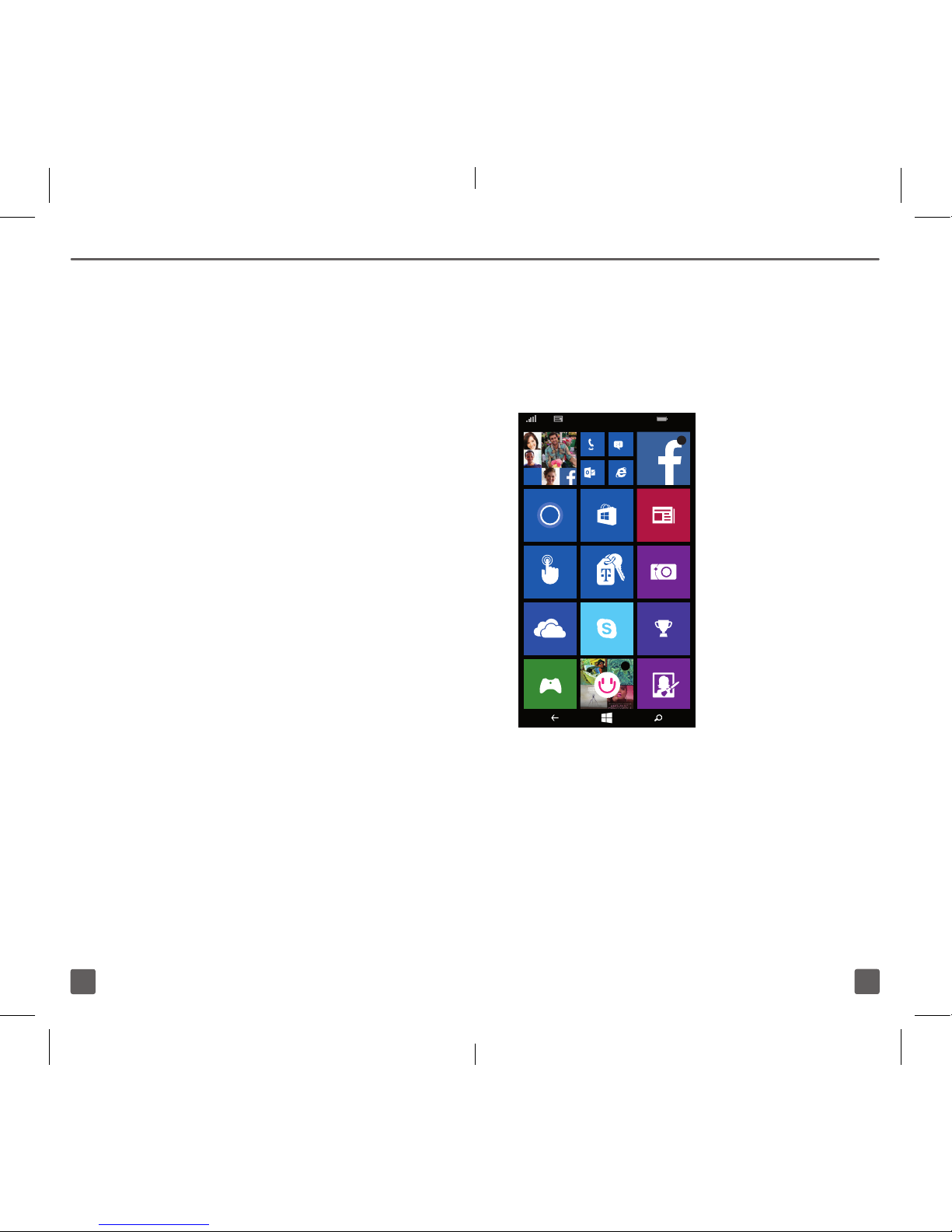
1. Right on the start screen...just tap
the Getting Started tile for the
fastest way to get up and running.
2. The My Account app on your
start screen can help you with
many account related questions.
3. Lumia Help+Tips is located by
scrolling down on the start screen.
Videos, FAQ’s and many other
resources is just a tap away.
71707r1th_NOK_TMO640UserGuide.indd 2-1 2/18/15 5:04 PM