5
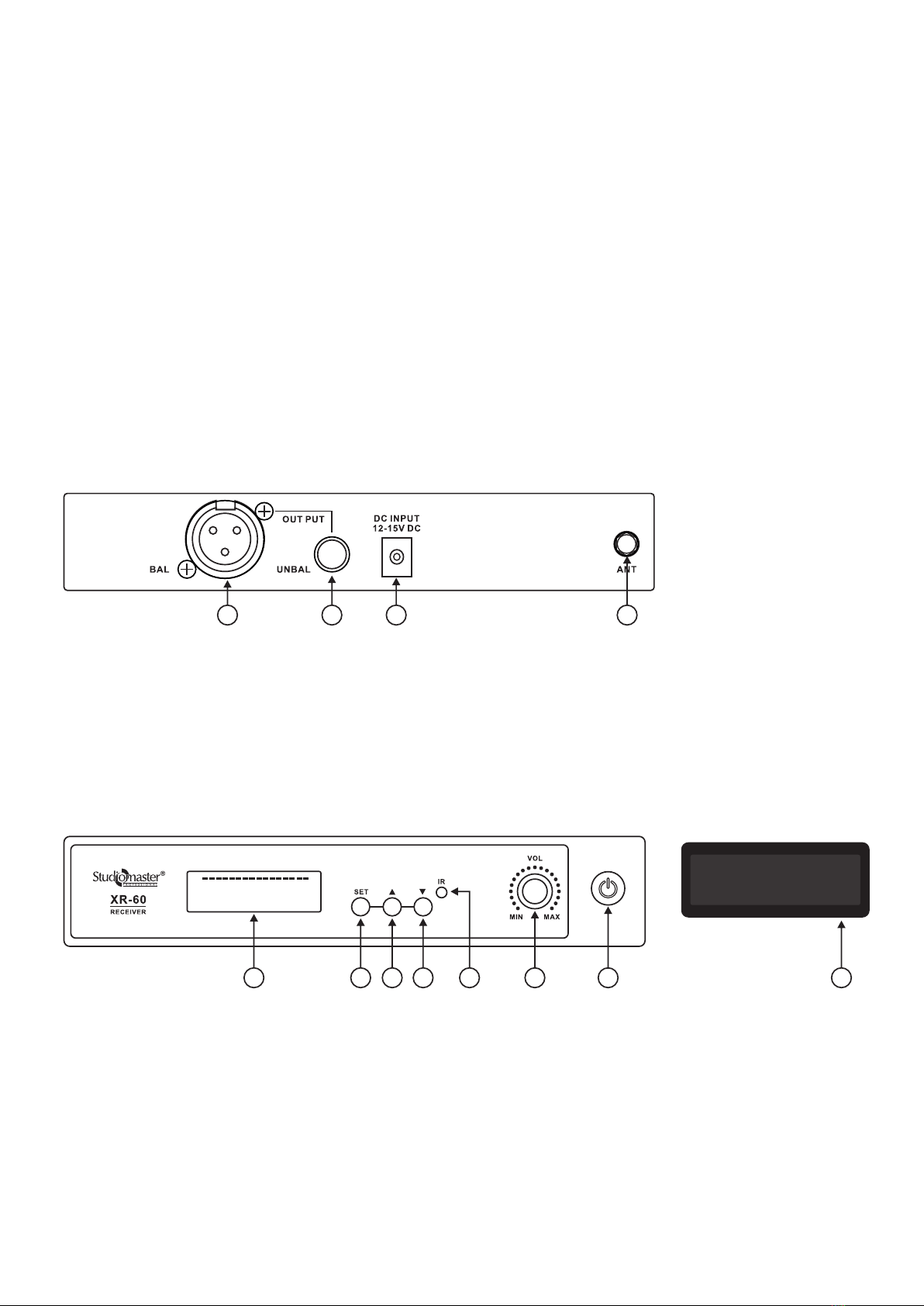
• Press the ‘’Set’’ button to select the required frequency. The receiver will search for the transmitter and after a few
seconds it will set the selected frequency as shown below.
Usage Tips
- Make sure you can always see the receiver antenna from the transmitter position.
- Keep the distance from the transmitter to the receiver as short as possible
- Avoid obstruction between transmitter and receiver.
- Perform a ‘’Walk Test’’ before performance or presentation. If dead spots are found, adjust the location of the receiver.
If dead spots remain, mark and avoid that area.
No Voice; (Signal is normal) • Check whether the level control of the receiver is set enough.
• Check whether the connection between receiver & mixer, mixer & amplifier or
amplifier & speaker are proper. Also check mixer or amplifier volume levels.
No Voice; (RF signal is normal
but AF signal is weak)
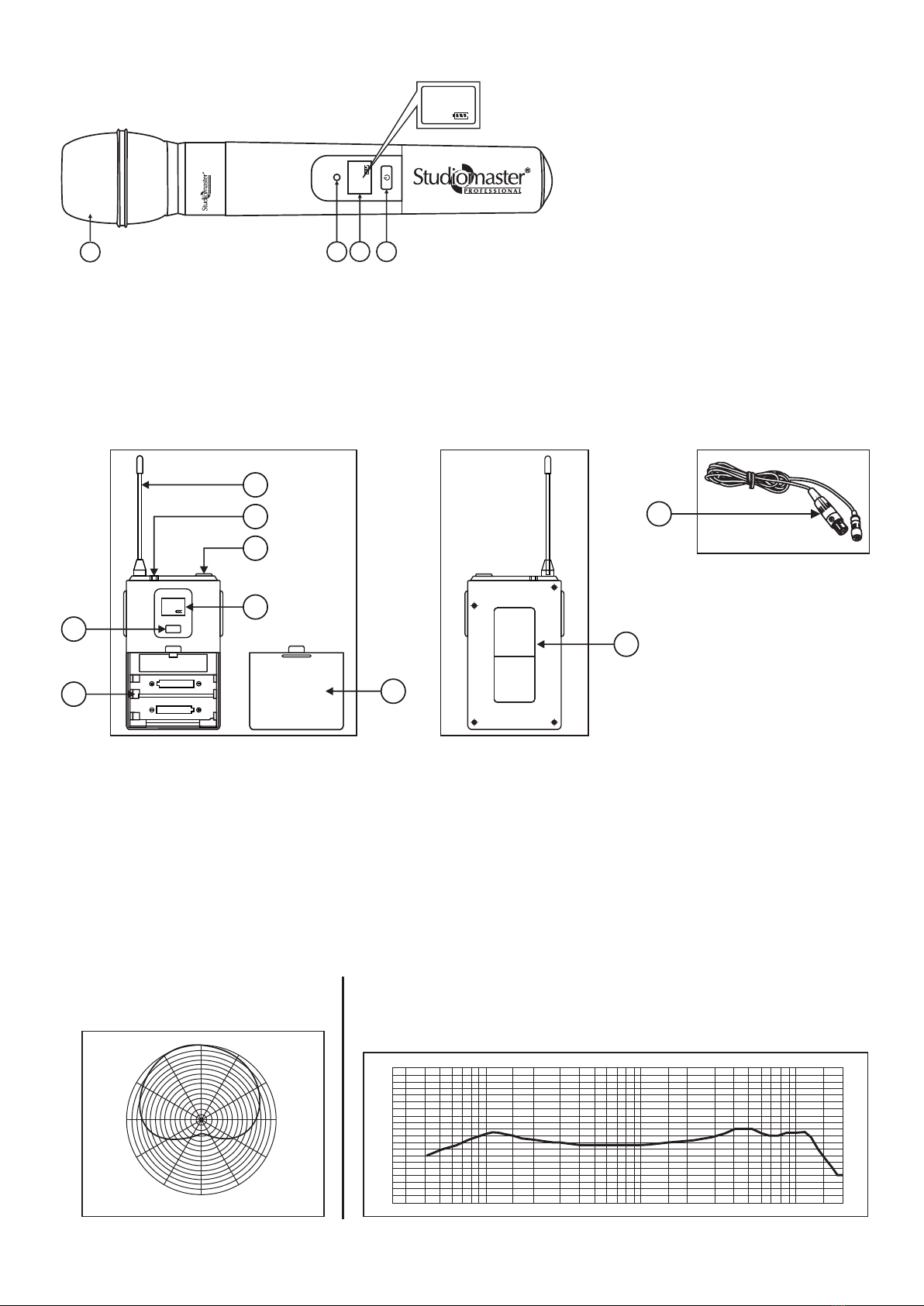
• Check whether the transmitter battery is fully charged..
• Check whether the same channel frequency is selected on receiver as on the mic.
When transmitter is ON, there
is noise or interruption in the
receiving signal.
• Check whether the battery is charged fully.
• Eliminate any nearby sources RF interference.
• If the signal is too weak, bring the receiver closer to the transmitter.
4. Basic Troubleshooting
Solution
Problem
No Voice;
(No signal on receiver)
• Check whether the power switches of the transmitter and receiver are ON.
• Check whether the battery connections and polarity in the transmitter are correct.
• Check whether the antenna is properly connected on the receiver.
• Make sure that there is no obstruction between the antenna and the transmitter.
Transmitter
584.50
003
CH
IR
Receiver Display
RF
AF
510 15 20 25 30 35 40
-30 -25 -20 -15 -10 -5 0 PEAK
Transmitter
584.50
003
CH
IR
Receiver Display
IR–––––
RF
AF
510 15 20 25 30 35 40
-30 -25 -20 -15 -10 -5 0 PEAK
5 8 4 . 5 0 M h z