UV-260 –USER MANUAL
CONTENTS
1. Introduction......................................................................................................5
2. Safety ................................................................................................................5
3. The principle of the operation........................................................................6
3.1. Electromagnetic radiation: visible, infra-red, ultraviolet............................................ 6
3.2. Mechanism of corona discharge.............................................................................. 7
3.3. Why corona discharge? ........................................................................................... 8
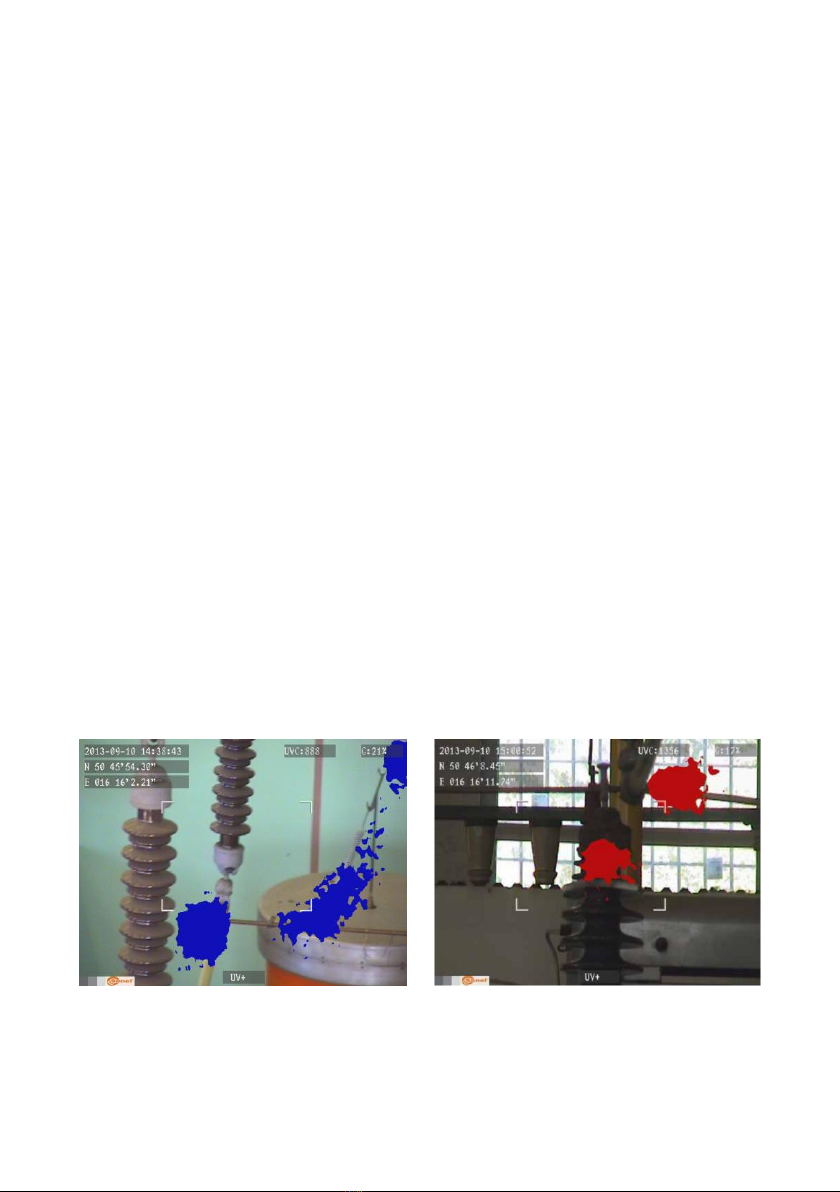
3.4. Detection of corona discharge ................................................................................. 8
4. Preparing the camera for operation.............................................................10
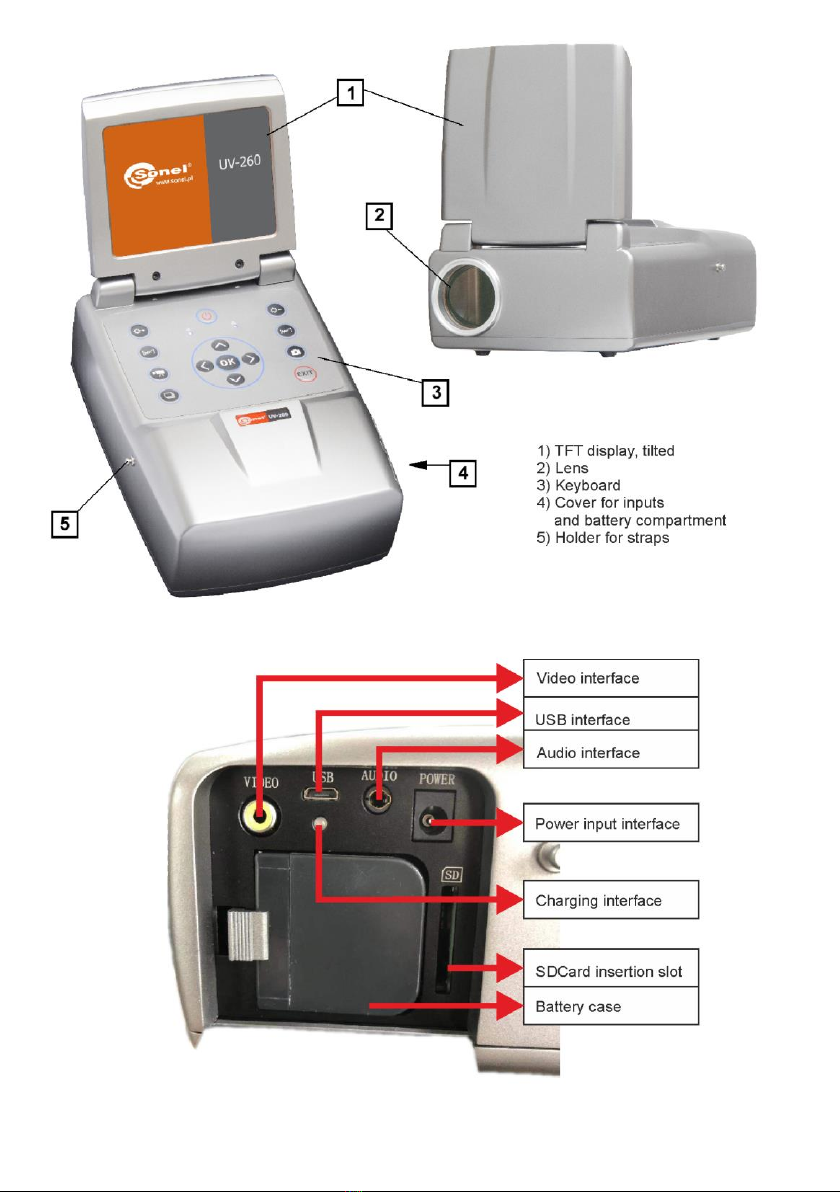
4.1. External design of the camera ................................................................................10
4.2. Mounting on a tripod...............................................................................................11
4.3. Moving the camera .................................................................................................12
5. Ports and buttons..........................................................................................13
5.1. External ports..........................................................................................................13
5.2. Layout and functions of buttons..............................................................................14
5.2.1. Navigation buttons.......................................................................................................14
5.2.2. Operating mode buttons..............................................................................................15
5.2.3. Control of power supply / charging and alarm - corona discharge indicator..................15
6. Operation and battery charging ...................................................................15
6.1. Inserting the battery................................................................................................15
6.2. Charging the battery ...............................................................................................16
6.3. Guidelines for using the battery ..............................................................................16
7. Working with UV-260 camera .......................................................................17
7.1. Operation of the buttons .........................................................................................18
7.1.1. Recording a video........................................................................................................18
7.1.2. Recording a static image.............................................................................................18
7.1.3. Switching the image mode...........................................................................................18
7.1.4. "Freezing" displayed image .........................................................................................18
7.1.5. Changing the focus mode............................................................................................18
7.1.6. Gain adjustment ..........................................................................................................19
7.1.7. Zoom...........................................................................................................................19
7.1.8. Manual focus...............................................................................................................19
7.1.9. Zooming in ..................................................................................................................19
7.1.10. Playing a voice note ....................................................................................................19
7.1.11. Zooming UV+ image .................................................................................................19
7.2. Operating the menu................................................................................................20
7.2.1. Main menu ..................................................................................................................20
7.2.2. Image Settings ............................................................................................................21
7.2.3. Video...........................................................................................................................22
7.2.4. Image..........................................................................................................................22
7.2.5. System........................................................................................................................22
7.2.6. Sub-menu "System Settings".......................................................................................23
8. "Sonel UV Analyse" software.......................................................................24
8.1. System Requirements.............................................................................................24
8.2. Software Operation.................................................................................................24