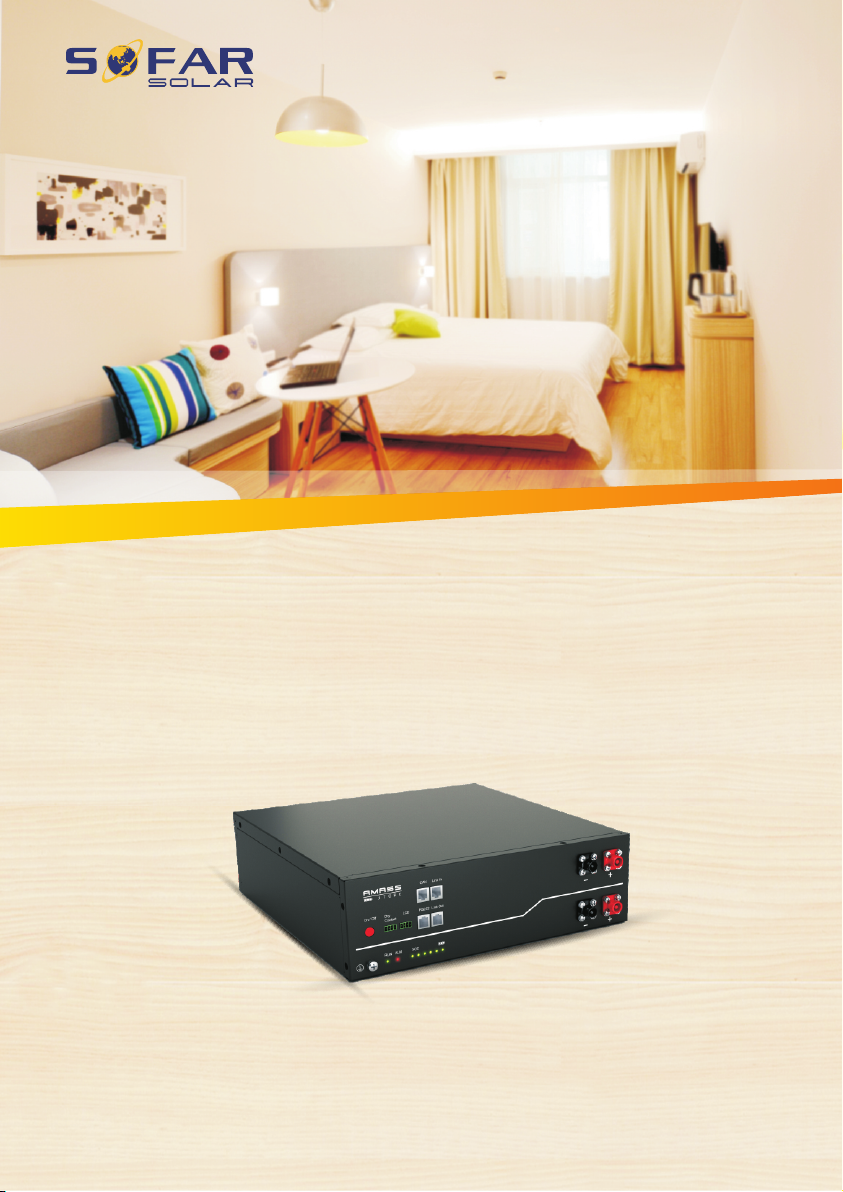
AMASS GTX2500 User manual
Copyright © Shenzhen SOFARSOLAR Co., Ltd
Contents
1General Information....................................................................................... 1
1.1 Validity .............................................................................................. 1
1.2 Intended Use...................................................................................... 1
1.3 Identifying The Product..................................................................... 3
2Safety ............................................................................................................. 5
3Technical Data................................................................................................ 7
4Technical Items .............................................................................................. 9
5Product Overview..........................................................................................11
5.1 Brief Introduction .............................................................................11
5.2 Interface Introduction .......................................................................12
5.2.1 Start Button ..............................................................................13
5.2.2 LED Indicator Definition .........................................................14
5.2.3 Link Port and Automatic Coding Function...............................15
5.2.4 CAN / RS485 Port....................................................................16
5.2.5 RS232 Port ...............................................................................17
5.2.6 Output Dry Contact Terminal...................................................17
5.2.7 Extend LCD Terminal ..............................................................18
6Installation Guide..........................................................................................19
6.1 Checking Before Installation ............................................................19
6.1.1 Checking Outer Packing Materials...........................................19
6.1.2 Checking Deliverables .............................................................20
6.2 Tools .................................................................................................22
6.3 Installation requirements ..................................................................22