LIGHTS AND SOUNDS
If you make a mistake while programming, the Control Panel emits three
short beeps. That means the system has cleared and you must start the pro-
grammingsequence from the beginning. If you get lost in the programming
sequence or have made a mistake and want to start over again, press the [ * ]
on the key pad of the Control Panel until you hear three short beeps. This will
clear the system, then you can start again from the beginning. If no button is
pressed for eight seconds while in the middle of a programming sequence,
the system will also clear itself.
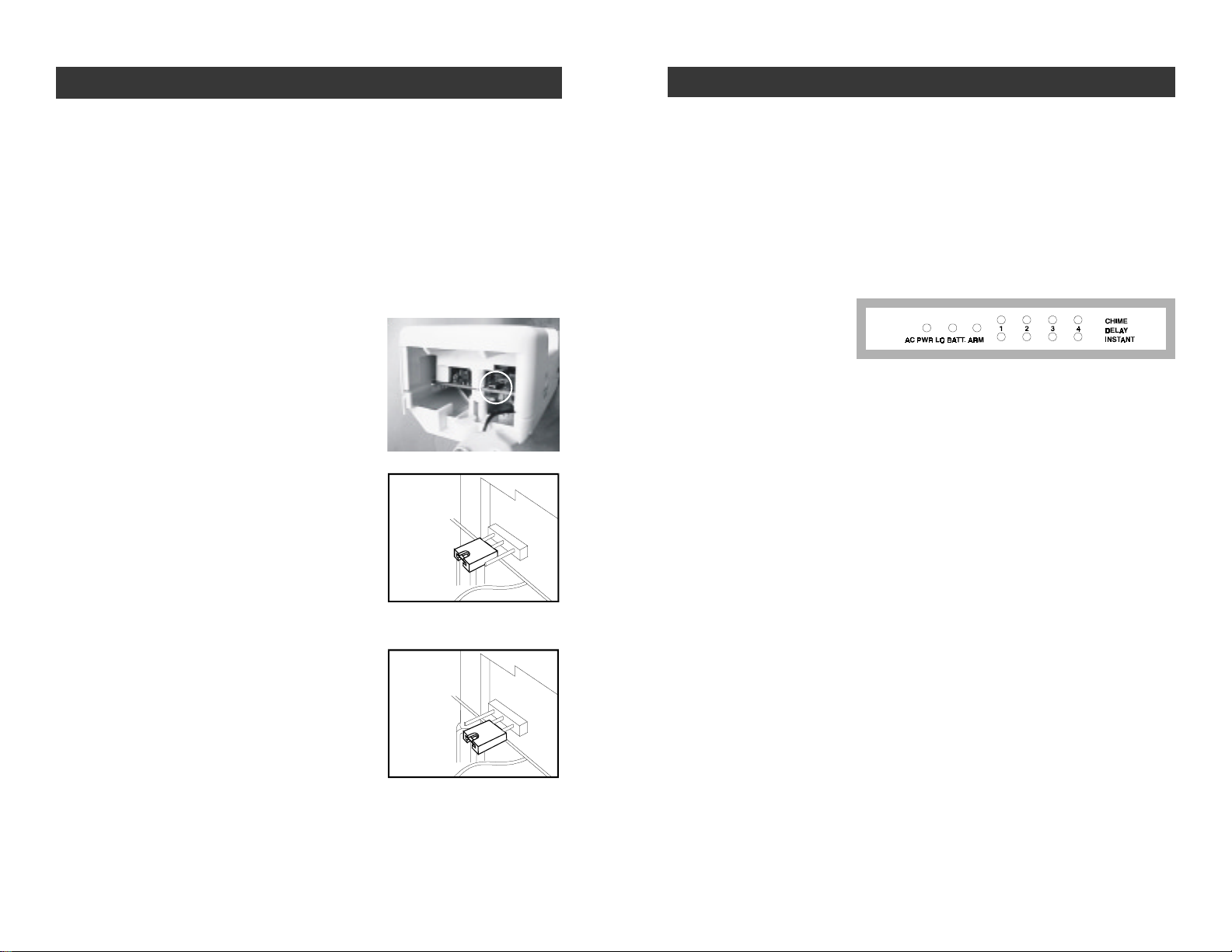
Below is an explanation of the lights and sounds of the Control Panel.
LIGHTS
ACPWR light on System is being powered by electrical current.
ACPWR lightoff System is not receiving any electrical power.
LOBATT. lightoff Backup battery is connected and working.
LOBATT.light flashing Backup battery is weak, needs to be replaced.
ARMlightoff System is disarmed.
ARM light on System is armed.
Key Pad Back Light Ifpowered by AC adapter - back light is always on
If powered by back up battery only - stays on for
eight seconds when any button is pressed.
Greenlights above#1-4 System will emit a two tone chime when a sensor
isactivated,CHIMEMODE.
Red lightsbelow #1-4 System will sound alarm instantly when a sensor
isactivated, INSTANTMODE.
Bothgreenandredlights System will beep steadily for 30 seconds when
#1-4 a sensor is activated, after the 30 seconds the
alarmwillsound,DELAYENTRYMODE.
Bothgreenandredlights Lightswillflashfor45seconds. Allremotesensorspro-
flashing grammedto that zone will not communicate with the
ControlPanelforthose45seconds,whichgivesyou
time to exit the premises before the system is armed.
SOUNDS
Threeshort beeps You have made a mistake, start again.
Longbeep You have successfully completed a command.
Short beep You have pressed a key in the right order.
Twotone chime A device has been activated in CHIME MODE.
Siren(3 minutes) A device has been activated in INSTANTMODE.
Steadyrepeated beep The alarm has been triggered in DELAY MODE.
You have 30 seconds to disarm the system
beforethe alarm sounds.
Twotone beep System is set on exit delay, you have 45 seconds
to leave the premises once the system has been
activated. After the 45 seconds, the system emits
a two tone beep and the system is now armed.
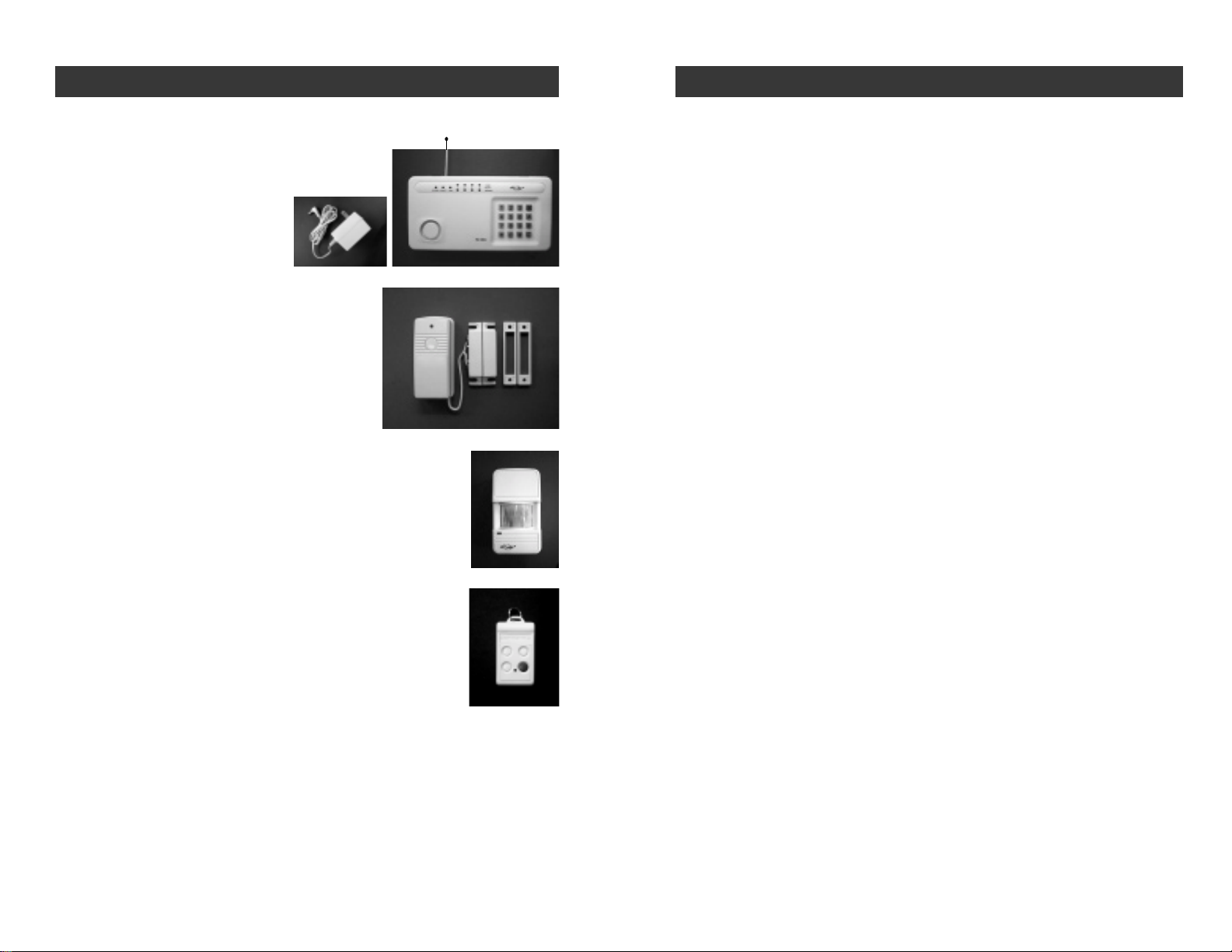
Now that the system is installed and the sensors are communicating with the
Control Panel, it is time to learn how to do basic programming of your security
system.Moreadvancedfeaturesareexplainedfurtherinthemanual,(see
AdvancedProgramming).
You can arm and disarm the systembyusing either the keypad on the Control
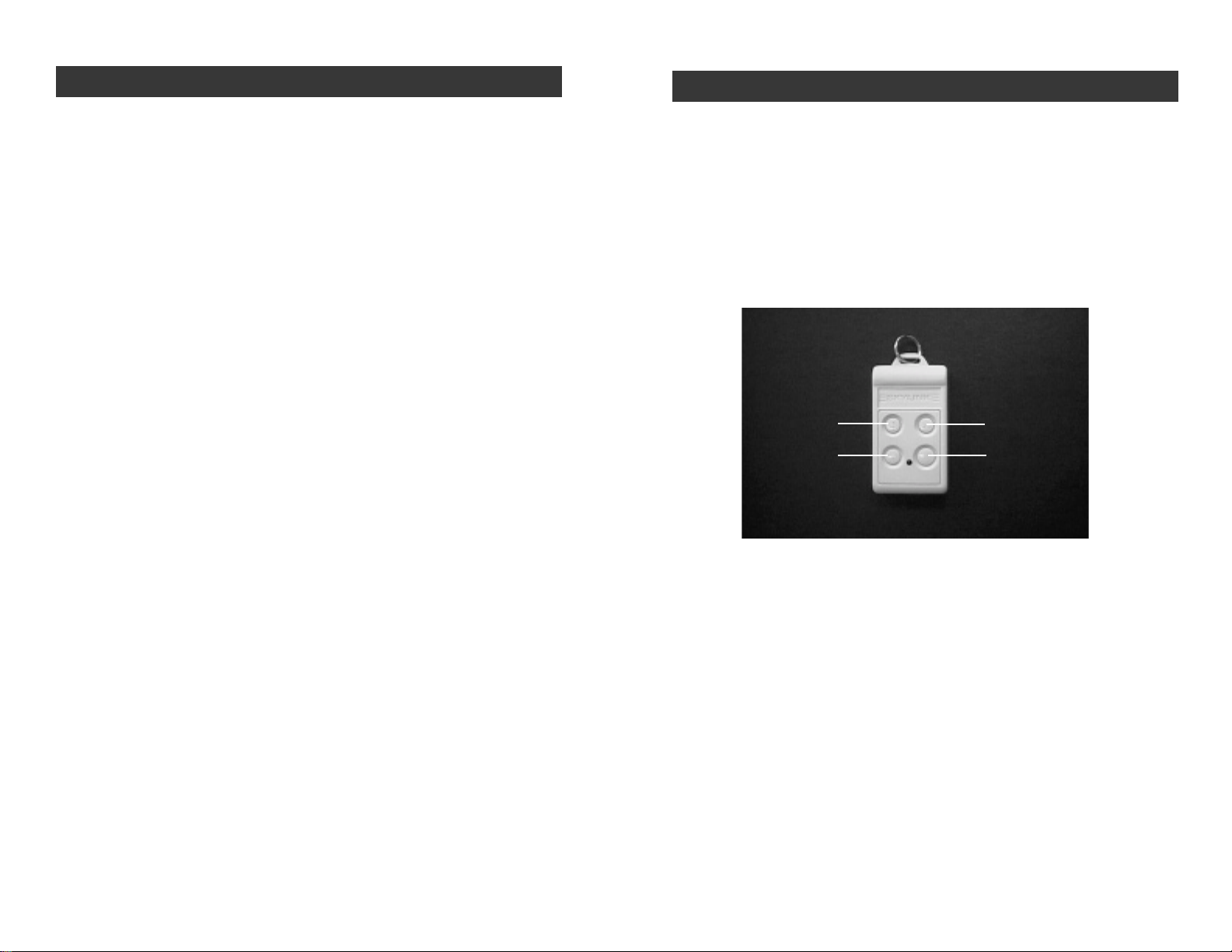
Panel or the 4 button keychain transmitter or keypad transmitter (option).
TO ARM THE SYSTEM USING THE KEYPAD ON THE CONTROL
PANEL
All programming sequences begin with theMaster Personal Identification
Number (MPIN). There is only one MPIN which has been factory set at 0 0 0.
You can also assign up to 3 different Secondary Personal Identification
Numbers (SPIN). Formoreinformation on how to change your MPIN and
how to add an SPIN, (see PASSWORDS on page 17, 18).
Wehave preprogrammed 6 different arm sequencestomeetdifferent cir-
cumstances. For example, if you would like the system activated while you
are in the premises, the motion sensor will be turned off so you have the
freedom to move about without setting off the alarm. You can personalize
anyofthesepreprogrammedarmsequences,(seeAdvancedProgramming).
Arming sequences
Option 1: Away Sequence - To arm your system when you are the last
person leaving the premises.
1. Press the current MPIN [ 0 0 0 ].
2. Press [ B ].
3. Press [ C ].
You hear a long beep. The arm light and the red lights in zones 3 and 4 go
on.Both the green and red lights flashin zone 1 for 45 secondswhich gives
you 45 seconds to leave the premises before the system is activated. After
45 seconds, both the green and red lights in zone 1 and 2 remain on. Upon
re-enteringthepremisesthroughzone1,or walking in the monitored area
of the motion sensor, zone 2, you have 30 seconds till the alarm sounds.
The system gives you 30 seconds from the time you enter the premises, for
example opening the front door, to get to the Control Panel to deactivate the
system. Zones 3or 4remain instant. Ifany sensor in zone 3and4 are activated,
the alarm sounds instantly. –13–
STANDARD PROGRAMMING
–12–
SMARTHOME.COM™ 1-800-SMART-HOME 949-221-9200 http://www.smarthome.com Order #7307