Digitilt DataMate, 2006/10/23 3
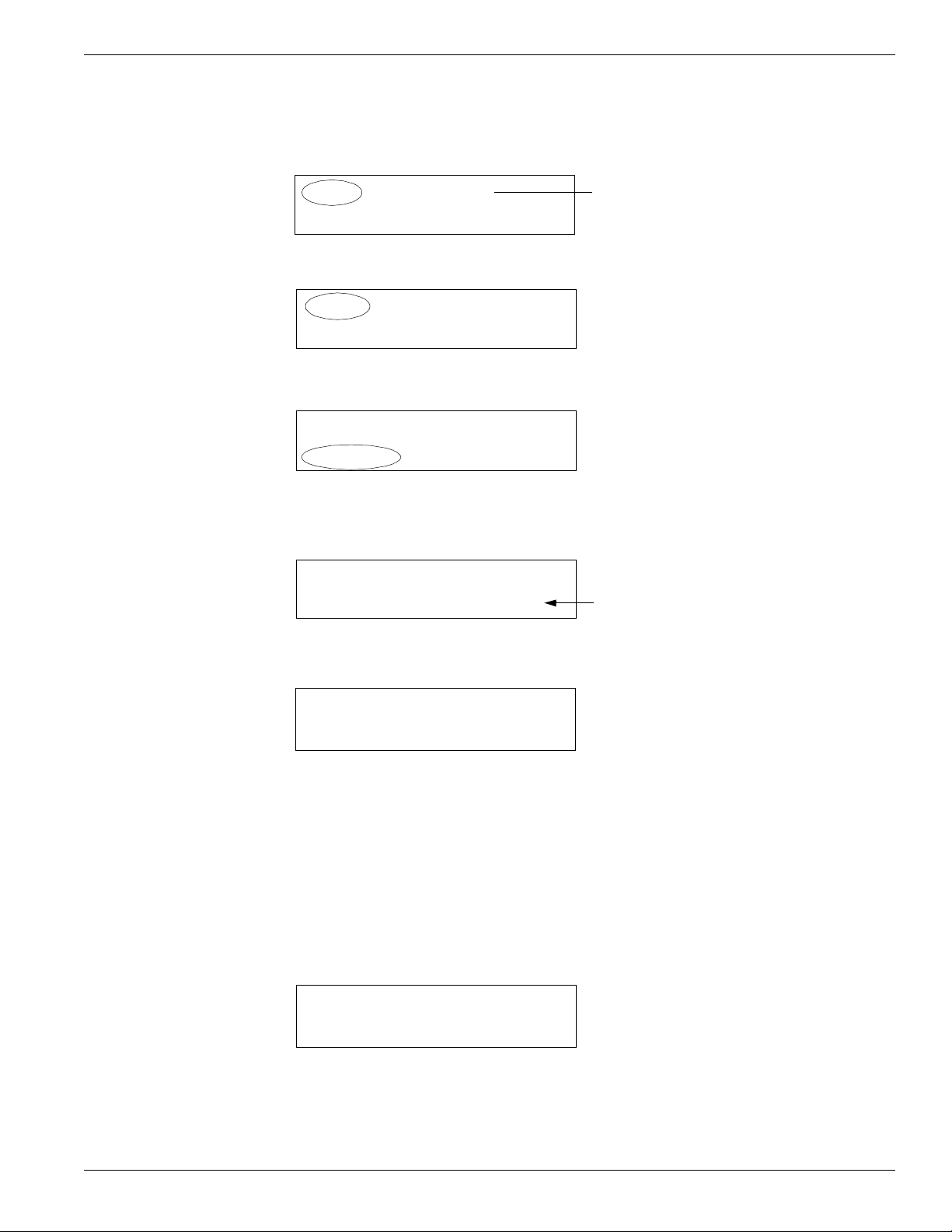
Setting Defaults Date and Time: Choose Date from the Utilities menu. The DataMate displays the
current date and time. Press Enter to edit the date. Press Up or Down to change the
year, then press Right to move the cursor to month, etc. Press Enter when done.
Beeper: Choose Beep from the Utilities menu. Press Enter to toggle the beeper on
or off.
Backlight: Choose Light from the Utilities menu to switch backlight on. Choose
again to switch backlight off. Backlight increases battery drain by about 12 percent.
LCD Contrast: Choose Contrast from the Press Up or Down to adjust contrast for
easy viewing. Press Esc when done.
Checking
the Battery
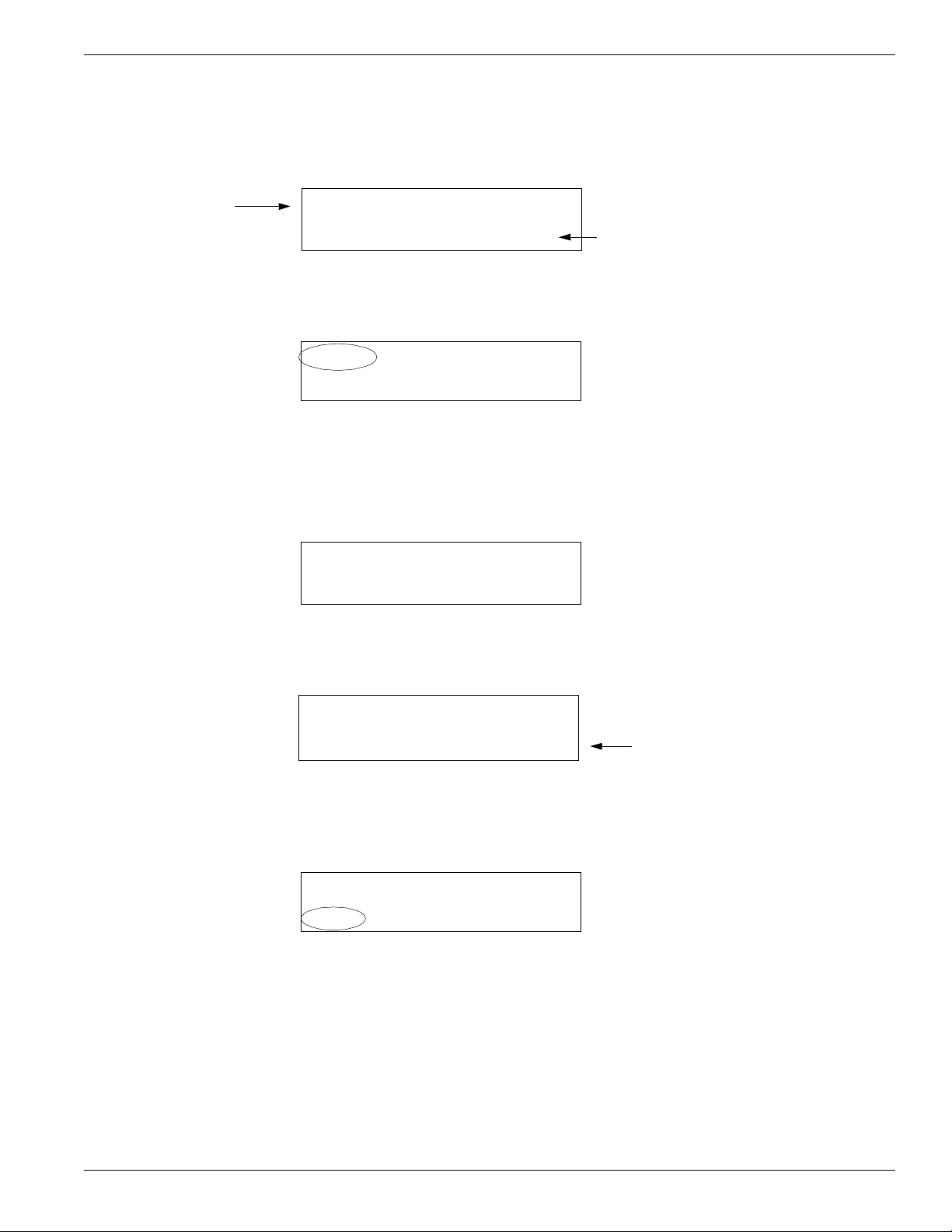
Choose Batt from the Utilities menu. A new, fully charged battery shows approxi-
mately 6.2 volts with a full charge. If the main battery drops below 6 volts, it should
be recharged.
Recharging
the Battery
For best performance, you should recharge the battery after every use of the Data-
Mate. We recommend charging it over night.
Plug the charger into an AC mains socket. Plug the Lemo connector into the
DataMate’s Power socket. Use the Utilities - Batt function to verify that the battery
is charging. You should see the voltage reading increasing.
Checking Memory Choose Memory from the Surveys menu. The DataMate can hold readings from
2,500 depths and up to 40 Surveys.
Moisture
Management
When you return to the office, remove caps from the DataMate’s connectors and
allow connectors to air-dry for a number of hours.
Use desiccant to keep the inside of the readout dry. This is particularly important in
hot humid weather. Warm moist air trapped in the readout can condense when the
readout is brought into a cool air-conditioned office.
To check the moisture level in the DataMate, choose Temp from the Utilities menu.
The DataMate displays humidity and temperature. Humidity levels from 20 to 60%
are normal. If humidity exceeds 75%, replace the desiccant. See instructions in the
chapter on inspection and maintenance.