- 1 -
Chapter 1: Introduction
Welcome
Thank you for choosing the PowerLine Ethernet Bridge. The Bridge will allow you to network better than
ever.How does the Bridge do all of this? The PowerLine Ethernet Bridge lets you turn the existing
powerlines in yourhome or office into a high-speed network. Now you don’t have to drill through the walls,
and climb through theattic or cellar to install network cables, just use the wires that already run through the
building.
But what does all of this mean?
Networks are useful tools for sharing computer resources. You can access one printer from different
computers and access data located on another computer's hard drive. Networks are even used for playing
multiplayer video games. So, networks are not only useful in homes and offices, they can also be fun.
The PowerLine Bridge interfaces Ethernet devices to the HomePlug PowerLine network standard. Just plug
the PowerLine Bridge into the wall, and connect your Ethernet-equipped device to the Bridge using the
included network cable, and you’ve turned your whole house into a network infrastructure. Attach more
computers to the network by simply plugging them into the wall anywhere in the house, using more
PowerLine Bridges, or the PowerLine USB Adapter.
Once your computers are connected to the network, they can share resources like printers and storage space,
and all kinds of files: music, digital pictures, and documents. With up to 14Mbps data rates, you can play
head-tohead network computer games, too. And if you use a PowerLine Bridge to interface Broadband
Routers from your cable or DSL Internet connection to your PowerLine network, you’ll be able to get to
the Internet from any computer in the house.
Use the instructions in this Guide to help you connect the Bridge, set it up, and configure it to bridge your
different networks. These instructions should be all you need to get the most out of the Bridge.
Chapter 2 : P l anning y our P ow erL ine N etw ork
N
ETWORK
T
OPOLOGY
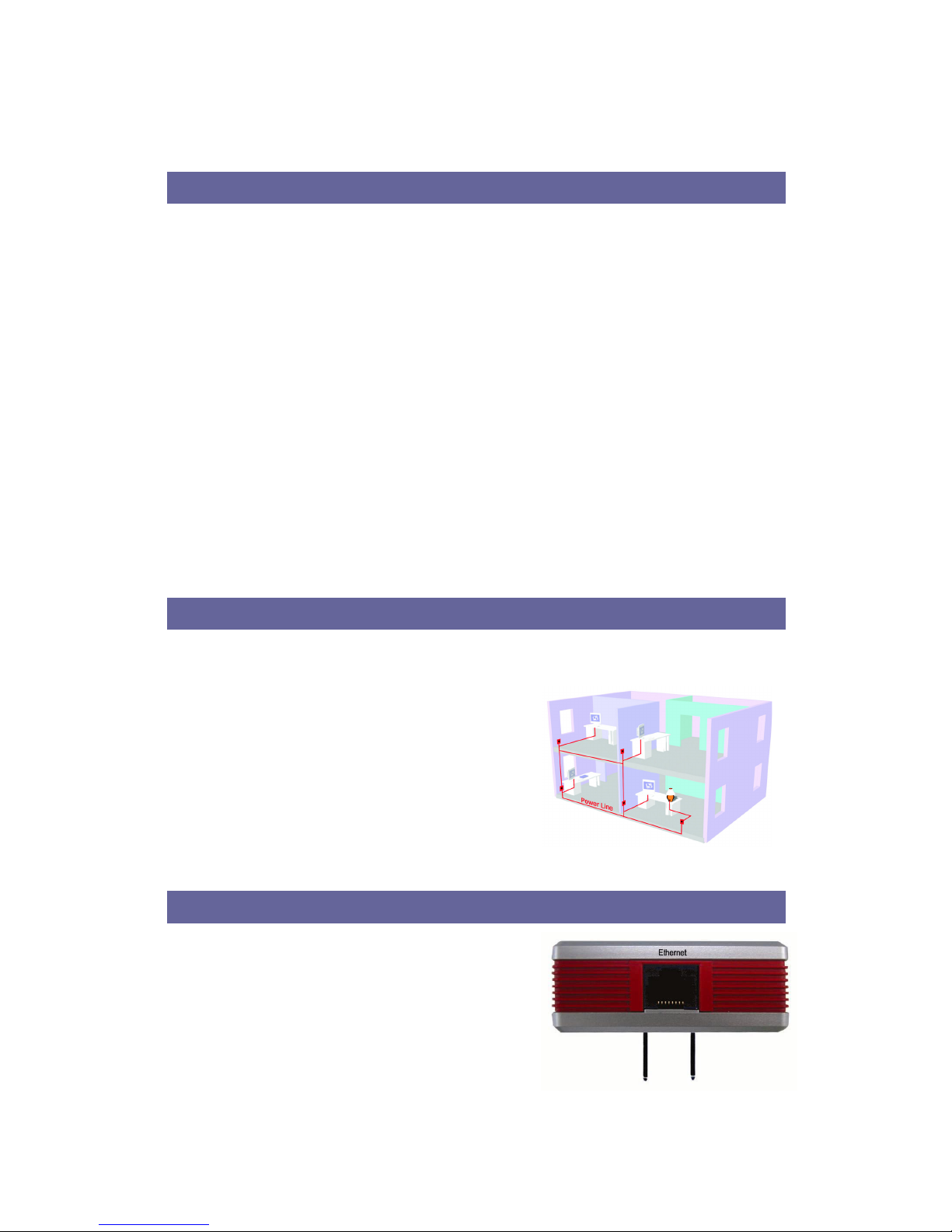
With the PowerLine products, a network can be created using
home powerlines. Computers can be networked over
powerlines using PowerLine devices. The Bridge connects an
Ethernet-enabled computer to a powerline network. The
PowerLine USB Adapter is also available for connecting a
USB-enabled computer to a powerline network.
The Bridge is also ideal for any user who already has a router
and wants to share high-speed Internet access across the
powerline network. Connect the Bridge to the router after you
have configured the Bridge using the PowerLine
Configuration Utility. Connect a straight-through Category 5
Ethernet network cable to the uplink port of the router, or connect a crossover Category 5 Ethernet network
cable to a LAN port on the router.
Chapter 3 : G etting to K now the P ow erL ine B ridg e
T
HE
T
OP
P
ANEL
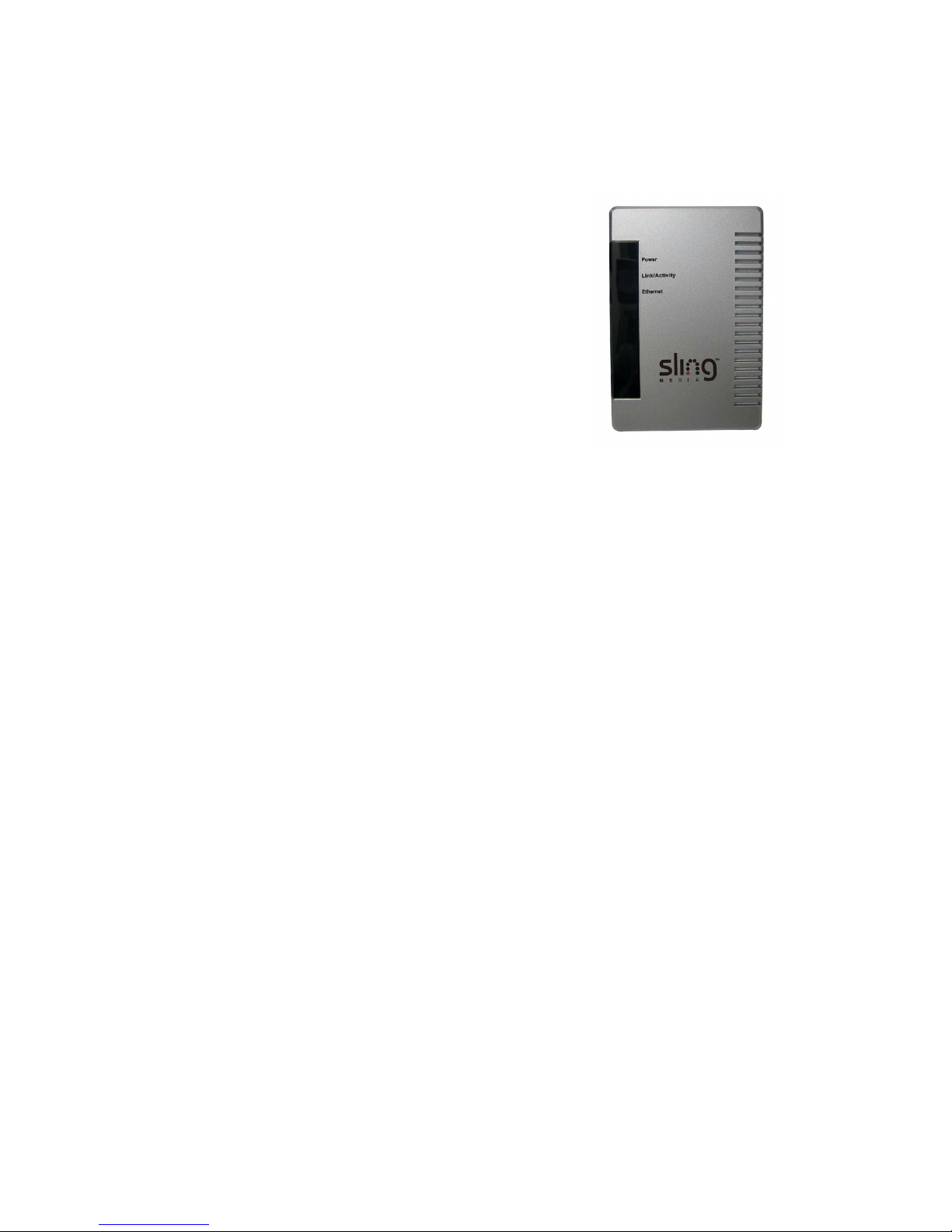
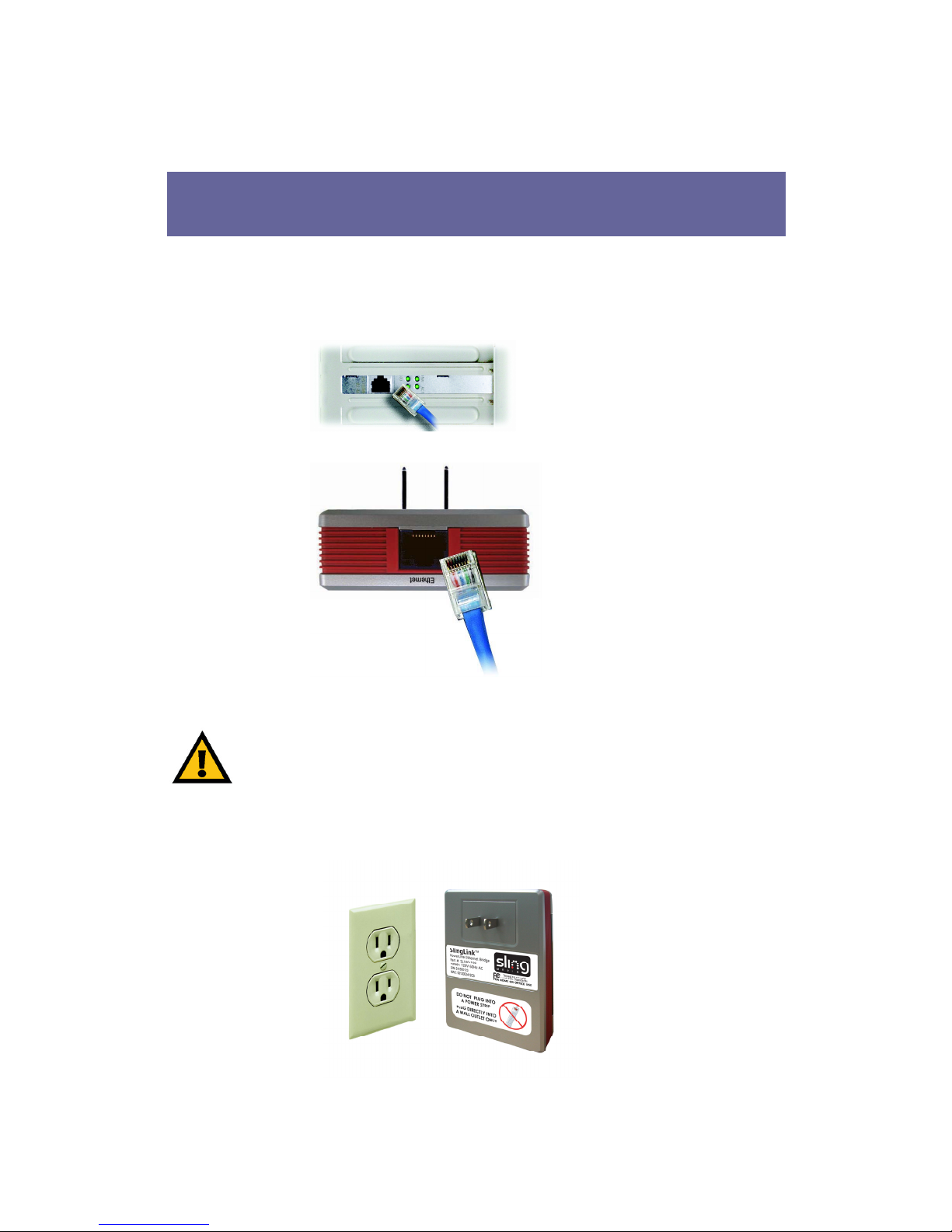
The Bridge’s Port, where the Ethernet Port is connected, is
located on the front panel.
Ethernet The Ethernet Port is where you will connect the
included Category 5 Ethernet network cable.