SkyConnector Indoor Installation Guide6
3 Locate the Best Signal
The ideal location for your SkyConnector is a location close to your computer that also provides access to a window
with an unobstructed view. Your service provider may have included specific instructions for the best possible
reception based upon coverage in your area. Before mounting the SkyConnector, you will use its built-in statuslights
to locate the best network reception and optimal placement in your location.
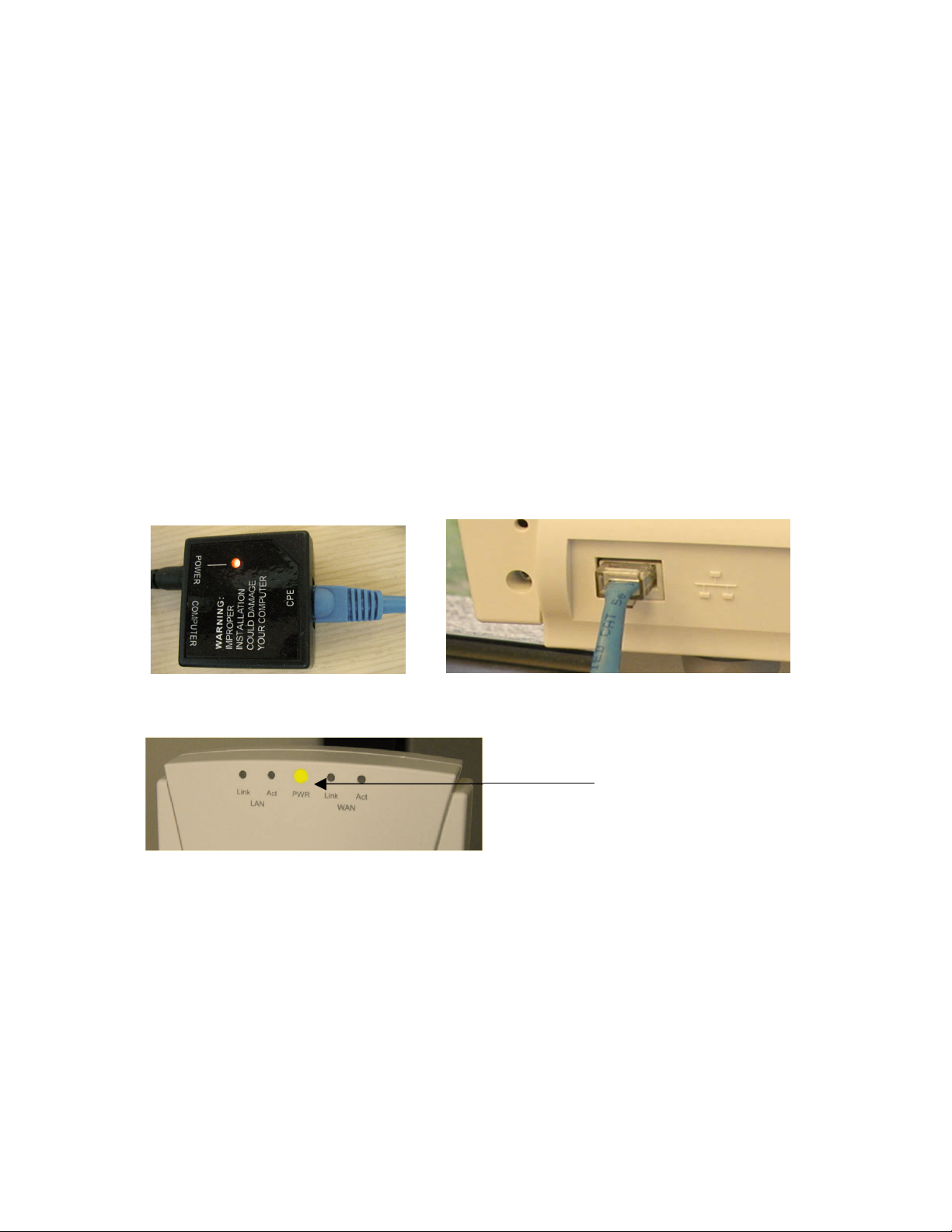
Be sure you have powered the SkyConnector as instructed in Section 2 and that the PWR light is on.
1. Position the front of the SkyConnector (the side opposite where you connected the CAT5 cable) in or near a
window with the best unobstructed view.
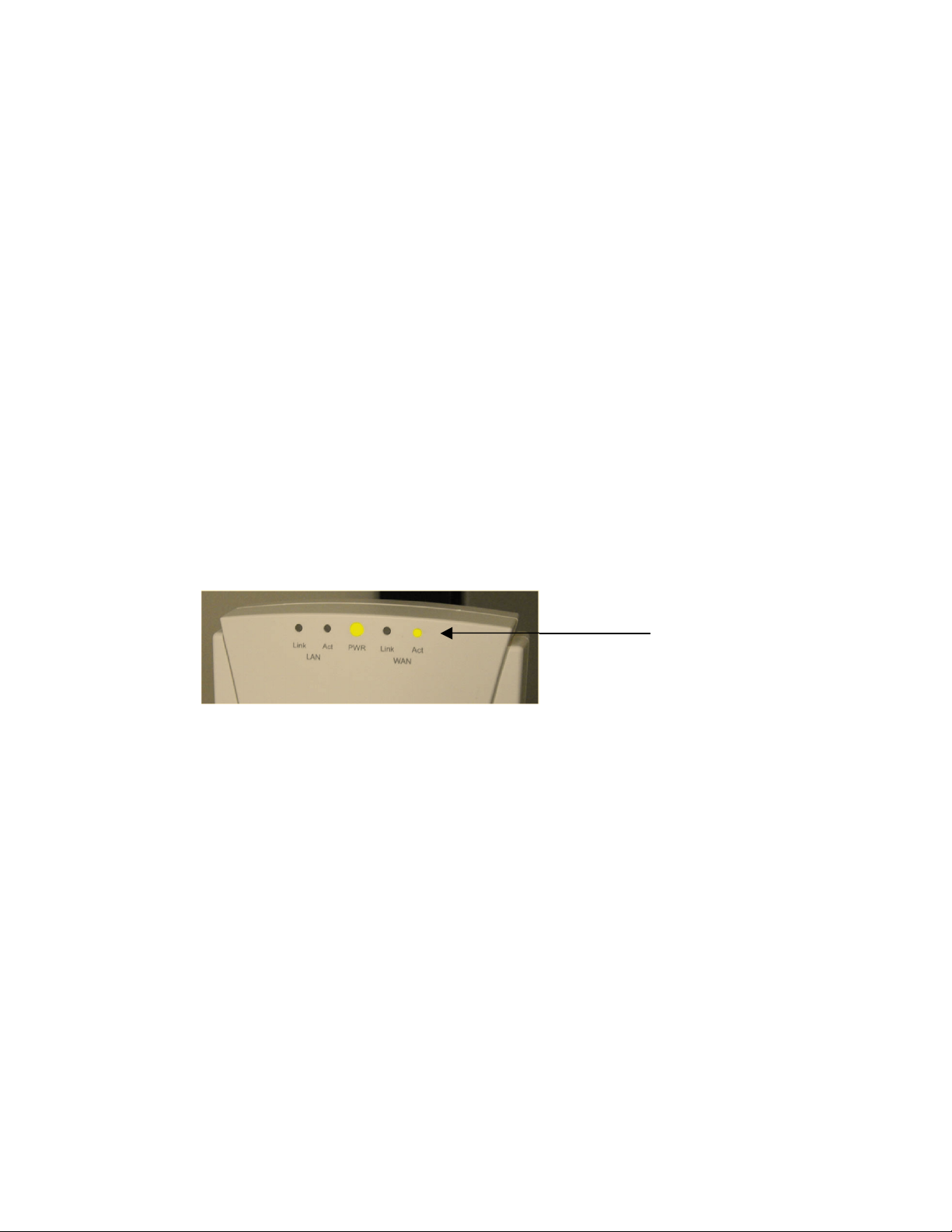
2. Watch the WAN Activity (WAN Act) light for any activity. When the WAN Act light starts to blink, it has
acquired a signal from the network and will attempt to optimize it for the best possible connection. If the
WAN Act light does not start to blink within 30 seconds, you maytry changing the orientation of the
SkyConnector or changing placement in your location and repeat the process until it begins blinking. The
faster the blinking, the better the signal. Depending upon your service provider’s coverage, the signal may be
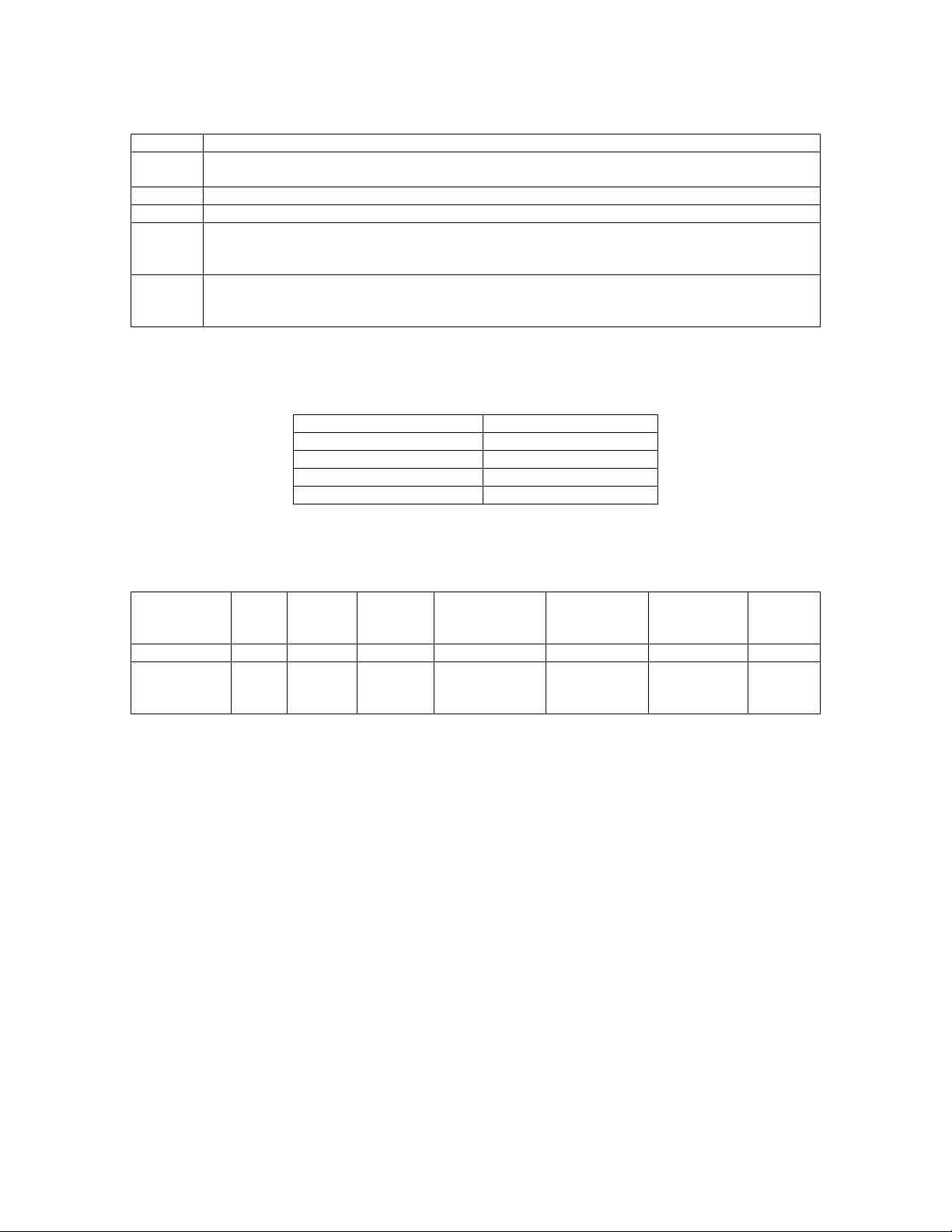
stronger in different directions and the higher you are within the building. SeeTables 1 - 3 on the next page
for a description of the different light states and meanings.
WAN Activity Light
3. Within approximately 90 seconds of a signal being located, you should see the WAN Link light start to blink
as well, first slowly, thenmore quickly. Once the WAN Link light and the WAN Act lights both turn solid, you
have found a suitable placement within your location and have established an authorized connection to the
network.
4. If the WAN Act light continues to blink without the WAN Link light turning solid, the SkyConnector is
indicating that a signal is available, but reception is not strong enough for reliable service and you should
repeat step 2 until you find a suitable placement.
Note: If after repeated attempts in different placements at your location you are unable to get the WAN Act light to
blink (and you have verified that the PWR light is solid), then you should follow any instructions provided by your
service provider to help troubleshoot your particular installation.