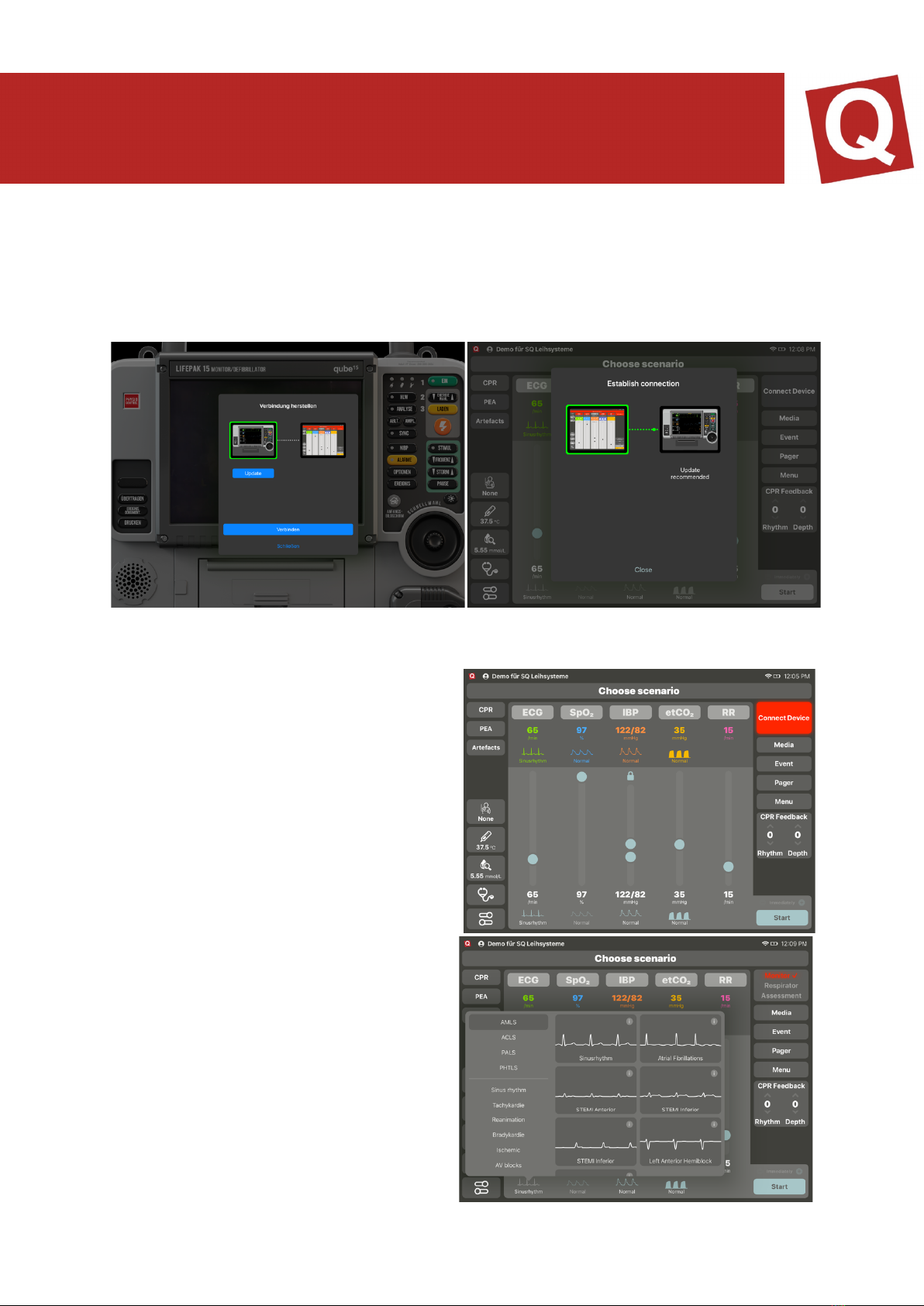
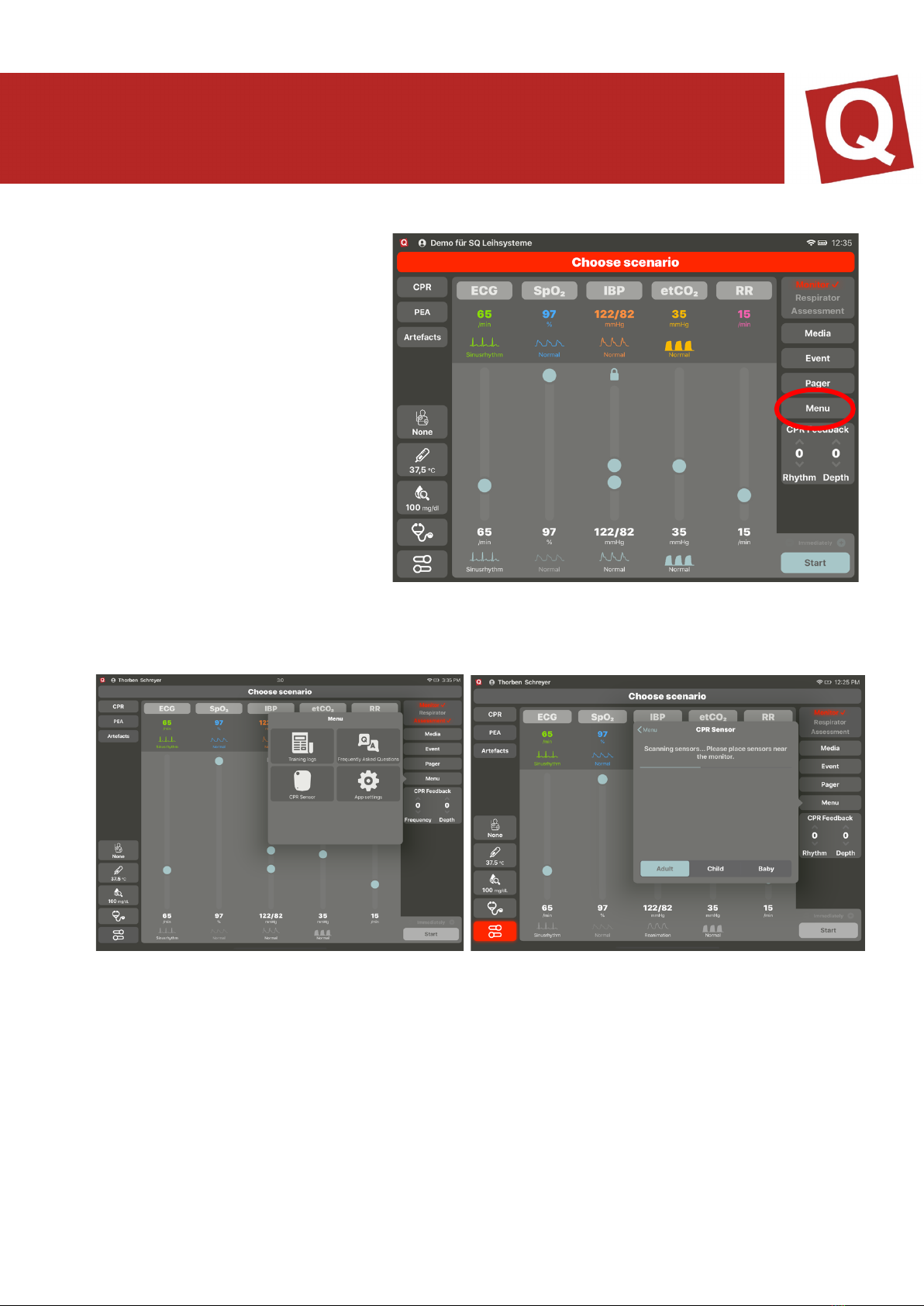
displayed. Tap the ECG wave form to select it. The selected wave form is framed in
yellow, and the selection window closes. All vital values are converted to the values to
be expected (pre-set if activated in the AppSettings). Subsequently, in the bottom right,
select “Send” in order to send the new values to the monitor.
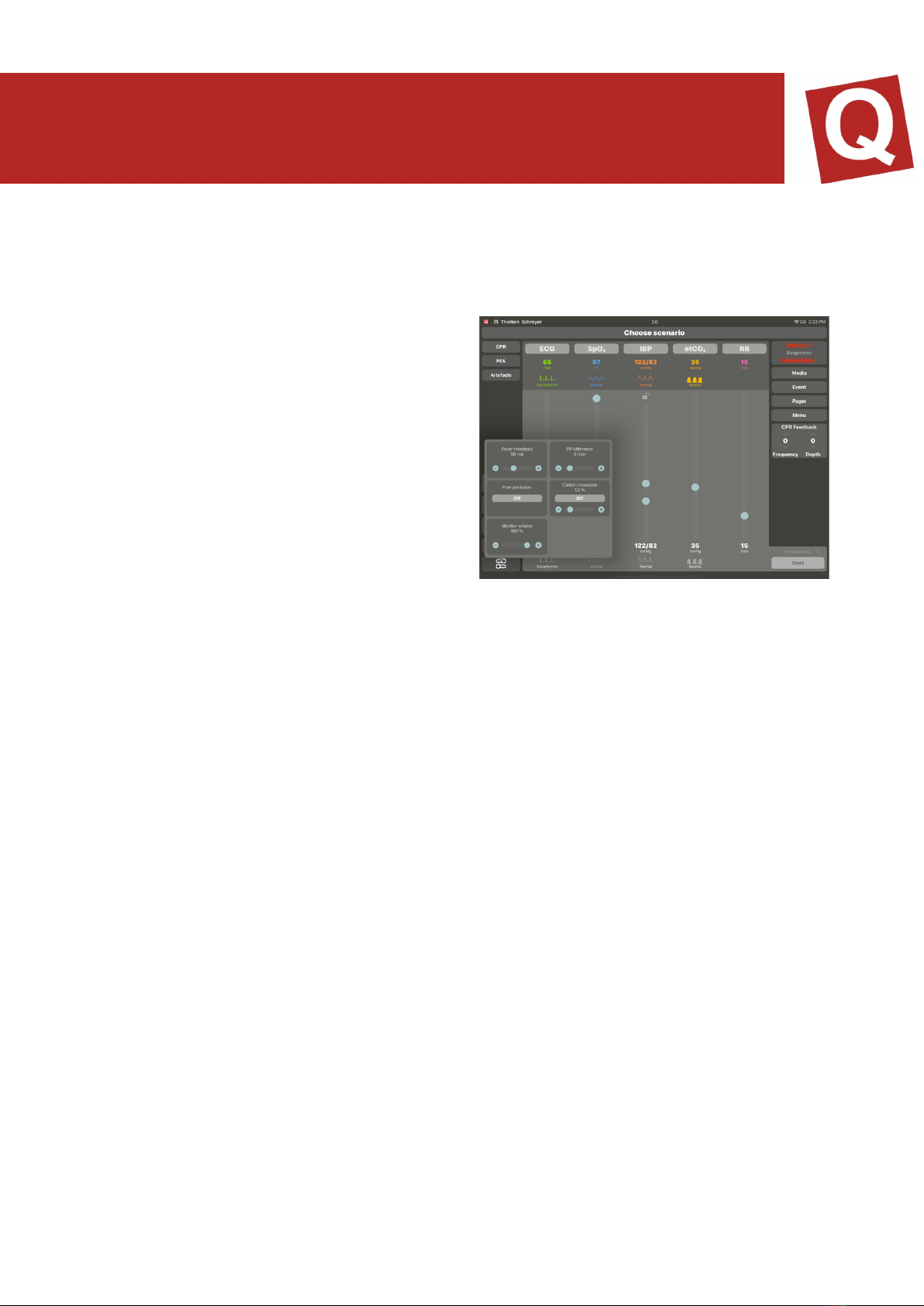
In the extended settings (figure 6), you
have the option of setting the pacer
threshold as well as the PP difference. With
the pacer threshold, you can set the mA
value which is to be achieved on the
monitor for the patient to react. With the PP
difference, you can set the difference
between the eclectically derived ECG heart
rate and the measured heart rate via the
SpO2 sensor. Additionally, poor circulation
and the CO display are indicated here. You
can furthermore set the sound volume of
the iPad monitor.
SP02
SpO2 is directly connected to the blood pressure. This means that when the blood
pressure drops, the SpO2 wave form becomes smaller too. If the systolic blood
pressure falls under 50 mmHg, the wave form is automatically displayed as flatline,
and the numeric value is replaced by a “?”
There is also an option of simulating a situation in which the SpO2 derivation is not
working correctly. For this purpose, “Cold hand” is activated in the settings of SpO2.
Using IABD supports 2 functions of the unit. On the one hand, it is used for displaying
the regular NIBD blood pressure value. For this purpose, the instructor only needs to
set the desired value. When a participant measures the blood pressure on the unit, the
set value is displayed. If the instructor has set a trend time, the value present on the
controller at the point in time at which the measurement is terminated is displayed. Via
the extended settings, you can de-couple the systole and the diastole in order to set
both values independently from each other. By activating and deactivating the IABD
value, you can activate the arterial wave form on the monitor. When the artery is
switched on, all values are directly displayed on the monitor; for this reason, the system
sends you a new security query. To separate the systole and the diastole, tap onto the
lock symbol. If it is opened, the systole and the diastole can be set independently from
each other. If it is closed, a dependency is given again