II
Greetings...............................................................................................................................
Contents................................................................................................................................
Precaution for Safety ...........................................................................................................
Preparation before operation..............................................................................................
1. Preparation
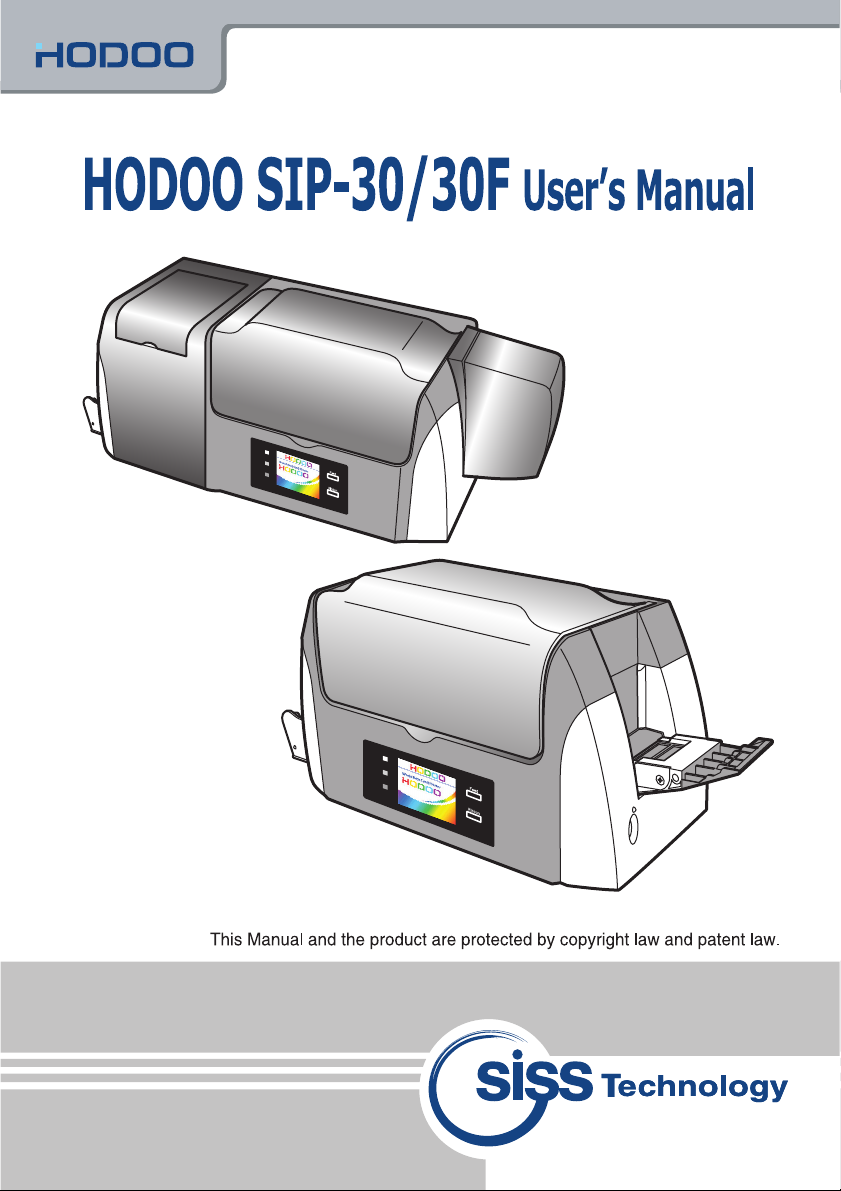
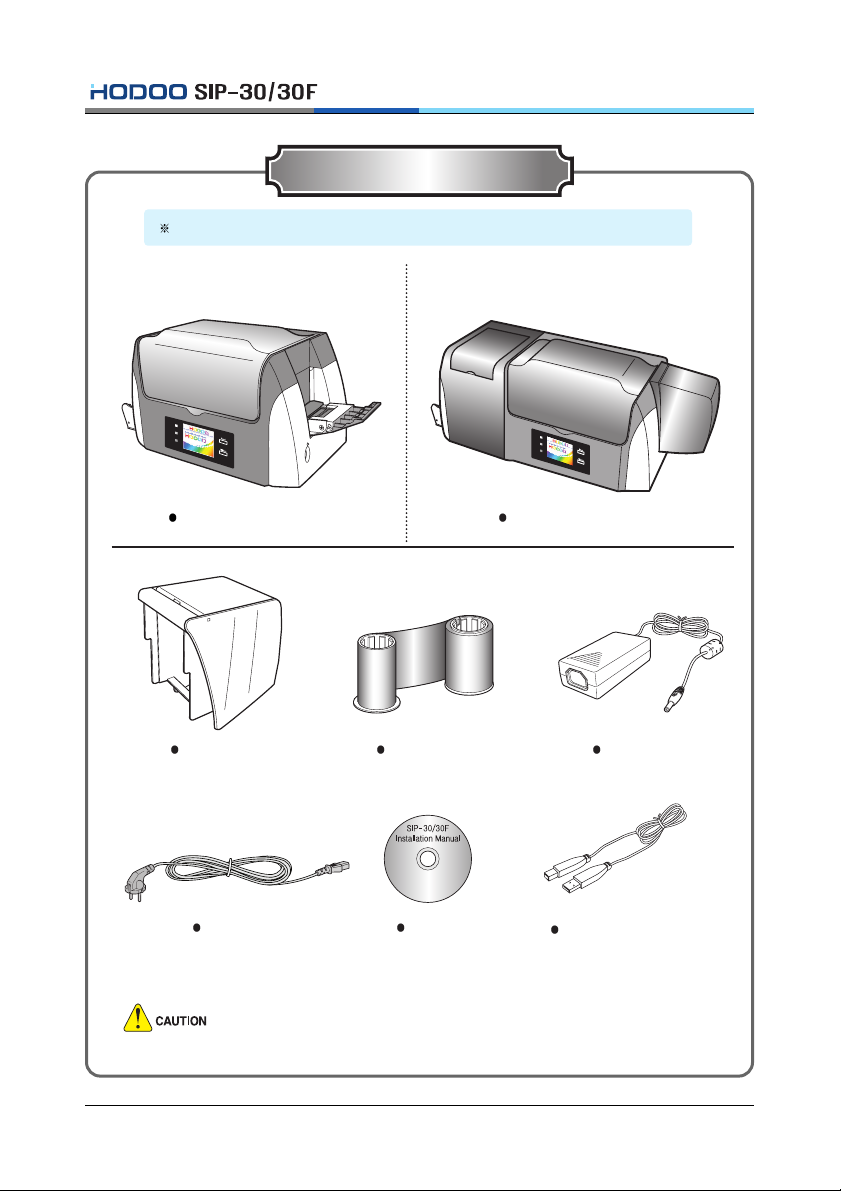
1.1 Intorduction of product ....................................................................................................1
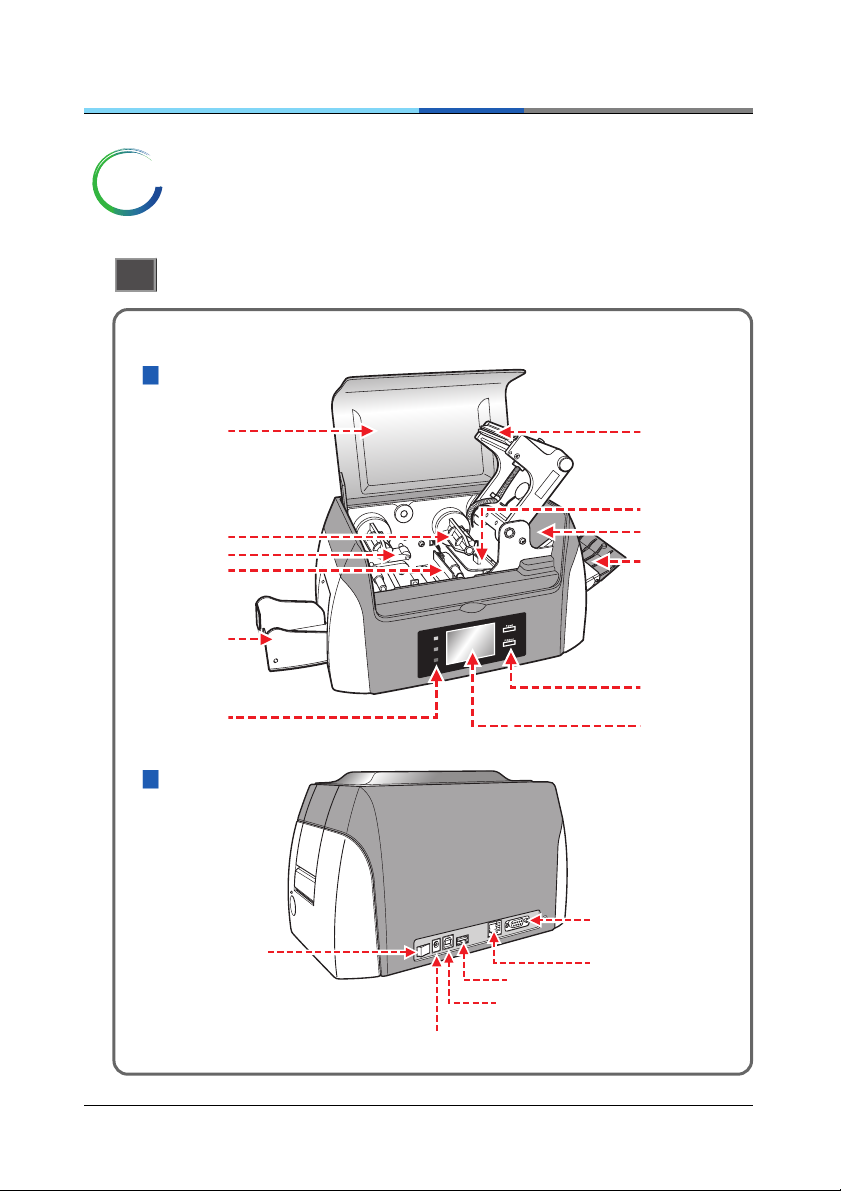
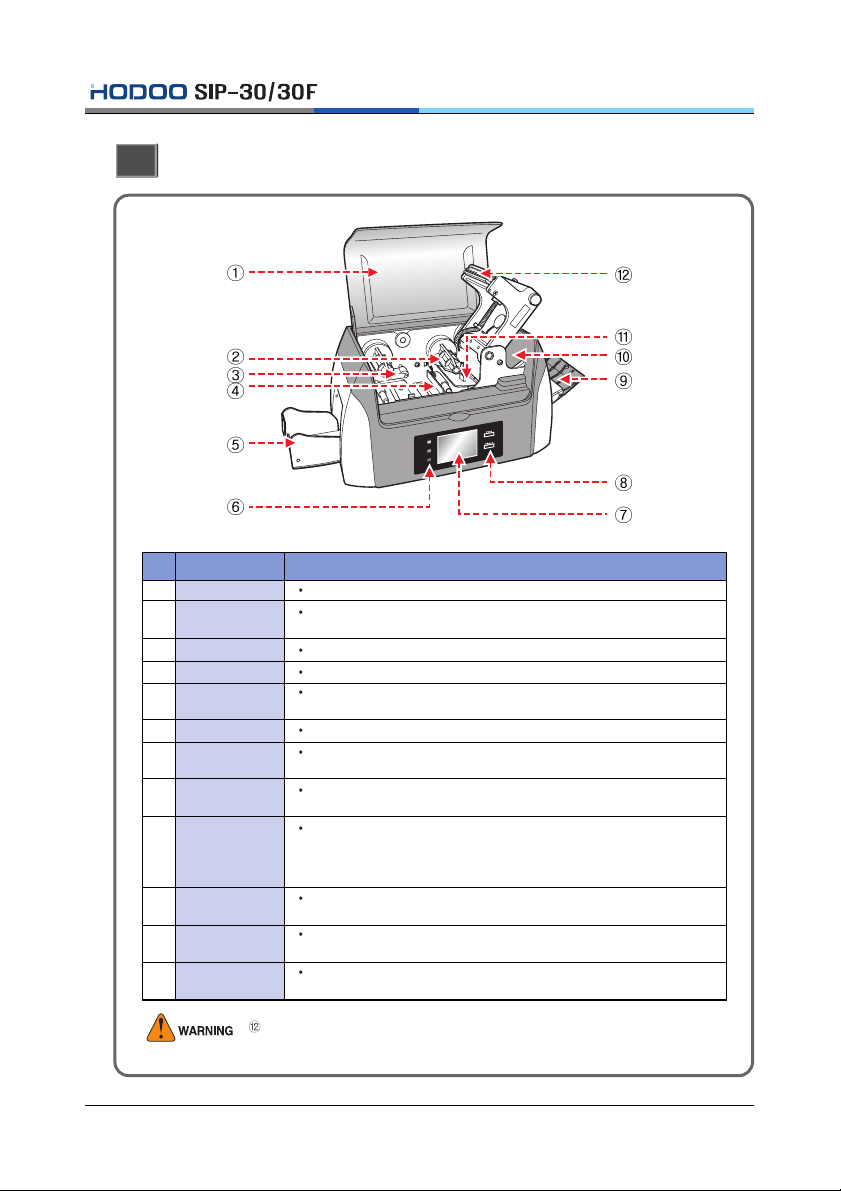
1.2 Name and function of each part (Front) ..........................................................................2
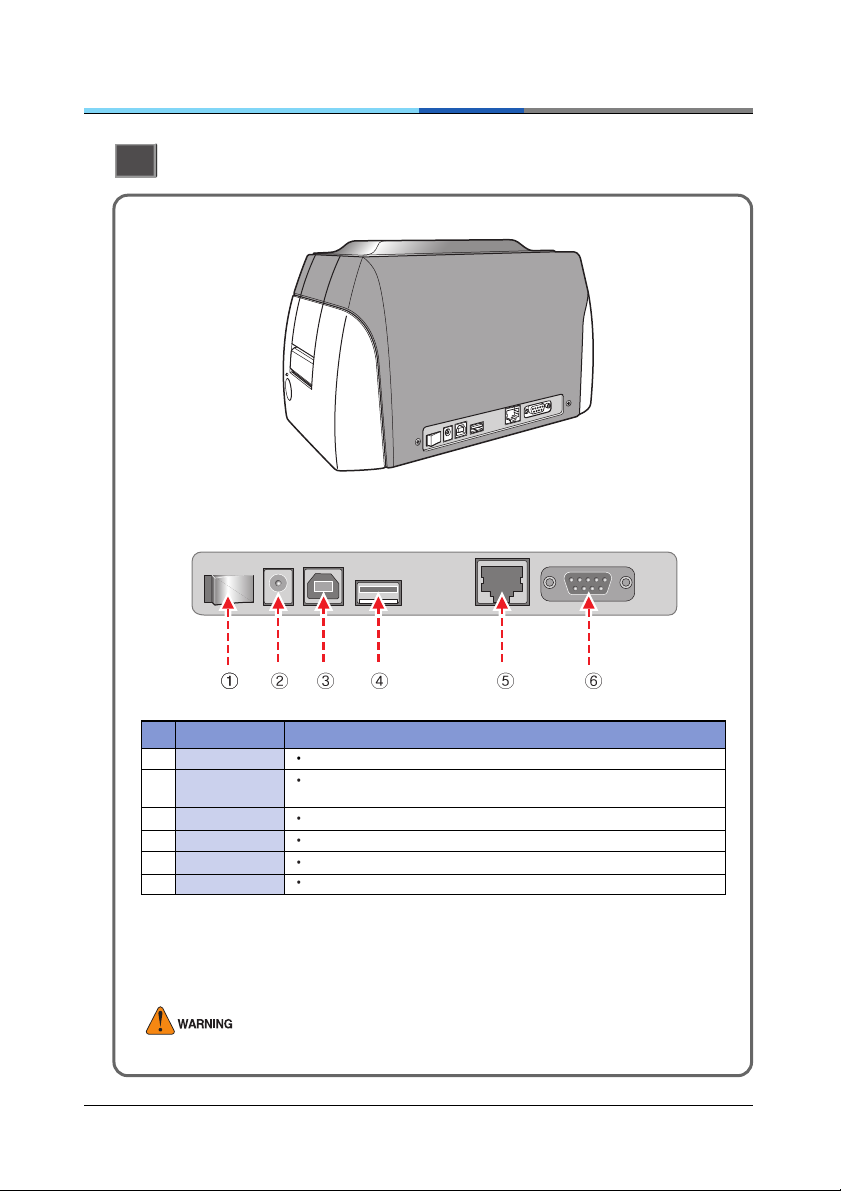
1.3 Name and function of each part (Rear) ...........................................................................3
1.4 Name and function of each part (LCD)............................................................................4
2. Installing Ribbon Cartridge
2.1 Replacement method of color ribbon .............................................................................5
2.2 Replacement method of black & white ribbonn .............................................................6
3. Installing Hopper Guide & Flip-Over
3.1 Installng Hopper Guide.....................................................................................................7
3.2 Installng Flip-Over (SIP-30F) ............................................................................................8
4. Installing the Program
4.1 Connecting to the computer ............................................................................................9
4.2 Installing window program.............................................................................................11
4.3 Installing printer driver ....................................................................................................11
4.4 Setting printing preference in Windows ........................................................................14
5. Other Information
5.1 Cleaning Printer ..............................................................................................................19
5.2 Replacement of Supplies and purchasing guide..........................................................21
6. Troubleshooting
6.1 In case bad operating condition has occurred. ............................................................22
6.2 In case bad operating condition of MS has occurred..................................................23
6.3 In case bad operating condition of Smart IC card has occurred. ...............................23
6.4 Error codes and corrective action .................................................................................24
6.5 Specification of product .................................................................................................26
Card Dimension ...................................................................................................................27
Certificate of Warranty
Contents