
Sintrol Network Router Manuel utilisateur
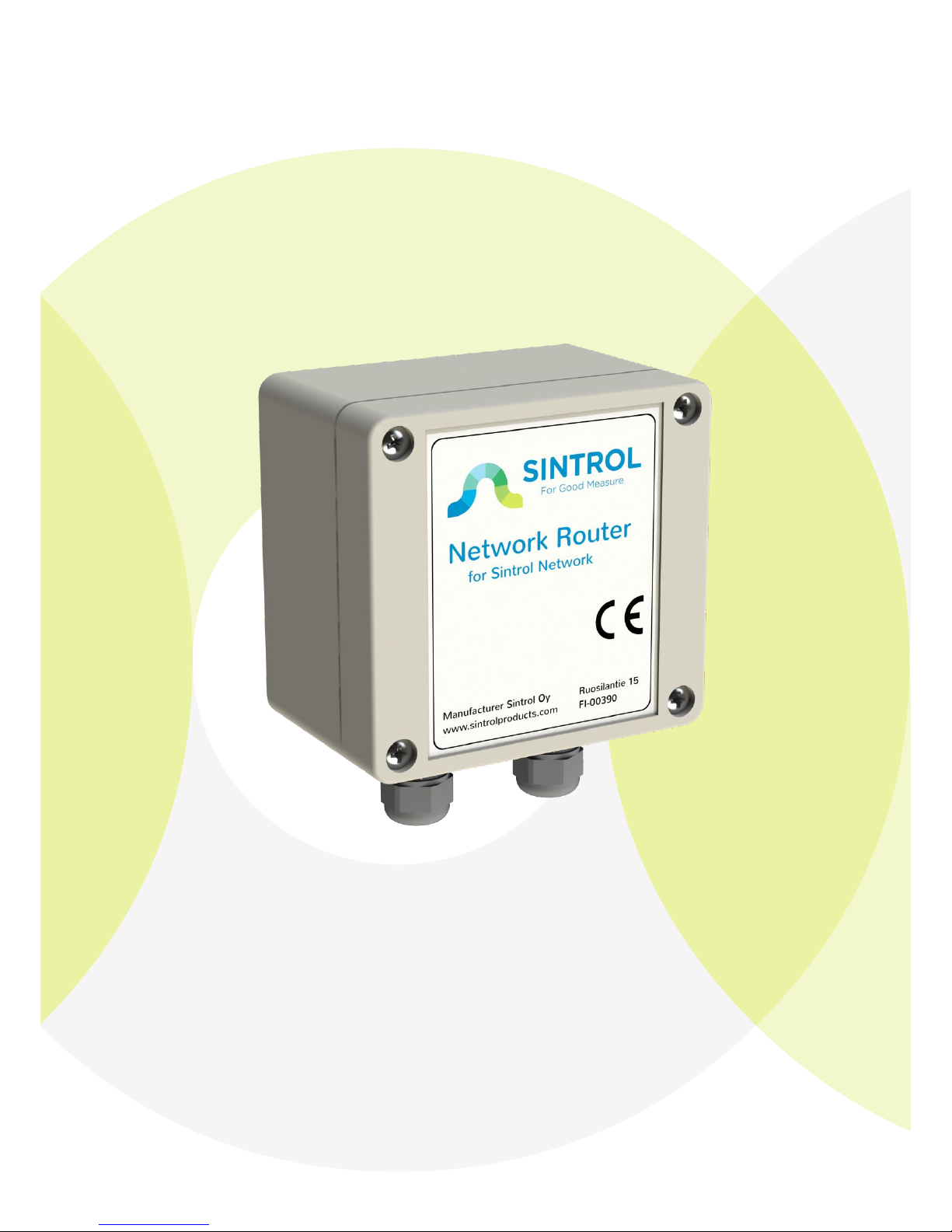
Sintrol Network Router
Manual
Version 1.0.0

Network Router User Manual 2
Table of Contents
1INTRODUCTION ......................................................................................... 3
1.1 Product overview ...........................................................................................3
2INSTALLATION ........................................................................................... 4
2.1 Selecting the installation location..................................................................4
3WIRING ..................................................................................................... 6
4DIMENSIONS ............................................................................................. 8
5OPERATION ............................................................................................... 9
5.1 PARAMETERS .................................................................................................9
5.2 PROPERTIES..................................................................................................10
RS485......................................................................................................10
USB .........................................................................................................10
Security key ............................................................................................10
Lock password ........................................................................................10
Device password ....................................................................................10
5.3 NETWORK.....................................................................................................12
Create the network ................................................................................12
Manually routing the devices.................................................................12
6MAINTENANCE .........................................................................................13
7TROUBLESHOOTING..................................................................................13
7.1 No USB-connection to PC.............................................................................13
7.2 No response over RS485..............................................................................13

Network Router User Manual 3
1INTRODUCTION
This manual describes how to install and use SINTROL’s Network Router product.
Sintrol shall not be liable for any loss or damage whatsoever arising from use of
any information or details therein, or omission or error in this manual, or any
misuse of the product.
The instrument can be accessed by utilizing the free DustTool software to manage
the basic settings of the product.
Commercial software product DustLog provides comprehensive control and
diagnostics tools over the product and over the whole Sintrol network.
Features of the Network Router are for example:
Gather data from Sintrol Network seamlessly, utilizing RS485 connections
between products.
Visualize the Sintrol network topology and unit locations.
Provide tools to:
oAutomatically form the network
oManually modify the network
oGet real time diagnostics
Manage and parameterize all products within the Sintrol Network
The DustTool software can be downloaded free of charge from Sintrol web-site
http://www.sintrolproducts.com
1.1 Product overview
The Network Router Dust monitor is a microprocessor-based unit, equipped with
USB and RS485 connections.
The device is designed to manage all Sintrol products connected to Sintrol
Network. The Network Router has been specifically designed for easy installation
and reliable operation.

Network Router User Manual 4
2INSTALLATION
2.1 Selecting the installation location
Although the device is IP65 classified and can handle industrial conditions, avoiding
unnecessary environmental stress is encouraged.
If possible, during the installation ensure that:
1. Temperature conditions are mild and temperature variation is not extreme.
2. Unit is not installed into direct sun light
3. No large amplitude vibration exists
4. The unit is not directly exposed to any kind of piling particles, especially
conductive.
5. The unit is not directly exposed to soil dust, dirt, snow or rain.
Enclosure supports optional mounting feet installation, to enable easy wall
installations.

Network Router User Manual 5
Figure 1 Installation with optional mounting feet.
Network Router User Manual 6
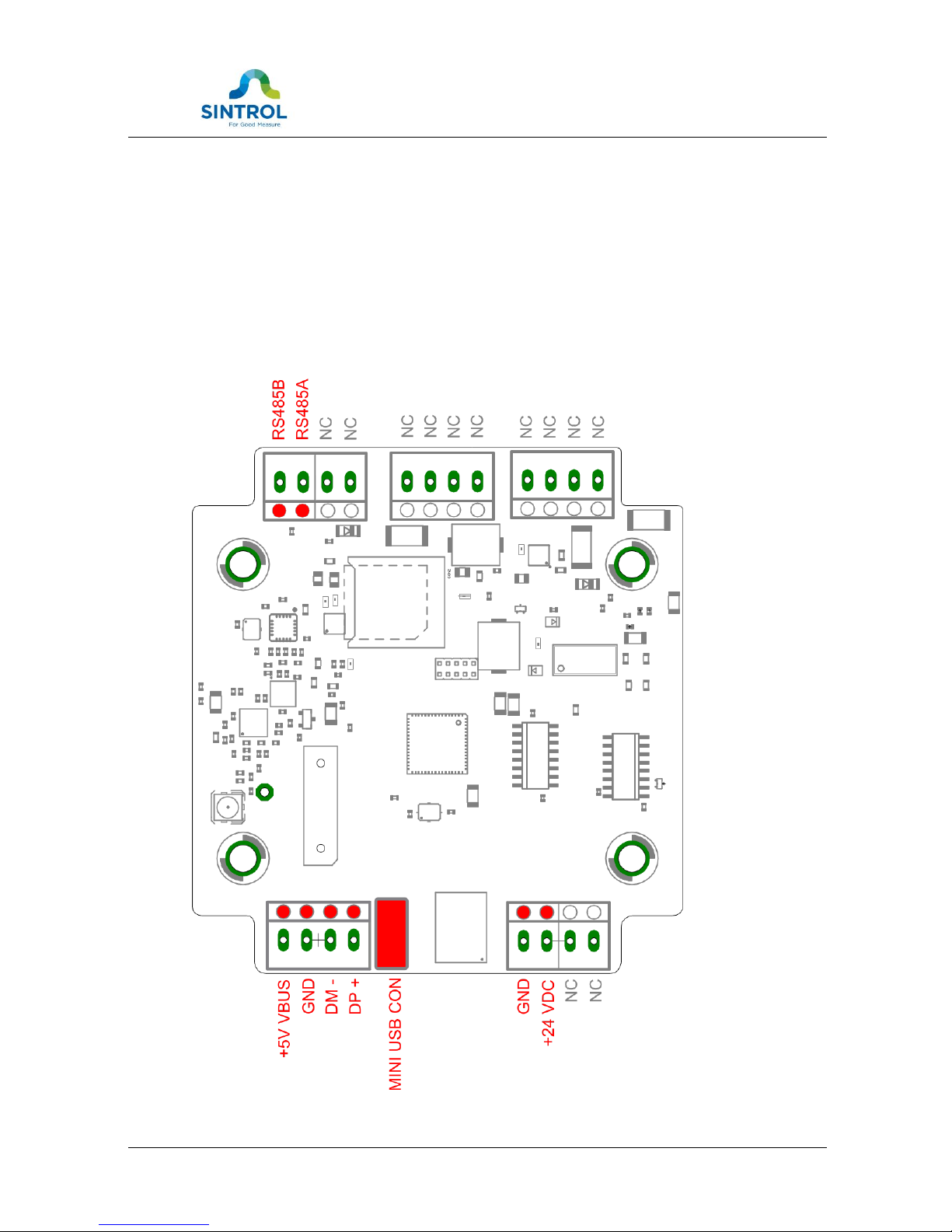
3WIRING
To connect the device, open the enclosure. Any unnecessary exposure of the
connectors to moisture or dirt needs to be avoided.
NC = Not connected.
Table 1 Wiring and signals

Network Router User Manual 7
TECHNICAL SPECIFICATION
Product name
Network Router
Protection Category
IP65
Power Supply
12 - 24 VDC
Power Consumption
Under 3W, depending on usage
Wiring
Two DIN PG11 glands for cables
Connectors
1. USB wires connector with 45° angle:
a. solid from 0.2 to 1.5 mm2
b. stranded from 0.2 to 1.0 mm2
2. Low voltage connector with 45° angle:
a. solid from 0.2 to 1.5 mm2
b. stranded from 0.2 to 1.0 mm2
3. mini USB connector inside the box
Communication Interfaces
Serial communication: RS-485
USB
Communication Protocol
Proprietary Sintrol Network protocol
Materials and Weight
Enclosure
Plastic ABS
Weight
180 g
Table 2 Technical specification

Network Router User Manual 8
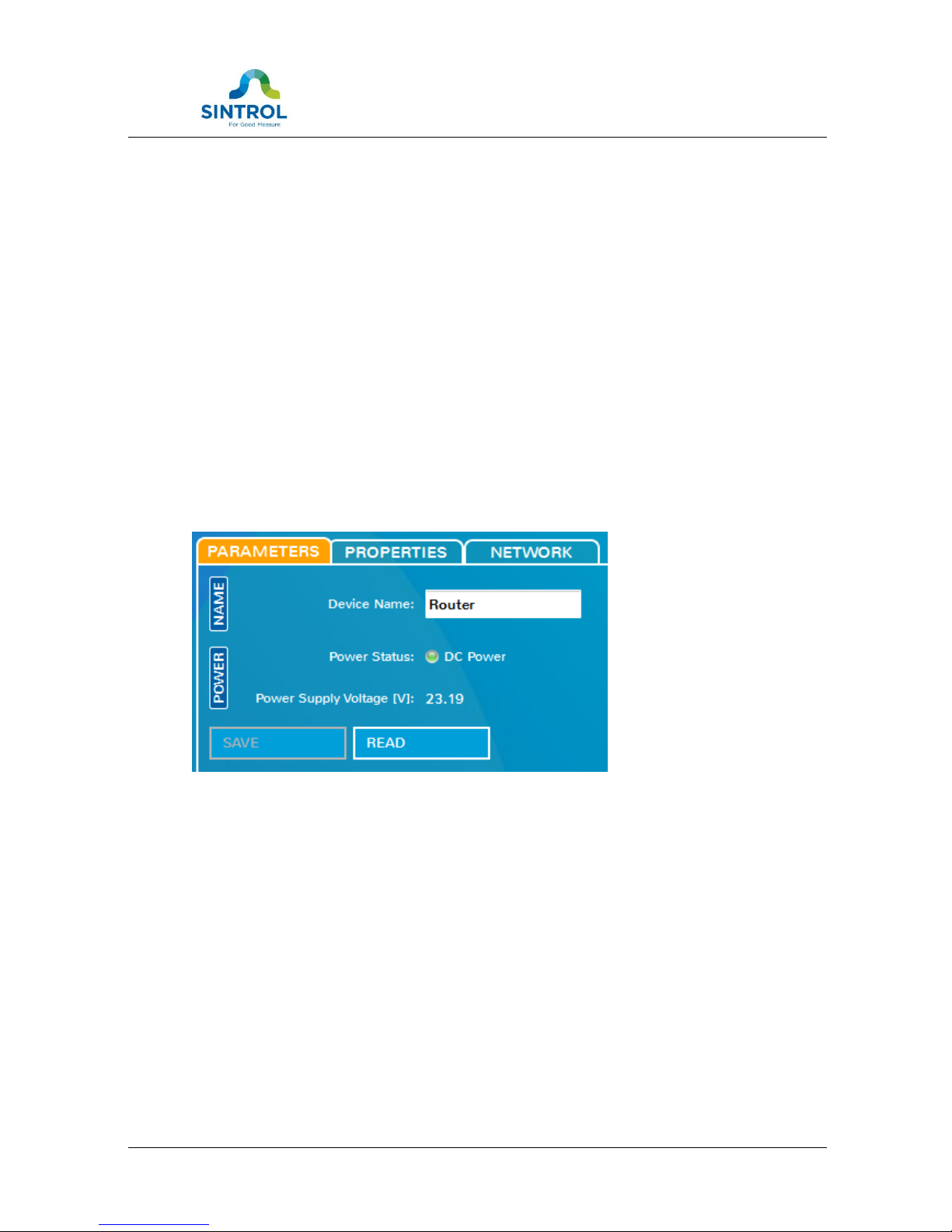
4DIMENSIONS
Figure 2 Structure and dimensions
Network Router User Manual 9
5OPERATION
The Network Router creates and maintains the connections between Sintrol
Products and Sintrol’s PC software, thus the main operation of the Network Router
is mostly transparent.
Device itself has but a few configuration related controls of its own. All the controls
are managed by the dedicated Sintrol PC-softwares: DustTool and/or DustLog.
5.1 PARAMETERS
On the parameters tab the router name can be changed in order to easier identify
the unit.
Device also measures the power source it is connected to and shows the measured
input voltage for diagnostic reasons. If no input voltage can be detected, the
device is not fully working.
Figure 3 Parameters tab

Network Router User Manual 10
5.2 PROPERTIES
Network Router controls the network communication of the RS485. On the
properties tab it is possible to set different behaviors for the unit, which will affect
the whole communications network.
NOTE: Changing default setting on the properties tab may result in communication
malfunctions or even losing the control over the Network Router.
RS485
When device is operating as a router, the RS485 role must always be set to Sintrol
Network as a network master. Integration the unit with MODBUS-protocol is
beyond this document.
USB
When device is operating as a wireless router, the USB must always be enabled
and set to Sintrol Network. Setting protocol to ‘text protocol’ will disconnect the
device from PC-software and should only be used by trained service personnel.
Security key
For the whole network, an optional security key can be assigned. This key will close
the network so, that no new devices can be added into the network without this
key.
Lock password
Lock password will lock all the parameters of this unit. In order to change any
parameters after locking the device, it needs to be unlocked with the correct
password. Do not lose the password!
Device password
This is the unique factory password of the device that can be used to open in-built
device specific debug and maintenance features of the device.
This feature can be used ONLY by approved Sintrol Service personnel.
Table des matières


