Getting Started
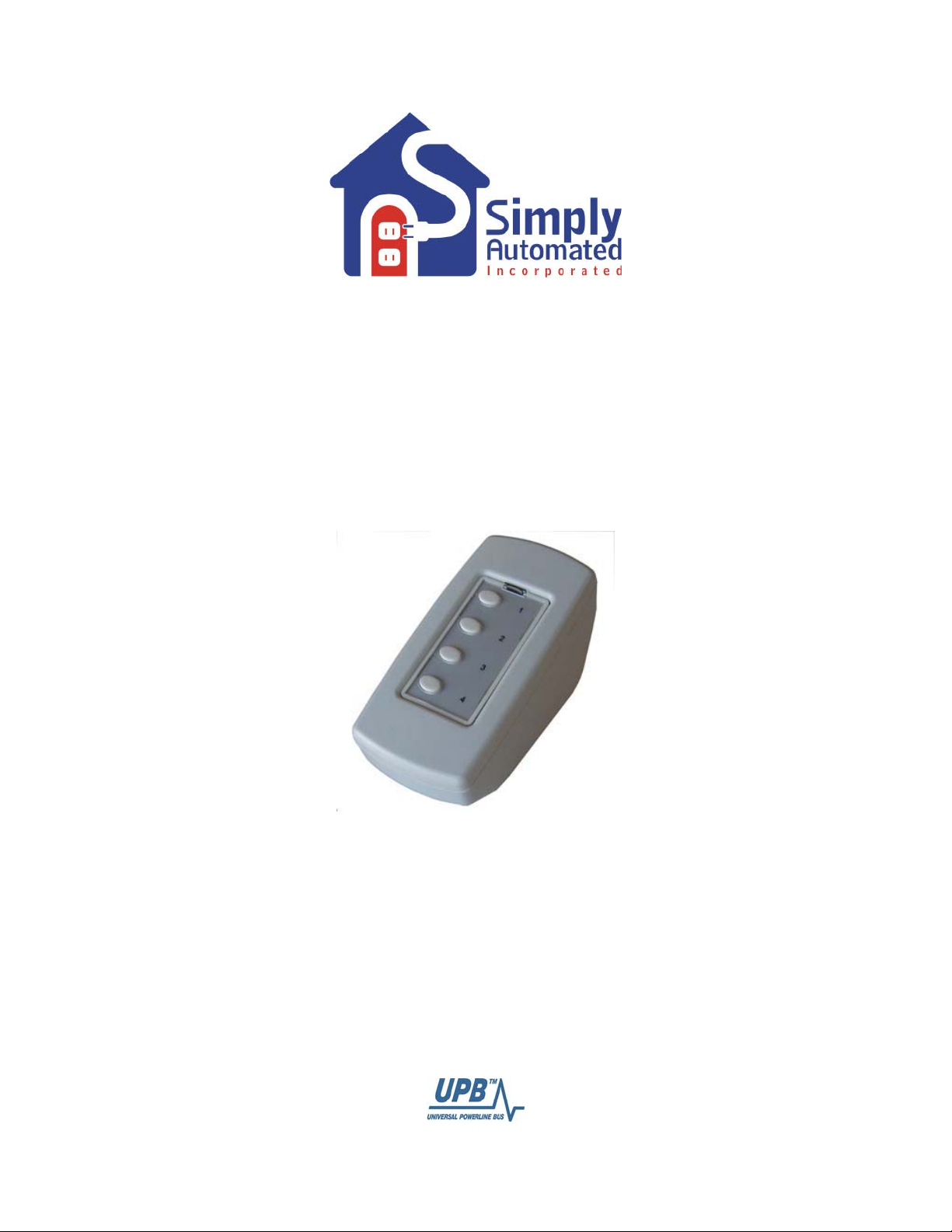
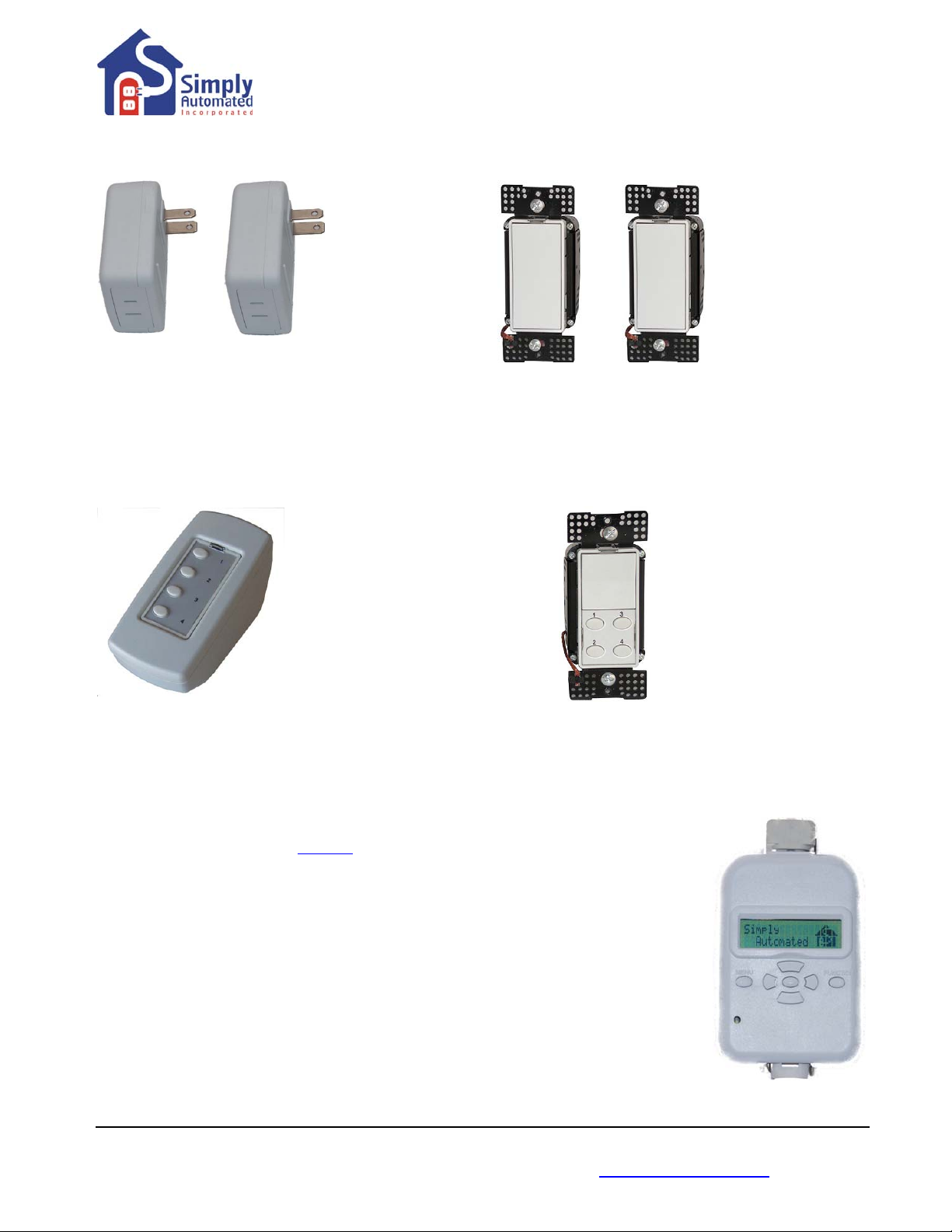
Tabletop Controller with 4-Buttons
Model US2TP11
Simply Automated Pre-Configured SimplySmart
TM
Series
Utilizes SimplySmart
TM
technology to make installation a breeze. No computer
programming required! Simple-n-easy, ready to use lighting control.
IMPORTANT SAFETY INSTRUCTIONS
When using electrical products, basic safety precautions should always be followed, including the following:
1. READ AND FOLLOW ALL SAFETY INSTRUCTIONS.
2. Keep away from water. If product comes into contact with water or other liquid, disconnect immediately.
3. Never use products that have been dropped or damaged.
4. Do not use this product outdoors.
5. Do not use this product for other than its intended use.
6. Do not connect multiple lamps that, when combined, exceed the maximum load rating of the product, de-rated for multi-gang boxes.
7. Do not install in areas that can exceed 120°F (e.g., in an attic).
8. To avoid the risk of overheating and possible damage to other equipment, do not use this product to control a receptacle.
9. Do not cover the product with any material when in use.
10. SAVE THESE INSTRUCTIONS.
Section 1: Very Important Pre-Installation Notes
•Your home should be no more than 2500 square feet and have only one breaker panel. A phase
coupler is required in some home installations. See Section 5 for more information.
•Not intended for use in multi-dwelling (condo, apartment, duplex) units.
Section 2: Installation of the Tabletop Controller with 4-Buttons
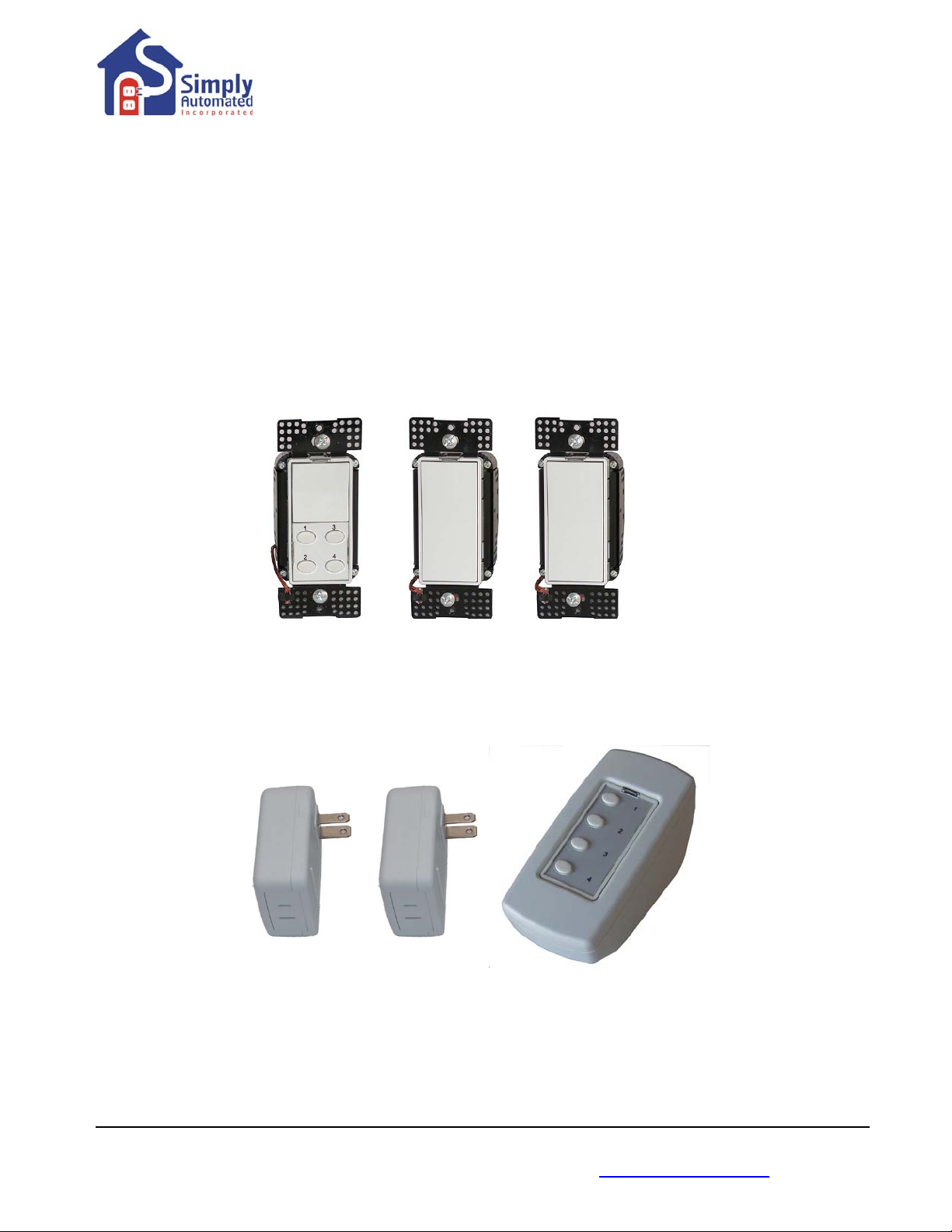
Locate a convenient location (bedside, living room, great room) you would like to use and plug in the Tabletop
Controller with 4-buttons. You're done with the installation process! Please refer to the User Guide or
see http://simply-automated.com/documents/452-0112-0201_RevC_UML-E-W_UserGuide_090512.pdf
Button 3 of the Tabletop Controller with 4-buttons is programmed from the factory to turn on each device
(dimmer or lamp module) you have already installed in your home at a 100% dim level. Button 4 is
programmed from the factory to turn off each device.
•Button 3 turns on/off each device (dimmer or lamp module): Press (tap) button 3 one time to turn on each
device in your home, press (quickly tap) two times to turn off each device.
•Button 4 turns off each device (dimmer or lamp module): Press (tap) button 4 one time to turn off each
device in your home.
Helpful Hint: Tapping should be done quickly ensuring contact is made from the button to the base sensor.
You will need to add devices (dimmers or lamp modules) you have already installed in your home to button 1
and button 2 to create your own custom scenes. See Section 3 below or see Manual Scene Creation and
Modification section in the US2-40 User Guide http://simply-automated.com/documents/452-0052-
0101_RevD_US2-40_UserGuide_090512.pdf for more details.
Important Note: If you are using compact florescent or florescent lighting, you should not attempt to
change the dimming level. Florescent lighting cannot be dimmed, can only be turned on at a 100%
dim level.
2 Simply Automated, Incorporated
6108 Avenida Encinas, Suite B, Carlsbad, CA 92011 USA
Technical Support: www.simply-automated.com or 800-630-9234
452-0008-0101 Rev. B Revised: July 7, 2009