6
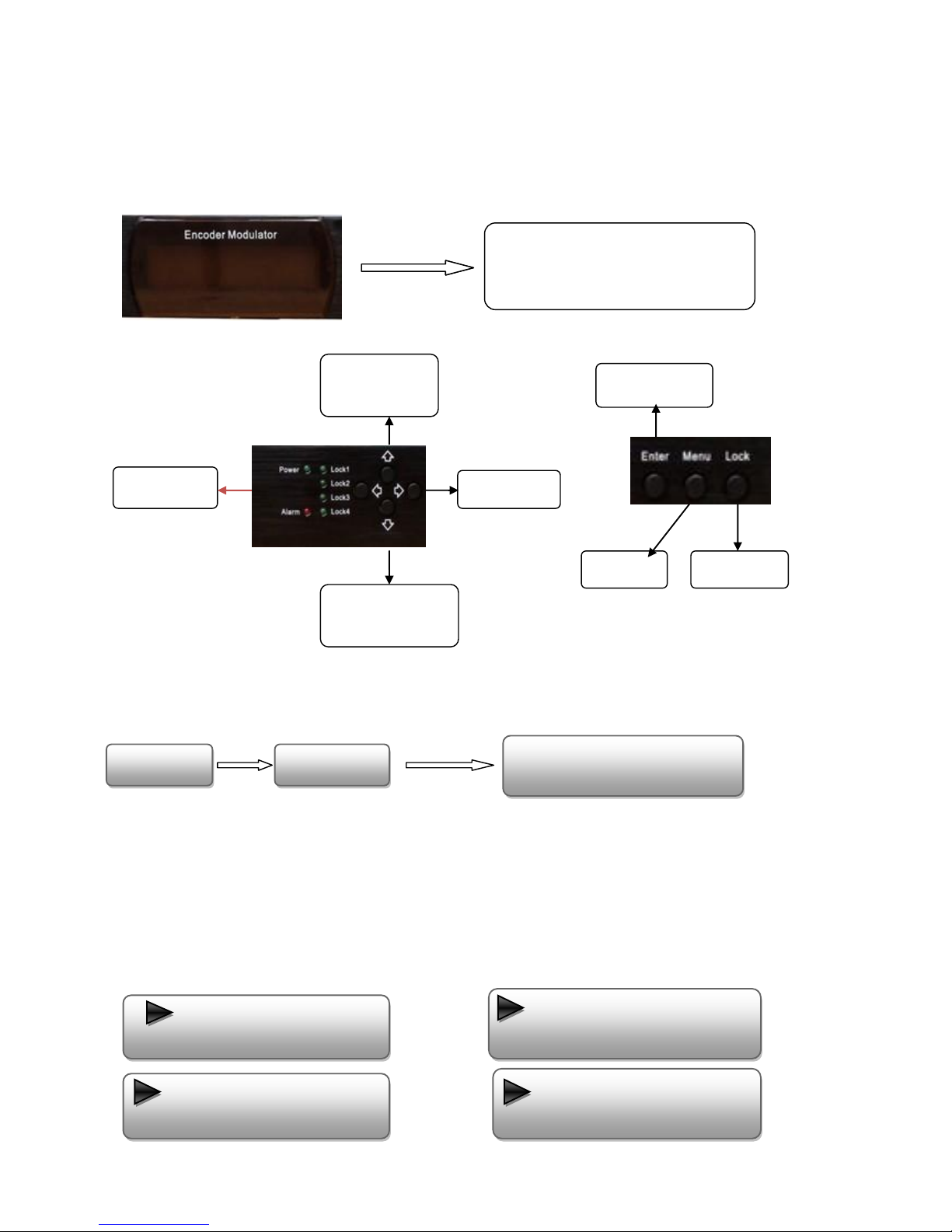
User pressing UP or DOWN buttons to specified menu item, and then pressing ENTER to enter the submenus as below:
1) Alarm status --- the alarm indicator will light on if there is noA/V signals input
2) Encoder setting --- choose this submenu, the LCD will show “input setting”, press the ENTER key and control the
UP or Down key to move the arrow. User could find how to set the audio and video encoding bit rate.
3) Modulator setting
When the “modulator setting” submenu has been chosen, users can find below different parameters for setting. And the
LCD window would respectively show like these.
Bandwidth
There are three possible options provided for selecting bandwidth: 6M, 7M, and 8M. When the display shows them, user
just need swift LEFT and RIGHT key to choose and repressing “ENTER”for confirm.
Constellation
Three different constellations: QPSK, 16QAM, and 64QAM will be show on the LCD window when Constellation been
entered.
QPSK: Quadrature Phase Shift Keying, Selecting this option indicates the device works as DVB-S modulation mode
16QAM: Quadrature Amplitude Modulation is 16
64QAM: Quadrature Amplitude Modulation is 64
Setting method just the same, when the display shows them, user just need swift LEFT and RIGHT key to choose and
repressing “ENTER”for confirm.
Trans mode
After entering Trans mode, the LCD would show the current working mode. User can move LEFT/RIGHT key and repress
ENTER key to select and confirm. 2K and 8K are the options.
2K: when the device works as current mode, the number of current carrier is 2048
8K: when the device works as current mode, the number of current carrier is 8192
Guard interval
In communications, guard intervals are used to ensure that distinct transmissions do not interfere with one another. These