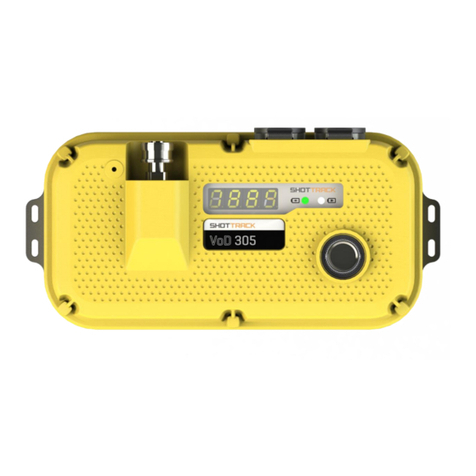
Start-up
VoD Monitor Start-up
There are a number of steps during start-up.
Unit number, Software and Hardware versions display. This displays the software and hardware version and revision
numbers. This is displayed for 5 seconds.
ST 0016
S V2R5 H V5R3
BAT = 7.4 Volts
Jan 15 2012
The next display is the change sample rate defaults, enter calibration setup routine or change display units
PRESS SET TO
CAL OR CHANGE SR
CAL = 8.016
SR = 6.000 e-6
If the SET button is pressed then the sample rate rotates to CALIBRATE and then the next sample
rate value and finally the display units used. When a period of three seconds elapses with no further
input the displayed setting are selected.
If the CALIBRATE function is selected then the unit enters the cable calibrate function.
If no button is pressed then after three seconds the default rate of 6.00 us is selected. This is good for
all cable lengths from 80 to 610 meters. The other sample rates should only be used for timing
measurements or when there is long delay > 3 seconds between the first measured hole and the last.
To change default display units cycle around until the required units are displayed. The choices are:
Meters, Feet or Nanoseconds. These settings will remain until either they are reset or the battery is
disconnected.
Operation
After the start up routines are completed and a suitable cable is connected (Valid cable time displayed)
the unit is ready to use. The display shows the current cable length, sample rate time, GPS status and
Battery Voltage.
Run screen. With cable connected before cable connected
LEN 304.9 m No cable
SR 6.00 us SR 6.00
Fri 16:10:52 Fri 16:10:52
NO GPS BAT 7.4 NO GPS BAT 7.4
If GPS has valid signal
GPS OK BAT 7.4
3