4
700-0067
R003
Smart-Reach Installation Guide
Installing the Smart-Reach Mobile
1Secure the Smart-Reach Mobile to the mounting surface using the four #10 × ¾ sheet metal screws or
the #10 × ¾ self drilling screws and #10 external lock washers.
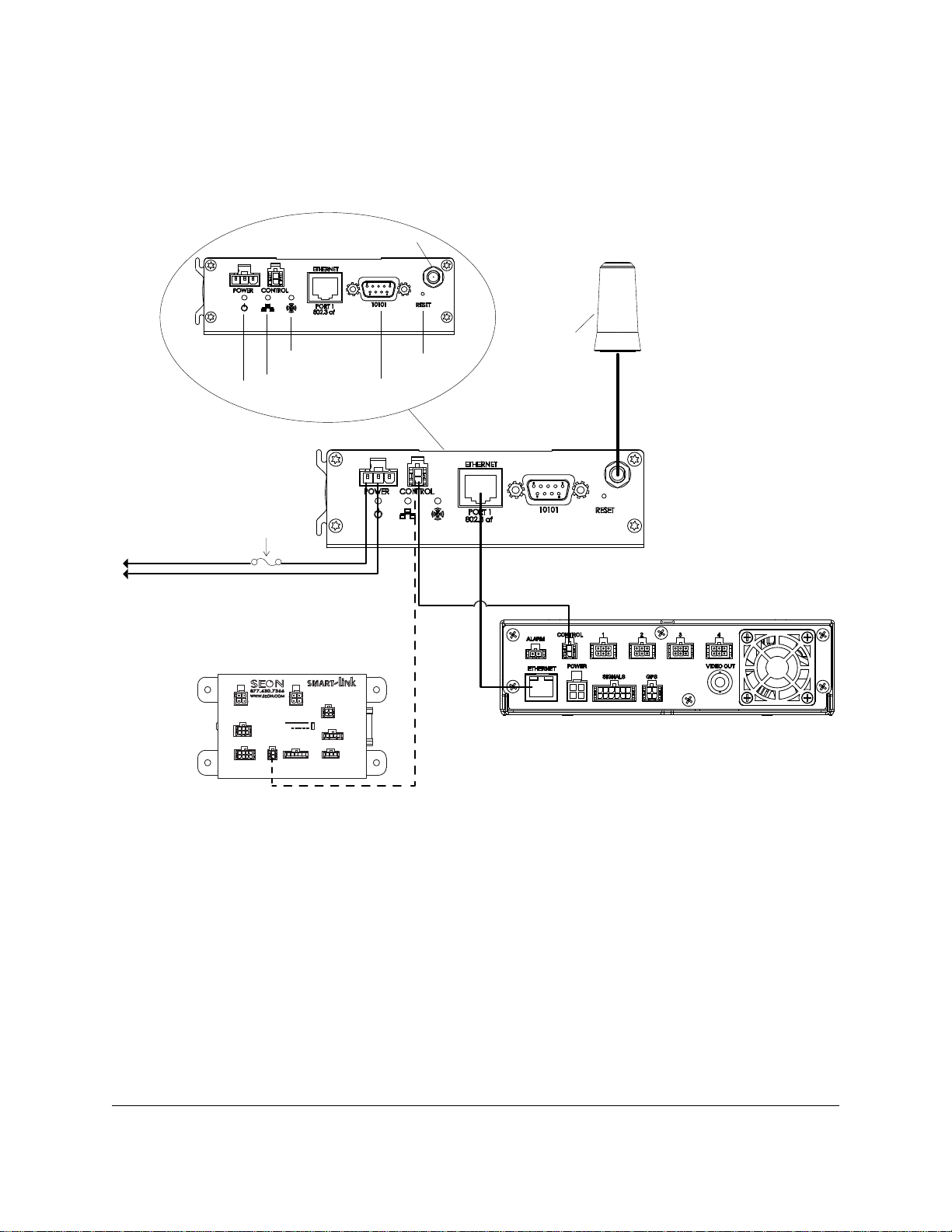
2Connect as shown in the General Installation Diagram on page 2.
3Connect the Ethernet cable to the DVR.
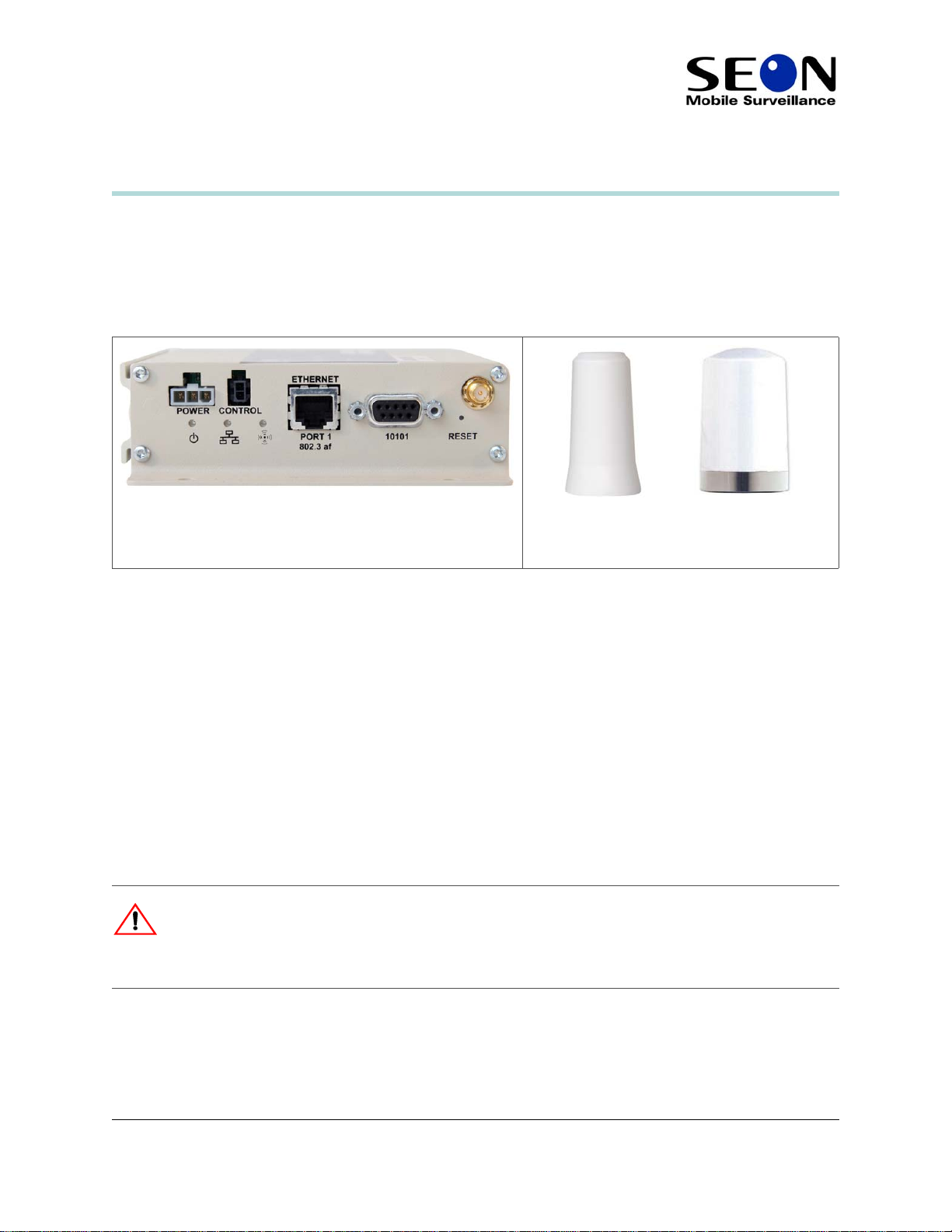
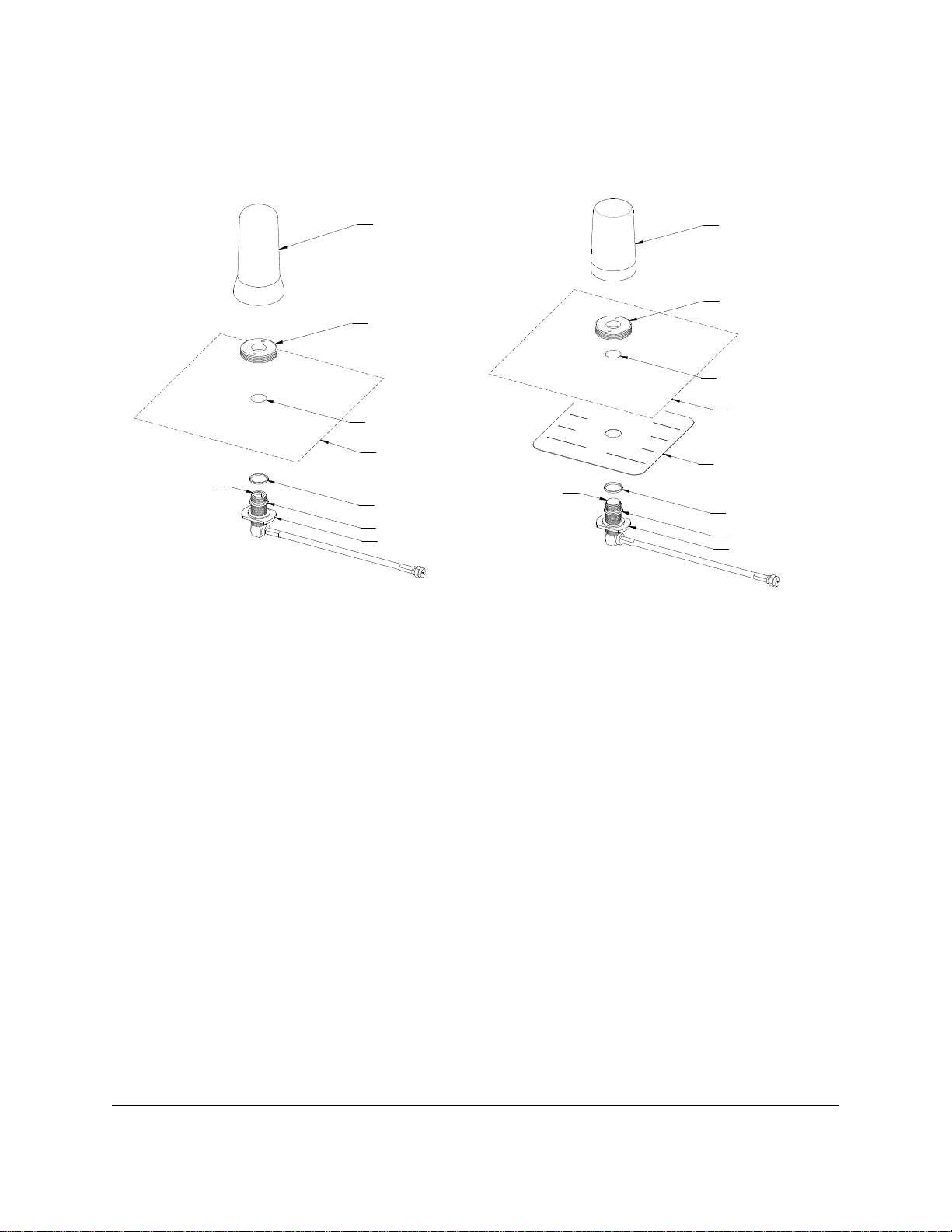
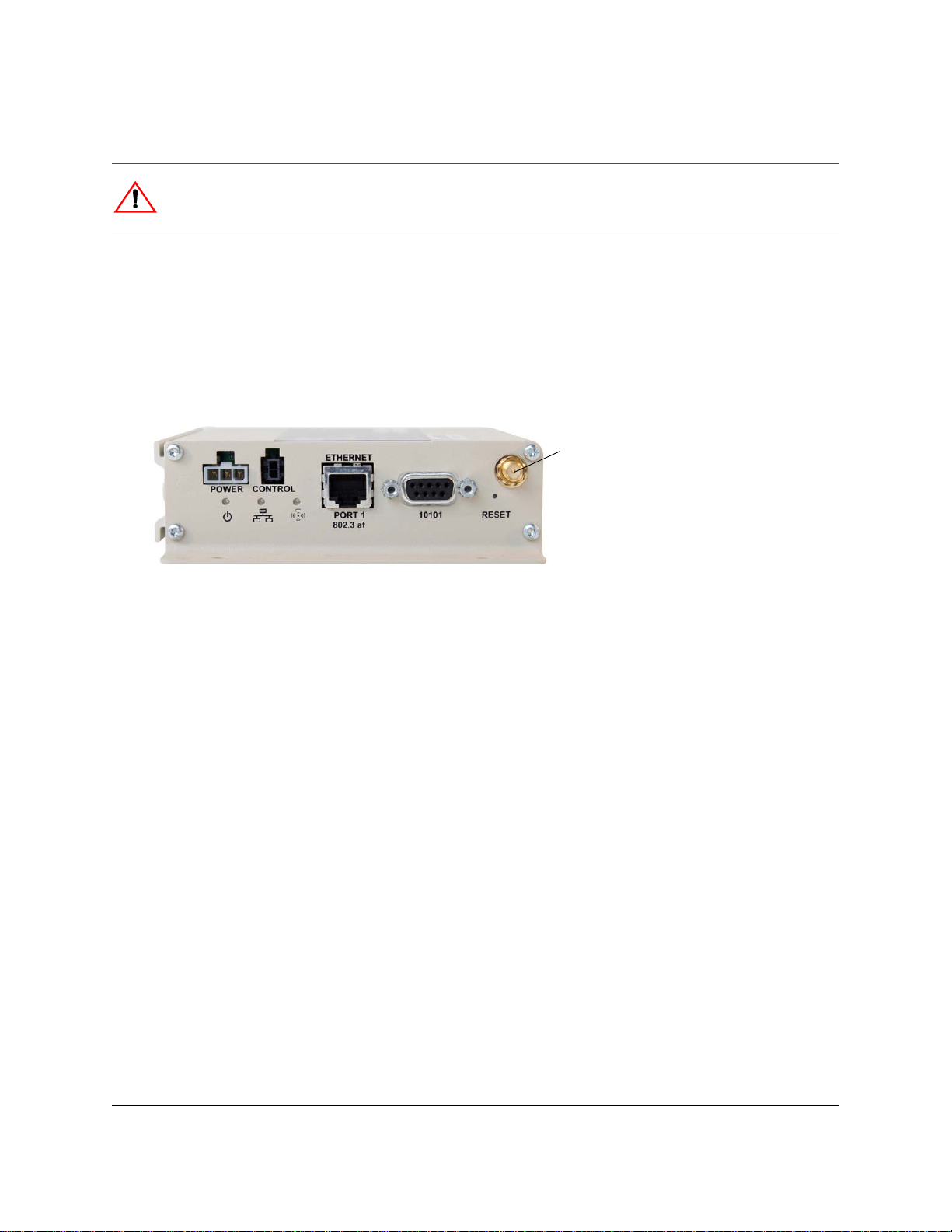
4Connect the antenna cable to the socket on the Smart-Reach unit. In a typical installation, the external
antenna must be connected to the main antenna connector of the Smart-Reach Mobile (on the same side
as the other connectors).
5Connect the control cable to the CONTROL port on the DVR.
If using the Smart-Reach with MX or DX Series DVRs and Smart-Link, connect the control cable to
the AUX POWER port on the Smart-Link.
6Connect power connector to a good battery source.
Configuring the System
The Smart-Reach Mobile comes pre-configured for your network. The following DVR settings must be
configured properly:
1The network settings must be configured as instructed by Seon Design.
2The power off delay time should be set long enough to allow video to be downloaded after the bus
ignition is turned off, typically two hours.
Powering the System to On
1Turn the vehicle ignition on.
• When the DVR is powered on, the Power light on the Smart-Reach should flash for a short period of
time, then turn on.
• During startup, the Ethernet light flashes, indicating a proper Ethernet connection with the DVR.
• After the DVR starts up, the Ethernet light on the DVR turns on. If the Ethernet light doesn’t flash or
turn on, check the Ethernet connection between the DVR and the Smart-Reach.
• If the Smart-Reach Base is already installed, the Wireless light flashes occasionally, indicating a
connection to the wireless network.
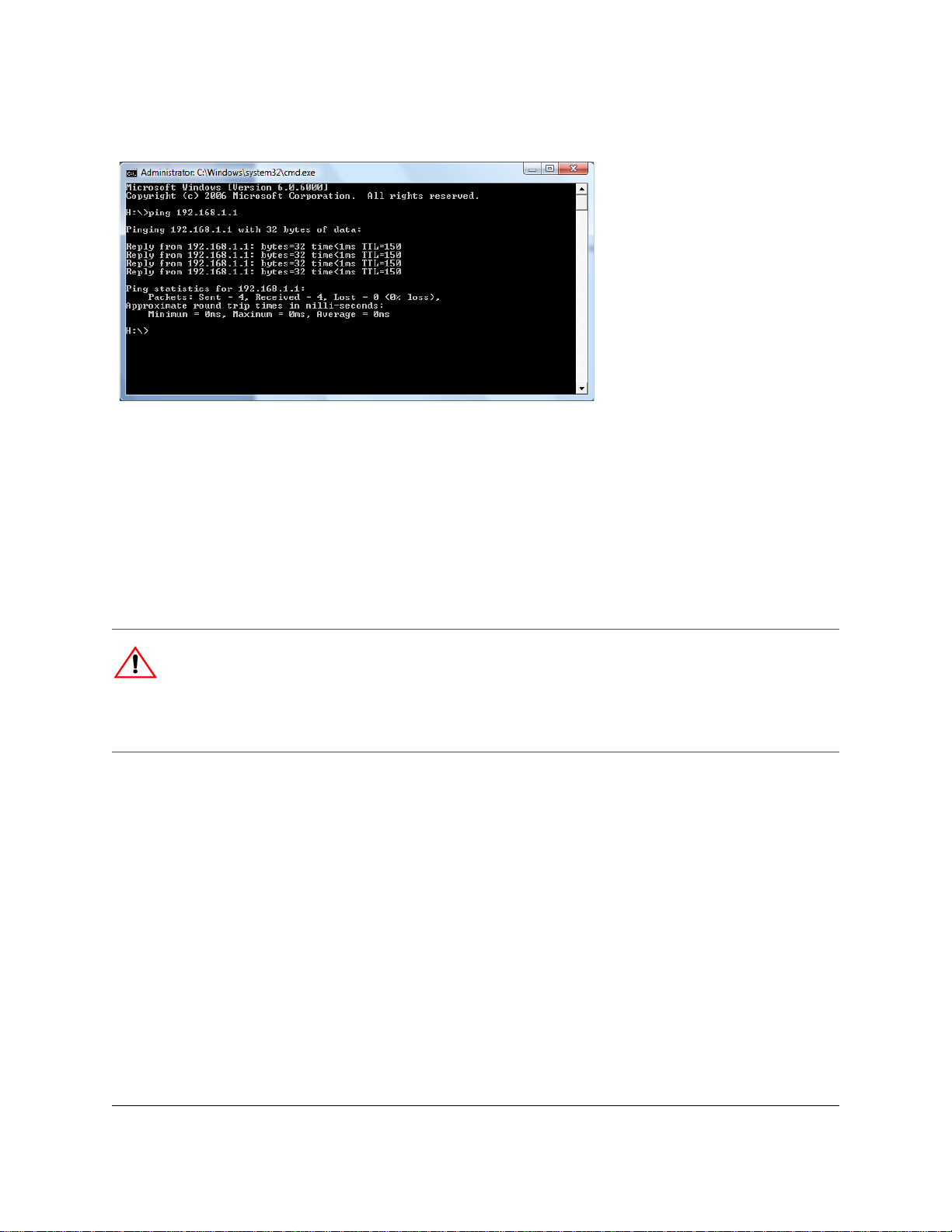
2Park the vehicle in a location that is line-of-sight from the base antenna. From the base host computer,
ping the IP address of the installed bridge (see Using the Ping Command on page 5).
CAUTION
Shielded Ethernet cables must be used for all connections.
Antenna
connector on
Smart-Reach
Mobile unit