2 | LSP 500 PRO
Contents
Contents
Important safety instructions ...................................................................................3
LSP 500 PRO .................................................................................................................6
Package contents.........................................................................................................7
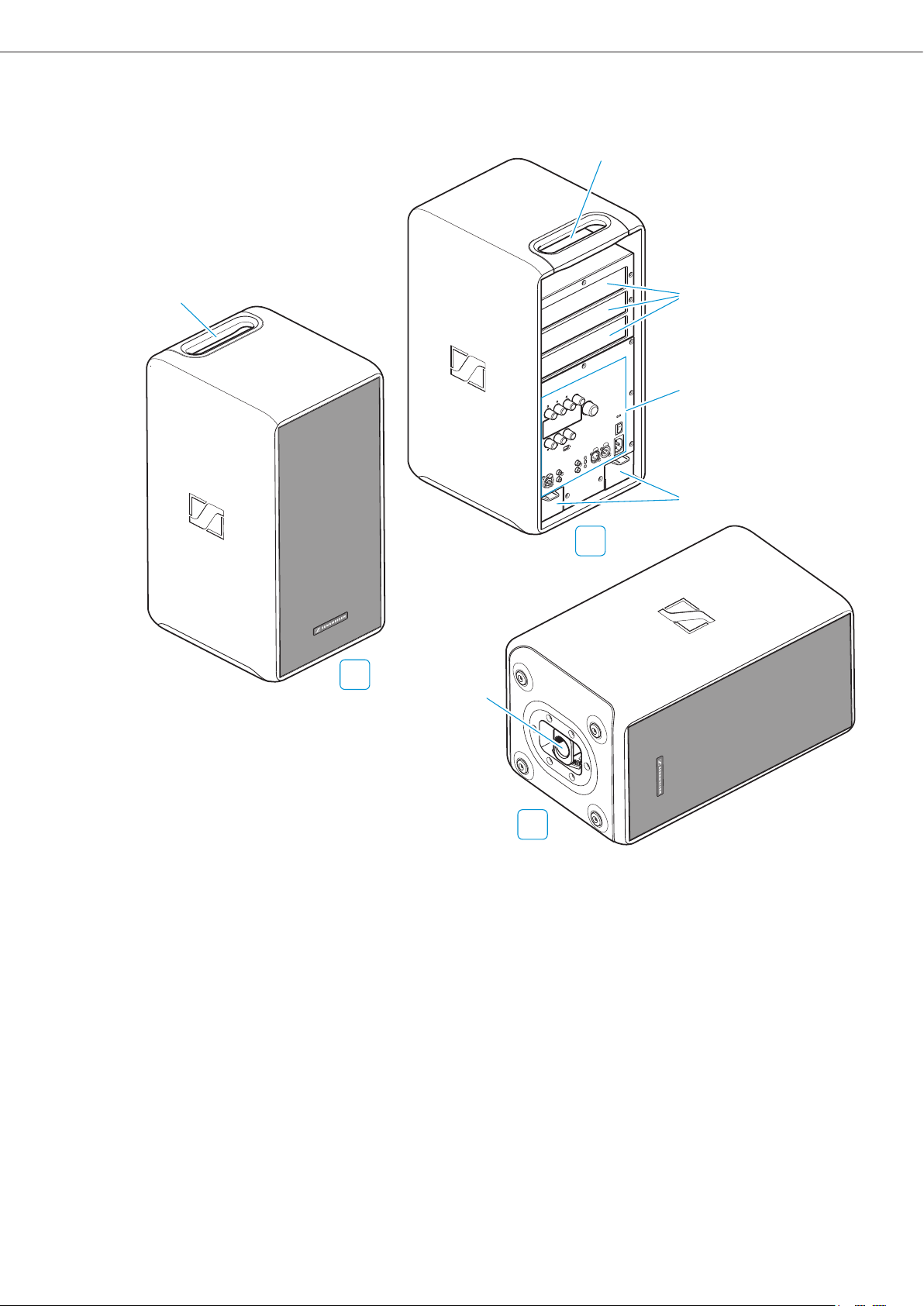
Product overview.........................................................................................................8
Operating elements.....................................................................................................9
Using the LSP 500 PRO............................................................................................. 10
Installing the LSP 500 PRO ......................................................................................10
Mains and battery operation ..................................................................................11
Important information on battery operation ......................................................13
Switching the LSP 500 PRO on................................................................................14
Basic operating functions ........................................................................................15
Basic indications and functions shown on the display panel ...........................16
Lock mode...................................................................................................................18
Activating ground lift ...............................................................................................18
Connection possibilities............................................................................................19
Installing devices in the expansion slots ..............................................................20
Operating the LSP 500 PRO via a tablet ................................................................ 23
The operating menu................................................................................................. 28
Menu structure...........................................................................................................28
Equalizer......................................................................................................................29
Master EQ ................................................................................................................30
EQ presets for the inputs......................................................................................31
Virtual Bass.................................................................................................................32
Compressor.................................................................................................................32
Delay ............................................................................................................................34
USB player...................................................................................................................35
Bluetooth ....................................................................................................................38
Settings .......................................................................................................................40
Test sound...............................................................................................................40
Configuring the signal output to additional devices ......................................41
Display brightness.................................................................................................42
WLAN .......................................................................................................................42
Configuring the MIC input ....................................................................................52
Detecting devices in the expansion slots..........................................................53
Resetting the settings ..........................................................................................54
Service .........................................................................................................................55
System information ..............................................................................................55
Updating the firmware.........................................................................................56
Cleaning and maintaining the LSP 500 PRO ......................................................... 57
Cleaning.......................................................................................................................57
Storage ........................................................................................................................57
If a problem occurs ... ............................................................................................... 58
Specifications ............................................................................................................ 61
Accessories ................................................................................................................ 63
Manufacturer Declarations ..................................................................................... 64