Contents
U er ManualsC ntentso
Forward -----------------------------------------------------4
ApplicationModel-----------------------------------------------4
ApplicablePersonnel---------------------------------------------4
SymbolConventions---------------------------------------------5
1 Safety Precautions ------------------------------------------6
11PersonnelSafety---------------------------------------------6.
1 2 PV Inverter Protection - - - - - - - - - - - - - - - - - - - - - - - - - - - - - - - - - - - - - - - - - 6.
13InstallationSafety --------------------------------------------6.
1 4 Electrical Connections - - - - - - - - - - - - - - - - - - - - - - - - - - - - - - - - - - - - - - - - - 7.
1 5 Operating and Commissioning - - - - - - - - - - - - - - - - - - - - - - - - - - - - - - - - - - - - 7.
16Maintenance------------------------------------------------7.
1 7 Additional Information - - - - - - - - - - - - - - - - - - - - - - - - - - - - - - - - - - - - - - - - - - 8.
2Overview of the Inverter -------------------------------------9
21FunctionalModels--------------------------------------------9.
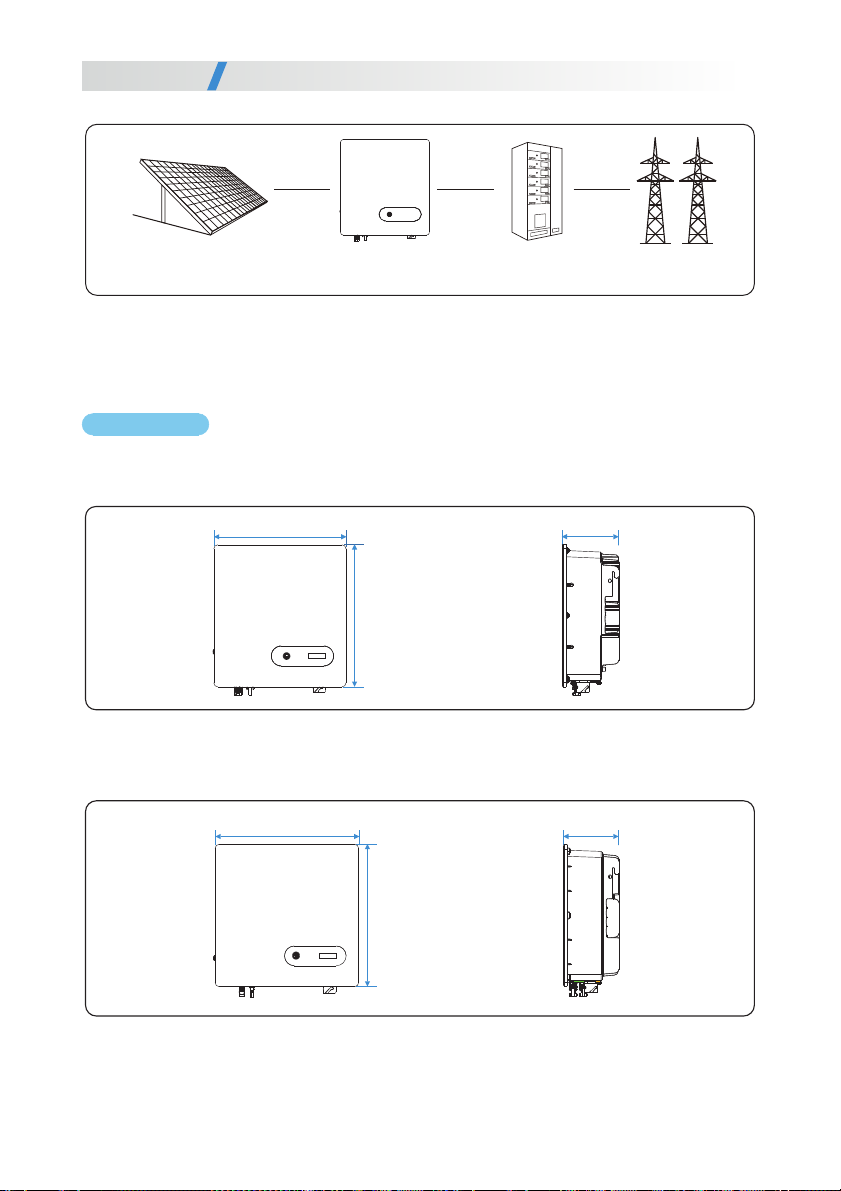
22NetworkApplication-------------------------------------------9.
2 3 Outline and Dimensions - - - - - - - - - - - - - - - - - - - - - - - - - - - - - - - - - - - - - - - 10.
24WorkingProcess--------------------------------------------12.
25WorkingModes---------------------------------------------13.
3Storage ---------------------------------------------------14
4Installation ------------------------------------------------15
4 1 Checking the Outer Packing- - - - - - - - - - - - - - - - - - - - - - - - - - - - - - - - - - - - - 15.
42Movingtheinverter-------------------------------------------16.
4 3 Identify the PV Inverter- - - - - - - - - - - - - - - - - - - - - - - - - - - - - - - - - - - - - - - - -16.
4 4 Installation Requirements - - - - - - - - - - - - - - - - - - - - - - - - - - - - - - - - - - - - - - 17.
4 5 Installing a Rear Panel - - - - - - - - - - - - - - - - - - - - - - - - - - - - - - - - - - - - - - - - -22.
4 6 Installing the Inverter - - - - - - - - - - - - - - - - - - - - - - - - - - - - - - - - - - - - - - - - - -24.