
ROVE R3 Manuel utilisateur

www.rovedashcam.com
Copyright (C) 2022, All rights reserved
3-Channel Touch Screen Dash Cam
3-CHANNEL
RECORDING
DUAL BAND
BUILT-IN-WIFI
BUILT-IN-GPS
ROVE APP For
iOS & Android

Just Scan the QR Code with your iPhone or Android’s
Camera to get in touch with us.
Scan the QR Code to Email US Scan the QR Code to Text US
Item NOT as described?
Damaged or defective?
Missing items?
Any issues what so ever?
STOP
WE WILL HELP YOU RESOLVE ANY ISSUES ASAP.
CONTACT US BEFORE RETURNING THE ITEM
CUSTOMER SERVICE
EXPERIENCING
PROBLEMS
Hours: Mon - Fri 9am-5pm PST
EMAIL US
TEXT US
Response in just 6 hours
For faster response text us
1 (401) 484-ROVE(7683)
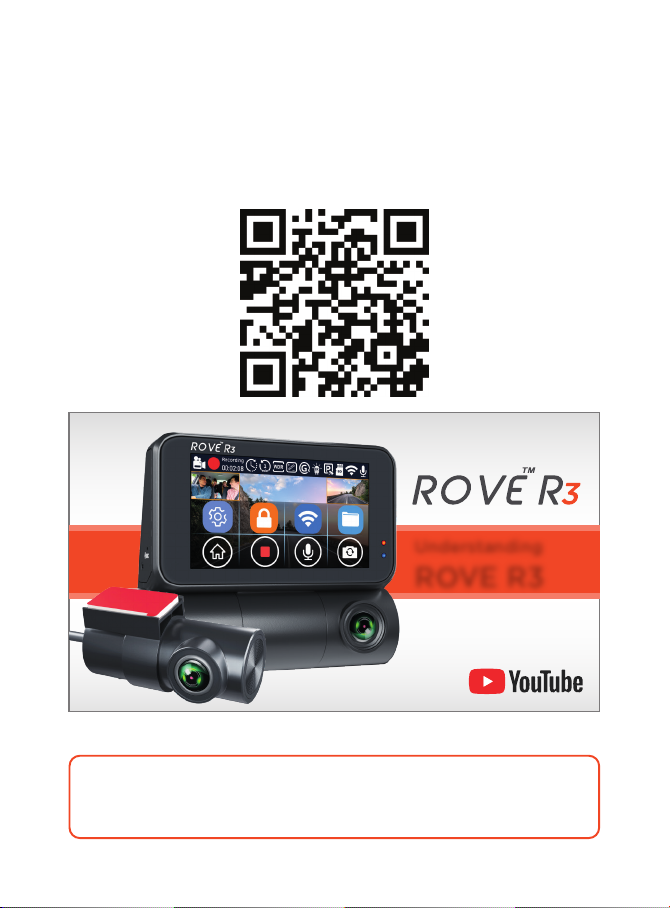
Understanding
ROVE R3
HOW TO VIDEOS
Visit our website
www.rovedashcam.com/pages/videos
Understanding ROVE R3
Watch HOW-TO VIDEOS to learn & understand all the
features so you can get the maximum benefit out of it.
WATCH

5
5
6
7
7
7
10
13
15
16
17
27
28
30
31
32
33
35
36
37
42
44
49
49
63
70
72
74
74
75
78
87
Product Overview
Features
User Agreement
Warnings
Package Contents
Turning ON/OFF Your Camera
Using WiFi Feature
Agreements
A
...........................................................................................................................
..............................................................................................................
....................................................................................................................................
..................................................................................................................
..........................................................................................................................
..................................................................................................................................
.....................................................................................................................
.....................................................................................................
...............................................................................................................
.................................................................
..............................................................................................................................
................................................................................
........................................................................................................
.........................................................................................................................
............................................................................................
.....................................................................
..............................................................................................
.............................................................................................................
............................................................................................................
.....................................
.........................................................................
...............................................................................
...............................................................................
.......................................................................................................................
......................................................................................................................
...................................................................................................
.........................................................................................
.....................................................................................................
..............................................................................................................................
................................................................................
...........................................................................
..................................................................................................................
4
USER MANUAL

INTRODUCTION
Thank you for purchasing ROVE R3 3-Channel Touch Screen Dash
Cam (Front 1440P + Cabin 1080P + Rear 1080P). This product
provides high-quality image capture and irrefutable evidence for
what goes on from your dashboard’s perspective. Rove R3 Dash
Cam is a Smart, High-End, very elegant, convenient, and durable
multi-vehicle driving recorder.
PRODUCT OVERVIEW
This product is an Ultra HD Digital Vehicle Black Box Recorder. It
is equipped with HiSilicon Hi3559V200 Chipset + ULTRA-HD
1440p @30fps OmniVision IS05A10 5M CMOS Sensor for the front
camera and 1080p @30fps SONY iMX307 Starvis 2M CMOS Sensor
for cabin and rear camera for excellent low light sensitivity and
high dynamic range, which allows you to record continuous,
high-quality video playbacks and brings phenomenal Ultra-HD
resolution videos even at night. There are four hidden IR LEDs
around the lens of the cabin camera. IR LEDs illuminate images in
the dark. During night driving, inside the car is entirely dark,
therefore IR LEDs will help you capture video in IR night vision
details inside the cabin.
Moreover, it has advanced built-in dual band 5.0 & 2.4 Ghz Wi-Fi,
built-in GPS, G-Sensor, Audio recording, Loop cycle recording,
Parking mode, Touch Screen LCD screen, and USB 2.0 Type-C.
Compared to most dash cameras, this exclusive product design
provides an elegant appearance, packed with top-rated unique
features, records amazing, unbeatable videos, and is very easy to use.
5

FEATURES
3-Channel Dash Cam
3” IPS Touch Screen
1440P + 1080P + 1080P
Built-In GPS
Supercapacitor
24-HR Parking Monitor
Loop Recording
Built-In Dual Band 5.0 & 2.4 GHz WiFi
Supports up to 512GB Micro-SD Card
(Class 10, U3 Speed Only-Not Included)
WDR - Wide Dynamic Range
Distortion Correction
Custom Designed Beautiful Software
Beautiful ROVE APP for iOS & Android Devices
H.265 & H.264 Video Compression
150° Front, 140° Cabin & Rear Cam Wide Angle
Super Night Vision
Time-Lapse Video
Screen Saver
G-Sensor
Built-In Digital Image Stabilization
Lifetime Customer Support
1-Year Warranty
Built-In Speaker & Microphone
(HWK Required - Not Included)
6
USER MANUAL

USER AGREEMENT
PRE-CAUTIONS
Failure to comply with safety warnings and regulations can
result in serious injury or death.
By purchasing ROVE Dash cam, it is assumed that by default you
agree with precautions, user warnings and all the terms &
conditions of warranty. If for any reason you do not agree with any
of the terms mentioned in this manual, then you may return the
product in its original packaging unused within its return window
for a full refund.
Please read this manual very carefully before using the camera or
installation and keep it safe for future reference. It will be helpful if
you have any questions or encounter any operational problems.
Do not expose this product to rain, moisture or water under any
circumstances or it will result in external or internal damage.
Do not put the unit in a damp environment. This device is not
designed to be damp proof.
Do not try to open the cover or try to repair it yourself. If the
accessories for this device have any problem, please contact the
seller for assistance.
Don’t install it where it will block the driver’s view of the road
including mirrors or the deployment of airbags.
Do not place the camera loose on top of the dashboard or
in-front of the air bags.
Please read and understand all instructions before using this
product. If any damage is caused by failure to follow the
instructions, the warranty will be voided.
WARNINGS
7

Do not mount the camera where it can be a distraction if it
became loose and fall off the windshield while driving.
Do not expose this device to an excessive heat, dust or use any
chemical substance or cleaning solvent to clean this device.
Instead use soft moist cloth for cleaning.
Pay careful attention when cleaning the lens surface. Use a
soft, moist cloth to clean the lens to avoid scratches which may
compromise video quality.
Removing the camera from the vehicle when not in use is
recommended. This prevents likelihood of theft or exposure to
excessive heat to prevent damage to unit.
Do not operate or install the camera while driving, or attempt
to change any setting etc. Pull off the road first and only do so
when it is safe.
Do not drop, puncture or disassemble this product.
Do not use the charger if the cord is broken or damaged. Keep
out of reach of children.
Do NOT connect the camera directly to your vehicle's
12V/24V battery. You must use ROVE's provided USB Car
charger or hardwire kit (sold separately) to provide power to
the dash cam.
Use only supplied ROVE's USB Car Charger or ROVE R3
hardwire Kit and power cables to power the ROVE R3 dash cam.
Do not leave the camera in the direct sunlight for a long period
of time or where temperature could go above 140°F (60°C).
This is NOT a toy. Keep away from children.
For indoor use ONLY. This camera is intended to use inside
motor vehicle.
8
USER MANUAL

Some countries or USA states prohibit drivers from mounting
anything on windshield or prohibit mounting on certain area of the
windshield. It is owner/operator’s responsibility to mount or use of
this device incompliance with local laws.
The company is NOT responsible for the loss of any data or your
content during operation or in any circumstance.
Memory Card: Before inserting the external memory card,
make sure to inspect the memory card for physical damage or
cracks. Do NOT use the memory card that shows the sign of
physical damage or cracks, as it can cause short-circuit and
burn the memory card, hence damaging the camera, and if
you touch the memory card, it can cause burns while
removing it.
9

Make sure to always keep the camera plugged into the power
during its operation as ROVE R3 uses Supercapacitor (NOT
an internal battery) You can plug the camera into your home’s
110V outlet during set up. For the power you can use your
cellphone’s USB charger and included USB Type-C Cable.
Just make sure that the USB charger has a 5V, 2AMP power
output (Max 3.5AMP), otherwise the camera will not work
properly)
You will need to insert a memory card before you can start
recording. Please insert only a brand name Class-10, U3, or
higher speed Micro-SD card up to 512 GB max for reliable
operation. (Memory card is NOT included in the packaging)
OUT OF THE BOX INSTRUCTIONS
Geing Started
1
2
Please read and understand warnings & safety instructions before
operating.
10
Autres manuels pour R3
1
Table des matières
Autres manuels ROVE Caméra embarquée

ROVE
ROVE M3 Manuel utilisateur

ROVE
ROVE R3 Manuel utilisateur

ROVE
ROVE A12-60 Manuel utilisateur

ROVE
ROVE R2-4K PRO Manuel utilisateur

ROVE
ROVE A12-60 Manuel utilisateur

ROVE
ROVE MyDash R2-4K Manuel utilisateur

ROVE
ROVE MyDash R2-4K Manuel utilisateur

ROVE
ROVE Stealth 4K Manuel utilisateur

ROVE
ROVE R1 Manuel utilisateur

ROVE
ROVE MyDash R2-4K Manuel utilisateur


