RGBlink Mini Manuel utilisateur

● USB capture video complying with UVC for live streaming
● 4CH HDMI inputs
● 2’’TFT display on board to Live preview four input
● Auto cut and manual switch (T-Bar)
● 14 transition effects on T-Bar
● Support PIP
● Audio offers embeded or external source to select
● Support switch between 6-Picture PVW and PGM to HDMI
Out
● Licensed features including DSK, PTZ control etc.
● Control by PC or mobile phone (via APP)
● Compact design
mini
Quick Start

© Xiamen RGBlink Science & Technology Co., Ltd.
1 / 28
CONTENTS
Product Introduction...................................................................................................................................................2
Packing Configuration................................................................................................................................................. 3
Hardware Orientation................................................................................................................................................. 4
Front Panel.......................................................................................................................................................... 4
Interface Panel.....................................................................................................................................................5
Use Your Product......................................................................................................................................................... 6
MENU.................................................................................................................................................................. 6
Input............................................................................................................................................................ 6
HDMI........................................................................................................................................................... 7
USB3.0......................................................................................................................................................... 7
Audio........................................................................................................................................................... 7
IP Setting......................................................................................................................................................8
LANGUAGE.................................................................................................................................................. 8
Factory Reset...............................................................................................................................................8
INFO.............................................................................................................................................................9
Button S...............................................................................................................................................................9
PIP..............................................................................................................................................................10
FX............................................................................................................................................................... 10
Switch Input Source...........................................................................................................................................10
PIP (Picture-In-Picture or Picute by Picture) Operation................................................................................... 10
Software Operation........................................................................................................................................... 11
OBS Streaming..................................................................................................................................................19
OBS Setting...............................................................................................................................................19
Streaming Setting.............................................................................................................................................. 21
Upgrade............................................................................................................................................................. 22
Contact Information.................................................................................................................................................. 27

© Xiamen RGBlink Science & Technology Co., Ltd.
2 / 28
Product Introduction
mini is a “mini” singal switcher and mixer which is able stream 6-picture PVW or PGM from any
one out of the 4 HDMI inputs to any live broadcasting platform via third party live streaming
software such as OBS. It adopt compact design, equiped with a 2 inch TFT sreen to preview the 4
inputs in real time. 14 transition effects on board to collaborate with T-Bar to do transition
switching. Along with feature of seamless switch, there are other outstanding features such as
audio embeding, deblocking, and automatically indentifying color depeth of RGB4:4:4, YUV4:4:4,
YUV4:22,YUV4:2:0. Licensed features including DSK, logo, PTZ carmera control will be available
at additonal cost. It is also esay to operate either on board or on dedicated app on PC.
System Connection Diagram
mini System Connection Diagram

© Xiamen RGBlink Science & Technology Co., Ltd.
3 / 28
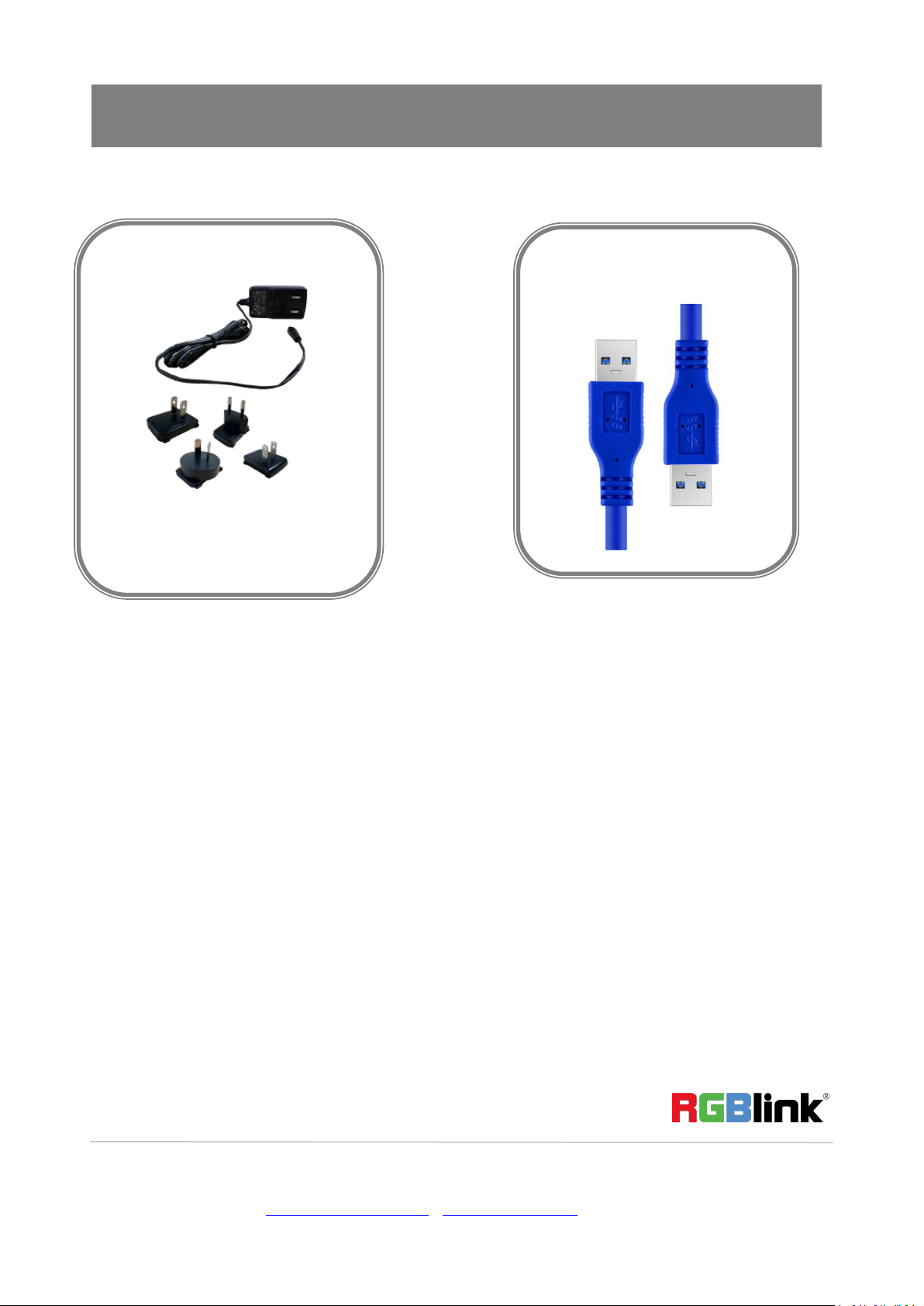
Packing Configuration
Note:
Power adapter supplied as standard according to destination market. There are CN,US,GB,EU,AU
standard availble to choose.
Power Adapter
USB3.0 Cable

© Xiamen RGBlink Science & Technology Co., Ltd.
4 / 28
Hardware Orientation
Front Panel
TFT display
To display 4 inputs and menu
PUSH
Knob, turn to select menu item, push to comfirm
Work as a quick button to switch HDMI Out between
6-Picture PVW and PGM when TFT is under the state
of previewing 4 inputs
M( menu)
Menu and Back Button
S
Function Select button, to select Transition effect,
Switch Mode (Fast or T-Bar), PIP and FX (reserved
licensed feature for future)
VOLUME
Turn to adjust volume of PGM
1,2,3,4
4 inputs, red is on air (PGM), static green is signal
standing by to switch, flash green is the ready to be
switched
T-Bar
Manual switch, push to left end or right end to switch
signal to PGM.

© Xiamen RGBlink Science & Technology Co., Ltd.
5 / 28
Interface Panel
HDMI OUT
1 HDMI Output port, connect to display to show Preview
(6 pictures) or PGM.
HDMI IN
4 HDMI Inputs, connect to input source from HD camera
or PC
DC 12V
1 DC Jack for power input, connect to 12V/4A power
adapter.
LAN
Communication port to link dedicated software for
control
USB
USB3.0 output, capture singal via third party streaming
software and push to live broadcasting websites
AUDIO IN/OUT
AUDIO In, anolog audio input port, connect to
microphone
AUDIO OUT, analog audio output port, connect to
loudspeaker.

© Xiamen RGBlink Science & Technology Co., Ltd.
6 / 28
Use Your Product
MENU
Main Menu
Input
When mini is power on, the native TFT
display show starting up page.
Push MENU and select the first menu item
<Input>
Push knob to enter <Input> menu

© Xiamen RGBlink Science & Technology Co., Ltd.
7 / 28
HDMI
USB3.0
Audio
Push MENU and select the second menu item
<HDMI>
Push knob to enter <HDMI> menu
HDMI means HDMI output, select Preview
output and PGM output for HDMI.
Output:Preview or PGM
Format:1920×1080@60
Push MENU and select the third menu
item<USB3.0>
USB3.0 means USB3.0 output,push knob to enter
<USB3.0>menu,select Preview output and PGM
output for HDMI.
Output:Choose PGM or Preview
Format:1920×1080@60
Choose <AUDIO>
SOURCE:EMBEDED or EXTREANAL
AUDIO BAR:ON/OFF

© Xiamen RGBlink Science & Technology Co., Ltd.
8 / 28
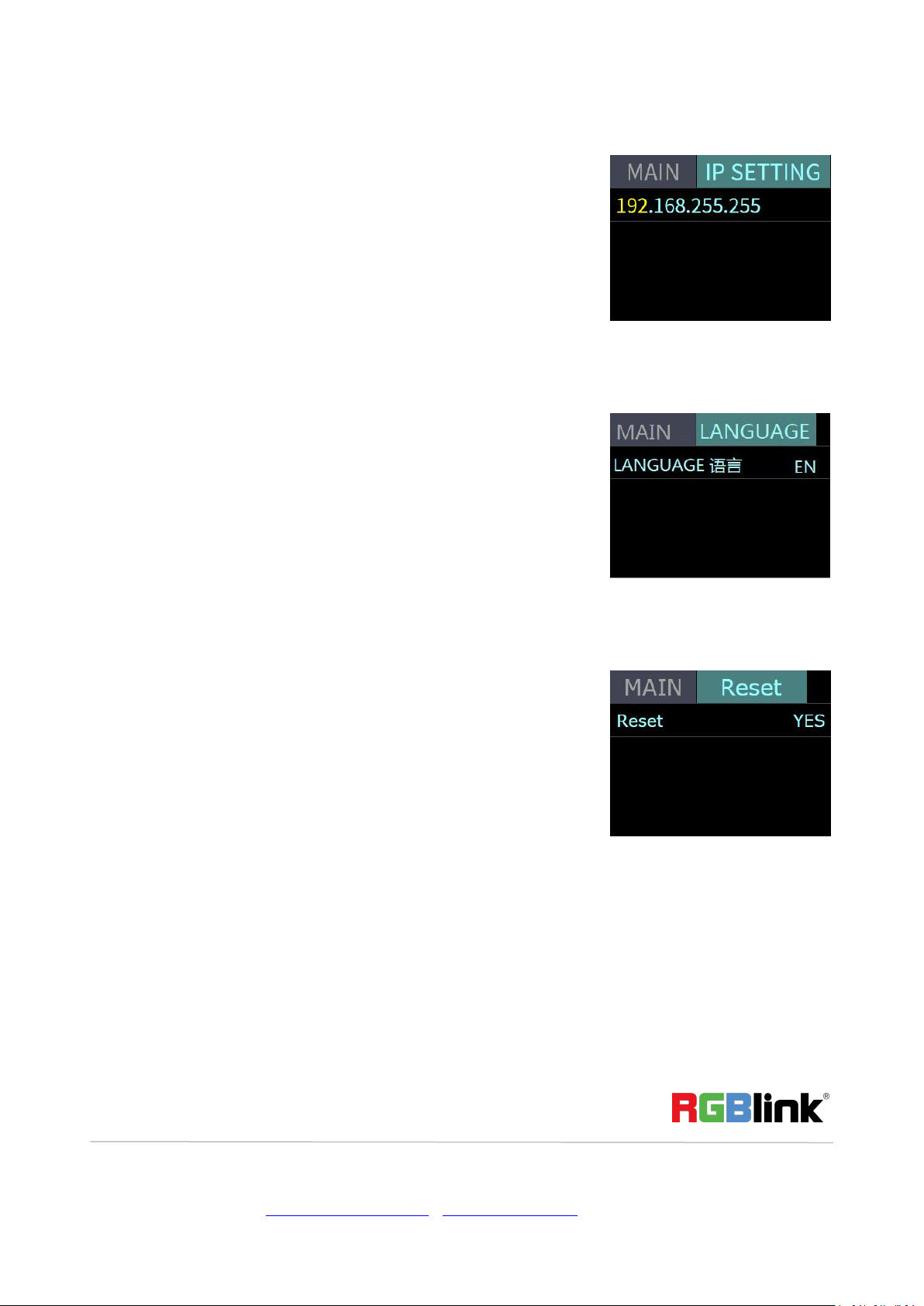
IP Setting
LANGUAGE
Factory Reset
LANGUGE, select Chinese or English
Factory Reset: Yes or No
Manually set IP address

© Xiamen RGBlink Science & Technology Co., Ltd.
9 / 28
INFO
Button S
Push button S, the TFT will show the transition effect menu <MIX>.The <MIX> led indicator beside
will light up. Push again, it will skip to next menu MODE, and again to PIP and again back to MIX
unless the device got license, it will skip to FX (Additonal features). The led indicators beside light
up meaning the corresponding feature menu is open. Use knob to select and confirm the desired
items after it enters the menu.
MIX
MODE
INFO:show the SN, IP,
MAC,MCU vesion and
VIDEO version.
Push button S once to open up the transition
effect menu, Use knob to select the desired
transition effect icon and push the knob to
confirm.
Push the button S twice to open up MODE menu.
MODE:FAST or T-Bar
TIME:0.5~5.0S
Choose FAST, the switching will be with transition
effect in set time.
Choose T-Bar, the switching will be with selected
transiton effect by pushing T-Bar
Autres manuels pour Mini
6
Table des matières
Autres manuels RGBlink Mixer