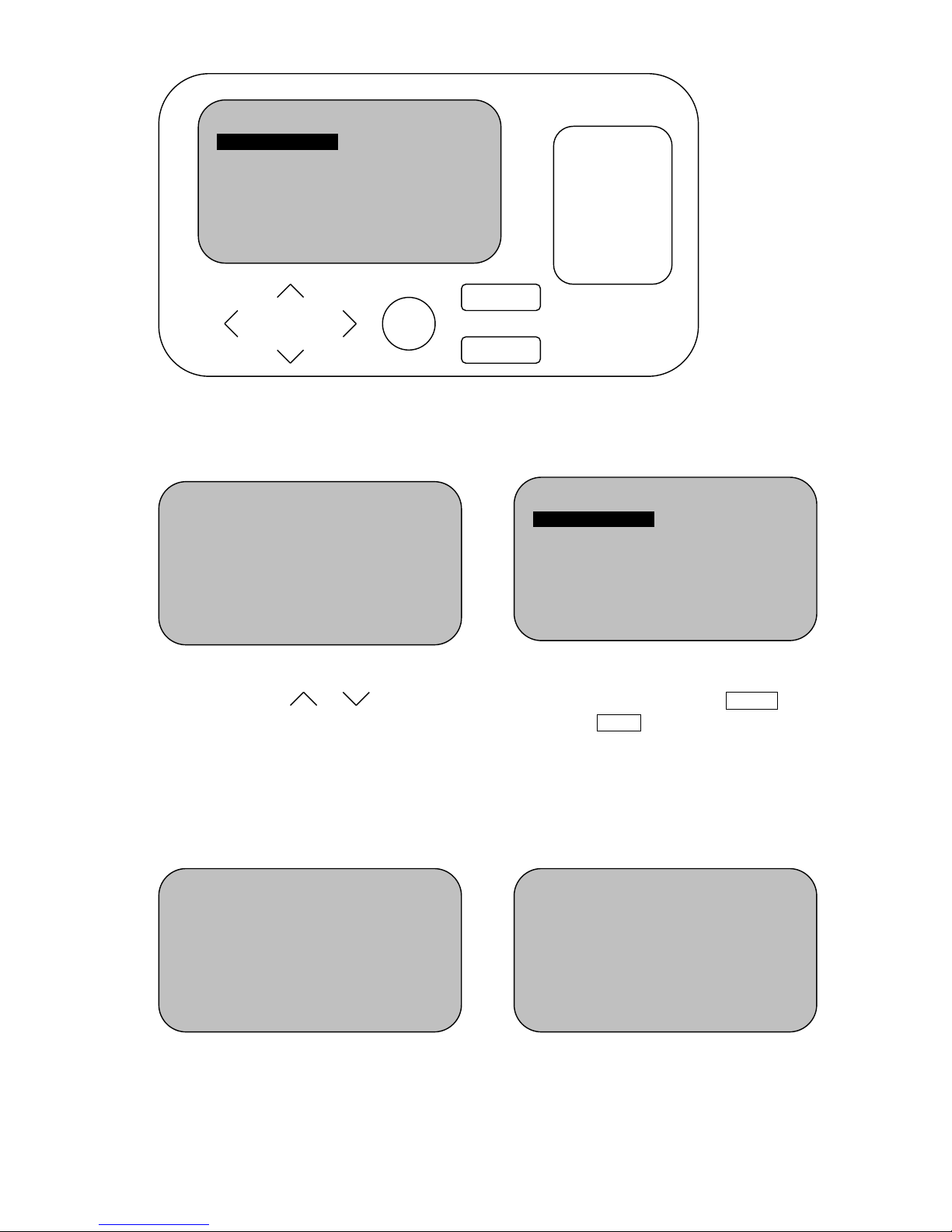
3-2. Fixed Code Duplicate: No.1 to No. 5 are for frequency band 1, and No. 6 to
No.10 are for frequency band 2(dual frequency). (Fig. 5)
3-2-1. Func.: Read and duplicate fixed
code from original remote control
into REMOCON remote control. It
provides 10 key spaces.(Fig. 5)
3-2-2. Places original transmitter on the
Test Area of HCD900.
Fig. 5
3-2-3. Press and holding 1st button of
original remote control, LCD
displays “Processing”. Releases
the button when beep. Now the
frequency of original remote is
shown above the number 1, and
the code of the 1st button of original
remote has been read
successfully.(Fig. 6)
Fig. 6
3-2-4. Repeat step 3-2-3. until all keys of
original remote control have been
read by HCD900.(Fig. 7)
[Note: for dual frequency remotes
RMC-552, RMC-556 & RMC-558: No.1 to
No. 5 are for buttons 1 to 5 when the
switch position is “Up”, and No. 6 to No. 10
are for buttons 1 to 5 when the switch
position is “Down”; for RMC-558C:
opposite to above]
Fig. 7
3-2-5 (Only for dual frequency remote)
After all keys of 2 remotes with
different frequencies has been read
by HCD-900, press & to move
highlight to No.1 ~ No.5 and No.6 ~
No.10 to choose the right frequency
channels on REMOCON remote by
pressing & .(Fig.8)
Fig. 8 3-2-6. Press Confirm to enter duplicating
mode, the LCD displays as (Fig. 9)