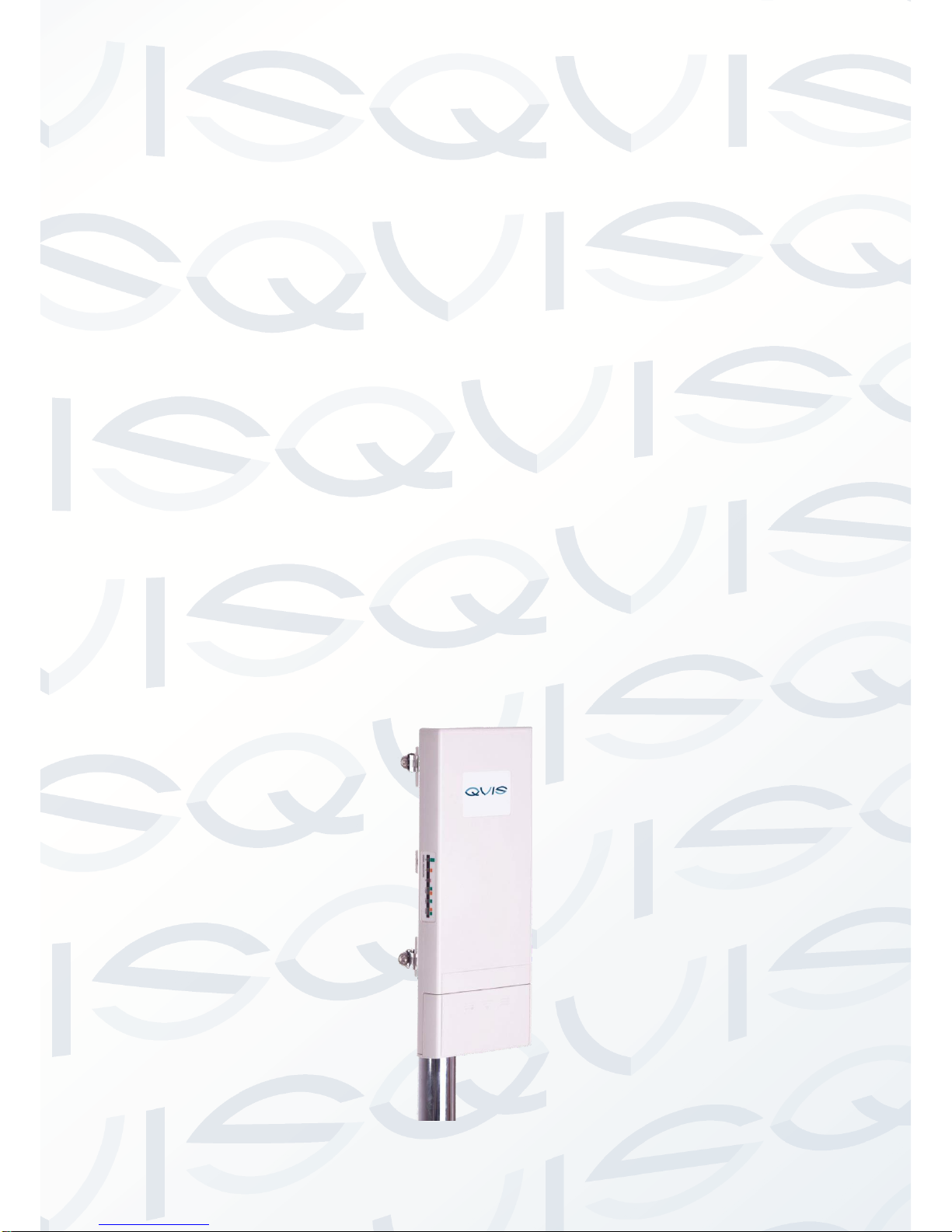
Qvis TT-208 Manuel utilisateur

TT-208
300Mps 5.8 GHz
IP Camera Wireless Transmission Kit
User’s Manual
V1.0 02 / 2014

© Copyright Qvis ®. All documentation rights reserved. 1
Welcome
Thank you for purchasing the TT-208 Wireless Transmission
Kit for IP Cameras.
This user’s manual is designed to be a reference tool for the
installation and operation of the device.
Here you can find information about the corresponding model’s
features and functions, as well as detailed instructions on how
to operate the device.
Before you operate the device please read the following
safeguards and warnings carefully!

© Copyright Qvis ®. All documentation rights reserved. 2
Table of Contents
1General information.....................................................................................................3
1.1 Introduction.............................................................................................................3
1.2 Main Features.........................................................................................................3
1.3 Technical Specification ...........................................................................................4
1.4 Product package contents.......................................................................................4
2Pre-installation precautions........................................................................................5
2.1 Safety Precautions..................................................................................................5
2.2 Installation Precautions .......................................................................................6
3Controls & Settings .....................................................................................................7
3.1 Connecting up the device....................................................................................7
3.2 Using the External Antenna...............................................................................10
3.3 Pole Mounting ...................................................................................................12
4Configuration .............................................................................................................14

© Copyright Qvis ®. All documentation rights reserved. 3
1 General information
1.1 Introduction
TT-208 is a wireless transmission system designed to transmit audio / video in the
5GHz frequency band with a power rating of 1W (30dbi). The device transmits
signals from IP cameras with high resolution (up to 5Mpixels). The built-in dual
antenna 5GHz MIMO 2 x 16dBi allows signal transmission to a standard 2km, and
you can use a fine-tuning function on the antenna, which provides high transmission
quality even at varying distances. The additional two RP-SMA outputs gives you the
option to connect MIMO dual external antennas and thus significantly increase the
operating range.
1.2 Main Features
- Stable high-quality HD transmission on the 5GHz band.
- 1W high radio power (30dbi).
- Works within a point-to-point and point-to-multipoint configuration.
- OFDM radio modulation.
- Max speed 300Mbps.
- 64/128/152-bit transmission coding.
- Integrated MIMO dual antenna 2x16dbi and R-SMA outputs for additional
antennas.
- Link testing tool.
- PoE 15-18VDC / 0,8 A.
- Radio signal level indicator - LED indicators.
- RF power control
- Works with all video resolutions - from VGA (640x480) by HD (1080p) to
QSXGA (2560x2048)

© Copyright Qvis ®. All documentation rights reserved. 4
1.3 Technical Specification
Operation mode
VIDEO BRIDGE, MASTER, SLAVE
Configuration
Point-to-point; point to multipoint
Resolution at refresh rate (25fps)
HD1080p (1920 x 1080)
HD720p (1280 x 720)
PAL 768 x 576, 800 x 600
1024x768, 1280x960, 1280 x 1024
1400x1050, 1600x1200, 2048x1536
2560x2048, 2560x1600, 1920x1200
1920x1080, 1680x1050, 1440x960
Modulation
OFDM
Operational Frequencies
8 Available
Radio Frequency
CE:5.470 –5.725GHz
FCC: 5.725 –5.850GHz
Standard operational range
2km
Range with additional antennas
5km
LAN in/out
2 x RJ45 10/100Base-TX
Receiver sensitivity
-89dBm
Max output power on RPSMA connector
24 dBm +/- 2 dBm
Output power on internal antenna
CE: 30dBm (1W e.i.r.p.)
Encryption
64/128/152-bit WEP, WPA, WPA-PSK,
WPA2, WPA2-PSK, 802.1X
Antenna
Internal 16dbi duel MIMO: operational angle
H: 36°, V: 15°
External: RP-SMA x 2
Recommended antennas
5,6GHz duel MIMO
Protection index
IP-55
Dimensions (mm)
110 x 255 x 47
Power supply
15V DC, 0.8A (PoE)
Power consumption
8W, 5W in transmitting mode
5W in receiving mode
Operational temperature
-20°C ~ 70°C
1.4 Product package contents
Wireless External Video Unit
Power cord & POE injector
Pole mounting ring x 2 pcs
Product CD

© Copyright Qvis ®. All documentation rights reserved. 5
2 Pre-installation precautions
This chapter describes the safety precautions and product information you have to
know and check before installing the TT-208 device.
Please seek assistance from a professional installer who is well trained in the RF
installation and knowledgeable in the local regulations.
2.1 Safety Precautions
1. To keep you safe and to make sure you install the hardware properly, please
read and follow these safety precautions.
2. If you are installing the TT-208 Wireless External Unit for the first time, for your
safety as well as others’, please seek assistance from a professional installer
who has received safety training on the hazards involved.
3. Keep safety as well as performance in mind when selecting your installation
site, especially if there are electric power and/or phone lines nearby.
4. When installing the TT-208, please note the following things:
Do not use a metal ladder;
Do not work on a wet or windy day;
Wear shoes with rubber soles and heels, rubber gloves, long sleeved
shirt or jacket.
5. When the system is operational, avoid standing directly in front of it. Strong RF
fields are present when the transmitter is on.

© Copyright Qvis ®. All documentation rights reserved. 6
2.2 Installation Precautions
To keep the CDS-5IP - Wireless External Unit well while you are installing it, please
read and follow these installation precautions.
1. Users MUST use a proper and well-installed grounding and surge arrestor with
the Wireless External Video Unit; otherwise, a random lightning strike could
easily cause fatal damage to the unit. EMD (Lightning) DAMAGE IS NOT
COVERED UNDER WARRNTY.
2. Users MUST use the “Power cord & POE Injector” shipped in the box with the
CDS-5IP. Use of other options will likely cause damage to the unit.
3. Users MUST power off the TT-208 - Wireless External Video Unit first before
connecting the external antenna to it. Do not switch from built-in antenna to the
external antenna from WEB management without physically attaching the
external antenna onto the unit; otherwise, damage may be caused to the unit
itself.

© Copyright Qvis ®. All documentation rights reserved. 7
3 Controls & Settings
3.1 Connecting up the device
1. The bottom of TT-208- Wireless External Video Unit has a removable cover.
Loosen the screw with a Philips screwdriver. Grip the cover and pull it back
reasonably firmly so you can take it out as shown in the figure below.
Figure 1: Move the Cover
2. Plug a standard Ethernet cable into the RJ45 port labeled “LAN 1”. DO NOT
plug the cable into the RJ45 port labeled “LAN 2”.
Figure 2: Cable Connection

© Copyright Qvis ®. All documentation rights reserved. 8
The secondary Ethernet port (labelled LAN 2) is for the IP camera or for next
TT-208 unit’s video integration. To use it you need to enable the secondary port
in advance before connecting with the IP camera from the TT-208`s Web
Management page as shown below:
Figure 3: Web Management page
3. Take out the power cord and POE injector from the box, and plug the power
cord into the DC port of the POE injector as the below picture shows:
Figure 4: Connect to POE Injector
4. Carry out Steps 2 & 3 together by plugging the other side of the Ethernet cable
into the POE port of the POE injector When you have done this, the setup will
look like it does in the following picture:

© Copyright Qvis ®. All documentation rights reserved. 9
Figure 5: Plug the Ethernet cable to the RJ-45 jack of the injector
5. Press the black PWR button beside the LAN 1 Ethernet port (highlighted by the
red circle below).
Figure 6: PWR button
Table des matières