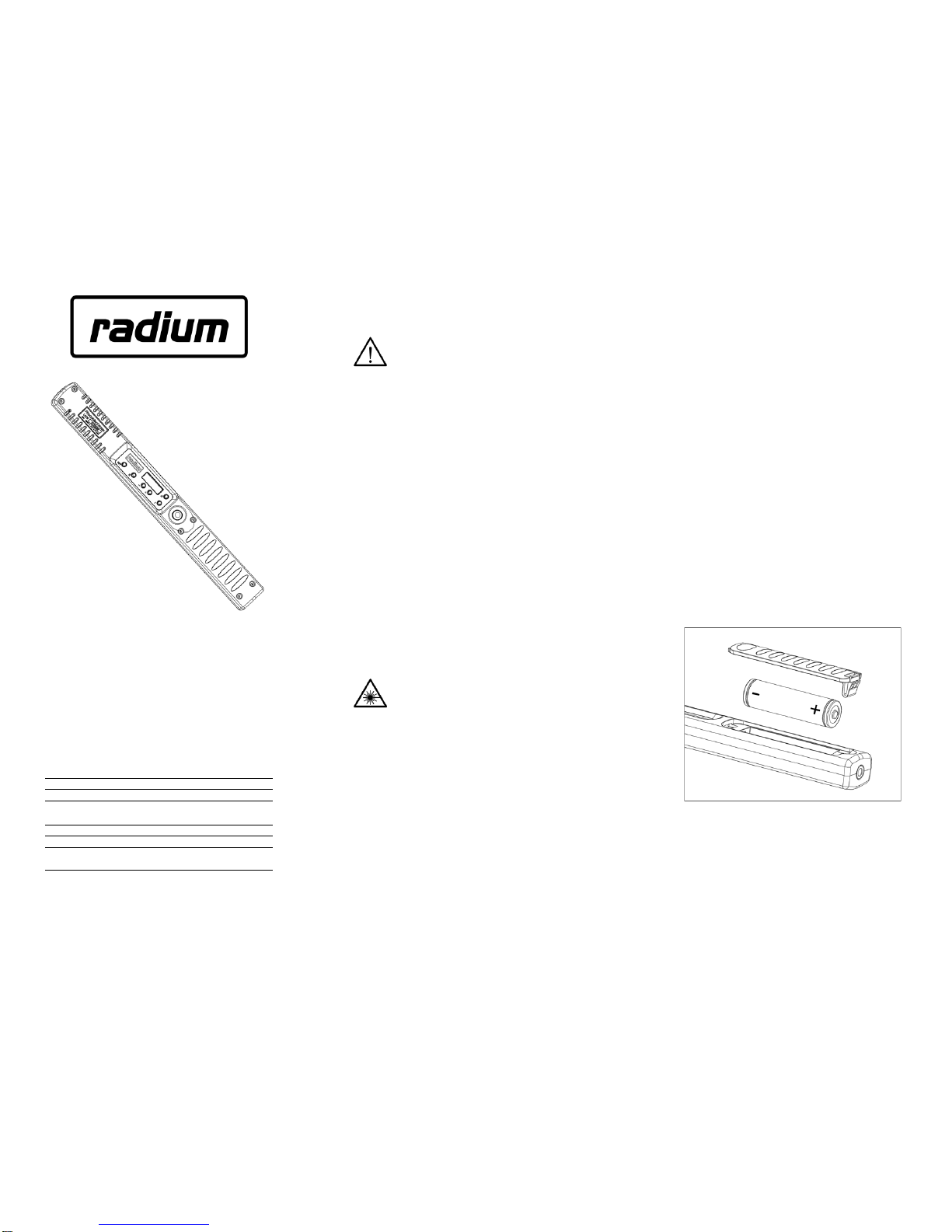
User controls
Switching device On/Off
Make sure batteries with adequate charge are installed.
To switch OFF, press and hold the POWER/BACKLIGHT
button for 3-4 seconds until the device switches off.
To switch ON, press and hold the POWER/BACKLIGHT
button for 3-4 seconds until the device switches on.
Sleep mode
The LED light will automatically enter Sleep Mode after
being inactive for a few minutes. Pressing the MAIN
switch will wake the LED light out of Sleep Mode.
Switching LED output On/Off
Make sure batteries with adequate charge are installed.
Press the MAIN switch once to turn the LED output on.
Press the MAIN switch again to turn the LED output off.
Home Screen
The Home Screen displays a snapshot of the LED light’s
current settings and status.
Adjusting the active settings
To change the active color settings, press the OK/Menu
button from the Home screen. This will cycle through the
menus available for the current color mode. You may use
the +/- buttons to adjust the current setting, or the
OK/Menu button to accept the setting.
Adjust hue over 0-359° range in
HSB color space.
Adjust saturation over 0-100%
range in HSB color space.
Set output power over 1-5 range
in 1/10
th
stop increments.
Adjust simulated white balance
from 2500K to 9500K.
Adjust hue cycling rate during
auto hue cycle mode.
Sets exposure timer in 1 second
increments or ‘---‘ to disable.
NOTE - the new timer value will not become active until the next time the
output is switched on using the POWER switch.
Color mode
Press and hold the OK/Menu button until color mode
selection menu is displayed. Use the +/- and OK/Menu
buttons to make your selection.
HSB – Adjust hue over 360° range and saturation over
a 0-100% range.
Hue cycle – Hue cycled automatically at a tunable rate
whenever LED output is switched on.
Hue (RAW) – Maximize light output for general
illumination. Not balanced for photo/video use.
White – Simulated white balance output, adjustable
from 2500K to 9500K.
Recalling presets
The PRESET buttons can be used to recall a combination
of hue, saturation, power level and exposure duration.
The PRESET buttons operate in a similar fashion to
presets on a car radio.
Presets 1 and 2 may be retrieved by a single press to
their numbered buttons, while presets 3 and 4 may be
retrieved with a double-press to buttons 1& 2
respectively. For example, button 1will retrieve preset 1 if
single pressed and preset 3 if double-pressed.
Storing presets
Once you have tuned your desired color/power/timer
settings, press and hold the appropriate PRESET button
until the preset save menu is displayed. The display will
alternate between “SINGLE press” and “DOUBLE press”.
Release the PRESET button when the desired setting is
displayed.
Backlight operation
The backlight may be temporarily disabled by pressing the
BACKLIGHT button. Pressing it again toggles it back on.
The backlight will turn off automatically when the LED light
enters Sleep mode. Manually toggling the backlight will
not trigger sleep mode nor extend battery life noticeably.
Battery level indicator
The battery level icon will give an estimation of remaining
battery life. If the level meter is low or blinking, replace
depleted battery with a freshly charged one.
Temperature warning indicator
The temperature warning indicator may be displayed if the
ambient temperature is too high or if the LED light has
been operated continuously for long periods of time. If the
temperature limit is exceeded, the LED light will enter
shutdown mode to prevent further damage. This is
indicated by a blinking temperature warning icon.
Please wait for the LED light to cool before resuming use.
To prevent overheating, make sure the vents are clear of
all obstructions and always maintain adequate airflow
around the LED light. Using a slightly lower power setting
with a longer exposure time may also help.
Restore to factory defaults
To reset settings to factory defaults, remove the battery
and then re-install it while holding down the MAIN switch
until the “Reset settings” option is displayed. Use the +/-
and OK/Menu buttons to make your selection.
CARE AND STORAGE:
Cleaning
Wipe the body of the RADIUM LED gently with a soft dry
cloth to remove most dust and fingerprints. For persistent
dirt, clean the surface with a soft cloth slightly moistened
with water, then wipe the surface with a dry cloth.
To clean the LCD screen or front lens, wipe the surface
lightly with a soft dry cloth only. Do not apply pressure.
Do not expose to organic solvents, oils or corrosive
chemicals.
Storage
When the LED light will not be used for an extended
period of time, remove the batteries and store it in a cool,
dry area away from direct sunlight. Do not store your LED
light near flammable or corrosive chemicals, near strong
electromagnetic fields, or in temperatures above 104°F
(40°C) or below 32°F (0°C).
LED6 - Rev 1.36